
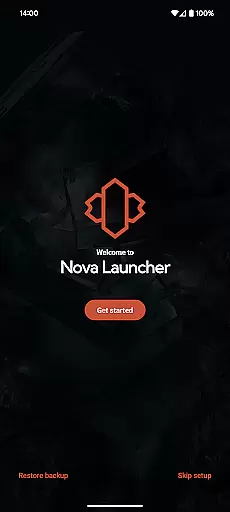
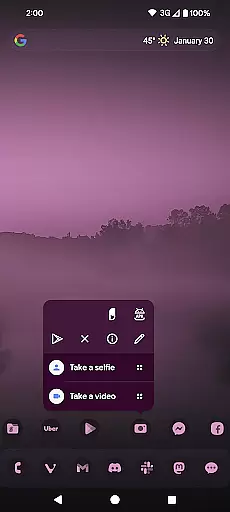
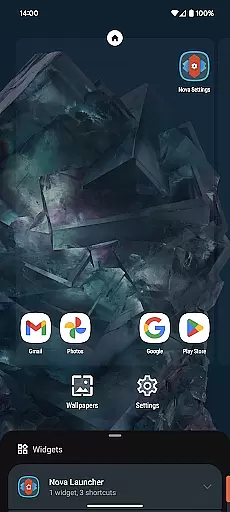
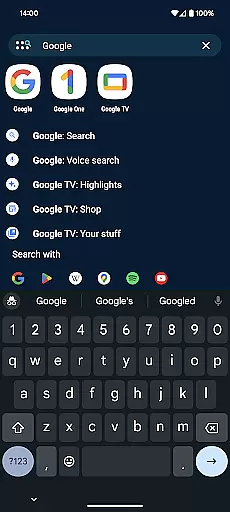
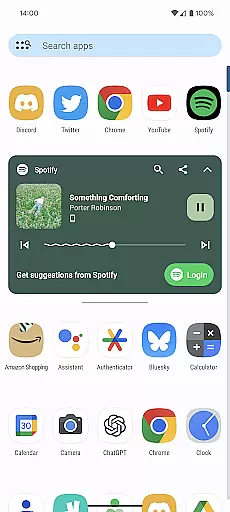
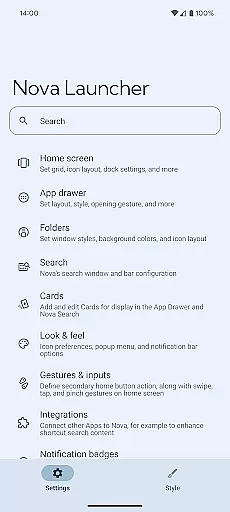
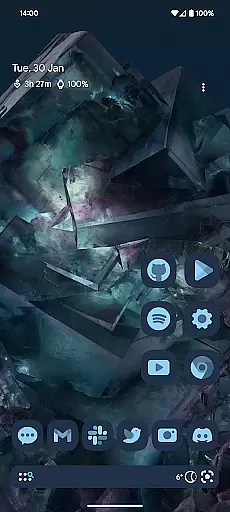
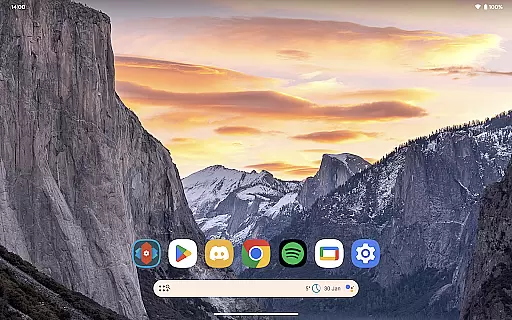
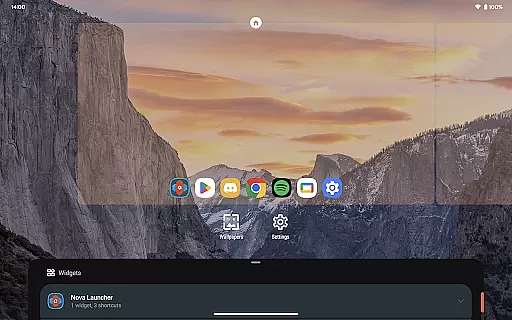
Nova Launcher is a highly customizable home screen replacement for Android devices, offering advanced features while maintaining user-friendliness. It allows users to personalize their home screens with custom icons, extensive color options, and precise subgrid positioning for widgets and icons.
The app supports light and dark themes, powerful search capabilities, and provides backup and restore functionality for seamless transitions between devices. With Nova Launcher Prime, users can unlock additional features like gestures, app drawer groups, and notification badges, enhancing productivity and organization.
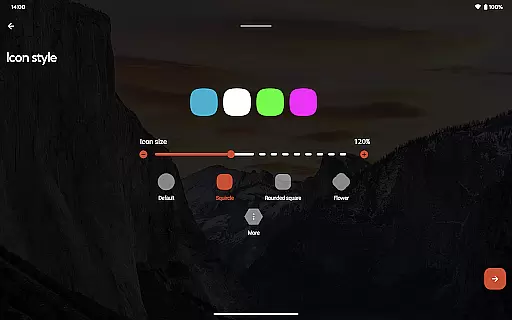
Nova Launcher stands out with its extensive customization options. Users can choose from thousands of icon themes, reshape icons, and apply Material You colors for a personalized experience. The app offers innovative features like subgrid positioning, which allows precise placement of icons and widgets beyond traditional grid systems.
The powerful search system enables users to find content across apps, contacts, and integrated platforms. Customizable home screens, app drawers, and folders provide control over icon sizes, label colors, and scroll directions. Additionally, the backup and restore feature ensures easy migration and experimentation with new setups.
Nova Launcher stands out in the realm of personalisation with its vast array of customization options, making it a top choice for users seeking to tailor their Android experience. The app allows for intricate adjustments ranging from icon size and label colors to the positioning of the search bar, offering a personalized home screen setup that caters to individual preferences.
One of the key features is its support for thousands of icon themes available in the Play Store, alongside the ability to reshape all icons to a uniform shape of your choosing. This level of customization extends to creating an extensive color system, using Material You colors or your own selection, ensuring a unique and personalized feel.
Beyond visual customizations, Nova provides functional enhancements such as gestures, allowing users to execute commands through swipes, pinches, or double taps on the home screen. These gestures can significantly boost productivity without cluttering the home screen space, showcasing Nova's commitment to both aesthetics and efficiency.
The inclusion of subgrid positioning further exemplifies Nova's dedication to precision and personalization, enabling users to snap icons and widgets between grid cells for a layout that's impossible with most other launchers. This feature ensures that every element on the home screen is exactly where you want it, reflecting Nova Launcher's comprehensive approach to customization.
Theme compatibility is a crucial aspect of any launcher aiming to offer a seamless user experience, and Nova Launcher excels in this domain. It supports a wide range of themes, ensuring that users can achieve a cohesive look across their devices. Whether opting for dark mode synced with the system settings or choosing a permanent setting based on personal preference, Nova accommodates diverse aesthetic tastes.
In addition to supporting various light and dark themes, Nova Launcher integrates customizable cards within the app drawer. These cards provide timely information, enhancing the utility of the device while maintaining a visually appealing interface. Users can select which cards appear, tailoring the information presented to their specific needs and interests.
The app's compatibility with third-party icon packs, like OneYou Icon Pack by PashaPuma Design, amplifies its theme capabilities. With permission from respective creators, these integrations ensure that icons used in screenshots reflect the high standard of design expected by users. Such partnerships underscore Nova's dedication to providing a rich, varied theming experience.
Moreover, Nova Launcher Prime unlocks additional theming possibilities, including custom icon swipe gestures and more scrolling effects. These premium features not only expand the range of visual customizations but also enhance interaction with the device, proving that Nova Launcher is committed to delivering a deeply personalized and engaging user experience through superior theme compatibility.
Highly customizable
User-friendly interface
Advanced search capabilities
Backup and restore functionality
Regular updates and support
Premium features require purchase
May overwhelm beginners
Some features need permissions
Occasional performance issues
Limited iOS compatibility

A retro cartoon style watch face and a punch right in the face of the copyright
 4.60
4.60
Transform your phone with Launcher iOS 26 - Smooth & elegant iOS experience
4.50
Add cute Shimeji pets to screen, interact with them and relax with cute motions
4.60
Dark icon pack based on One 8
4.80
Unique Fonts, typefaces and stylish text. Fonts for Instagram, Whatsapp & others
4.20
Struggling to find apps? Use this app to locate and open any app on your phone!
2.20
400+ Beautifully crafted widgets inspired by NOTHING.
4.70
Emoji Maker app - Design custom emojis and effortlessly blend them with Mixer
3.80
Create stunning widgets with Widget 2026: Aesthetic Widgets for Android!
4.60
Gun Chase - Let the chase begin.
4.80
Zip lock screen with magic wallpaper to decorate your phone with fun zipper lock
4.60
300+ Beautifully crafted widgets inspired by OneUI.
4.60
Handcrafted pixel art icons, widgets & wallpapers
4.60
Turn text & photos into stunning AI videos, art, and creative visual stories.
4.50
Vibrant Adaptive Icons with Material You and Enhanced Monet Colors.
4.50
Organize and manage your photos and videos effortlessly with Photo Gallery
4.20
Transform your phone with stunning video wallpapers and a unique, personal touch
3.80
Interactive Miniature Painting Catalogue
3.30
⭐ OneUI inspired Fluffy Icon Pack – Soft. Stylish. Standout. ⭐
4.0


User Reviews