
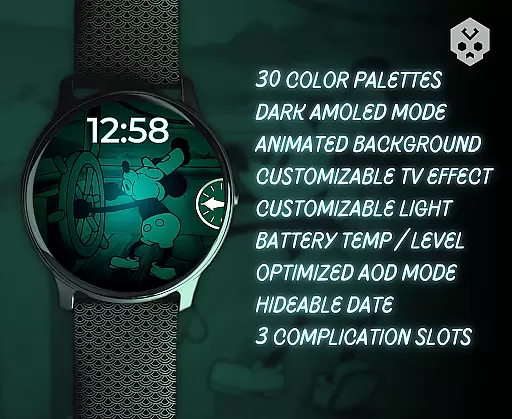
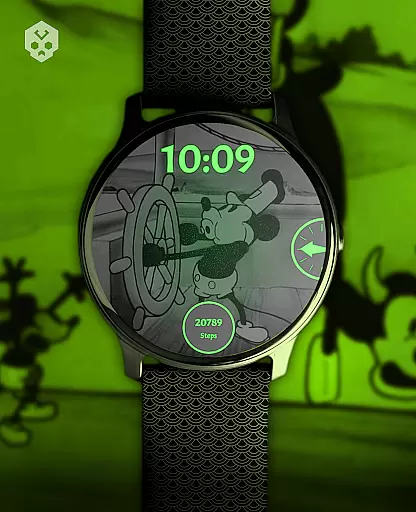
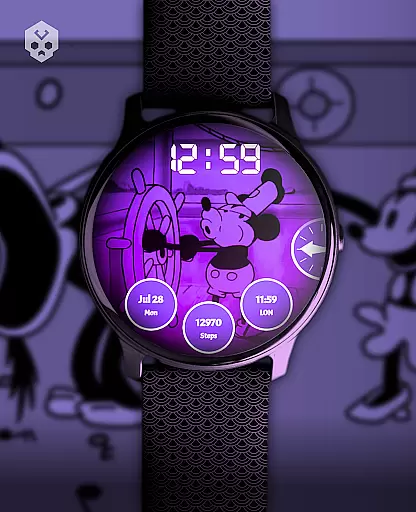
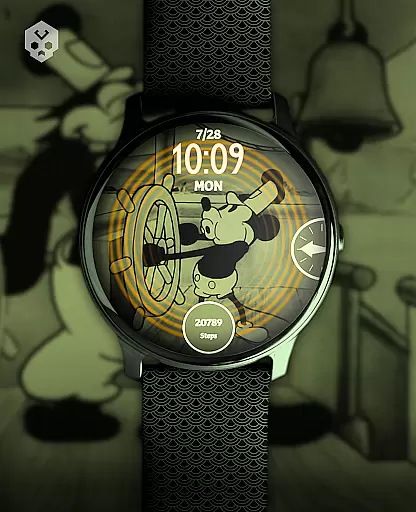
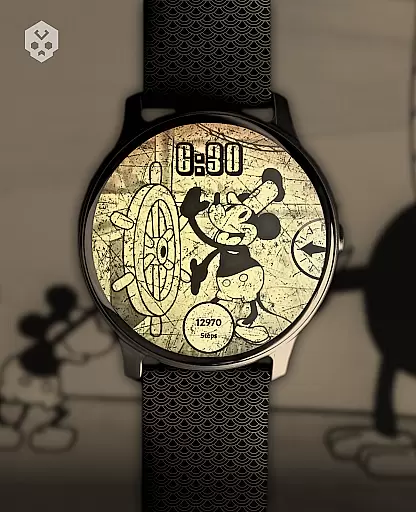
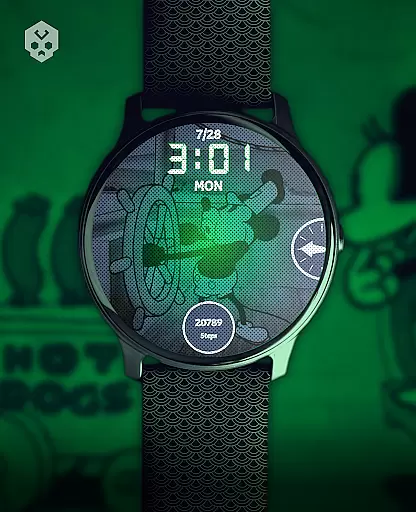
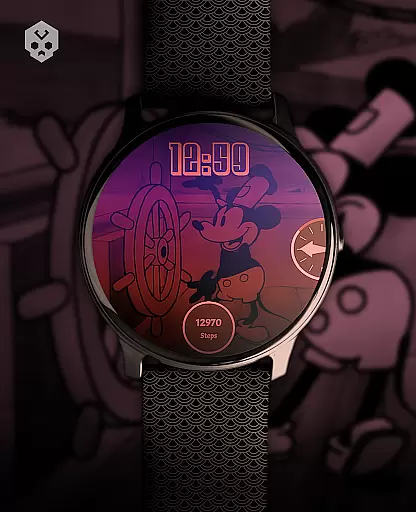
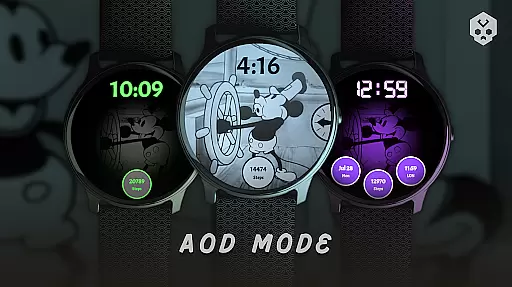
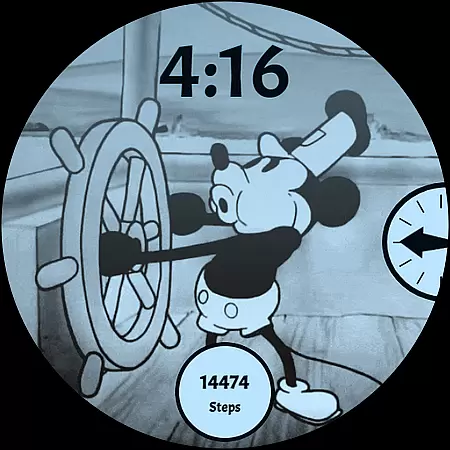
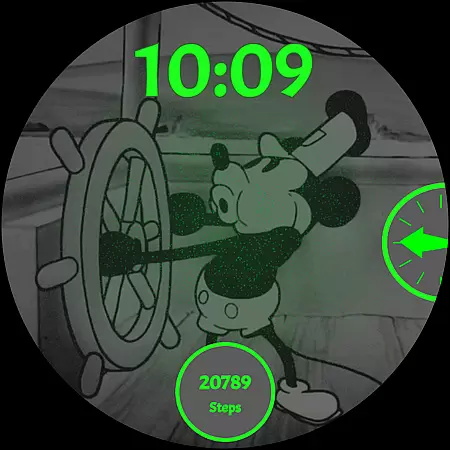
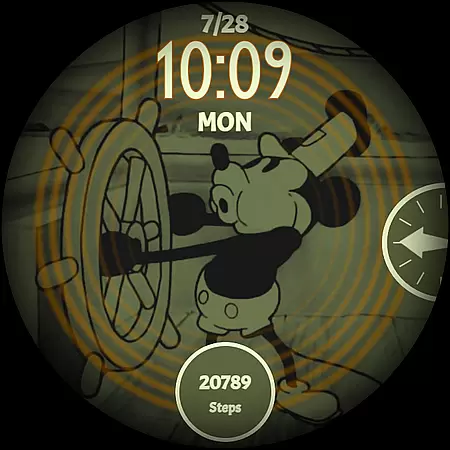
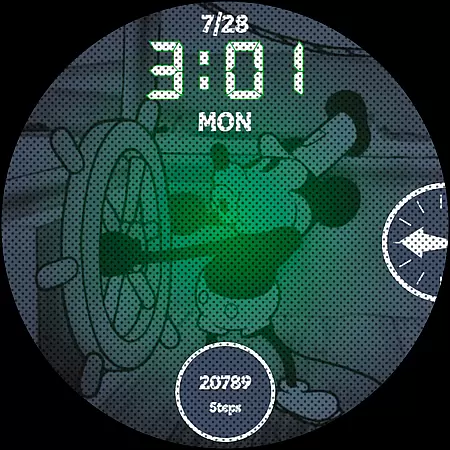
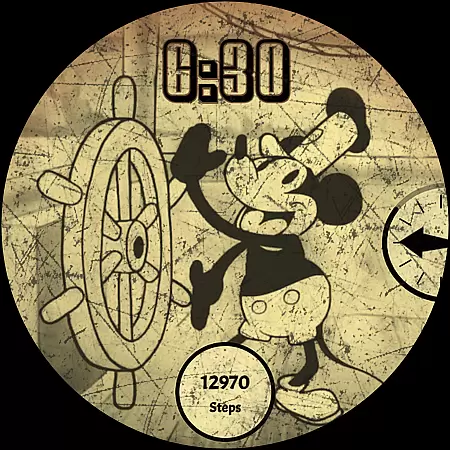
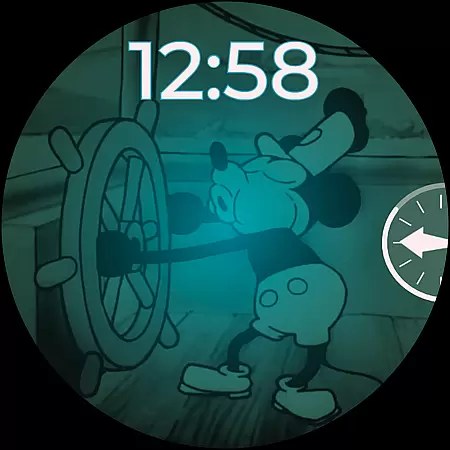
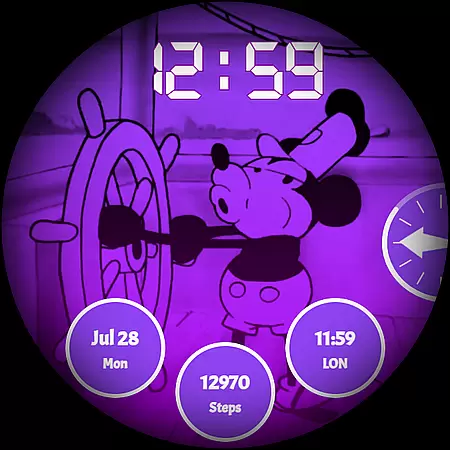
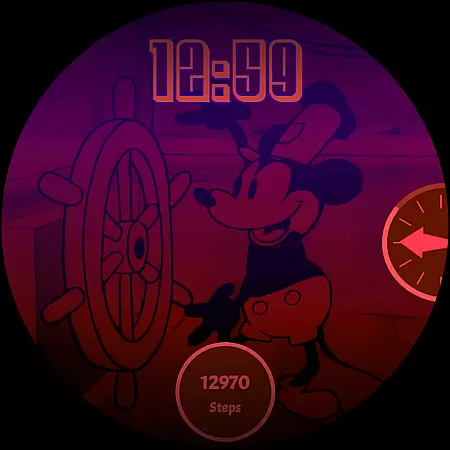
Steamboat Mouse Watch Face brings the iconic Steamboat Willie character to your smartwatch with a retro cartoon-inspired design. This Wear OS watch face is highly customizable, offering users a unique blend of vintage aesthetics and modern functionality.
With features like 30 color schemes, high readability mode, and battery status indicators, it caters to both style enthusiasts and practical users. Compatible with various smartwatches including Samsung, Mobvoi Ticwatch, and Fossil, this app transforms your wearable into a personalized timepiece.
This watch face stands out with its array of customization options. Users can choose from 30 color schemes, switch between 12/24-hour formats, and enjoy a minimal vintage style that reacts to low battery conditions.
It provides essential information at a glance, such as battery temperature and status, while supporting up to three customizable complications. The companion app ensures easy installation and management, making personalization accessible for all users.
Customization is at the heart of the Steamboat Mouse Watch Face, offering users a versatile and personalized experience on their smartwatches. With 30 distinct color schemes, users can tailor the watch face to match their style or mood. The inclusion of both 12 and 24-hour time formats ensures global usability, accommodating different timekeeping preferences.
Beyond colors and time formats, the watch face provides customizable overlays and backgrounds, allowing for a unique appearance that stands out. Whether you prefer a minimalistic look or a vintage aesthetic reminiscent of classic cartoons, this feature caters to diverse tastes. High readability modes further enhance user experience by adapting to various lighting conditions, ensuring clarity at all times.
The ability to react to low battery situations and display battery temperature and status adds another layer of functionality. These dynamic responses not only keep users informed but also contribute to device maintenance and longevity. By integrating three customizable complications, the watch face becomes more than just a timepiece; it transforms into a hub for quick access to essential information.
Ultimately, the extensive customization options empower users to create a smartwatch interface that feels truly their own. This level of personalization enhances daily interactions with the device, making it not just a tool, but an extension of one's personality and lifestyle.
Theme compatibility is a crucial aspect of the Steamboat Mouse Watch Face, ensuring seamless integration across a wide range of Wear OS devices. As a standalone application, it supports numerous smartwatch models from brands like Samsung, Mobvoi Ticwatch, Fossil, Oppo, and Xiaomi. This broad compatibility means that regardless of the specific Wear OS device, users can enjoy a consistent and high-quality experience.
The design is meticulously handcrafted to maintain visual integrity and performance standards across different screen sizes and resolutions. Such attention to detail guarantees that graphical elements appear crisp and vibrant, preserving the retro cartoon-inspired aesthetic that defines this watch face. Users won't have to compromise on style or functionality due to hardware limitations.
Moreover, the companion app facilitates easy installation and management, reinforcing the theme's adaptability. Should users encounter issues, troubleshooting steps are readily available, promoting a smooth setup process. This comprehensive support system underscores the commitment to delivering a reliable product that works harmoniously with various devices.
In essence, the Steamboat Mouse Watch Face exemplifies how thoughtful engineering and design can yield a universally compatible solution. Its capacity to deliver a uniform yet flexible user experience makes it a standout choice for anyone seeking to personalize their smartwatch while enjoying robust performance and reliability.
Highly customizable
Vintage aesthetic
Battery indicators
Multiple color schemes
User-friendly interface
Premium pricing
Wear OS only
Installation complexity
Limited device support
No automatic updates

Ninja Turtles Cowabunga SE watch face for Wear OS
 4.50
4.50
Sparkle your screen with Glitter Wallpapers For Girls and Cute Backgrounds!
4.80
Adult video chat, dating, making friends, random matching
4.20
The definitive Icon pack maker and editor
4.30 4.50
4.50
Color phone with cool effects for call screen, flash alert & ringtones music
4.50
Handcrafted pixel art icons, widgets & wallpapers
4.60
300+ widgets inspired by Material You and Material 3 expressive design.
4.60
Magic fluids wallpaper 4D: Relax with stunning fluid simulation wallpaper app
4.20
Dark icon pack based on One 8
4.80
Stunningly Different look with Line Icons and Neon Colors
4.60
Zip lock screen with magic wallpaper to decorate your phone with fun zipper lock
4.60
Themes - Widget & Wallpaper: Customize home screen, icon changer w unique themes
4.30
Run multiple accounts of the same app on a single device
4.10 4.10
4.10
Customizable flower power digital watch face for Wear OS watches.
4.00
Crystal-clear, square icon provides a sleek and sophisticated visual upgrade
4.00
Create unique, fun emojis with Funny Emoji Maker! Unlimited creativity!
4.00
Design your screen with unique, vibrant clocks
3.80


User Reviews