
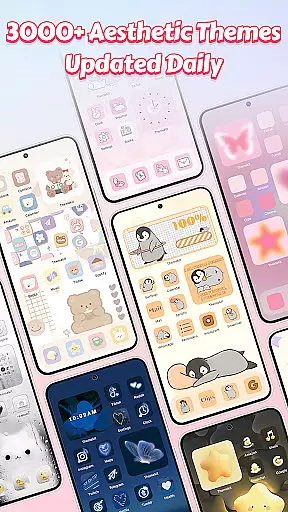
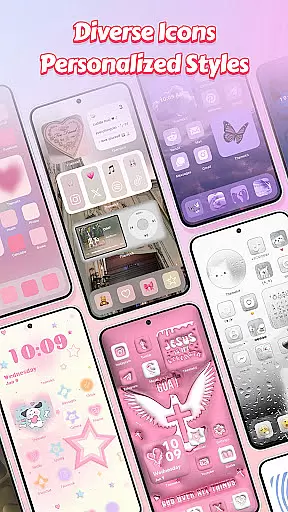
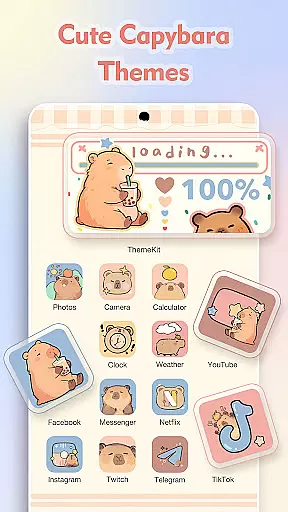
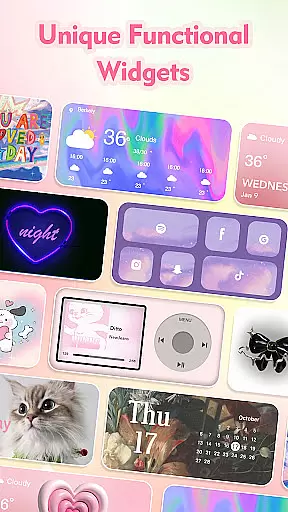
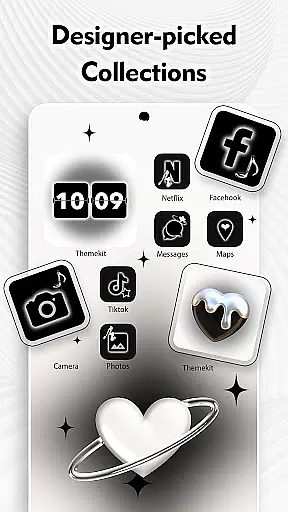
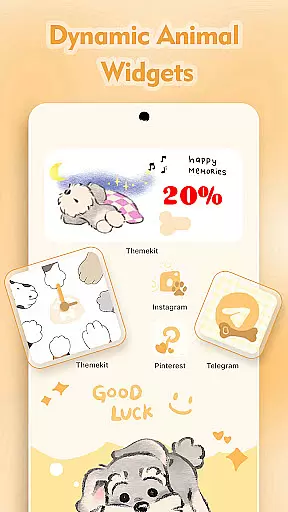
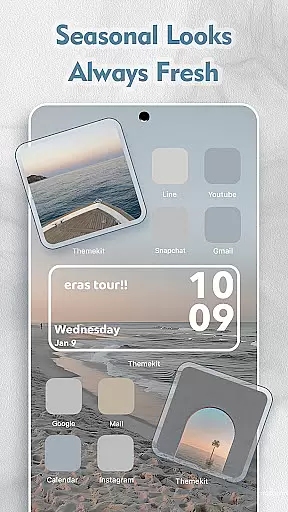
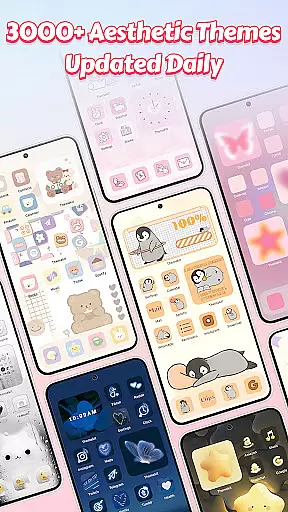
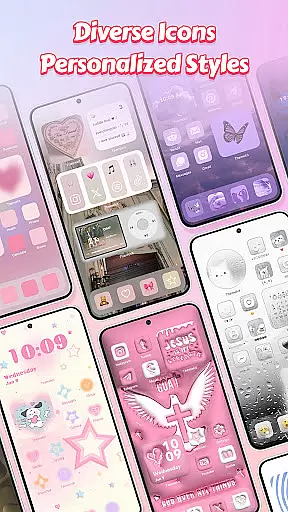
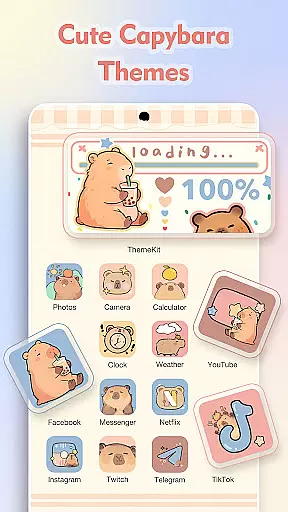
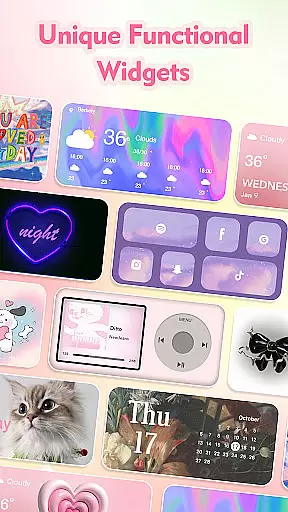
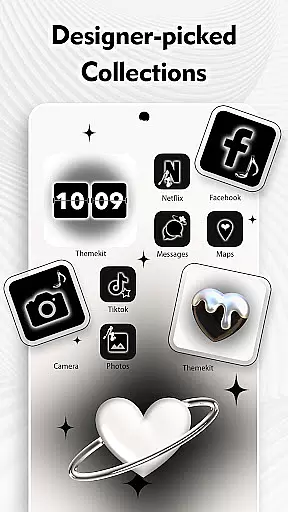
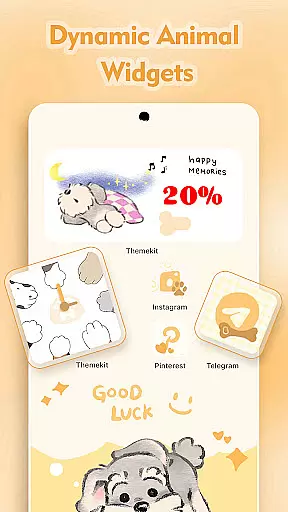
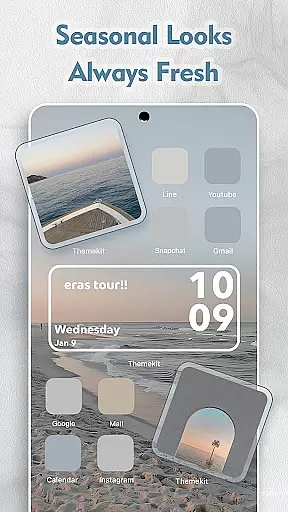
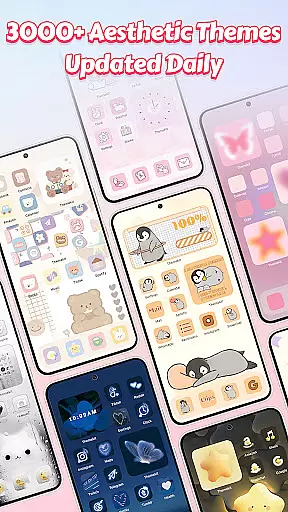
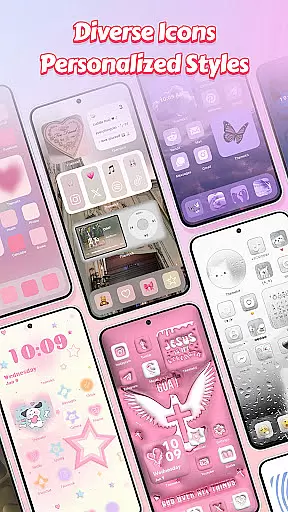
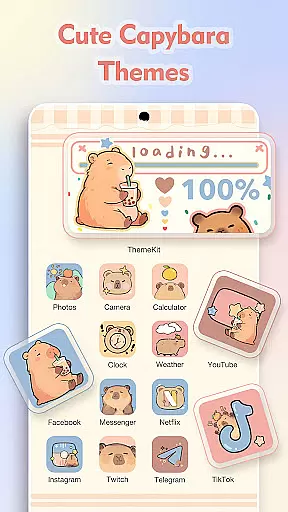
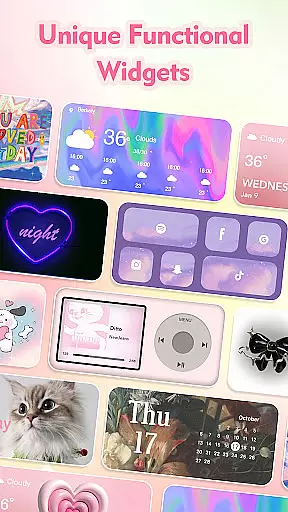
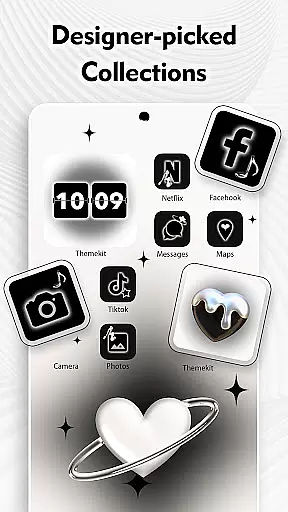
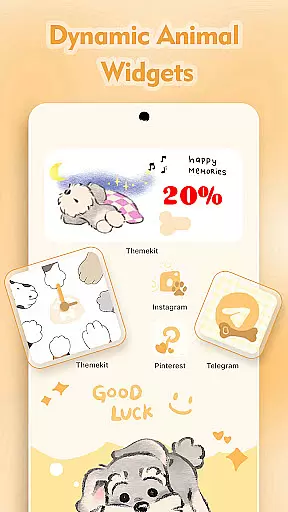
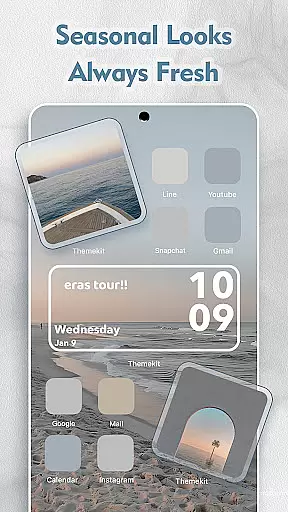
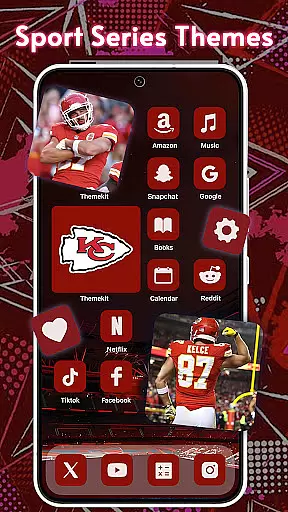
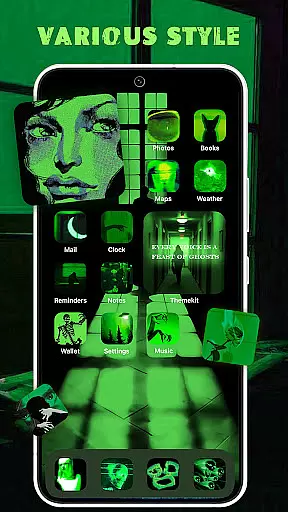
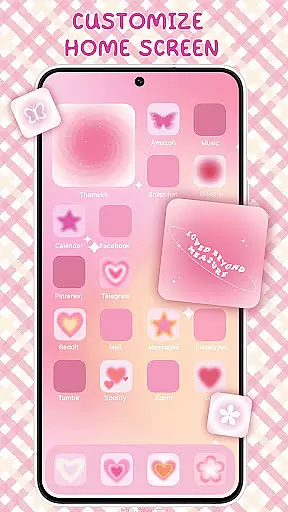
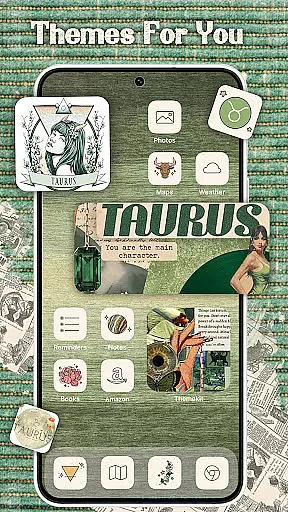
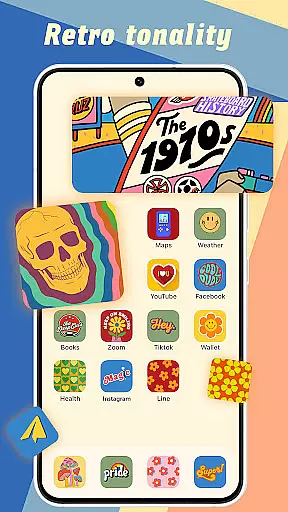
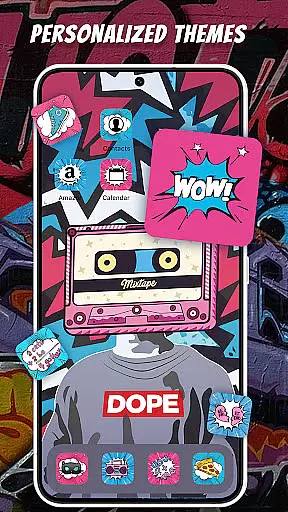
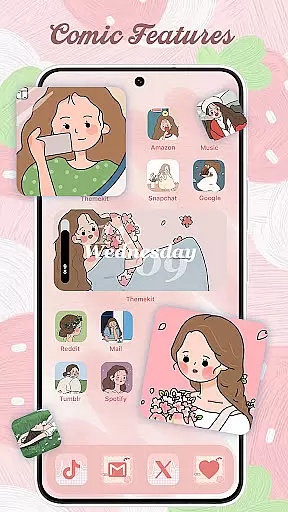
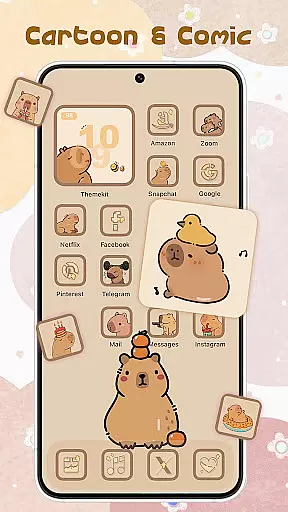
ThemePro offers an extensive range of customization options that allow users to personalize their Android devices with ease. The app provides over 5000 icons, 3000 themes, and 9000 widgets, ensuring that there is something for everyone.
With its featured search function, users can effortlessly find specific themes such as 2024 Christmas themes, anime wallpapers, and 3D widgets. This vast library is updated daily, bringing fresh content like Winter Snow, Christmas Vibe, and trending Anime themes right to the user's fingertips.
The app includes a FREE WIDGET KIT that lets users customize their home screens with hundreds of widget styles including weather, calendar, clock, and battery indicators. These widgets not only enhance aesthetics but also improve functionality by providing quick access to essential information.
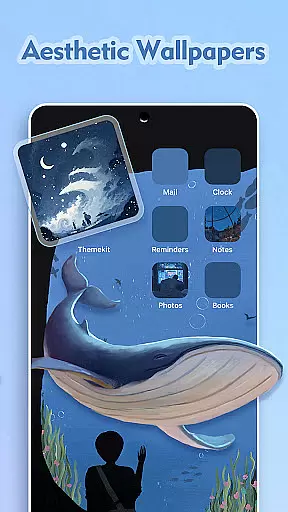
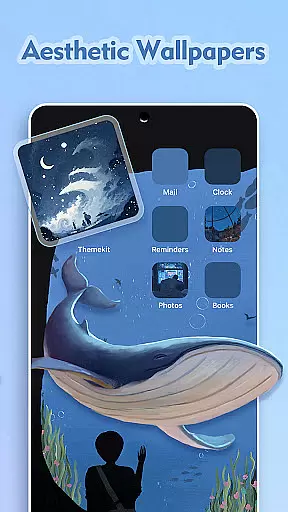
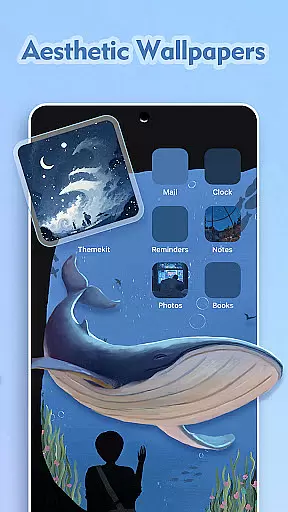
By offering a diverse selection of high-quality wallpapers in 4K and Full HD resolution, ThemePro ensures that users can create a home screen that truly reflects their unique style and personality. Whether you prefer chic & graceful designs or cute & girly aesthetics, ThemePro has it all.
ThemePro excels in theme compatibility, ensuring that its wide array of design elements work seamlessly across various Android devices. The app supports popular brands like Samsung, Vivo, OPPO, and Xiaomi, making it accessible to a broad audience.
One of the standout features is the ICON CHANGER which works without requiring a separate launcher app. Users can easily create shortcuts with new icons, allowing for a cohesive look throughout their deviceu2019s interface. This feature simplifies the process of achieving a uniform aesthetic on the home screen.
In addition to icon packs, ThemePro offers dynamic widgets that are compatible with different launchers. These include music controls, volume adjustments, and multifunctional widgets like photo displays and exquisite image widgets. Such versatility ensures that users can enjoy both form and function without compromise.
Rest assured, ThemePro maintains high standards of quality and performance. By regularly updating its offerings and ensuring smooth integration with Accessibility Services, the app guarantees a reliable and enjoyable customization experience for all users.

Only for Wear OS devices!
 4.90
4.90
Glass style colourful icons with a One UI look and feel
4.60
Transform your phone with Launcher iOS 26 - Smooth & elegant iOS experience
4.50
Turn your lock screen into fun with smile live wallpapers & animated wallpapers!
2.50
More than 3000+ themes and 9000+ wallpapers for everybody!
4.10
Customize glowing edges, wallpapers, and caller screen with EdgeAura.
3.50
Icons made of colorful linear lines
4.60
One 8 icons glass color version
4.80
Create unique, fun emojis with Funny Emoji Maker! Unlimited creativity!
4.00
Enjoy a variety of amazing live wallpapers and colorful EDGE lighting borders!
4.80
Customizable Glass widgets. Over 360+ stunning widgets and more!
4.70
Shimeji adds cute animated characters to your screen, lively and fun.
4.70
Bring adorable pets to life on your screen. Playful, interactive and full of fun
4.60
Beautiful realistic hybrid watch face with numerous customization options.
4.50
Turn text & photos into stunning AI videos, art, and creative visual stories.
4.50
200+ Material Inspired Widgets
4.50
Your home screen, just the way you like it.
4.30
Crystal-clear, square icon provides a sleek and sophisticated visual upgrade
4.00
Ultimate widget creator. Design custom widgets for a truly unique home screen!
3.90


User Reviews