
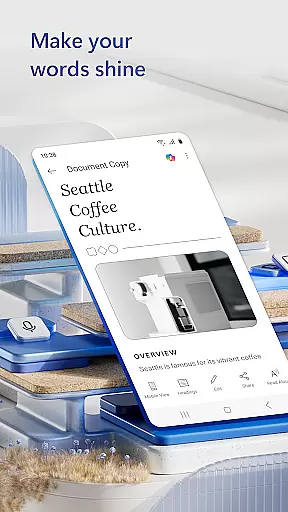
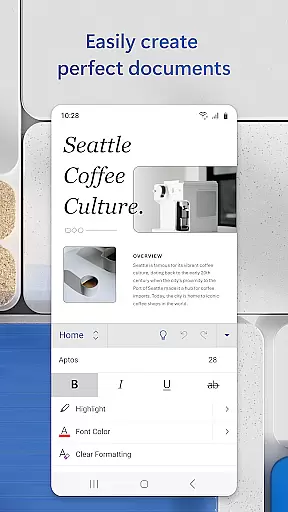
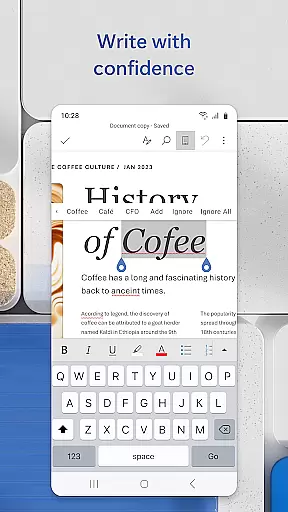
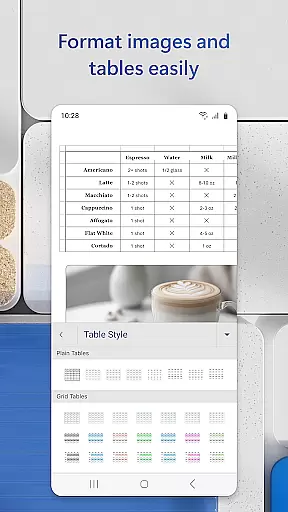
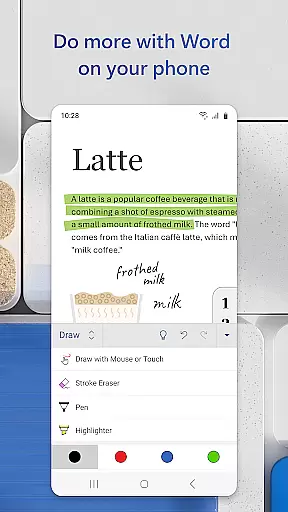
Microsoft Word is the quintessential mobile document editor that empowers users to create, edit, and collaborate on documents from their mobile devices with ease. This app mirrors the desktop experience by offering powerful writing tools, PDF conversion capabilities, and seamless file sharing options.
With Microsoft Word, you can access a wide array of templates for resumes, cover letters, and more, ensuring your documents are not only informative but also visually appealing. The app supports real-time collaboration, allowing multiple users to work on the same document simultaneously, making it ideal for team projects or remote work environments.
Whether you're drafting a quick note or working on an extensive report, Microsoft Word's intuitive interface and robust feature set make it an indispensable tool for productivity on the go. Its ability to retain formatting and layouts ensures that your documents look professional across all platforms.
Microsoft Word stands out with its comprehensive suite of features tailored for mobile productivity. The app provides a rich text editing experience with advanced formatting options, enabling users to craft documents that adhere to specific style guidelines or personal preferences.
One of the standout features is the integrated PDF converter, which allows users to convert documents to and from PDF formats effortlessly. This functionality is complemented by the Reading View mode, which optimizes the reading experience on smaller screens without compromising the document's integrity.
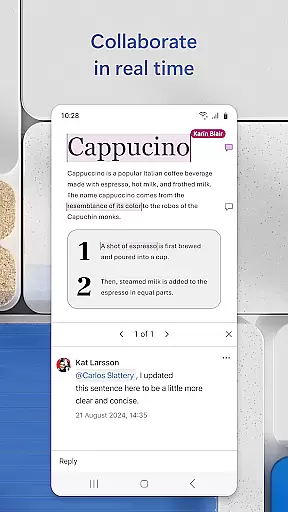
Collaboration is at the heart of Microsoft Word's design. Users can leave comments next to text, track changes, and view editing history, facilitating smooth teamwork. Additionally, the app offers cloud integration, ensuring that your documents are always up-to-date and accessible from any device.
Microsoft Word's core task management capabilities redefine how users handle document creation and collaboration on mobile devices. The app ensures seamless transitions between tasks such as writing, editing, and sharing documents, all within an intuitive interface.
The application provides powerful tools for task organization, including easy access to templates for resumes, cover letters, and more. This allows users to quickly initiate various projects without the need to start from scratch, streamlining workflows and boosting productivity.
With features like real-time collaboration, users can efficiently manage teamwork directly within documents. The ability to leave comments next to text and track changes ensures that collaborative efforts are well-coordinated and that every team member stays aligned with the project goals.
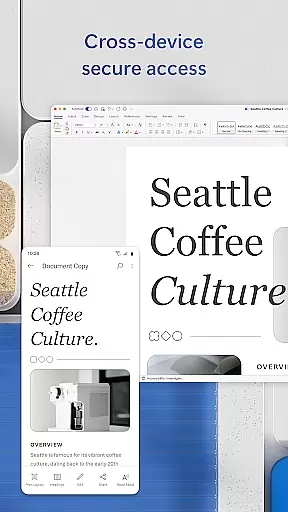
Cross-device synchronization is a cornerstone of Microsoft Word's productivity suite, allowing users to seamlessly transition between devices while maintaining consistent access to their documents. Whether switching from a PC to a mobile device or vice versa, users can expect reliable and up-to-date document availability.
The app employs robust cloud integration, ensuring that files are automatically saved and synced across all linked devices. This means that edits made on one device appear instantly on others, providing a fluid and uninterrupted workflow no matter where the user is or what device they are using.
Furthermore, Microsoft Word's synchronization extends beyond mere document storage. It includes preserving formatting, layout, and even editor history, which allows users to revert to previous versions if needed. This comprehensive approach to cross-device functionality ensures that productivity is never compromised, regardless of the working environment.
User-friendly interface
Extensive template library
Real-time collaboration
Robust formatting options
Seamless cloud integration
Limited offline functionality
Advanced features require subscription
Occasional syncing issues
Heavier on system resources
Interface can feel cluttered

The upgraded version of Name Wheel with AI and the power to add your own wheels.
 4.1
4.1
The Pro Version of Android's tiniest Notepad app. Just 0.3MB but feature-packed!
4.60
Customizable calendar widget for seamless event sync, planning & scheduling.
4.00
The AI assistant that thinks with you - write, code, and solve complex tasks
4.60
Secure, open-source, SPICE and SSH Remote Desktop for QEMU KVM virtual machines
4.00
To do list widget with a notebook organizer, checklist, simple shopping list
4.60
Experience and share your SolidWorks designs on your Android® phone and tablet.
2.50
Ultimate Virtual AI Character for immersive Roleplay Chat. Perfect Companion
3.90
QuickEdit is a fast, stable and full featured text and code editor.
4.20
Best Tool for the professionals Electrician, Electrical contractors, etc.
4.90
Protect and view your important info on your phone and tablet with eWallet®
4.80
The long-awaited modern gallery app for your Nextcloud server
4.70
App lock - lock apps with fingerprint, password, pin or pattern, protect privacy
4.70
Lightweight PDF, Word, Excel reader.
4.60
PDF scanner & converter for files, photos, lottery, QR codes. One swipe away!
4.50 4.20
4.20
Mega cloud explorer plugin for Solid Explorer
3.80
Remotely view listen control and record cameras.
3.70
Auto-shutoff Alarm with Sunrise, Sunset & Fixed Options.
3.50


User Reviews