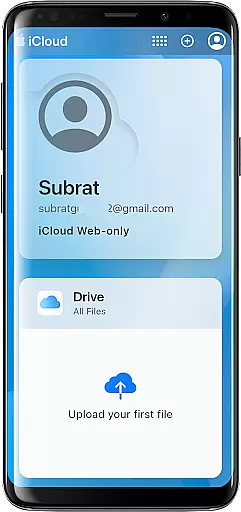
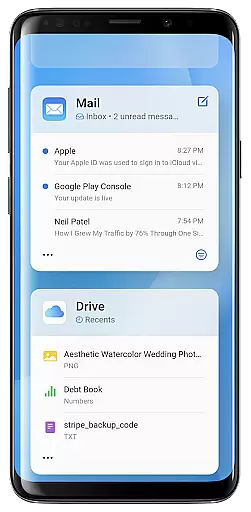
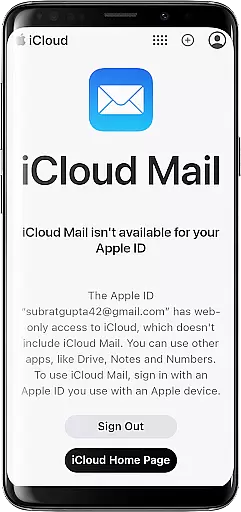
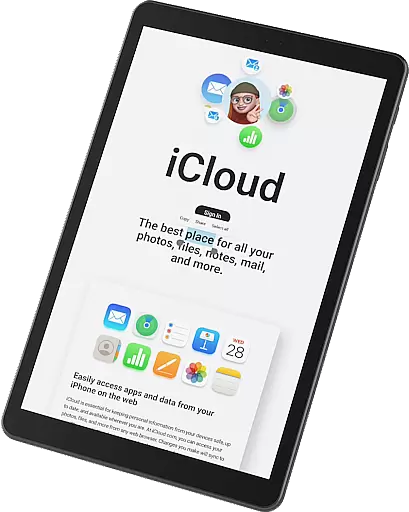
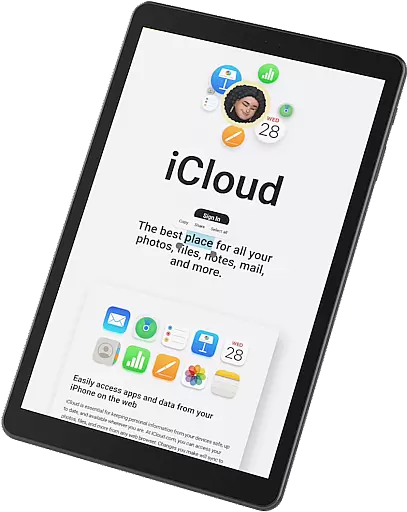
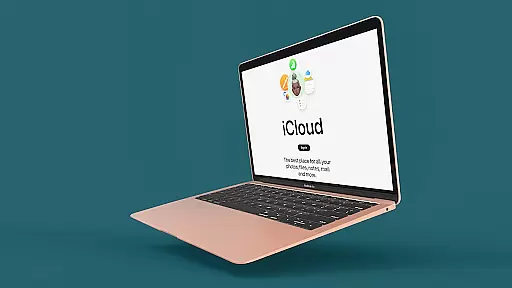
iSync Premium is a productivity-focused application that bridges the gap between Android and Apple ecosystems. It allows users to access their iCloud account and its applications directly from an Android device, providing seamless integration across platforms.
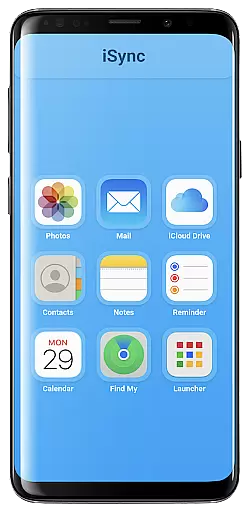
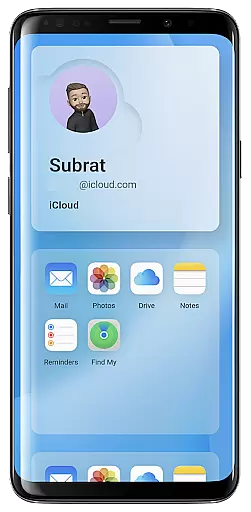
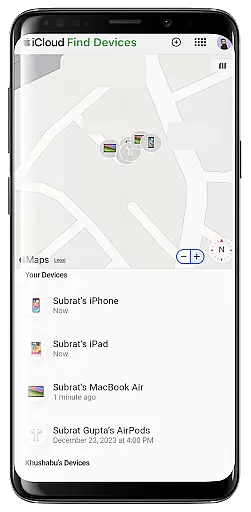
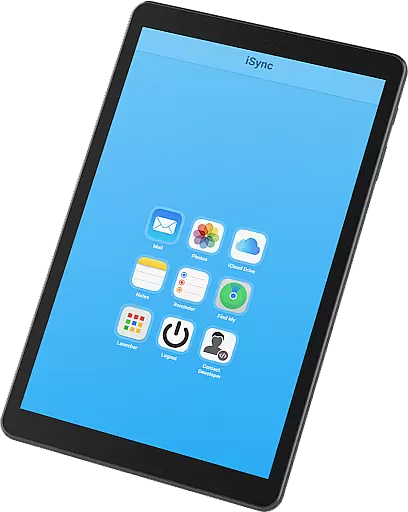
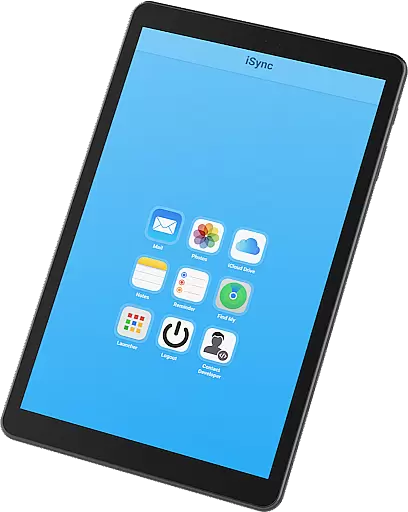
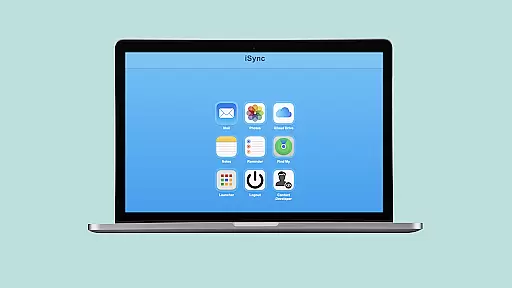
Key features include access to iCloud Mail, Photos, iCloud Drive, Notes, Reminders, and Find My service. This app ensures that your personal data is always protected while offering a user-friendly interface for ease of use. Whether you need to manage emails, view photos, or locate a lost device, iSync Premium keeps you connected and organized.
This app is particularly useful for individuals who operate in both Android and Apple environments, ensuring they stay synced and productive regardless of the platform they are on at any given time.
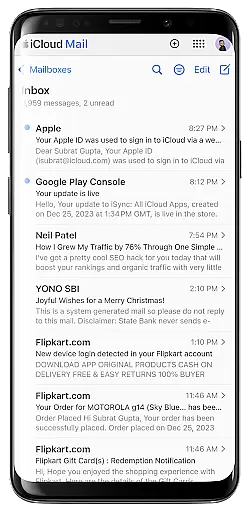
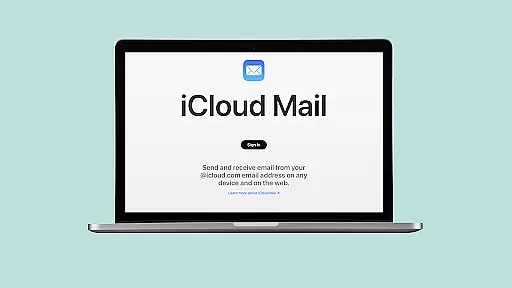
iSync Premium offers a comprehensive suite of features designed to enhance productivity. The app provides direct access to iCloud Mail, allowing users to send, receive, and manage emails from their Android devices without any hassle.
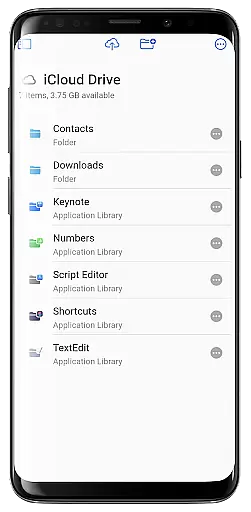
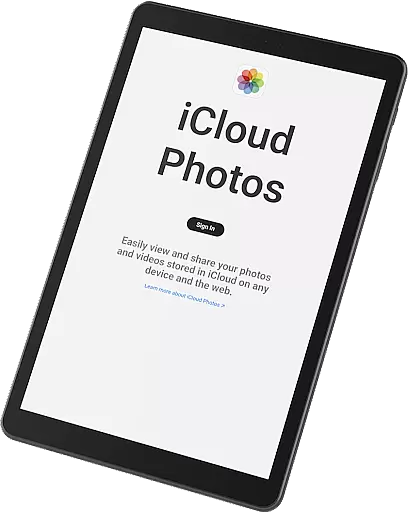
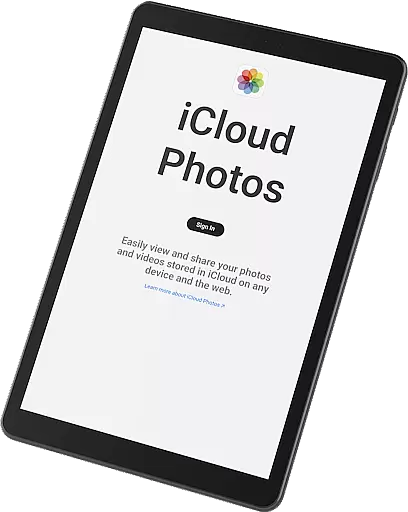
In addition to mail, users can effortlessly view, download, and share iCloud Photos. The iCloud Drive feature enables easy access to files and documents, ensuring that important information is always within reach. Notes and Reminders help users stay organized by managing thoughts and tasks efficiently.
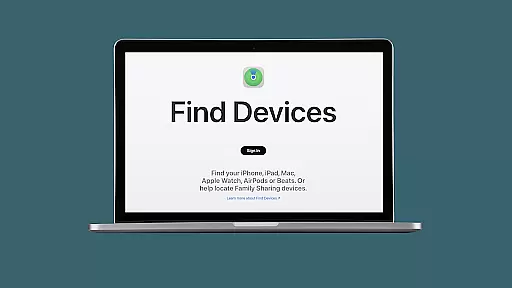
The inclusion of Apple's Find My service adds an extra layer of security, helping users locate lost devices quickly. With a dedicated launcher for one-touch access to favorite iCloud apps, iSync Premium ensures a smooth and straightforward experience tailored for both casual and power users.
Task management is a cornerstone of productivity applications, and iSync Premium excels in providing users with seamless access to their iCloud Reminders. This feature allows users to stay organized by managing their reminders hassle-free, anytime, anywhere.
iSync Premium bridges the gap between Android and Apple ecosystems, offering an intuitive interface where users can easily add, edit, or mark tasks as complete. The synchronization across devices ensures that updates made on one device reflect immediately on others, maintaining consistency and reliability.
The app's design emphasizes user-friendliness, ensuring that even those new to task management systems can navigate and utilize its features effectively. With secure and reliable access, your personal data remains protected while you manage your daily tasks efficiently.
Cross-device synchronization is vital for users who operate within multiple ecosystems, and iSync Premium offers robust solutions for Android users accessing their iCloud services. This functionality ensures that all your important data such as mail, photos, drive files, notes, and reminders are synced accurately across devices.
With iSync Premium, users experience real-time updates, guaranteeing that any changes made on one platform are immediately available on another. Whether it's updating a note or uploading a photo, the app provides consistent and reliable performance, enhancing productivity without compromising security.
This level of integration simplifies workflows and keeps users connected to their digital lives regardless of the device they use. By prioritizing privacy and ease-of-use, iSync Premium ensures that your transition between devices is smooth, secure, and efficient.
Seamless cross-platform integration
User-friendly interface
Comprehensive feature set
Enhanced security measures
Reliable customer support
Limited to Android users
Requires iCloud account
Premium features may cost extra
Occasional sync issues
Dependent on internet connectivity

Professional calendar app for Google Calendar, MS Outlook & Exchange
 4.20
4.20
Mind Map and brainstorm, note taking and idea collection
4.80
Absolutely the best CNC machinist speed and feed calculator around. fswizard.com
4.60
⏰ Finally a timer app which can run multiple timers simultaneously on your watch
3.90
App lock - lock apps with fingerprint, password, pin or pattern, protect privacy
4.70
App Lock with fingerprint, password: Lock apps & hide photos with lock screens
4.60
Simple and reliable communication between inmates, friends and family
3.20
Subscribe to Webcal & .ics calendars and keep them up-to-date!
4.50
Lightweight PDF, Word, Excel reader.
4.60
8 custom complications. Custom Time Fonts. Beautiful color schemes. A++ Design.
5.00
The Pro Version of Android's tiniest Notepad app. Just 0.3MB but feature-packed!
4.60
PDF scanner & converter for files, photos, lottery, QR codes. One swipe away!
4.50
Enjoy classic gameplay with customizable features and retro-style graphics.
4.30
Todo reminder
4.10
Customizable calendar widget for seamless event sync, planning & scheduling.
4.00
Create and edit presentations with Google Slides, part of Google Workspace.
4.00
Secure, open-source, SPICE and SSH Remote Desktop for QEMU KVM virtual machines
4.00
The ultimate file manager for rooted devices. The original and still the best.
4.00
Easiest event planning, volunteer signups & parent teacher conference scheduling
2.20


User Reviews