


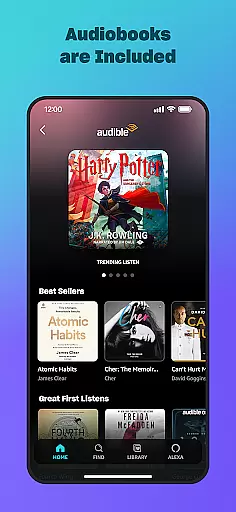
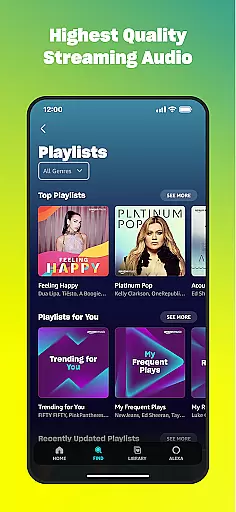
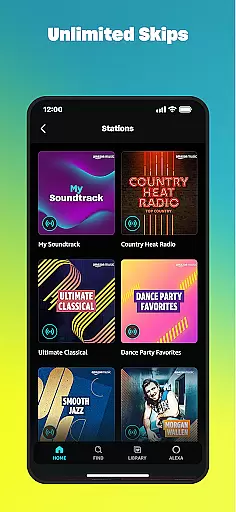
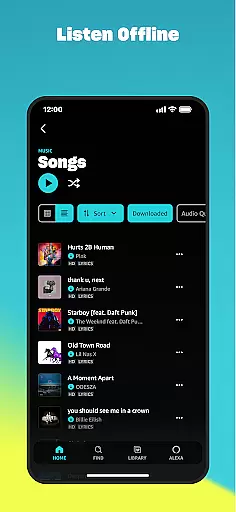
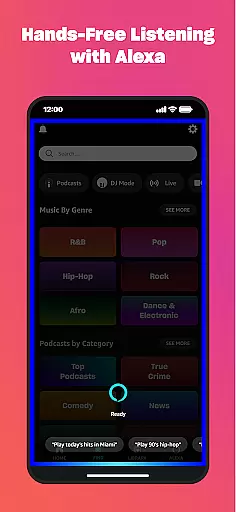
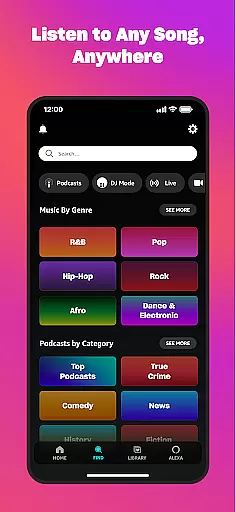
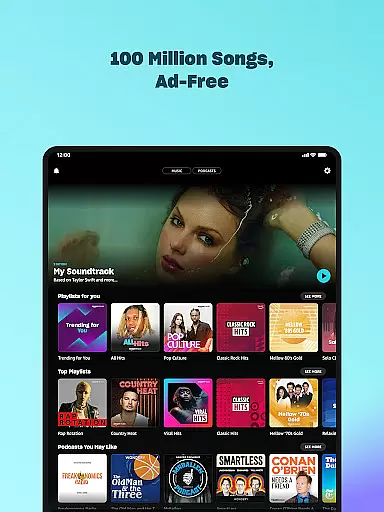

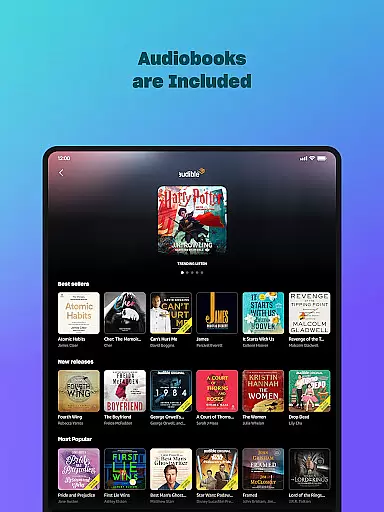
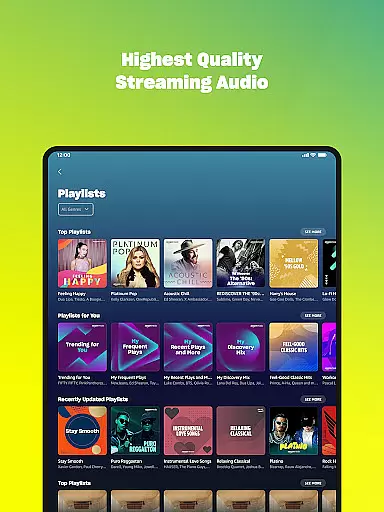
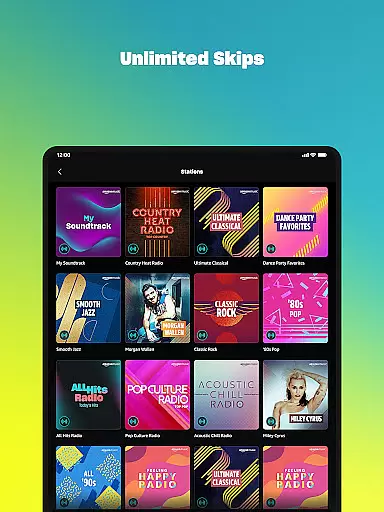
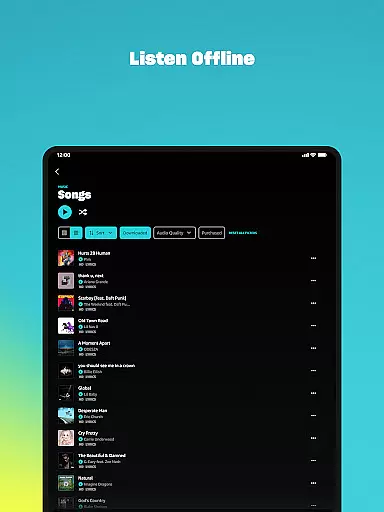
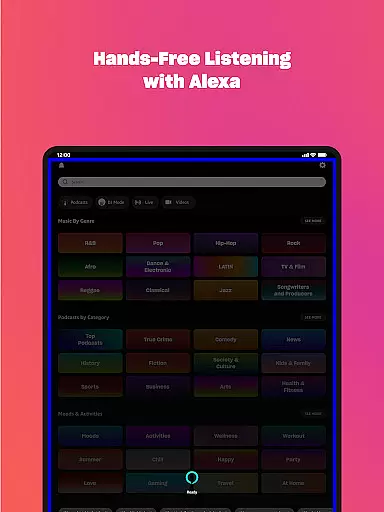
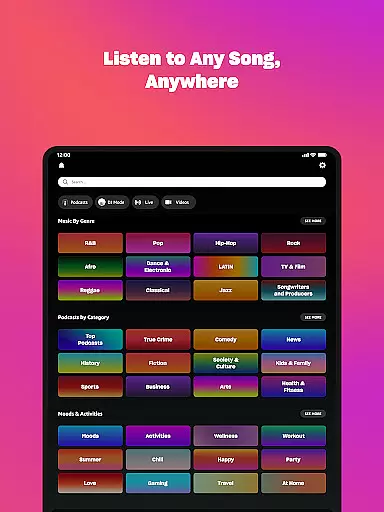
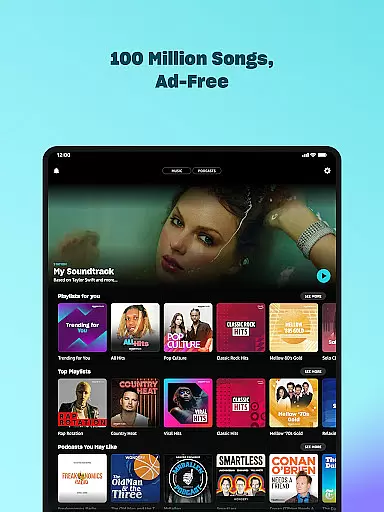

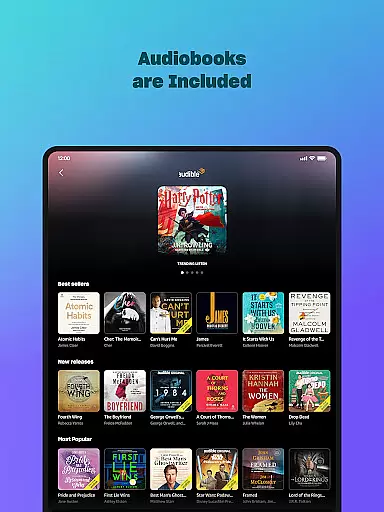
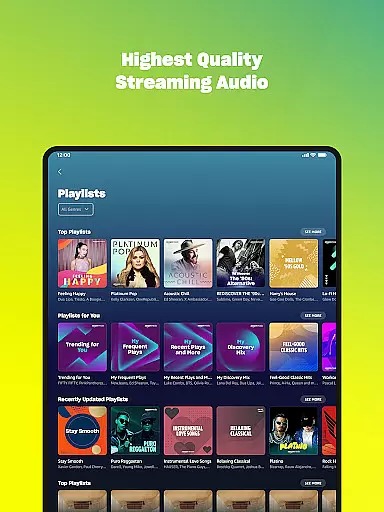
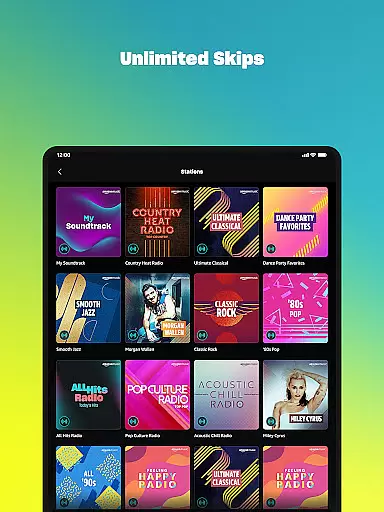
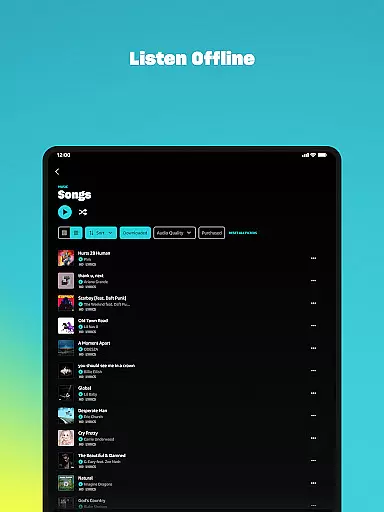
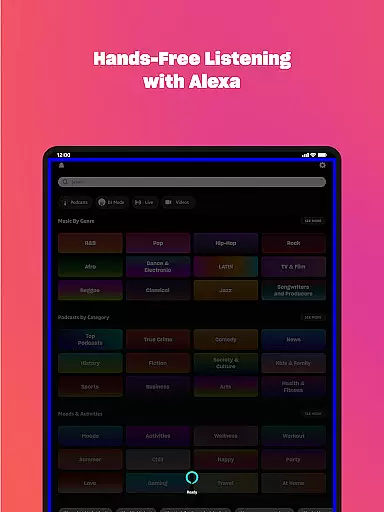
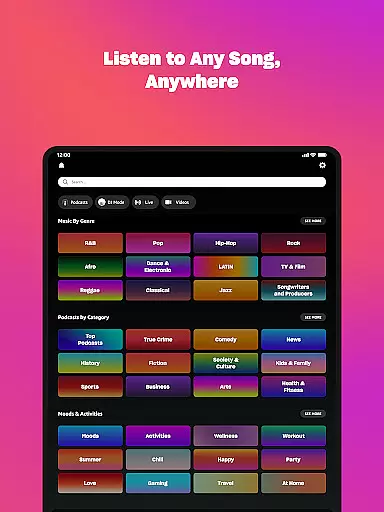



Amazon Music is a comprehensive music streaming service that transforms the way users discover and enjoy their favorite tunes. The app offers both free and premium options, allowing users to stream thousands of stations and top playlists with ads or opt for an ad-free experience through Prime membership or Amazon Music Unlimited. With a vast catalog of 100 million songs, audiobooks, and top podcasts, it provides unlimited skips, offline listening, and spatial audio capabilities.
The application's integration with Android Wear enhances user convenience by enabling on-the-go access to favorite tracks directly from smartwatches. Users can also import playlists from other platforms, ensuring a seamless transition. Additionally, Amazon Music stores all MP3 purchases and AutoRip CDs/Vinyl in the cloud for free, creating a centralized My Music library accessible across devices.
Amazon Music stands out with its tiered service offerings and robust feature set tailored for diverse user needs. The free version provides access to thousands of stations and millions of podcast episodes, while Prime members enjoy ad-free music and the largest selection of top podcasts. For audiophiles, Amazon Music Unlimited delivers on-demand access to 100 million songs, ad-free podcasts, and a growing collection of spatial audio tracks.
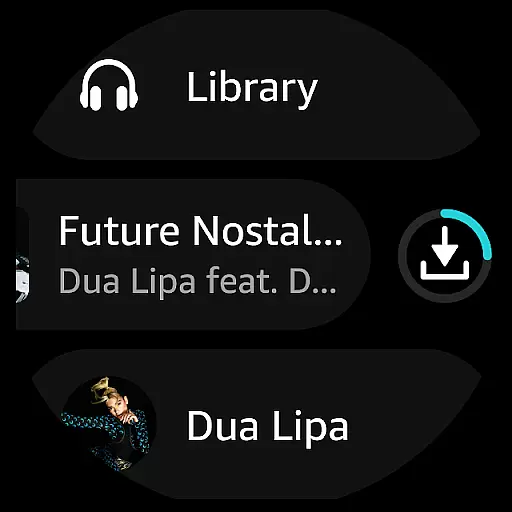
The app's Android Wear functionality allows users to control playback, search for content, and download playlists for offline listening directly from their smartwatches. Its playlist import feature simplifies migration from other platforms, and the My Music section automatically stores all Amazon purchases in the cloud. These features collectively create a versatile music ecosystem that adapts to various listening preferences and device configurations.
Companion app integration is essential for a seamless experience between mobile devices and wearables. Amazon Music ensures that your favorite playlists, albums, and personalized recommendations are effortlessly synchronized across your smartphone and Wear OS devices.
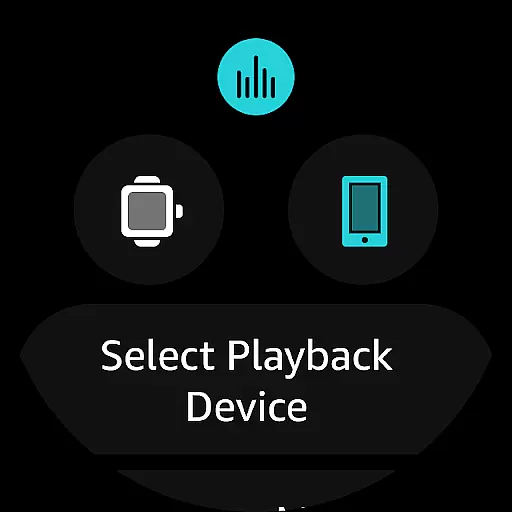
The app allows users to access their music libraries directly from their wrists, providing quick access to top recommendations and personal collections. This feature not only enhances convenience but also ensures that you can leave your phone behind while still enjoying your favorite tunes during a workout or commute.
Furthermore, the ability to cast and control playback on compatible Android devices right from your watch exemplifies the thoughtful design of Amazon Music's companion app integration. This interconnected ecosystem empowers users with an intuitive way to manage their audio experiences without being tethered to their phones.
Ensuring broad compatibility with various Wear OS devices is crucial for maximizing user accessibility. Amazon Music is designed to work seamlessly with a wide range of smartwatches running Wear OS, allowing users to enjoy high-quality streaming regardless of their chosen device brand.
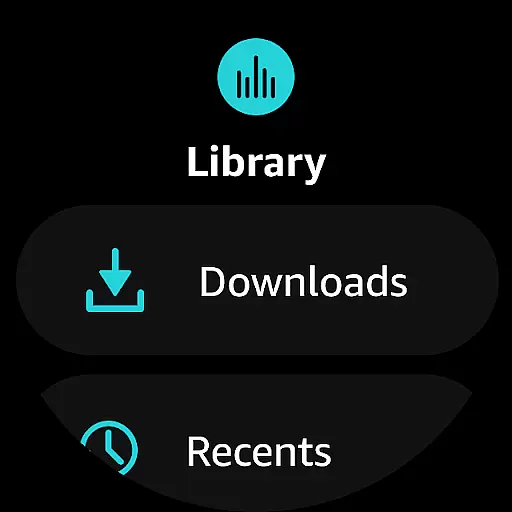
In addition to basic playback controls, Amazon Music offers advanced features tailored specifically for Wear OS. These include downloading playlists and albums for offline listening, which is particularly useful when users find themselves without reliable internet connectivity.
The application's optimization for Wear OS guarantees smooth performance and responsive interactions, maintaining consistent quality even when switching between different devices within the same ecosystem. This commitment to compatibility ensures that every user enjoys an uninterrupted musical journey, whether at home or on the go.
Extensive music library
Ad-free listening options
Offline playback capability
Playlist import feature
Spatial audio support
Limited free features
Subscription costs
Device compatibility issues
Complex pricing tiers
Occasional connectivity problems

Christmas and New Year - Themed Watchface
 4.2
4.2
Simple Analog-Digital Watchface For Wear OS 3.0 and Up Smartwatches
4.5
A modern premium sporty hybrid watch face for Wear OS by Ballozi
4.70
Let's celebrate Thanksgiving - Wear Os watch face
4.20
The most customizable hybrid watch face. For Wear OS 5.0, API 34+ and later
4.70
Your local weather forecast, storm tracker, radar maps & live weather news
3.40
Simple, helpful messaging by Google
4.60
Track airplanes and follow flights with our real-time flight tracker
4.50
Toyota app currently supports 2010 or newer vehicles (2018 or newer for Hawaii).
4.50
To-Do List: daily schedule planner, task organizer, to do reminder app, calendar
4.60
A realistic hybrid watch face with many customization options.
4.60
Current temperature, weather hourly, weather radar by the weather forecast app
4.40
Reliable phone calls with spam protection, caller ID and more helpful features
4.40
Christmas watch face. For Wear OS devices.
4.30
Watch face for Wear OS.
4.20
Watch face designed for Thanksgiving Day. 7 Background Styles included.
3.20
Wear Os Watch Face - Animated Snow Effect & Christmas Lights
4.0
Sleek, highly customizable watch face inspired by Galaxy Watch Circle Dashboard.
4.3
Funny animated watch face for Thanksgiving
4.1


User Reviews