







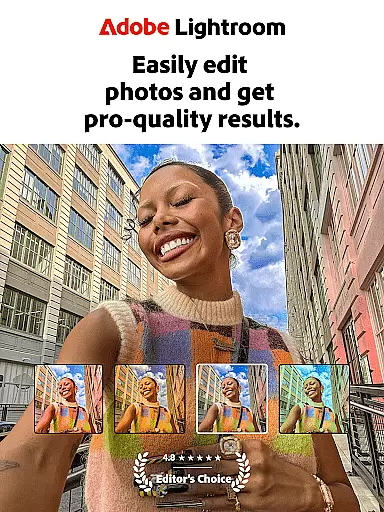

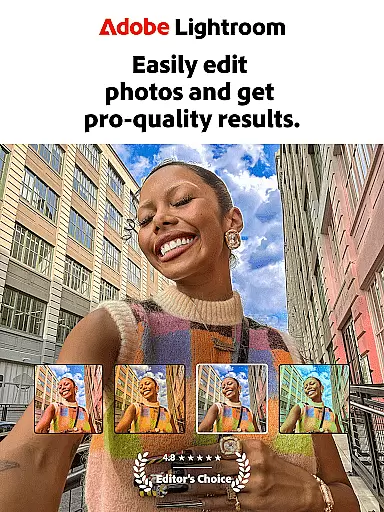

Adobe Lightroom is a powerful photo and video editing application designed to help users create stunning visuals with ease. This mobile photo editor offers professional-grade tools that allow you to retouch photos, enhance image quality, and even edit videos. Whether you're perfecting family portraits or capturing breathtaking landscapes, Lightroom provides the necessary features to make every photo special.
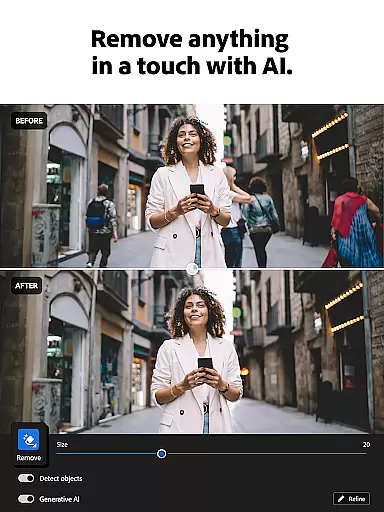
The app stands out with its AI-powered editing capabilities, one-tap enhancement options, and advanced retouching tools. Users can adjust lighting, apply custom presets, and remove unwanted objects from images. With batch editing functionality, you can maintain consistency across multiple photos while saving time. The built-in community features also let you discover new presets and get inspired by other photographers' work.
Lightroom is ideal for both amateur photographers looking to improve their social media presence and professionals needing a reliable mobile editing solution. Its intuitive interface and robust feature set make it an essential tool for anyone serious about photography.
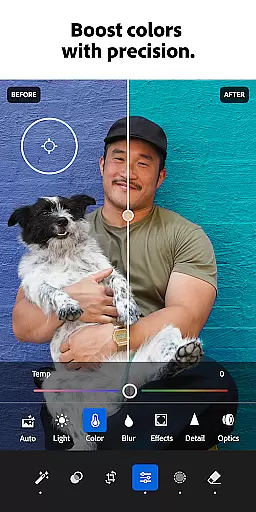
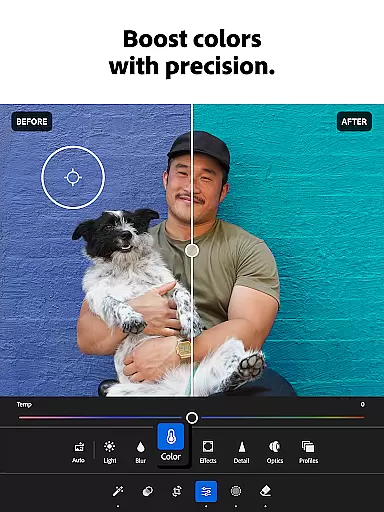
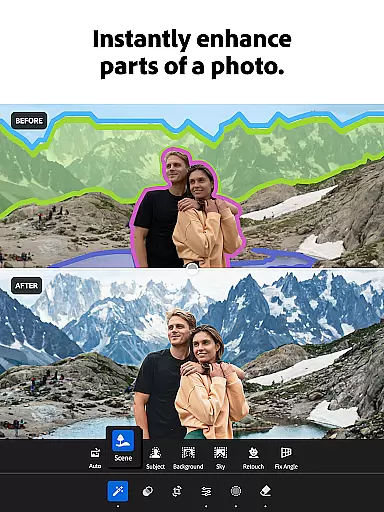
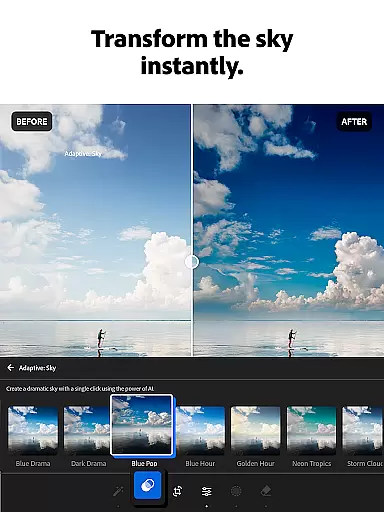
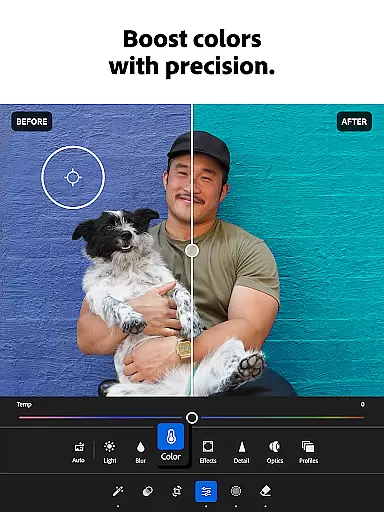
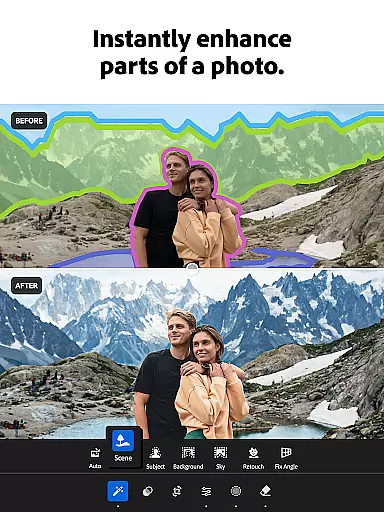
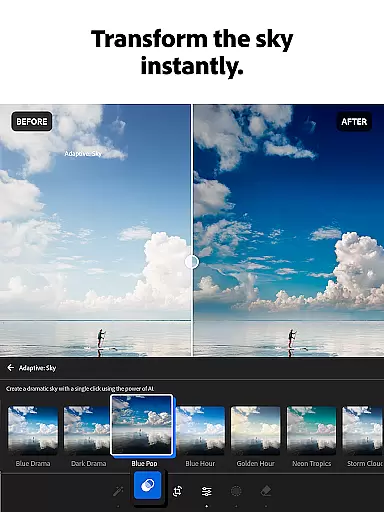
Lightroom offers an impressive array of features that cater to various editing needs. The app's Quick Actions and Adaptive Presets provide instant enhancements with just one tap, making photo editing accessible to beginners while still offering depth for advanced users. You can fine-tune exposure, highlights, shadows, and color grading with precise control over every aspect of your images.
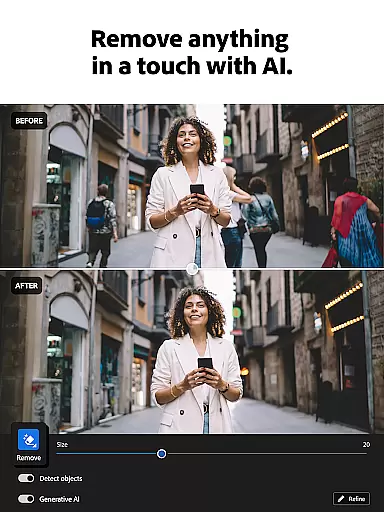
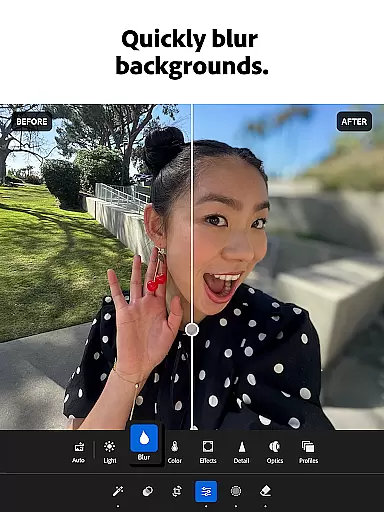
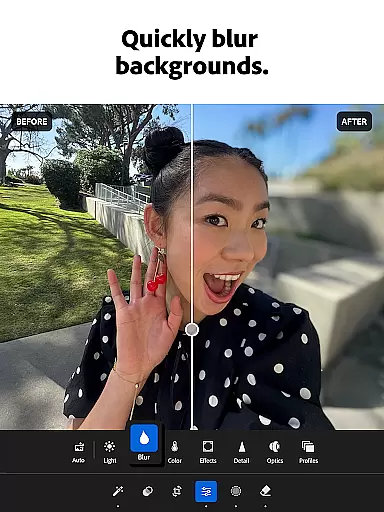
One of the standout features is the AI-powered editing tools that suggest optimal adjustments for your photos. The Generative Remove function allows you to seamlessly erase unwanted elements from your images. Additionally, the background blur effect creates professional-looking portraits with minimal effort. Video editing capabilities are equally impressive, letting you apply the same level of detail and precision to your video projects.
The app excels in workflow efficiency with its batch editing functionality. You can copy and paste edits across multiple photos, ensuring consistent styling throughout your collection. The ability to create and save custom presets adds another layer of personalization, allowing you to develop a unique visual signature that can be applied to future projects quickly.
Real-time capture and preview functionality is essential for photographers who need to ensure their shots are perfect before they even take them. Adobe Lightroom offers a seamless experience by providing users with instant feedback on their images as they adjust settings like exposure, contrast, and white balance.
This feature allows you to see changes in your photo composition immediately, making it easier to fine-tune elements such as lighting and focus. With real-time previews, you can experiment with different looks without committing to any single edit until you're satisfied with the outcome.
The ability to preview edits in real time not only saves time but also enhances creativity. Users can quickly iterate through various editing options, ensuring that each photo meets their artistic vision while maintaining high-quality standards.
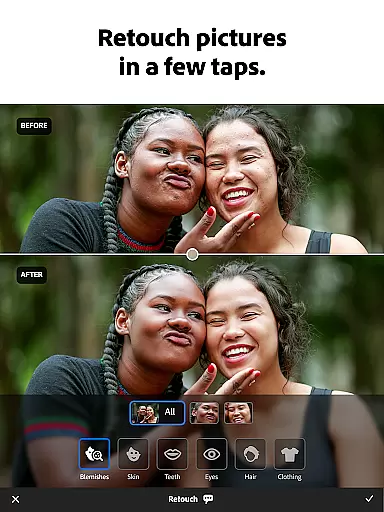
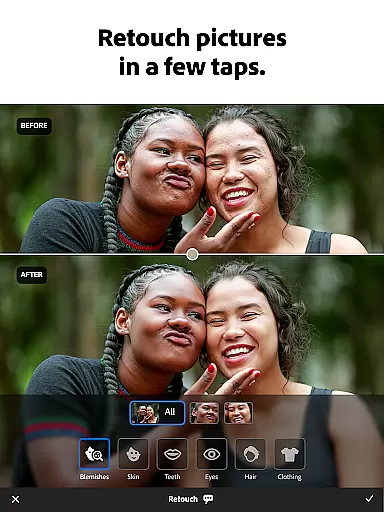
AI beauty and enhancement features have become increasingly popular in photo editing applications, offering users the ability to enhance their photos naturally. Adobe Lightroom leverages advanced AI technology to provide enhancements that maintain the authenticity of the original image while improving its overall quality.
With tools designed to soften skin tones, brighten eyes, and whiten teeth, Lightroom ensures these adjustments look realistic rather than over-processed. This approach helps preserve the natural beauty of subjects, avoiding the artificial appearance often associated with heavy digital manipulation.
By using AI-driven enhancements, users can achieve professional-grade results effortlessly. The intuitive interface makes it easy to apply these enhancements, allowing both amateur and experienced photographers to produce stunning images that retain their genuine character.
User-friendly interface
Powerful AI editing tools
Extensive preset library
Professional-grade features
Batch editing capability
Subscription-based pricing
Steep learning curve
Resource-intensive app
Limited free features
Requires Adobe account

Perfect photos with body shaping, BG changer and object remover.
 3.70
3.70
Find time and duration of different sunlight phases at any location
4.90
Pet Camera
3.70
Perfect body tune & face app - photo retouch, makeup, slim body & beautify face.
4.80
Create Business Headshots, Polaroid Filter, Retake Photos,Profile Pics,AI Photos
4.50
The #1 app for B&W film developing featuring an advanced darkroom timer.
4.10
Smart, light, and fast photo and video gallery
4.30
Effortlessly make high-quality GIFs from images & videos without any watermarks.
4.70
Solocator stamps photos you take with GPS location, Compass Direction, Date/Time
3.80
AI Photo Editor with 100+ Filters, Effects! Remove BG, Retouch & Photo Enhancer.
4.80
A must-have app for landscape photographers
4.60
Safe & smart flight with Go Fly drone controller for 40+ drone camera, zone map
4.50
AI photo enhancer with Sora 2! Enhance, descratch, and colorize your old photos.
4.50
All-in-One Editor & AI Photo Enhancer, Beautify & Retouch, Collage, Cartoonify
4.20
Professional quality photo edits with the new Snapseed.
4.00
USB Storage Access for Photos, Videos, Music and Documents
3.80
GCamera allows all GCam features on all phone models! Better photos with GCamera
3.30
An interval timer to automate photo taking process for timelapse
2.90
HD Photo gallery and photo manager to edit, hide private photos, videos & albums
4.3


User Reviews