
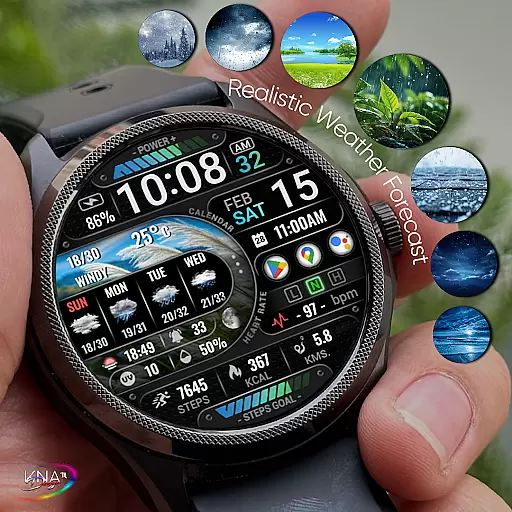
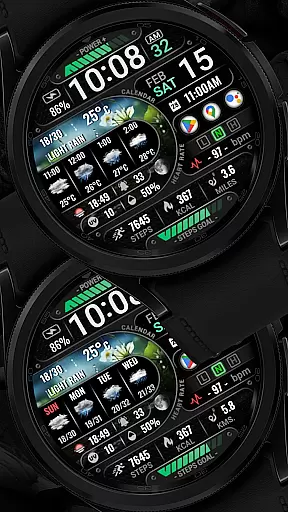
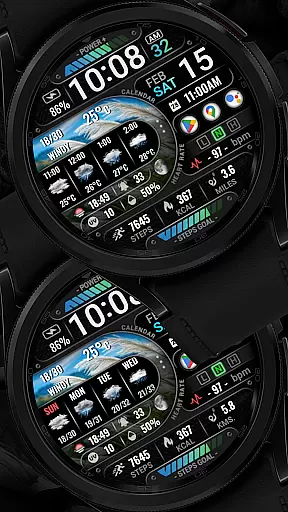
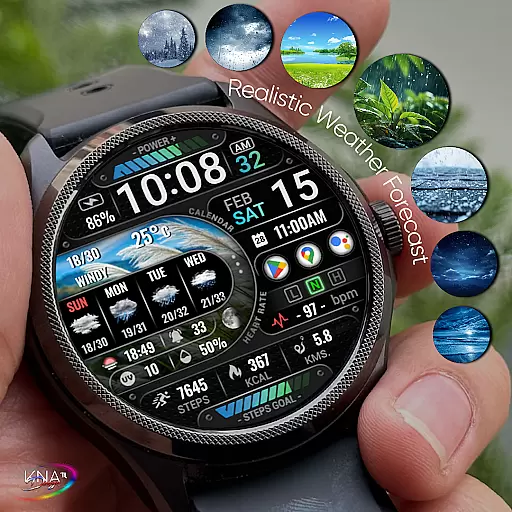
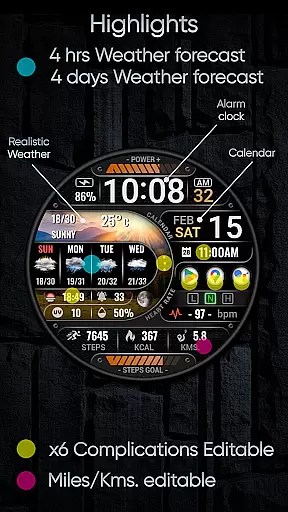
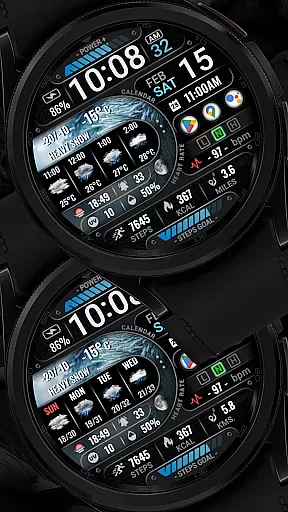
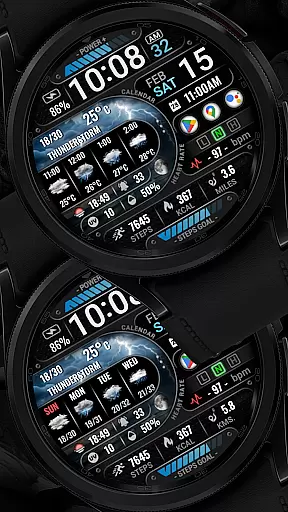
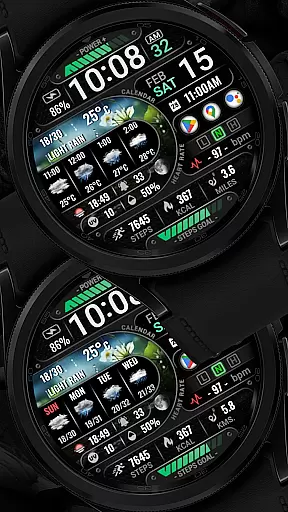
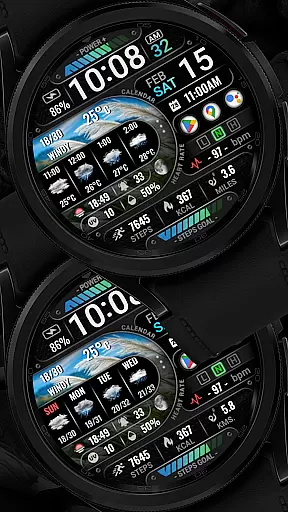

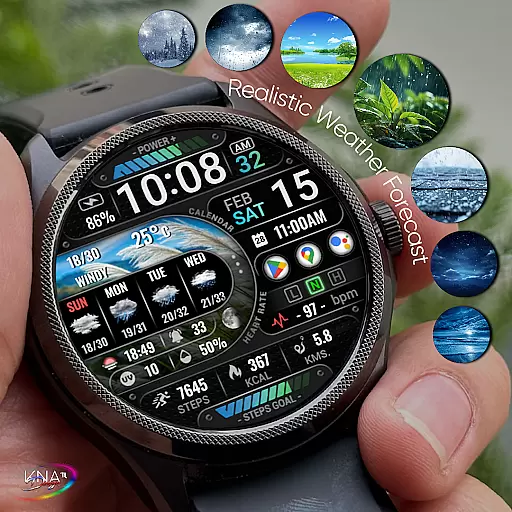
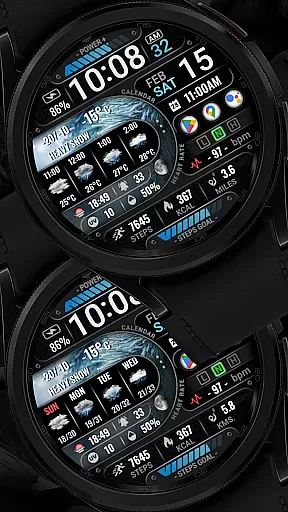
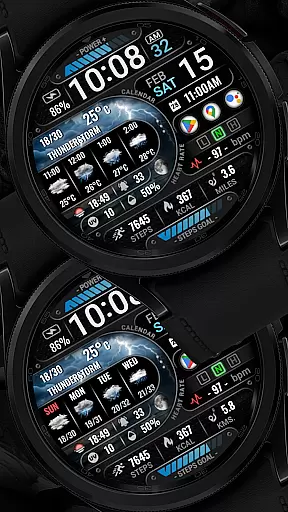
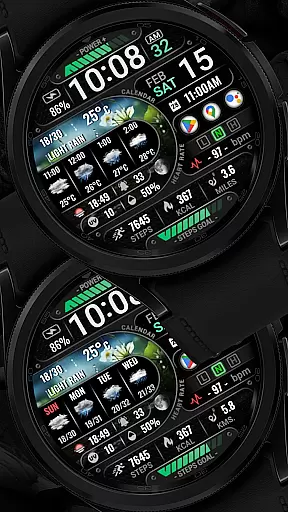
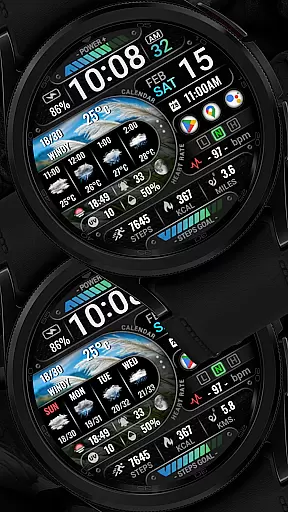
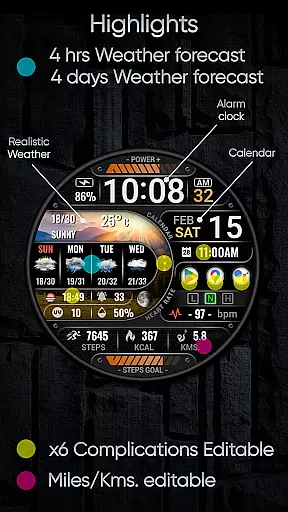
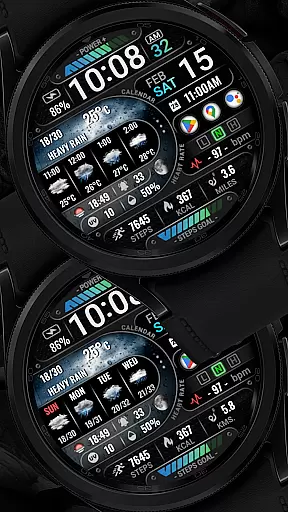
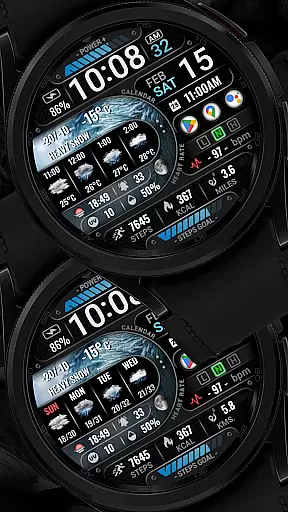
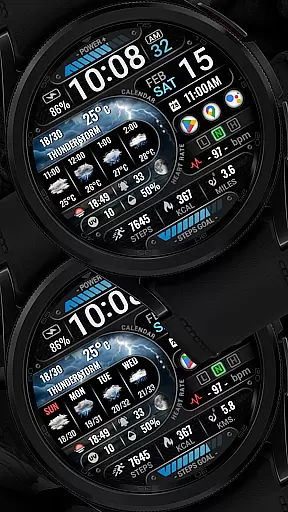
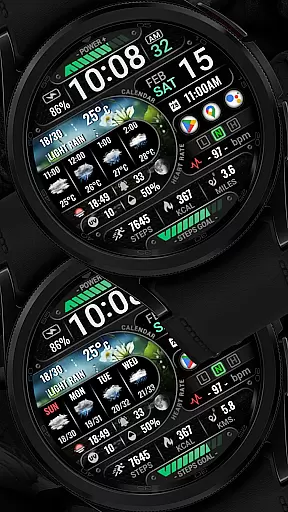
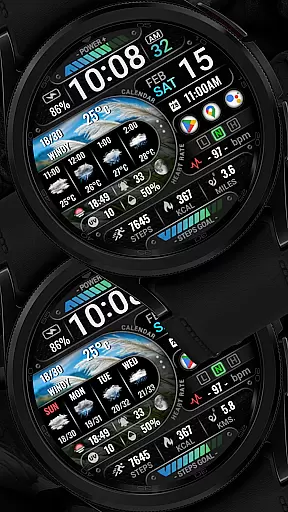
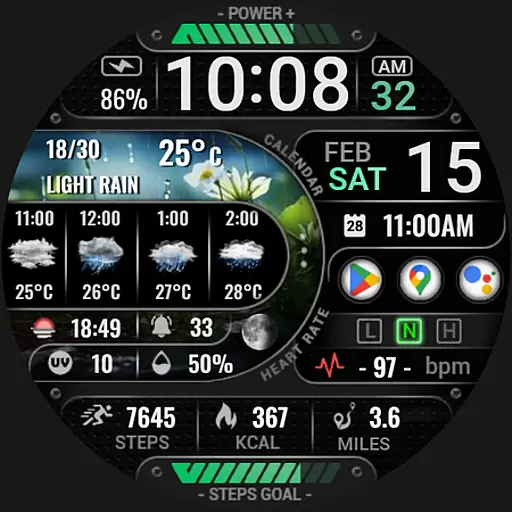
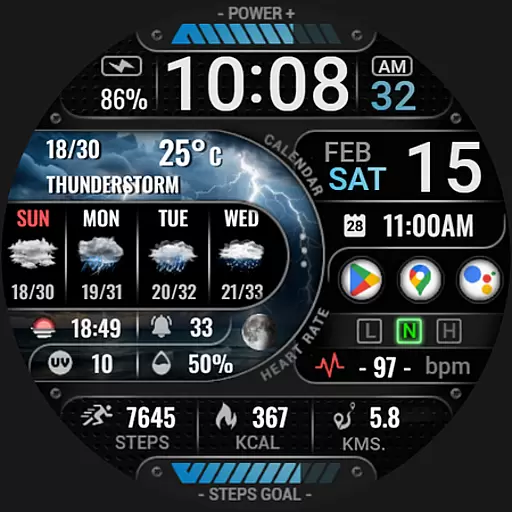
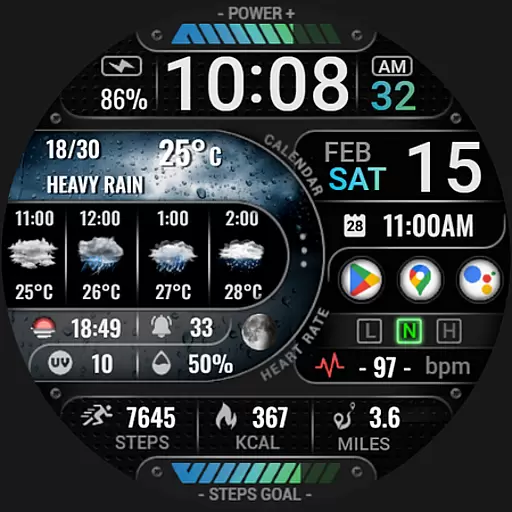
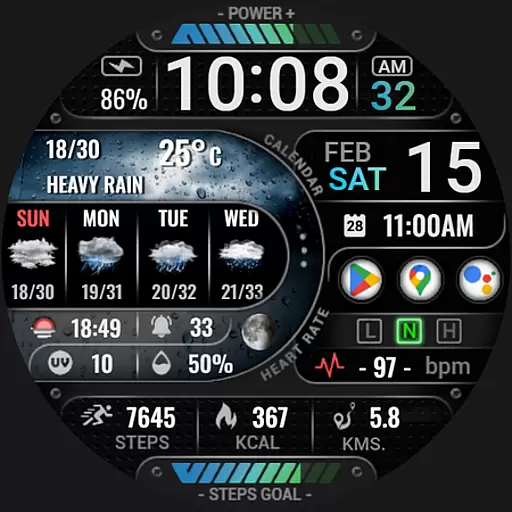
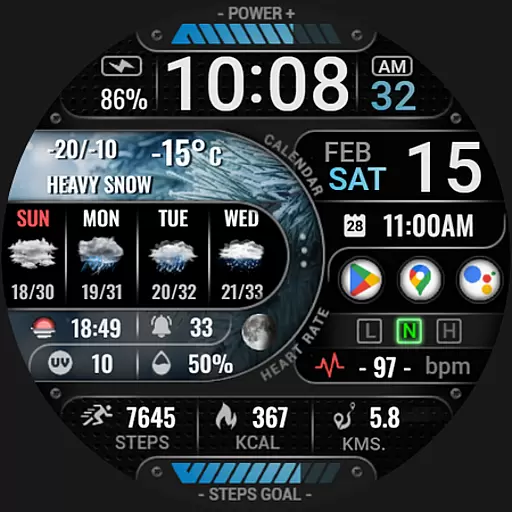
[KNA015] CRESCENT is a feature-rich watch face designed specifically for Wear OS devices running version 5 and above. This customizable app offers users the ability to tailor their smartwatch display with various complications, making it both functional and visually appealing.
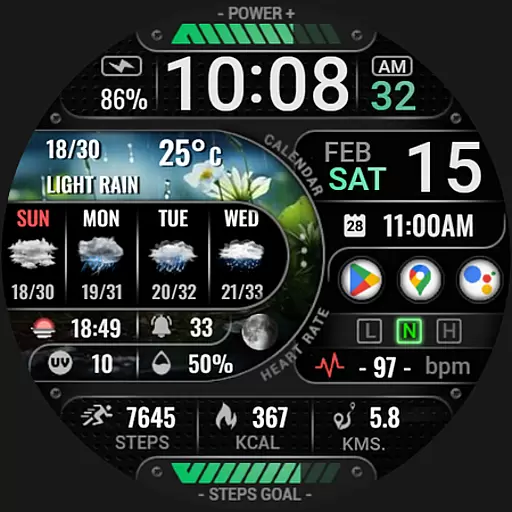
Core features include digital and analog styles with 12/24 hour time formats, date and weather information, UV index, moon phase, and multiple widget options like step count, heart rate monitor, and battery level. The app supports API level 34+, ensuring compatibility with newer Wear OS devices while providing users with an intuitive way to interact with their most-used functions directly from their wrist.
This application is particularly useful for tech-savvy individuals who want to maximize their smartwatch's utility without compromising on aesthetics. With its extensive customization options, [KNA015] CRESCENT enhances productivity by keeping important information easily accessible.
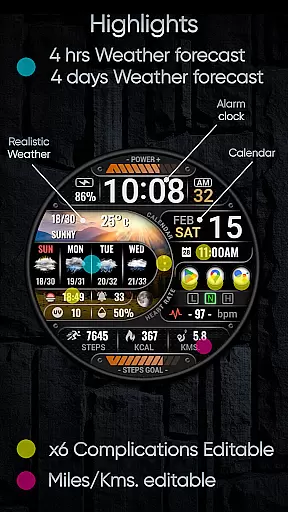
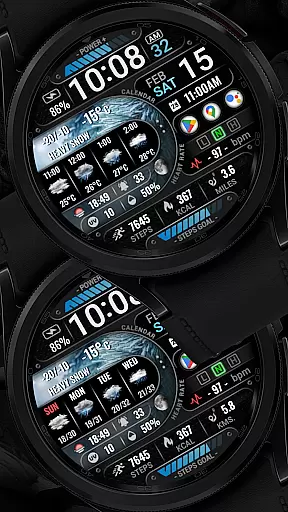
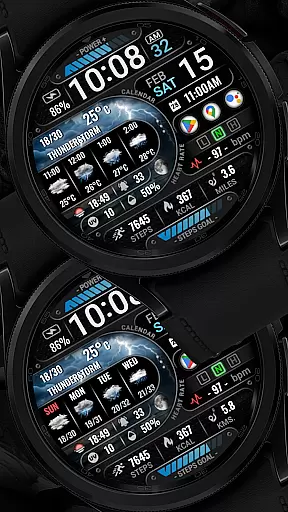
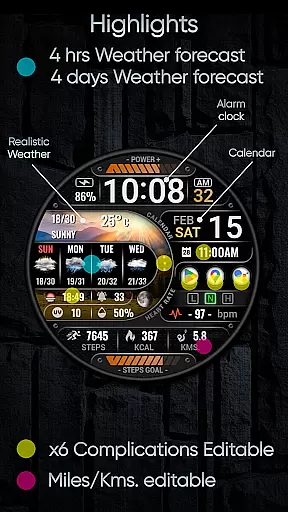
The [KNA015] CRESCENT watch face stands out due to its comprehensive feature set tailored for Wear OS users. It provides digital styles in both 12-hour and 24-hour formats alongside essential date information including day of the week and month. Realistic weather forecasts extend up to four hours/days ahead, complemented by details such as chance of precipitation and UV index.
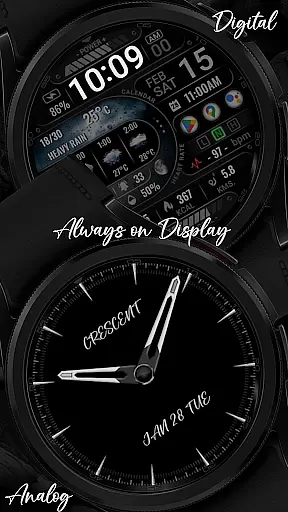
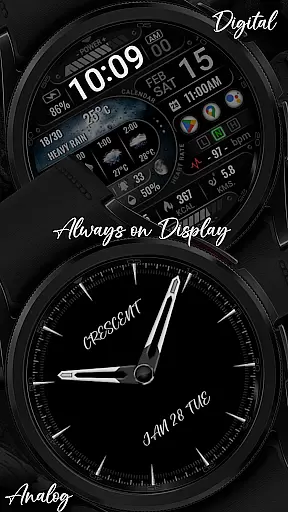
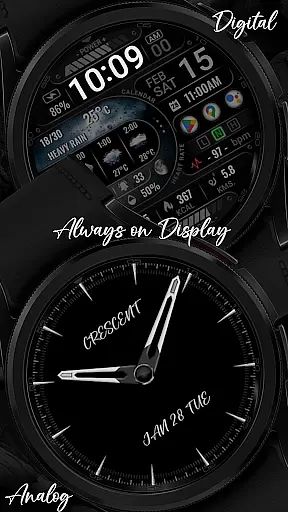
One of the key highlights is the inclusion of six editable complications or widgets that allow personalization according to user preference. These range from basic functionalities like distance calculation (in KM/MI), steps count, heart rate monitoring, battery level indication, message unread alerts, calorie tracking, among others. Additionally, Always-On Display (AOD) comes in two styles - Analog/Digital - catering to different tastes.
Customization is straightforward; users simply touch and hold the display then tap on 'Customize' option to modify settings. Complications can be personalized with data points such as weather updates, world clock, sunset/sunrise times, barometer readings etc., enhancing practicality and convenience.
In the realm of digital art and design, having a comprehensive suite of tools is essential for unleashing creativity. The [KNA015] CRESCENT Wear OS watch face stands out with its rich set of features that cater to designers and artists who wear their canvas on their wrists. Boasting an impressive array of widgets such as realistic weather, UV index, moon phase, and six fully customizable complications, this watch face transforms your wearable into a dynamic platform for personal expression.
What sets this application apart is not just the number of tools it offers but also the flexibility in their use. With options ranging from displaying date and time in 12/24-hour formats to tracking health metrics like heart rate and step count, users can tailor their watch face to suit both their aesthetic preferences and practical needs. The inclusion of features like AOD (Always-On Display) styles in analog or digital formats ensures that personalization does not come at the expense of usability.
The true value of these creative tools lies in their ability to integrate seamlessly into the user's daily life. Whether you're a professional designer looking for quick access to data points throughout your day or simply someone who appreciates customizable technology, the [KNA015] CRESCENT provides an intuitive interface that encourages experimentation without overwhelming its users.
Flexibility in design is not only about the tools available but also about how adaptable the canvas is to different formats and styles. The [KNA015] CRESCENT Wear OS watch face excels in providing users with a versatile platform that supports various display configurations. Compatible with API level 34+ for Wear OS 5+ devices, this application ensures that whether you prefer an analog or digital layout, your watch face can be customized to match your personal style while maintaining functionality.
This adaptability extends beyond mere aesthetics; it encompasses practical considerations such as distance calculation in either kilometers or miles and health tracking features like heart rate and calories burned. By allowing users to choose which widgets are displayed and how they are formatted, the [KNA015] CRESCENT empowers individuals to create a personalized experience that aligns with their lifestyle choices and requirements.
Ultimately, what makes canvas/format flexibility so valuable is its impact on user engagement and satisfaction. When people can adjust their device's appearance and functionality to fit their unique needs, they're more likely to form a meaningful connection with their technology. This watch face doesn't just tell timeu2014it tells your story, adapting effortlessly as that story evolves over time.
User-friendly interface
Extensive customization options
Real-time weather updates
Multiple widget choices
Compatible with latest Wear OS versions
Limited device compatibility
Some features may not work on all watches
Requires Android update
No automatic application post-installation
Potential performance issues on older models

Download now for a stylish and functional timepiece
 4.5
4.5
Art of Combination Wear OS Watch faces
4.0
Easy 3D drawing design maker & creator. Model designing, Sculpting. Create&paint
4.00
Digital Drawing: Draw & Paint
4.10
Create color palette from Image, RGB & RYB Color wheel harmonies, Color Scheme
4.50
Photo stitcher for automatically screenshot stitching into a long screenshot
4.70
Retouch photos. Create or edit images. Endless capabilities.
2.70
Just trace a projected picture on paper and color! Draw & Paint with AR drawing
4.40
AI-powered photo & video creation—fast, fun, and effortless with Quick Actions
4.60
Learn how to draw with step-by-step tutorials, fun lessons & multiplayer drawing
4.70
Photo editor for art, avatars, filters & fun transformations.
4.60
Digital illustration drawing & painting pad app to paint Anime and Manga art
4.50
Create neon drawing with magic doodle and fun doodle art effects!
4.50
Image/ Text to Video Generator
4.40
Custom Character Creator & PFP Maker!
4.20
Text to Image, Image to Video & AI Chat
4.20
Unleash Your Creativity with Draw Cartoon - AR Drawing App
4.10
AR Anime Drawing: How to draw anime with AR drawing & sketching apps!
4.00
Experience next-gen icons with a modern liquid glass look.
3.60


User Reviews