
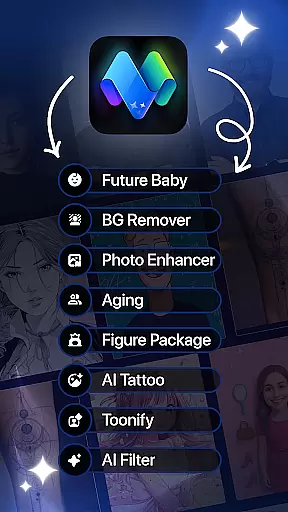
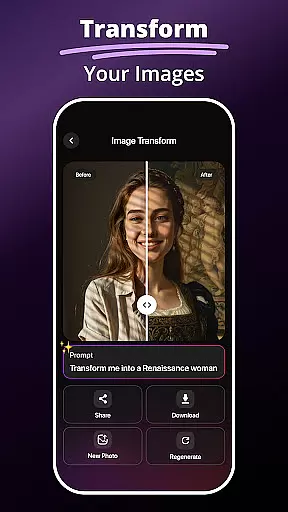
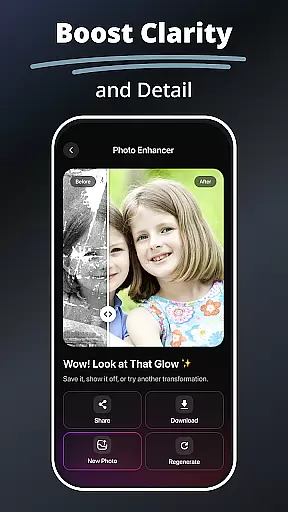
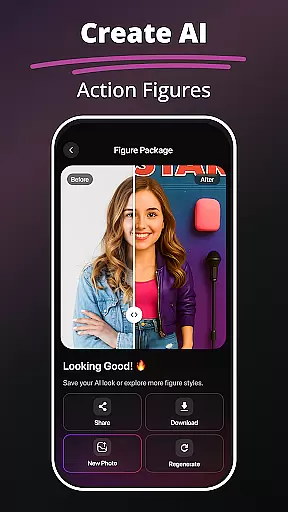
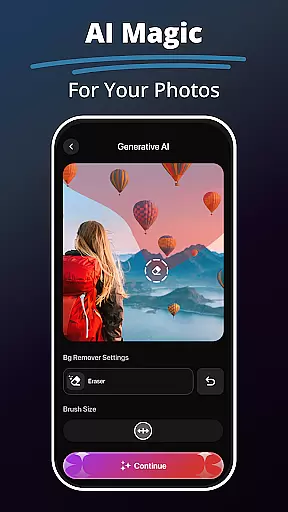
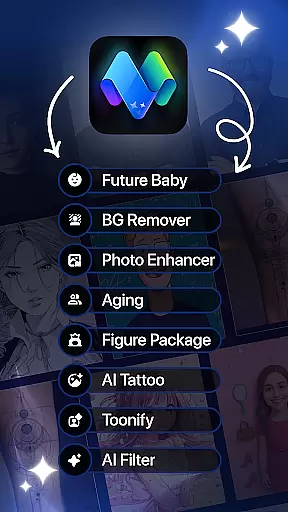
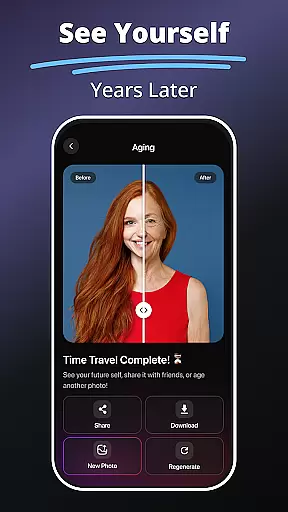
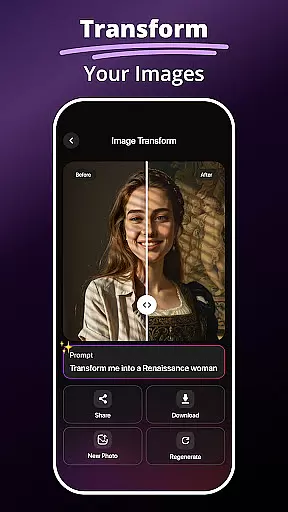
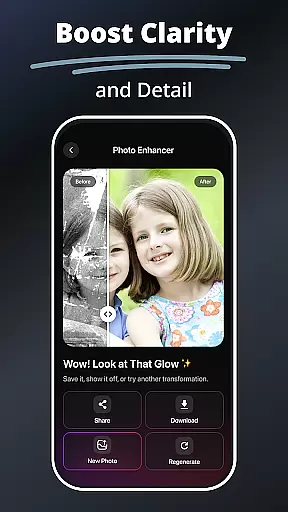
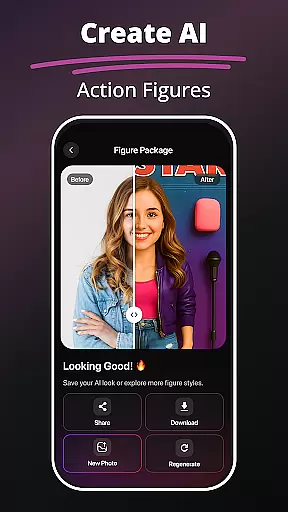
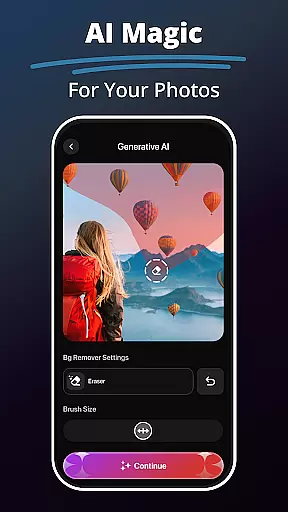
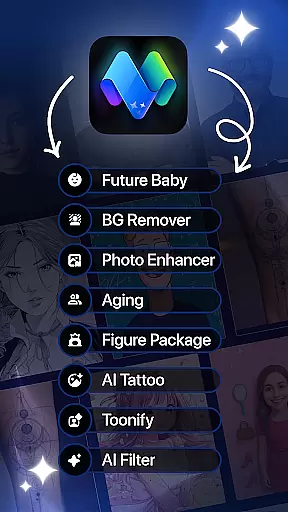
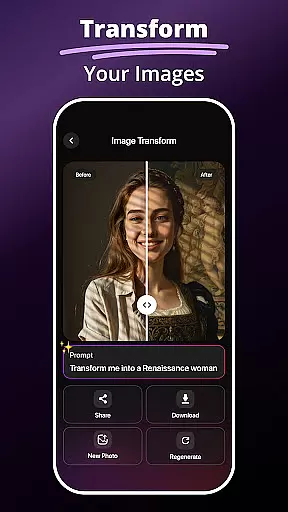
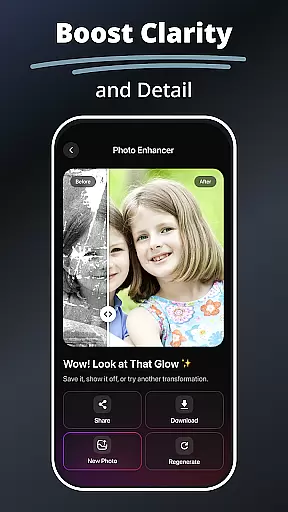
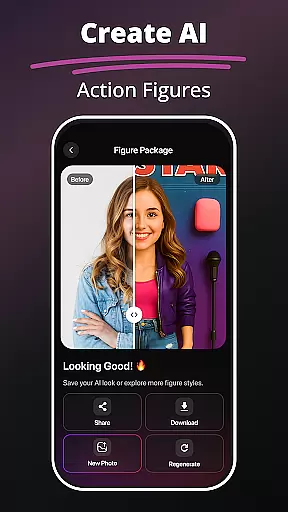
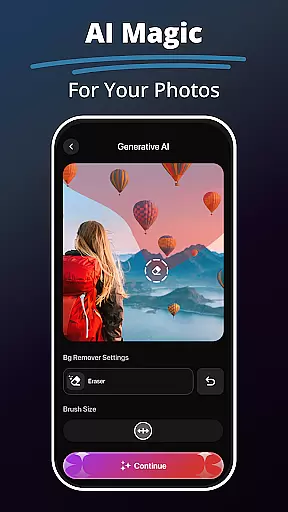
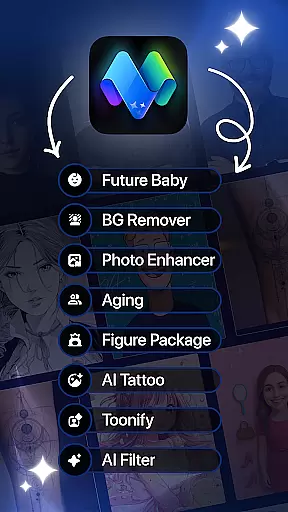
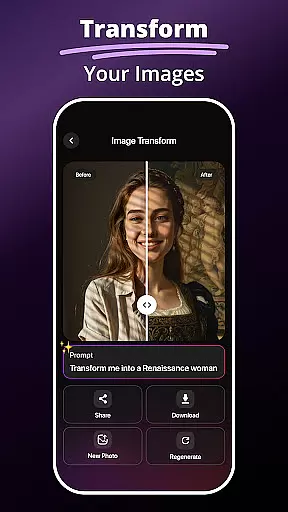
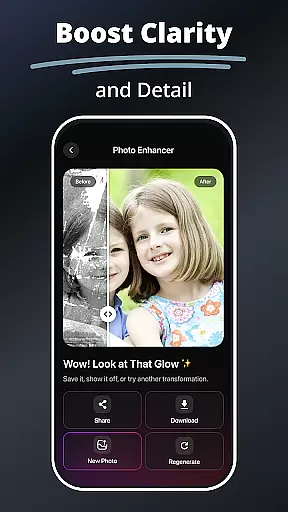
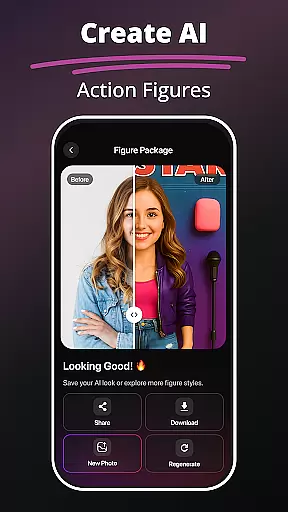
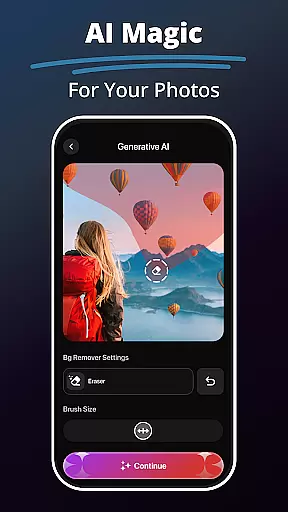
MePic is an innovative AI-powered photo editor designed for creative professionals and casual users alike. This all-in-one solution combines advanced editing tools with imaginative features, allowing you to transform ordinary photos into extraordinary digital art pieces. The app's standout capabilities include text-to-image generation, future baby prediction, and professional-grade photo enhancement.
What sets MePic apart is its comprehensive approach to photo editing. Users can experiment with various styles through the Avatar Creator, test different looks with the Hair & Beard Changer, and perfect their images with precise background removal tools. These features make it particularly valuable for social media enthusiasts and digital artists who want to create unique content that stands out in the crowded online space.
MePic distinguishes itself through its diverse range of specialized editing tools. The Text to Image feature employs sophisticated AI algorithms to interpret user descriptions and generate corresponding visual representations, making it an invaluable tool for concept artists and designers. The Future Baby Generator showcases the app's playful side while demonstrating advanced facial recognition and prediction technology.
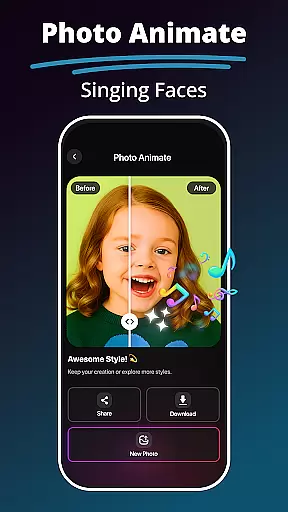
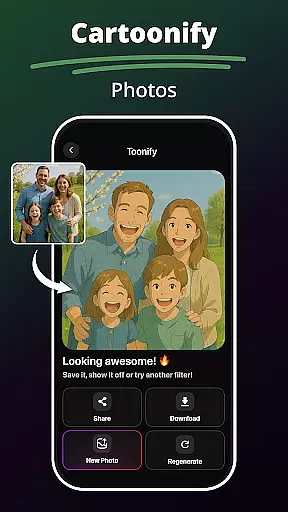
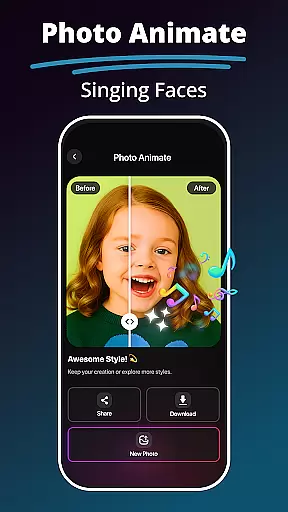
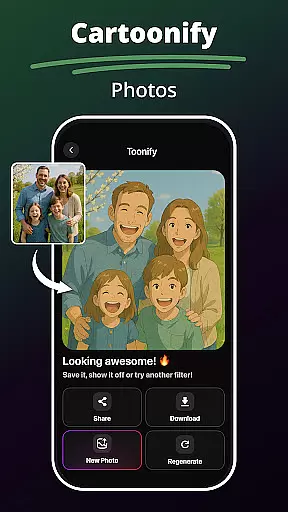
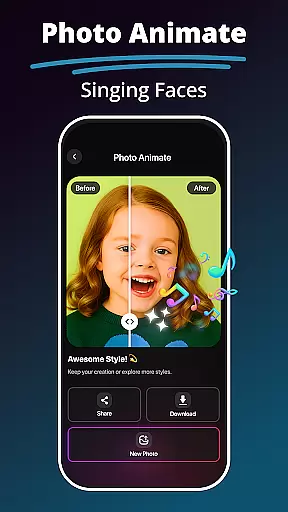
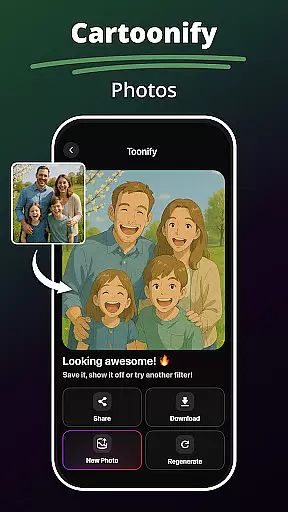
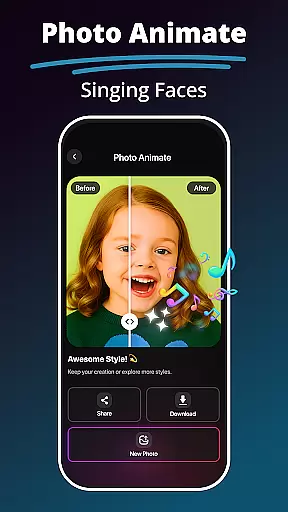
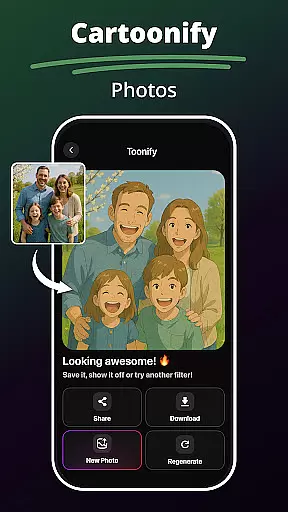
The app's core editing suite includes professional-grade tools such as skin smoothing, color adjustment, and object removal, complemented by a vast library of AI-powered filters. These range from artistic effects like cartoon transformations to realistic digital painting styles. Additionally, the Photo Animate feature brings static images to life through dynamic motion effects, while the enhancement tools ensure every image maintains optimal quality and clarity.
In the realm of digital artistry, having a comprehensive suite of creative tools is essential for bringing visions to life. MePic stands out as an all-encompassing AI-powered photo editor that offers an extensive array of features tailored to both amateur enthusiasts and professional designers.
From its Text to Image functionality, which transforms descriptive words into unique visuals, to the advanced Future Baby Generator that predicts future offspring appearances, MePic ensures every imaginative idea can be visually represented. The inclusion of an Avatar Creator, Hair & Beard Changer, and a Background Remover further amplifies the creative possibilities, allowing users to experiment with styles and compositions without limitations.
Users benefit from MePic's sophisticated AI Photo Editor & Filters that provide effortless image enhancements and artistic transformations. Whether it's refining skin tones or applying complex digital painting effects, the app equips creators with everything needed to produce polished and imaginative work.
Flexibility in canvas and format options is crucial for artists who wish to express their creativity without constraints. MePic addresses this need by providing versatile design capabilities that cater to various project requirements and personal preferences.
The app allows users to modify their digital canvas with ease, adapting images to fit specific dimensions or experimenting with different visual styles. With features like the Photo Animate effect, static images are transformed into dynamic visuals, offering a new dimension of creative expression.
Moreover, MePic supports a wide range of formats suitable for both digital and print media. This ensures that whether you're designing avatars, editing portraits, or creating conceptual art pieces, your work will always be presentation-ready and adaptable to any platform or purpose.
User-friendly interface
Advanced AI capabilities
Comprehensive editing tools
Creative avatar options
Unique prediction features
Premium features locked
High system requirements
Occasional processing delays
Limited free usage
Subscription pricing

Floor Plan Creator lets you create, edit and share floor plans.
 4.00
4.00
Create stylish invitation cards using templates for weddings, birthdays & RSVP.
4.20
Text to Image, Image to Video & AI Chat
4.20
Unleash your drawing and painting potential
4.50
Minecraft & Roblox Clothes
4.70
Art of Combination Wear OS Watch Faces
3.30
Get an overview over all your embroidery threads, projects and more.
4.60
Just trace a projected picture on paper and color! Draw & Paint with AR drawing
4.40
AI Tattoo Generator: Create Tattoo Designs & Get Ideas! Ink & Stencil Maker
4.50
Make your phone cooler and have a fantastic experience
4.80
Convert image to JPG PNG HEIC PDF, support almost all kinds of image formats
4.70
Your AI soulmate — meaningful chats, and unique emotional moments
4.70
AI generated images & photos, turn your words into drawing, painting & pictures.
4.30
Nano Banana AI Image Generator, Anime Filter, AI Portrait, AI Photo Generator
4.30
Customizable Outlined Fonts. Watch Face Format. Battery friendly Digital Clock.
4.20
Powerful home decoration & house design that allows you to design dream home.
3.80
Your homescreen as an elegant glass with customized blur, lighting, and visuals.
3.70
Create sweet, cool and unique couple avatars easily, in just a few steps!
3.40
A luxurious gold watch face for an elegant and refined look.
4.1


User Reviews