
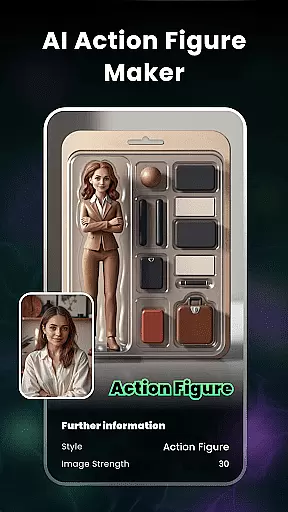
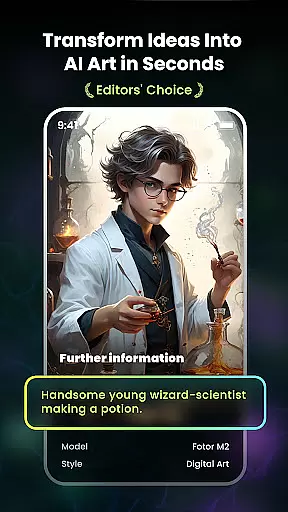
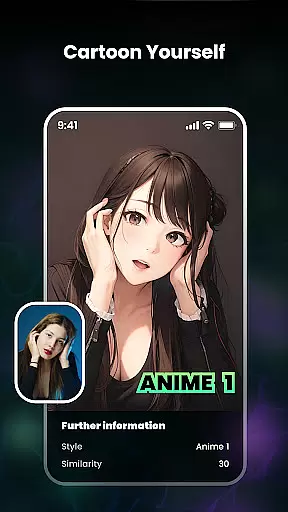
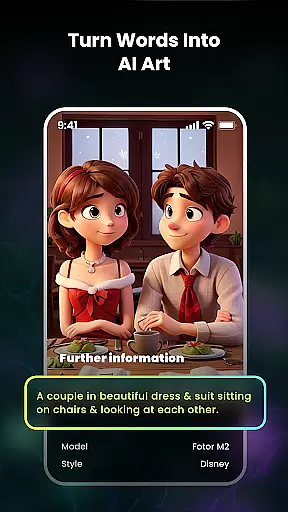
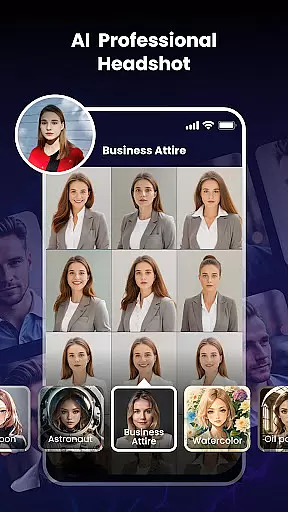
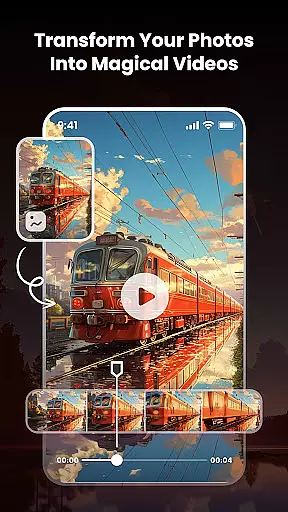
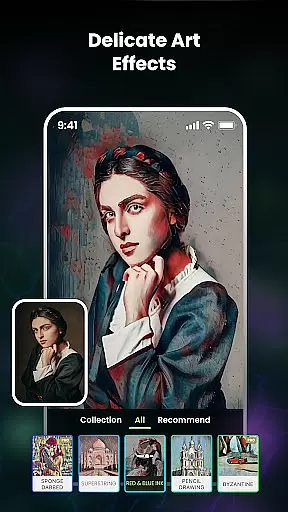
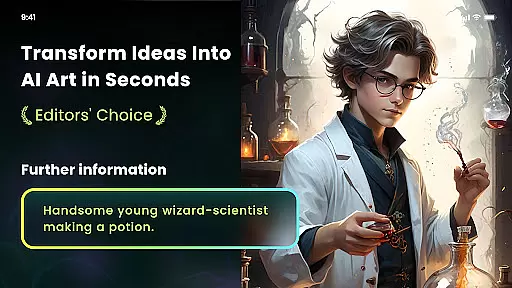
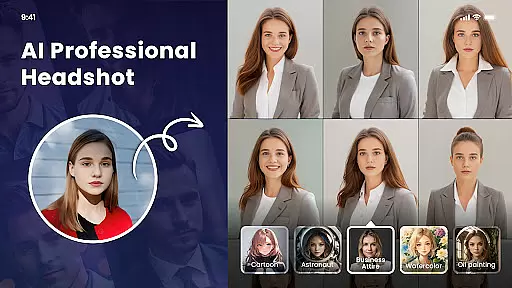
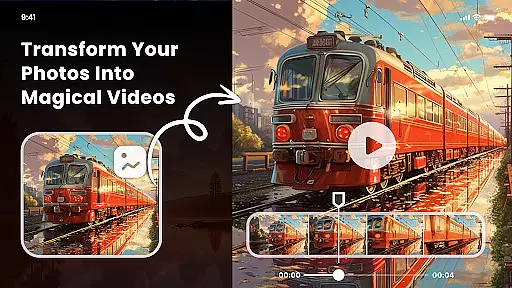
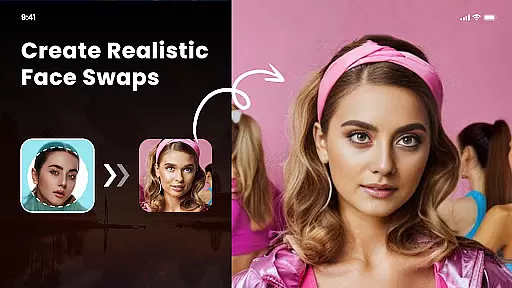
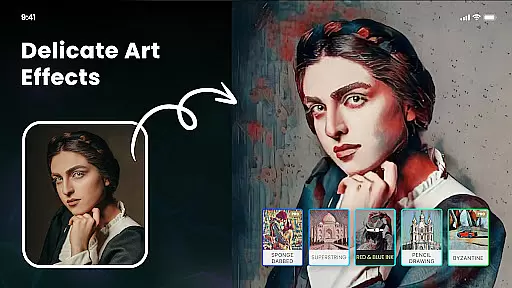
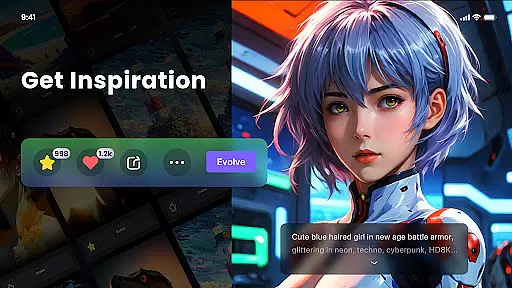
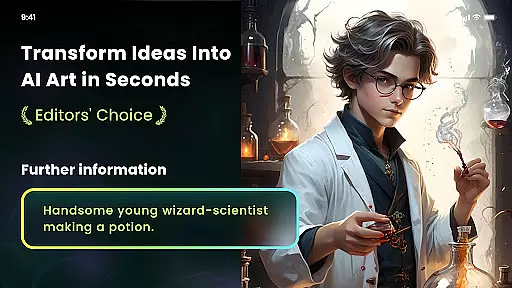
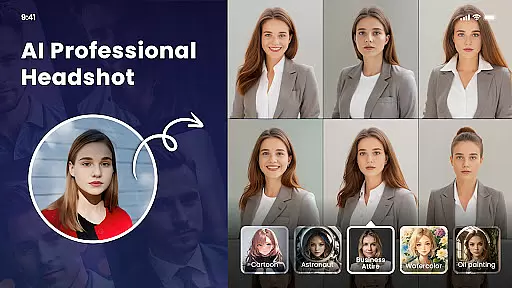
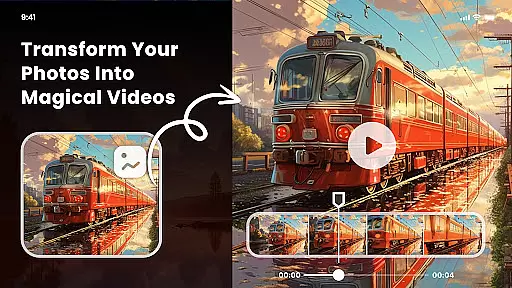
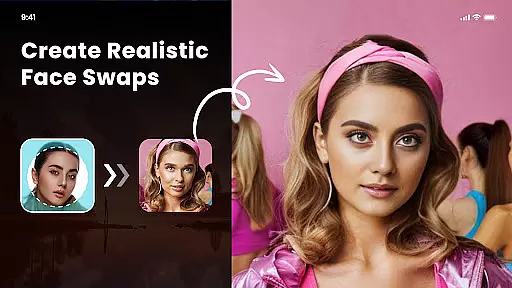
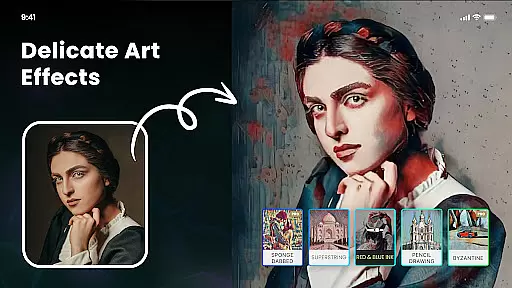
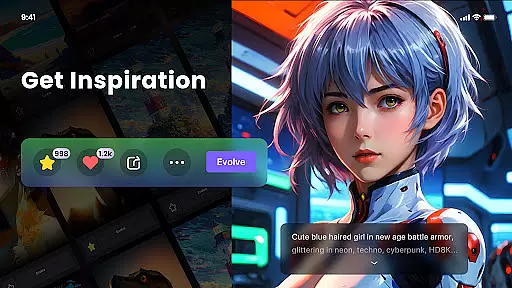
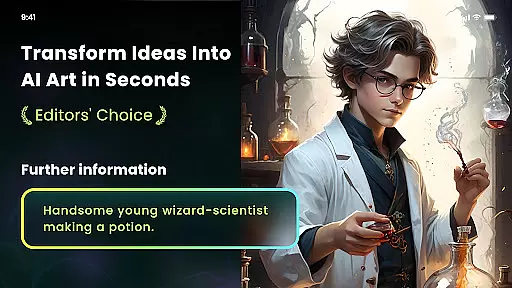
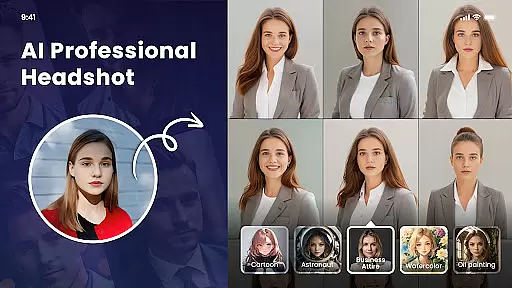
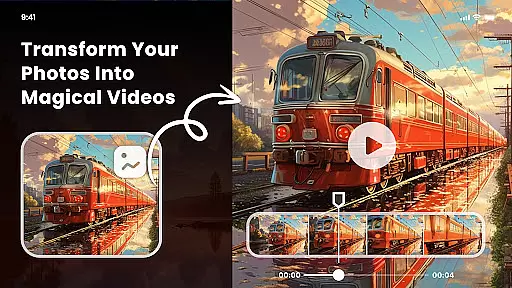
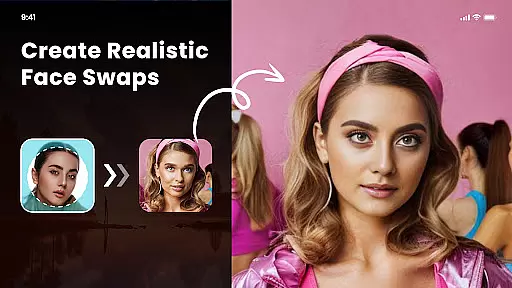
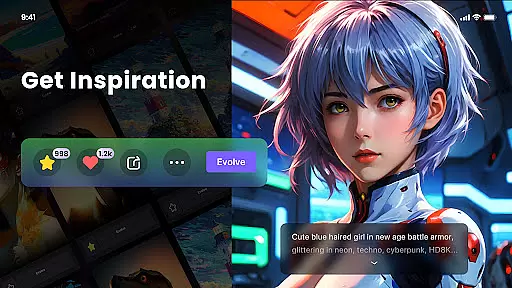
Nano Banana AI Image is an innovative app in the Art & Design category that allows users to create stunning visuals through text or image prompts. Powered by advanced AI technology, including Gemini 2.5 Flash Image AI, it delivers sharp, context-aware images for both image-to-image and text-to-image creation. The app offers a range of features such as natural language photo editing, artistic style filters, and even NFT minting capabilities.
With specialized tools like Photo Cartoonizer, AI Art Generator from Text, and Multiple Artistic Style Filters, Nano Banana caters to diverse creative needs. Whether you're turning photos into anime art, creating unique paintings, or generating high-definition images ready for print, this app provides endless possibilities for artists and hobbyists alike.
The app's intuitive interface ensures ease of use while maintaining professional-grade output quality. From casual users looking to explore their creativity to professionals seeking efficient design solutions, Nano Banana AI Image serves as a comprehensive platform for transforming ideas into visual masterpieces.
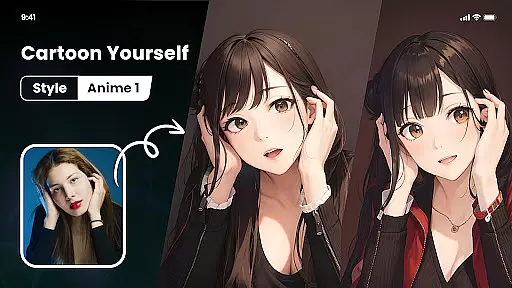
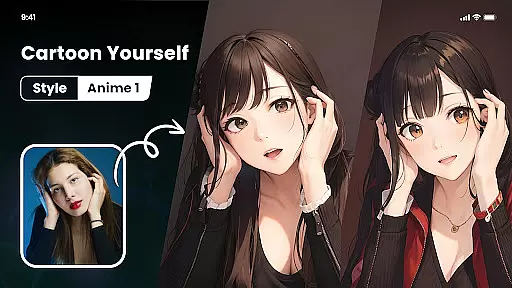
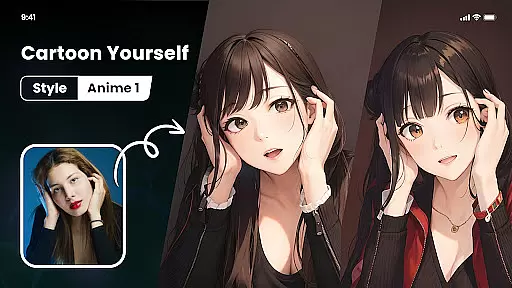
Nano Banana AI Image stands out with its robust set of features designed to enhance creative workflows. One notable feature is the Photo Cartoonizer, which transforms uploaded images into cartoon avatars effortlessly. This tool supports various image types beyond just portraits, including pets, landscapes, and food photography.
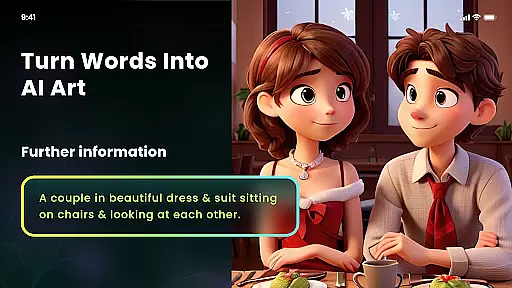
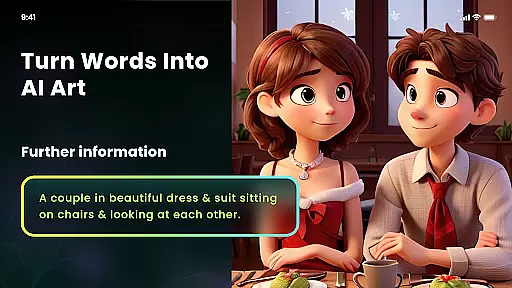
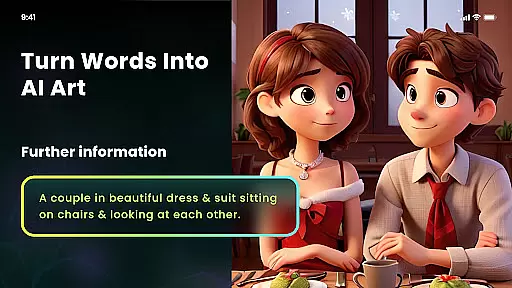
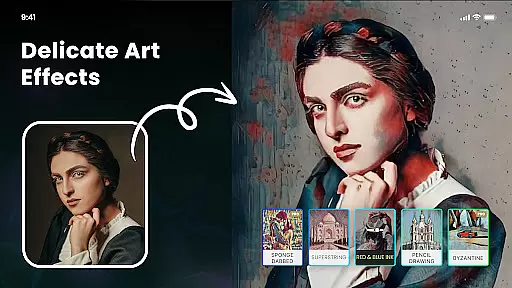
Another key aspect is the AI Art Generator from Text, enabling users to convert textual descriptions into visually striking artworks across multiple styles such as cyberpunk, surrealism, and oil painting. Additionally, the app includes Multiple Artistic Style Filters inspired by famous artists like Van Gogh and Monet, allowing users to apply distinctive artistic effects to their photos.
For those interested in digital assets, Nano Banana facilitates minting AI-generated artwork into NFTs directly within the app. Other practical features include AI Cutout for background removal and replacement, one-click artistic transformations, and support for exporting high-definition images suitable for printing on various mediums.
In the realm of digital artistry, Nano Banana AI Image emerges as a comprehensive suite brimming with creative tools tailored for artists and hobbyists alike. This application leverages advanced AI technology to offer an extensive palette of features that cater to both image-to-image and text-to-image creation.
At its core, Nano Banana provides users with the capability to transform simple ideas into visually striking images through intuitive prompts. The integration of Gemini 2.5 Flash Image AI ensures that every creation is not only sharp and lifelike but also contextually aware, providing a seamless experience in generating or editing photos using natural language commands.
Beyond basic functionalities, Nano Banana extends its creative arsenal with specialized tools such as Photo Cartoonizer, Japanese Anime Filter, and various artistic style filters. These features empower users to explore diverse visual expressions, from turning selfies into cartoon avatars to applying masterful touches reminiscent of Van Gogh or Monet's works.
The true value of Nano Banana lies in its ability to democratize art creation, making it accessible for anyone to experiment with different styles and techniques without requiring extensive technical knowledge or artistic skills.
Flexibility in canvas and format options is crucial for unleashing creativity without constraints. Nano Banana AI Image addresses this need by offering versatile solutions that adapt to various project requirements and personal preferences.
Users can effortlessly adjust their digital canvases to accommodate different compositions, whether working on detailed portraits or expansive landscapes. This adaptability extends beyond mere size adjustments; Nano Banana supports high-definition outputs up to 8 megapixels, ensuring that every artwork retains its clarity and detail even when printed on larger formats like T-shirts or wallpapers.
In addition to customizable canvas dimensions, Nano Banana excels in format compatibility. Artists have the freedom to export their creations in multiple file types suitable for both digital sharing and physical printing purposes. This versatility empowers creators to seamlessly integrate their work across various platforms without worrying about quality degradation.
By prioritizing canvas and format flexibility, Nano Banana ensures that artists can focus solely on their creative process, confident that the final output will meet professional standards regardless of intended use case or medium.
User-friendly interface
Advanced AI technology
Diverse artistic filters
Efficient photo editing
High-definition outputs
Premium subscription required
Limited free features
Occasional processing delays
Steep learning curve
Resource-intensive

Draw anime & manga drawing, art with templates to create stunning picture!
 4.50
4.50
Apply cartoon, caricature, and portrait effects to make your photos stand out!
3.60
Digital Drawing: Draw & Paint
4.10
Create stylish invitation cards using templates for weddings, birthdays & RSVP.
4.20
Unleash Your Creativity with Draw Cartoon - AR Drawing App
4.10
Draw Trace image sketch by, AR art projector app, Easy to trace any image.
4.50
800+ Drawing, Painting Lessons App to Practice, Sketch & Paint Art.
4.30
Kling AI is an image and video generation and editing studio powered by AI.
4.50
An intuitive, high-performance painting app that lets you focus on creating
4.40
Learn how to draw with step-by-step tutorials, fun lessons & multiplayer drawing
4.70
Create neon drawing with magic doodle and fun doodle art effects!
4.50
OneUI 8.5 icons ✨ Smooth, modern & based on the latest Play Store design ??
4.10
Powerful home decoration & house design that allows you to design dream home.
3.80
Create cute cat emojis & PFPs! Fun, custom avatars for cat lovers.
3.70
Create sweet, cool and unique couple avatars easily, in just a few steps!
3.40
Premium version of Shimeji-ee app with no ads & no limit active shimeji
4.2
Your Essential Color Theory Guide: Red, Yellow, Blue (RYB)
4.4
Art of Combination Wear OS Watch Faces
4.4
A luxurious gold watch face for an elegant and refined look.
4.1


User Reviews