
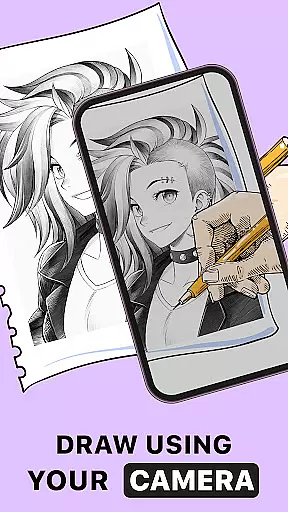
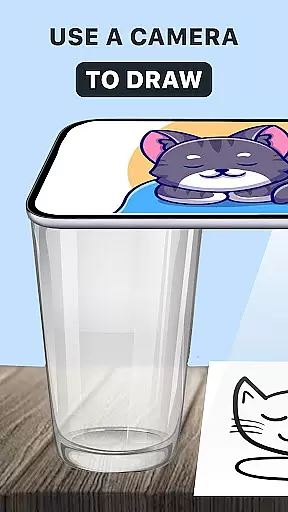
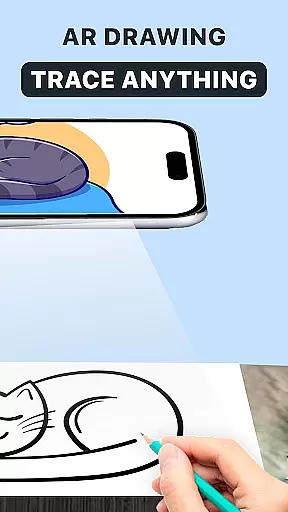
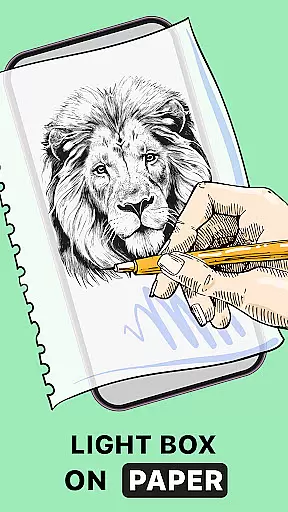
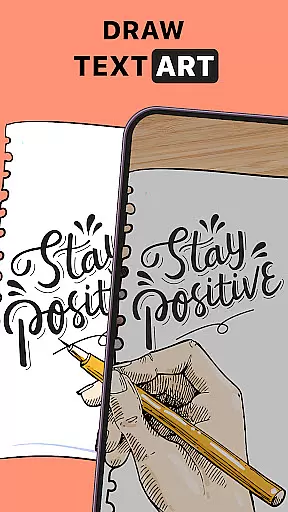
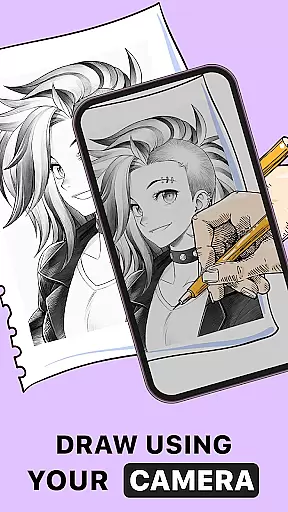
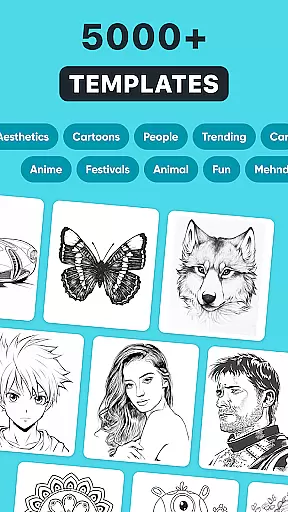
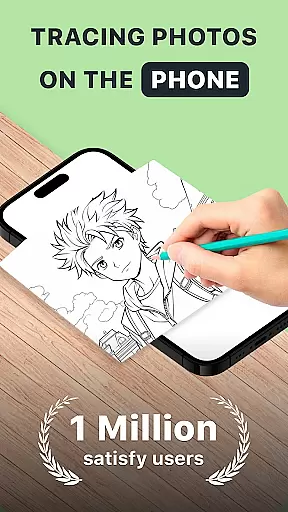
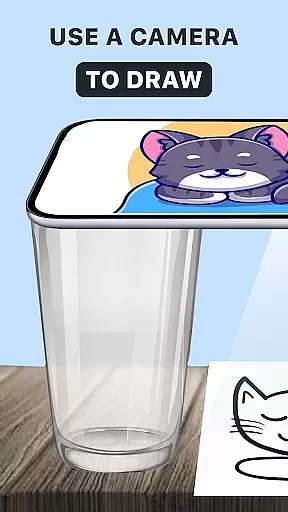
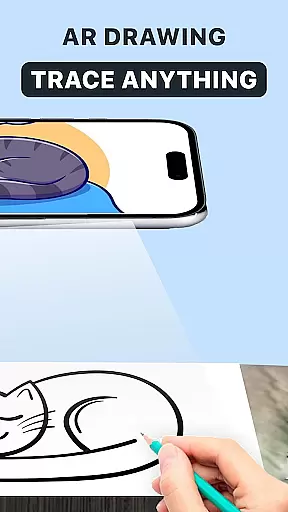
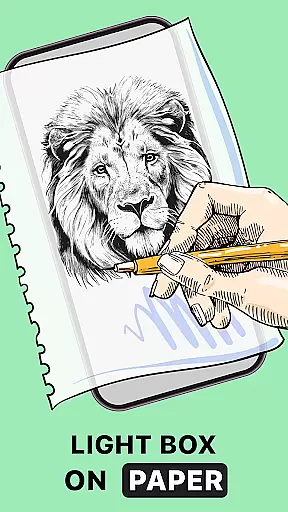
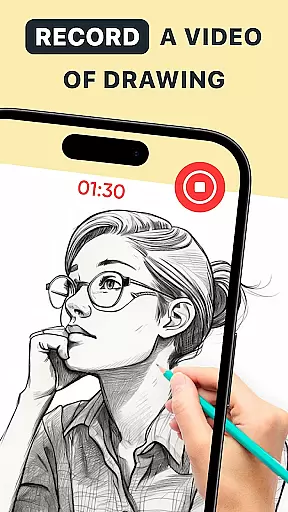
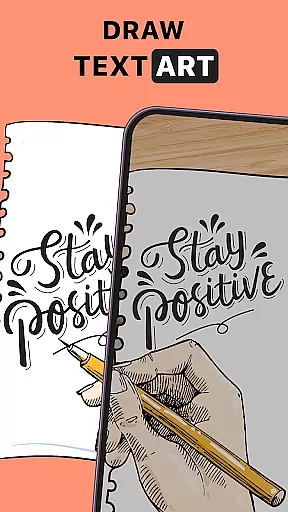
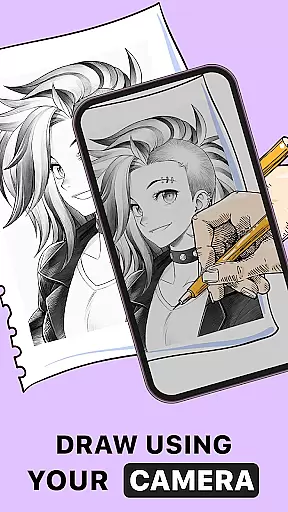
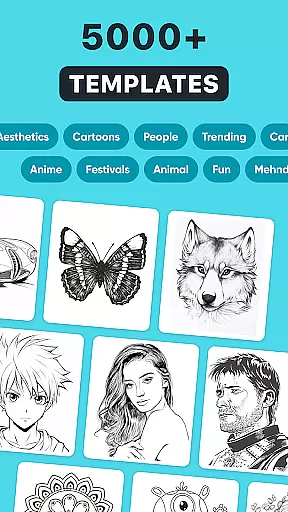
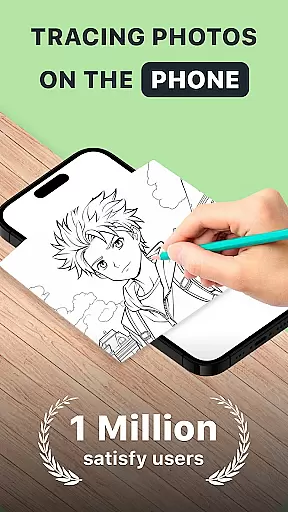
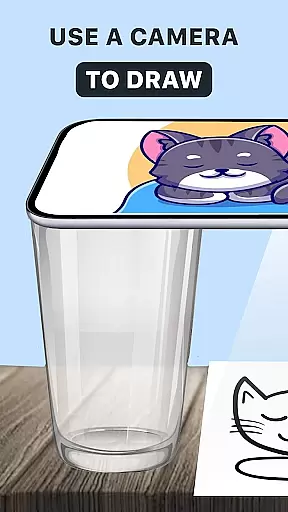
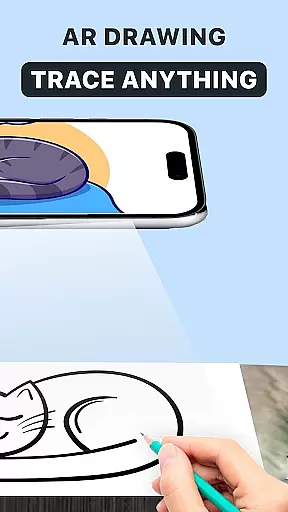
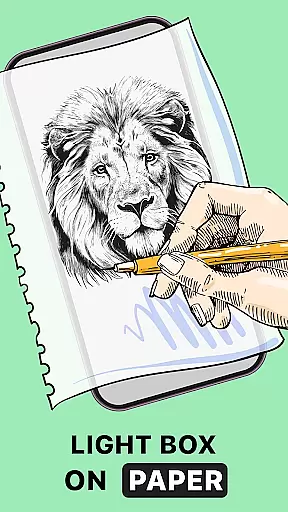
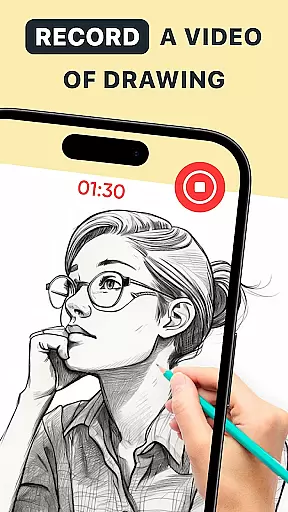
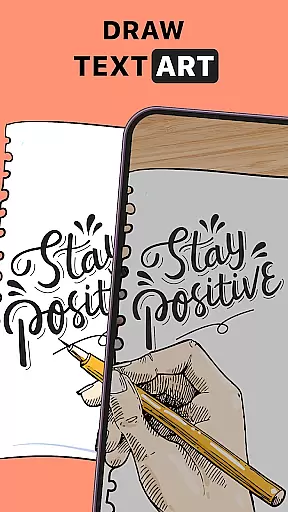
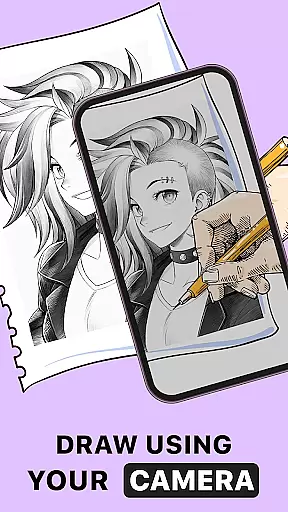
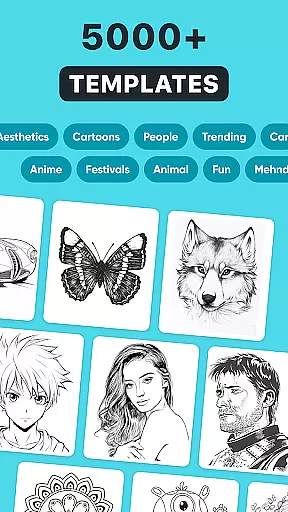
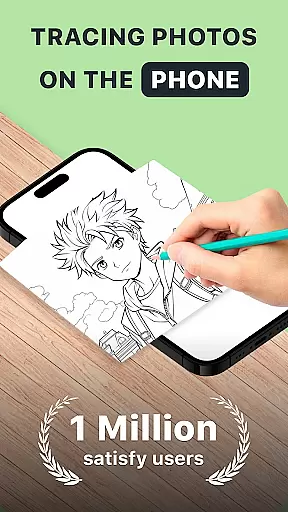
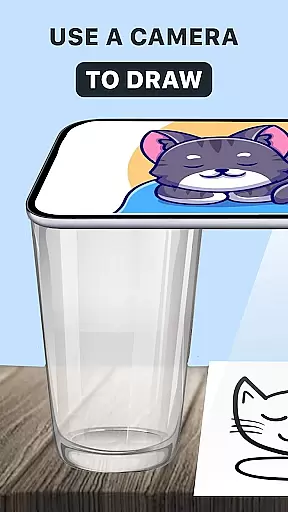
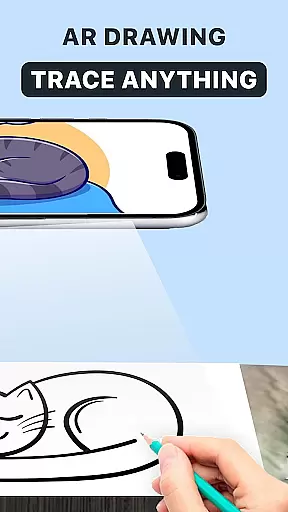
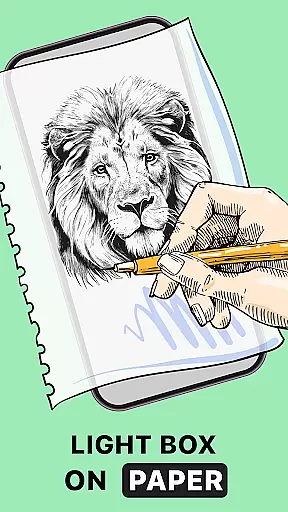
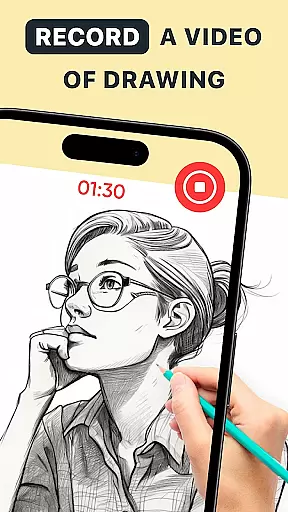
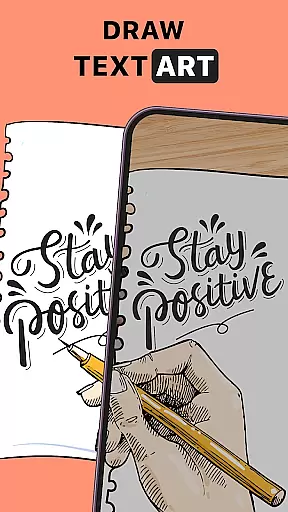
In the realm of digital art, having a comprehensive set of creative tools is paramount. AR Drawing: Trace Anything offers an extensive suite of features that cater to both budding artists and seasoned professionals. The app includes AR drawing, trace drawing, and sketchbook functionalities, allowing users to explore various artistic techniques.
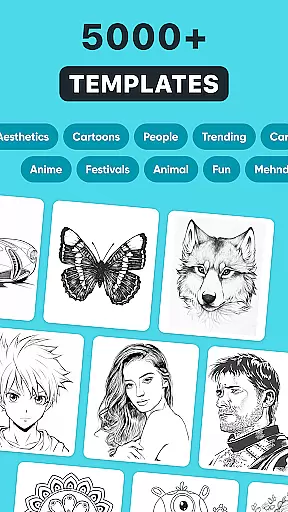
One of the standout aspects of this application is its AR trace to sketch feature. This innovative tool enables users to transform any picture from their gallery or the app's rich library into a traceable outline. By doing so, it simplifies the process of creating detailed artwork and makes it accessible to artists of all skill levels.
The versatility of AR Drawing Sketch Paint enhances the user experience by providing options for transparent and line effects on images. Such customization empowers artists to personalize their work with unique touches, ensuring that every piece created is distinctive. Whether you're into anime-making or complex design work, these tools support diverse artistic expressions.
A canvas in the digital space should offer more than just a blank slate; it needs to adapt to the artist's vision. AR Drawing: Trace Anything excels in canvas and format flexibility, making it an ideal choice for creative minds. Users can draw, sketch, and create without being constrained by traditional formats.
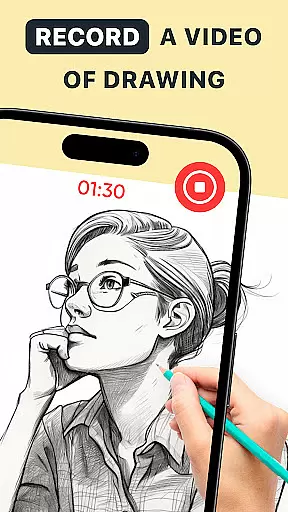
This app allows artists to capture their work through time-lapse recordings, which is perfect for creating AR drawing BTS (Behind The Scenes) content or tutorials. Sharing your creative process becomes seamless, enabling you to teach others how to draw while showcasing your skills.
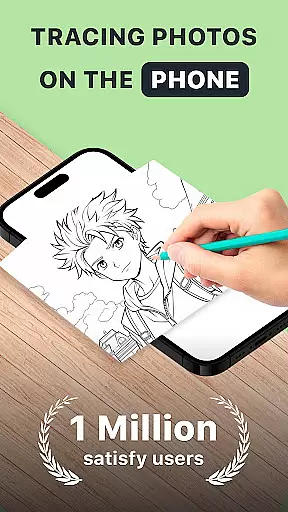
Furthermore, the ability to use the app anywhereu2014whether at home, during travel, or in a parku2014demonstrates its adaptability. With just a phone and paper, users can leverage AR technology to trace anything they desire. This convenience ensures that inspiration isn't lost due to location constraints, offering true creative freedom.

Learn how to draw with step-by-step tutorials, fun lessons & multiplayer drawing
 4.70
4.70
Design your dream room with AI. Get decor ideas & plan home interiors
3.90
Apply cartoon, caricature, and portrait effects to make your photos stand out!
3.60
Trace, draw, and create art with AR - from memes to masterpieces!
4.30
Draw beautiful mandala's very easily
4.60
Create stunning art with AI.
4.80
Image resizer to resize, crop, rotate, flip, change dpi photo or picture in bulk
4.60
A luxurious gold watch face for an elegant and refined look.
4.3
Video AI: Revolutionize Your Content Creation with Advanced Video Generation
4.50
Minecraft & Roblox Clothes
4.70
Painting, drawing, & sketching
4.50
Unleash your drawing and painting potential
4.50
Share the joy of painting with ibis Paint! Drawing anime and manga art.
4.50
AI generated images & photos, turn your words into drawing, painting & pictures.
4.30
Sketch and paint on your device with the feel and freedom of drawing on paper
4.00
Meet the magic aı 3d photo generator and smart AI video generator app.
3.20
Create stunning video, photo & magic from text with FlixAI GPT video generator.
3.10
Download now for a stylish and functional timepiece
4.4
Art of Combination Wear OS Watch faces
4.2


User Reviews