
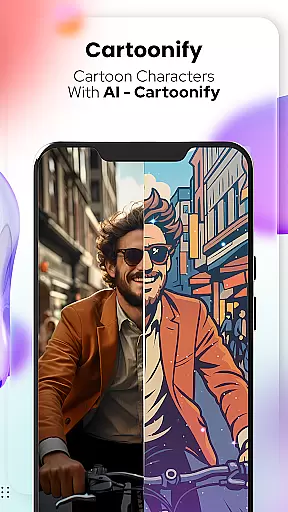
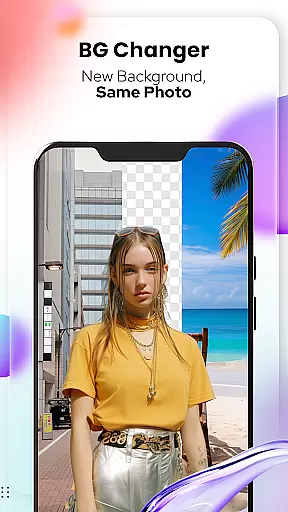
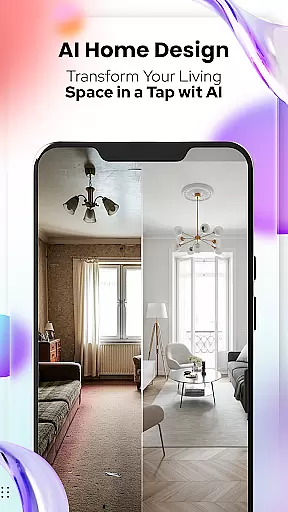
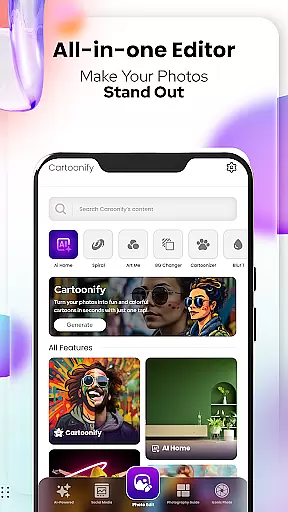
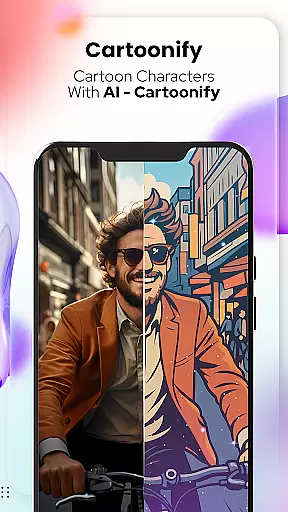
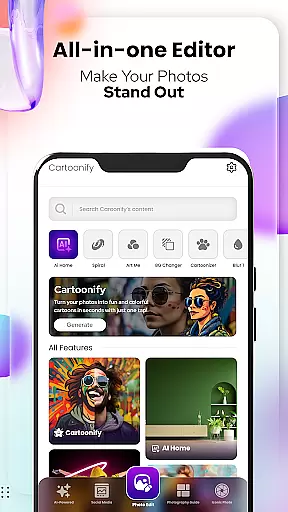
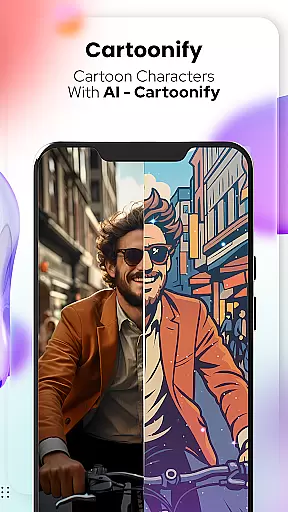
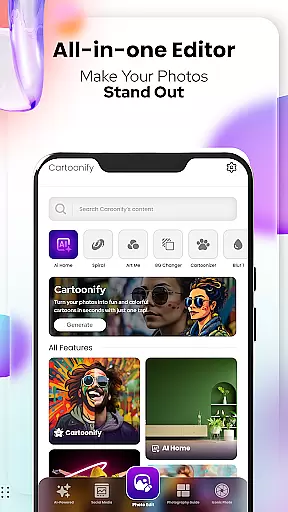
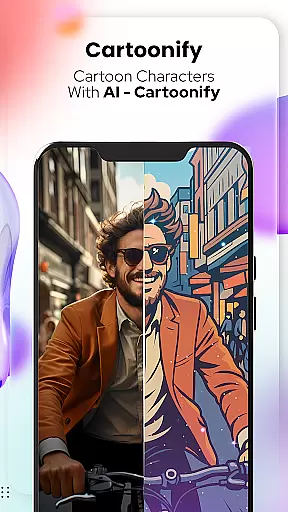
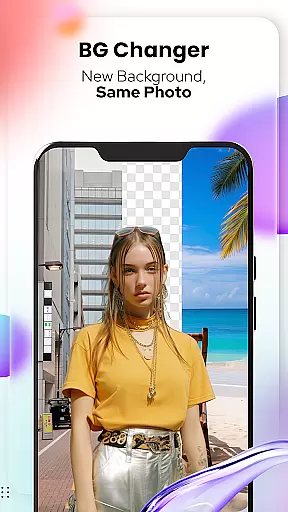
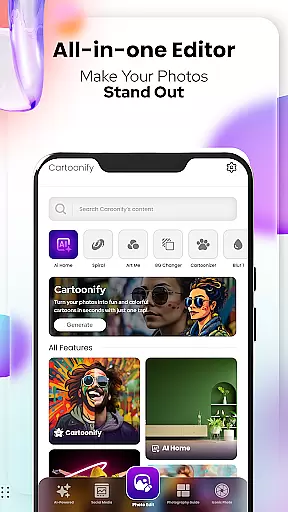
Cartoon Photo Editor - Toon Art is a creative photo editing app that specializes in transforming regular photos into cartoon-style artworks. The app offers multiple features including Cartoonify, which turns any image into a cartoon portrait, and Art Me, providing stunning art filters for unique effects. Additionally, the Pet Cartoonizer feature allows users to give their pet photos a charming caricature makeover. With Background Changer and Sketching tools, users can further customize their creations by altering backgrounds or adding hand-drawn pencil effects.
This app is perfect for social media enthusiasts, pet lovers, and anyone who enjoys experimenting with artistic photo transformations. The intuitive interface and diverse editing options make it easy to create professional-looking cartoon art without any design skills. Whether you want to enhance your profile picture or create fun content for sharing, Cartoon Photo Editor provides all the necessary tools to bring your creative vision to life.
Cartoon Photo Editor stands out with its specialized set of creative tools tailored for cartoon art enthusiasts. The Cartoonify feature uses advanced algorithms to instantly convert any photo into a cartoon-style image, while the Art Me function offers a selection of breathtaking art filters that give portraits a professional touch. The app also includes a dedicated Pet Cartoonizer, applying soft pastel effects specifically designed for animal photos.
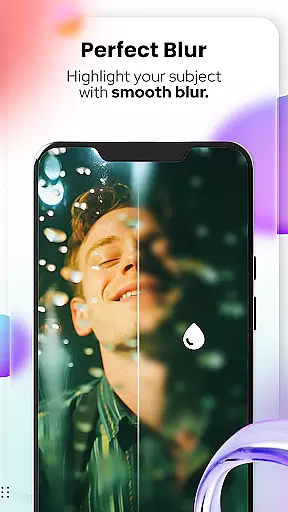
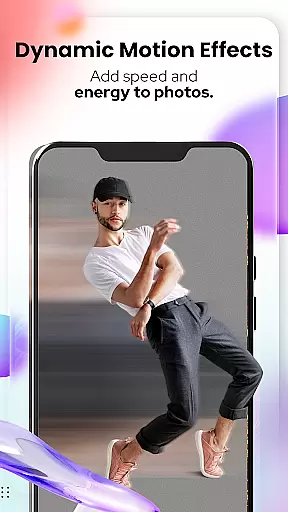
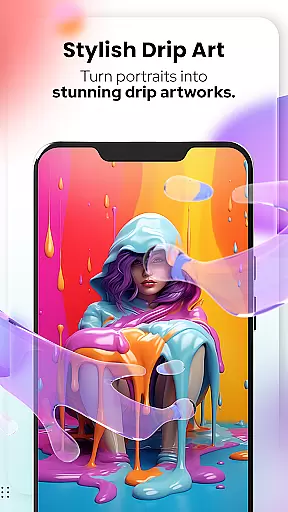
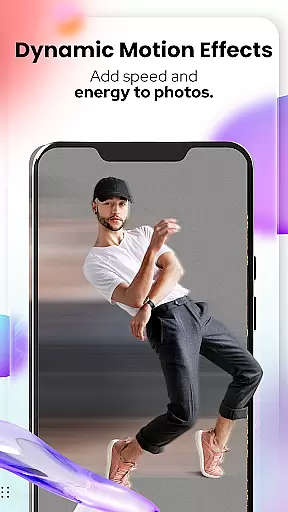
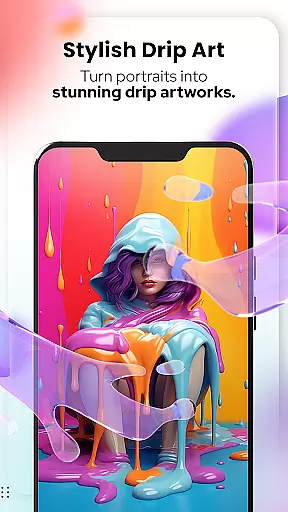
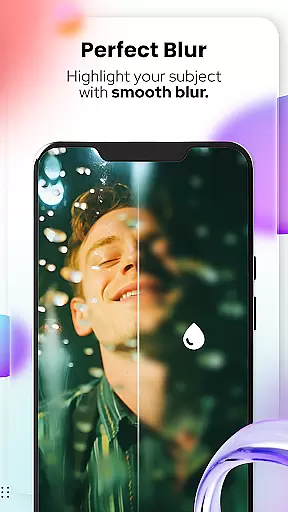
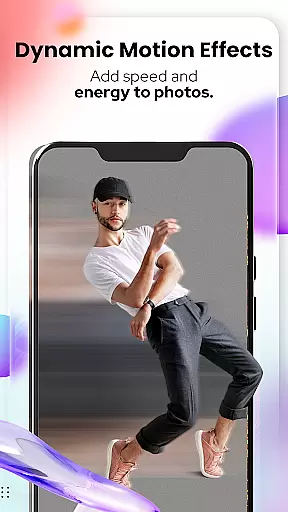
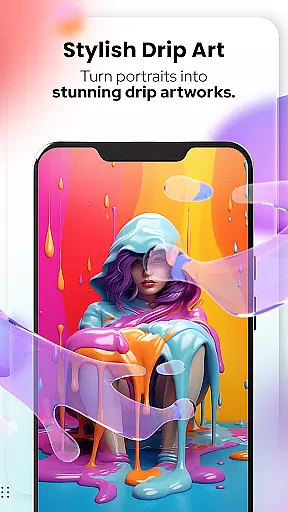
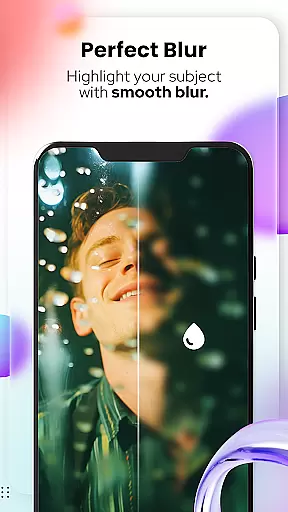
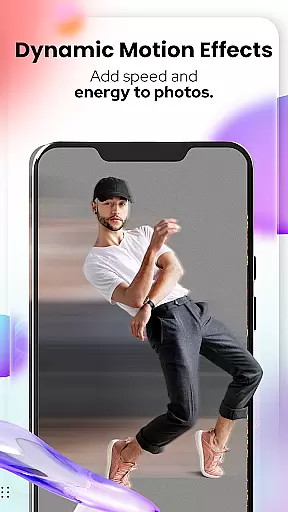
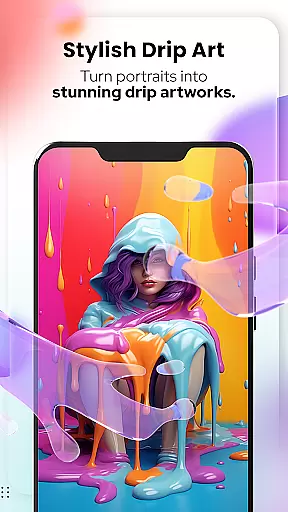
In addition to these core features, the app provides powerful photo editing capabilities. Users can remove or change backgrounds with ease, apply motion blur effects, and use spiral or drip effects for added creativity. The inclusion of traditional editing tools like crop, adjust, overlay, and text functions ensures users have complete control over their edits. These comprehensive features make Cartoon Photo Editor an all-in-one solution for creating unique cartoon-style artwork from regular photos.
In the realm of digital creativity, having a comprehensive suite of tools is essential for unleashing an artist's full potential. Cartoon Photo Editoruff0dToon Art offers an impressive array of features that cater to both amateur enthusiasts and professional designers. With functionalities ranging from Cartoonify, which transforms any image into a delightful cartoon, to Art Me, providing stunning art styles for unique touches, the app ensures that every creative vision can be achieved.
Additionally, the app includes specialized tools such as Pet Cartoonizer, allowing users to give their furry friends a charming caricature makeover. The inclusion of powerful photo editing tools further enhances its appeal, with options like Background Remover/Changer, Blur & Motion Effects, Spiral & Drip Effects, and more. These robust features empower users to manipulate images in diverse ways, ensuring that whether they seek subtle adjustments or dramatic transformations, Cartoon Photo Editoruff0dToon Art stands ready to assist.
The true value of these creative tools lies in their ability to turn ordinary photos into extraordinary pieces of art. By offering detailed sketching capabilities that mimic hand-drawn art and an extensive selection of filters and stickers, this application enables users to craft personalized masterpieces effortlessly. Such versatility not only enriches the user experience but also fosters a deeper engagement with the creative process, making it an indispensable asset for anyone passionate about art and design.
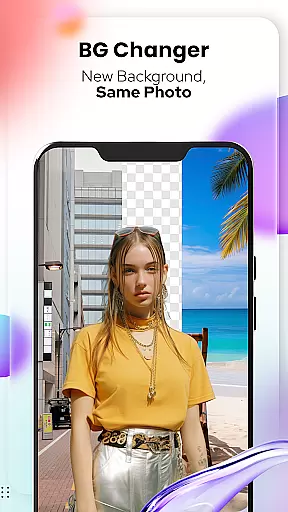
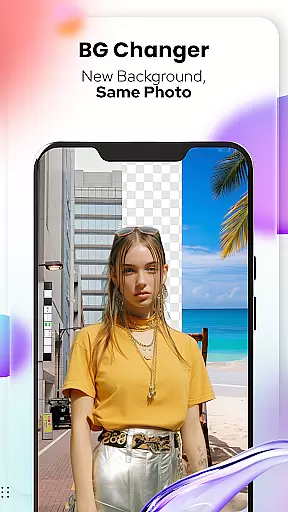
A crucial aspect of any art and design application is its canvas and format flexibility, enabling creators to work without constraints. Cartoon Photo Editoruff0dToon Art excels in this area by providing users with the freedom to modify backgrounds effortlessly. Its Background Changer feature allows for seamless removal or replacement of backgrounds, empowering artists to place their subjects in entirely new contexts. This level of control over the canvas ensures that each piece can be tailored precisely to the creator's vision.
Moreover, the app supports various effects and overlays that enhance format adaptability. Users can apply Blur & Motion Effects, Spiral & Drip Effects, and Mosaic, Splash & Brush techniques to diversify their artistic expressions. These dynamic tools ensure that regardless of the original photo format, there are numerous possibilities for transformation. Whether one seeks to create a vintage look with textured overlays or a modern aesthetic with sleek lines, Cartoon Photo Editoruff0dToon Art accommodates all preferences.
Ultimately, the flexibility offered by Cartoon Photo Editoruff0dToon Art translates into enhanced creative outcomes. Artists can experiment with different styles and formats without worrying about technical limitations. This adaptability not only streamlines the editing process but also encourages innovation and exploration within the digital art space. As a result, users can consistently produce high-quality, visually captivating artwork that resonates with their intended audience.
User-friendly interface
Unique cartoon effects
Pet-specific filters
Background editing tools
Comprehensive art styles
May lack advanced pro features
Some tools could be redundant
Free version limitations
Occasional processing delays
Ads in free version

Art of Combination Wear OS Watch faces (for Wear OS 5+ devices)
 3.00
3.00
Remove Background, Magic Eraser, Photo Enhancer, Story Templates, Collage Maker
4.30
Unleash your drawing and painting potential
4.50
Art of Combination Wear OS Watch faces
4.2
Create color palette from Image, RGB & RYB Color wheel harmonies, Color Scheme
4.50
Your AI soulmate — meaningful chats, and unique emotional moments
4.70
Powerful home decoration & house design that allows you to design dream home.
3.80
Minecraft & Roblox Clothes
4.70
Video AI: Revolutionize Your Content Creation with Advanced Video Generation
4.50
Logo Generator powered by AI: Create stunning logos effortlessly!
4.70
Draw on screen: FP sDraw is a simple and lightweight drawing app
4.70
Castle is social media for creating and playing games!
4.60
Get an overview over all your embroidery threads, projects and more.
4.60
Draw, fidget, and spin glow art! Relax and express your creativity with a finger
4.60
Digital illustration drawing & painting pad app to paint Anime and Manga art
4.50
800+ Drawing, Painting Lessons App to Practice, Sketch & Paint Art.
4.30
AR Anime Drawing: How to draw anime with AR drawing & sketching apps!
4.00
Experience next-gen icons with a modern liquid glass look.
3.60
Download now for a stylish and functional timepiece
4.5


User Reviews