
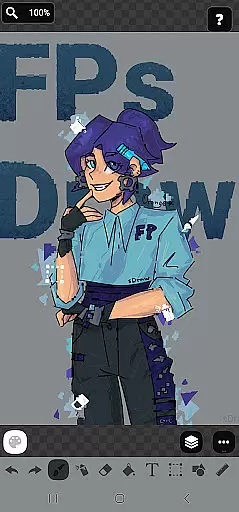
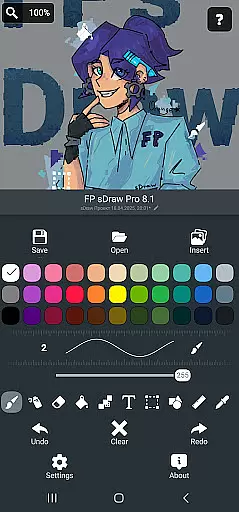
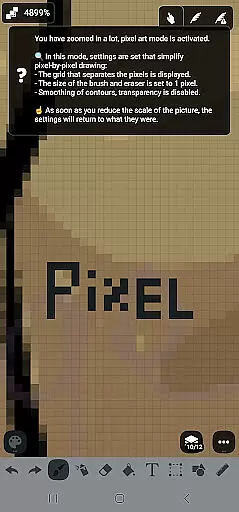
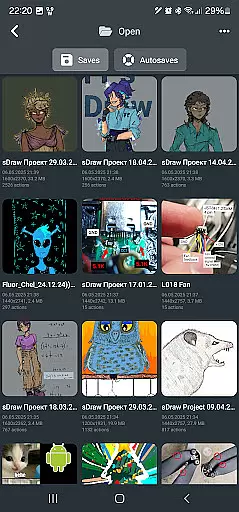
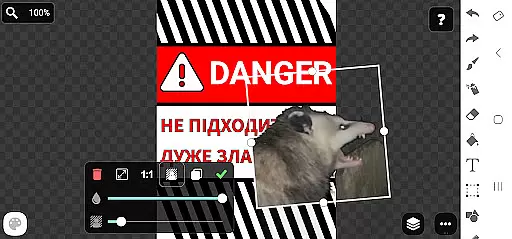
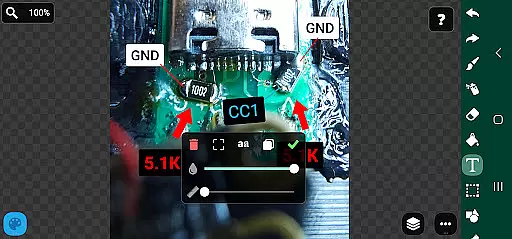
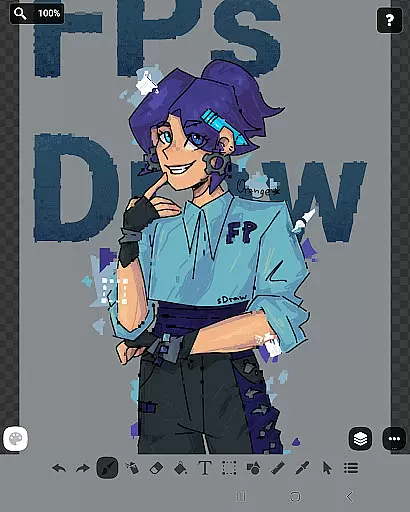
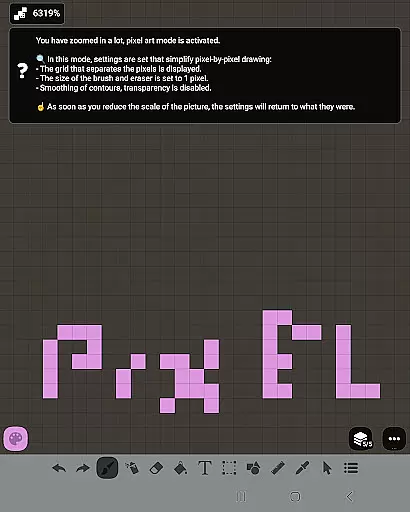
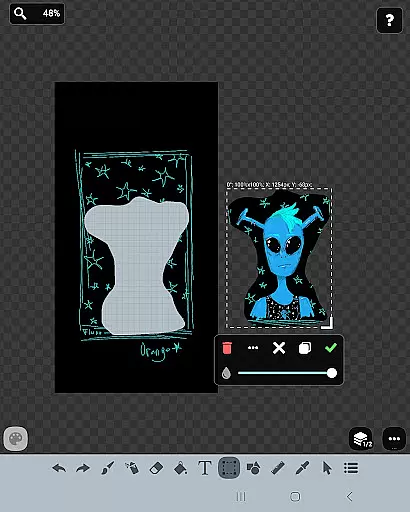
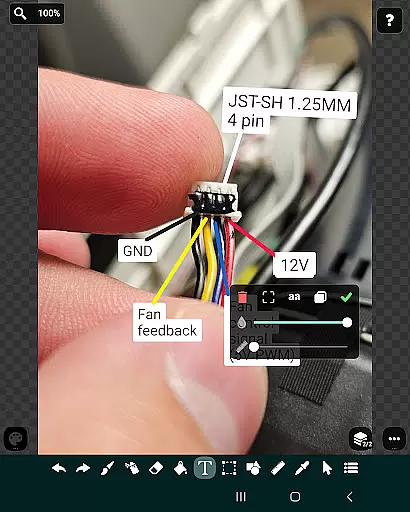
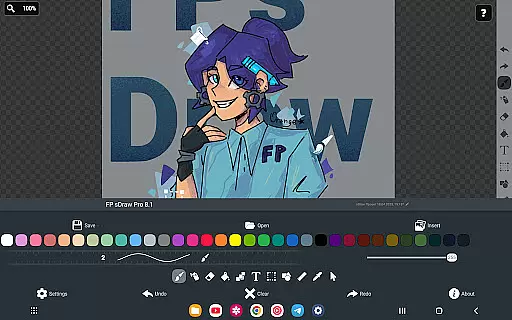
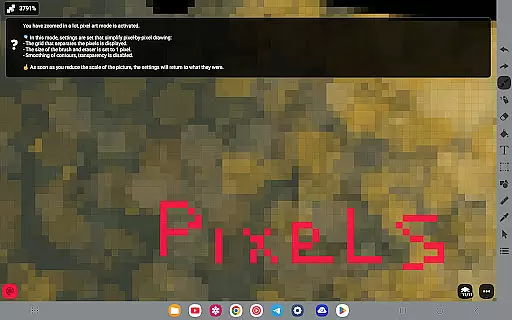
FP sDraw Pro is a streamlined drawing application tailored for users who need a simple yet powerful tool for creative tasks. The app offers a clutter-free experience with no ads, making it perfect for quick sketches, adding text to images, or experimenting with various drawing styles.
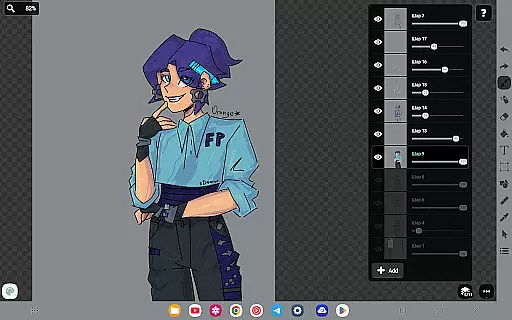
With a lightweight design of less than 1MB, FP sDraw Pro installs quickly and runs smoothly even on older devices. It features an intuitive interface with customizable UI elements and supports advanced tools like layers, airbrush, text insertion, and more. Automatic backups ensure your work is always safe.
This app is ideal for artists, students, and professionals who need a reliable drawing tool that doesn't compromise device performance. Its compatibility with stylus input and volume button shortcuts adds to its versatility, making it a valuable addition to any creative workflow.
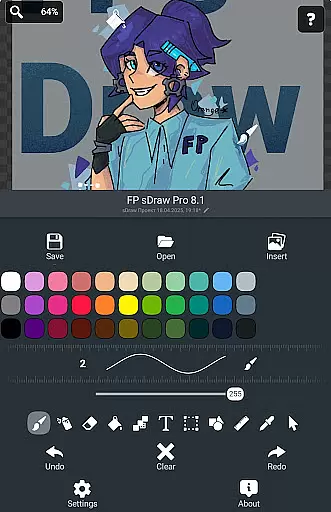
FP sDraw Pro stands out with its comprehensive set of drawing tools designed to cater to both casual and professional users. The app includes essential features such as brush and eraser tools, airbrush effects, fill options, text overlays, and shape creation, allowing for detailed and diverse artwork.
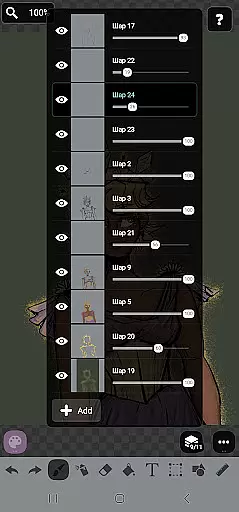
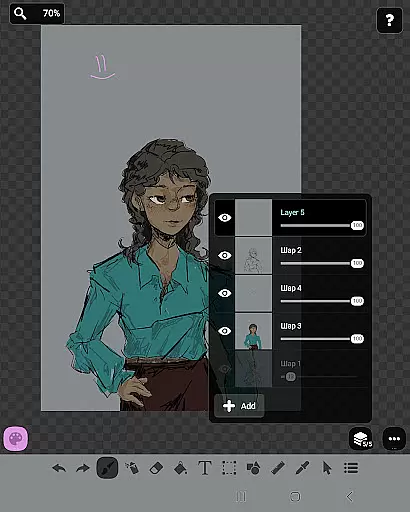
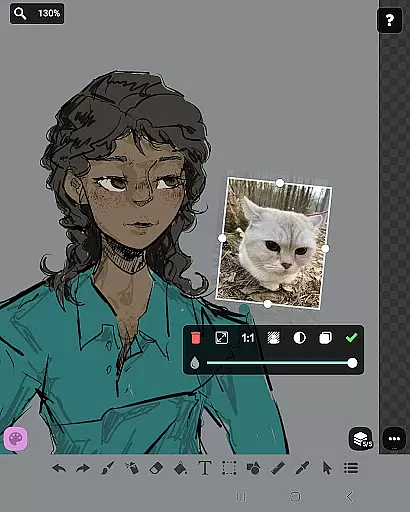
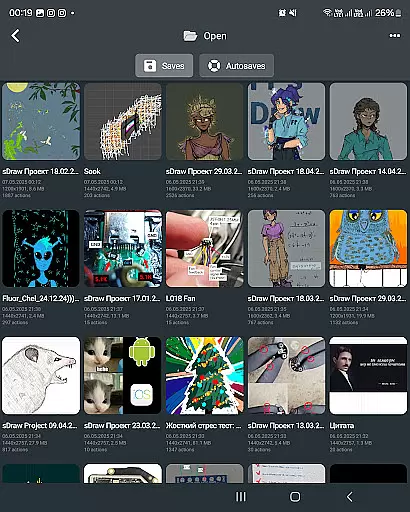
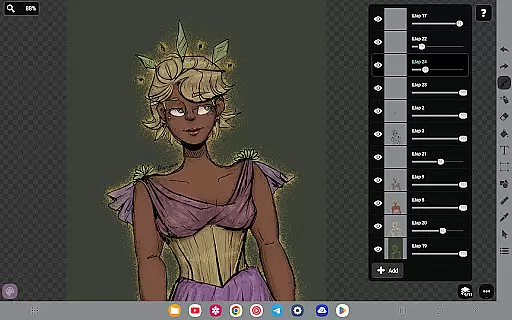
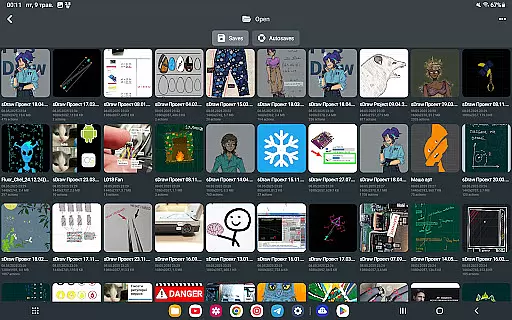
One of the key highlights is the layer functionality, enabling users to organize complex sketches efficiently. The app also supports importing images from the gallery, providing flexibility in creating and editing artwork. Customizable UI elements and stylus support enhance the user experience, while automatic backups offer peace of mind.
For those seeking additional perks, the Pro version removes branding from saved images and eliminates promotional messages. This version maintains full compatibility with projects created in the free version, ensuring a seamless transition for users upgrading their experience.
In the realm of digital artistry, having a comprehensive set of creative tools is paramount. FP sDraw Pro stands out by offering an extensive array of features that cater to both amateur doodlers and professional designers. The application includes essential instruments such as brush and eraser for freehand drawing, alongside more sophisticated options like airbrush, fill, text insertion, and even a precision brush for minute details.
Moreover, FP sDraw Pro supports complex project needs with layers, allowing artists to organize their work efficiently without cluttering the canvas. With additional functionalities including shape templates, a ruler for straight lines, an eyedropper for color selection, and mosaic effects, users can experiment with different styles and techniques effortlessly.
The availability of these diverse tools ensures that creators have everything they need at their fingertips to bring their visions to life without any limitations or interruptions during their creative process.
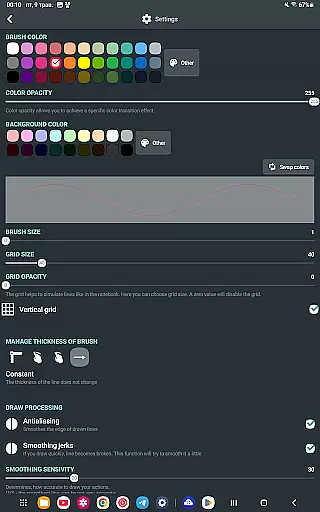
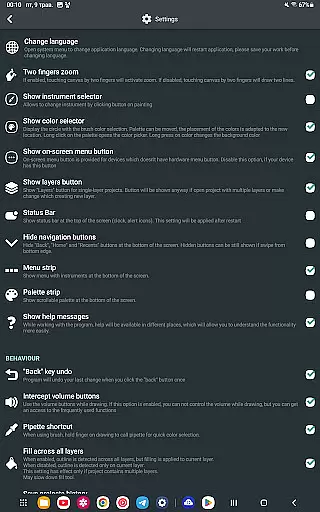
Flexibility in canvas size and format compatibility is crucial for accommodating various artistic projects. FP sDraw Pro excels in this area by providing a customizable interface where even button shapes are adjustable, ensuring every aspect of the workspace suits individual preferences. This adaptability extends beyond mere aesthetics; it empowers artists to tailor their environment according to specific project requirements.
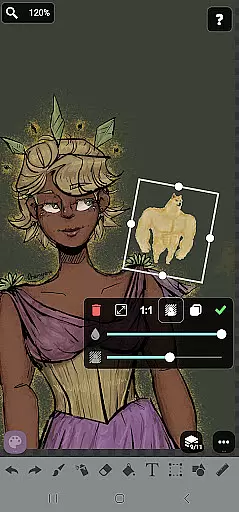
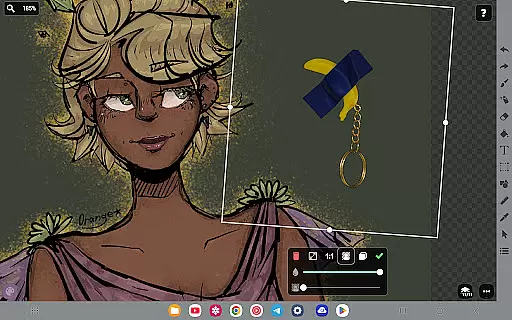
Furthermore, FP sDraw Pro's support for stylus input from devices such as sPen or Active Pen enhances precision when working on detailed illustrations. Artists can seamlessly integrate images from their gallery into their projects, manipulating them within the flexible UI provided by FP sDraw Pro.
This level of customization not only improves user experience but also broadens the scope of what can be achieved using the app, making it suitable for quick sketches or elaborate designs alike.
User-friendly interface
No ads or distractions
Lightweight and fast
Comprehensive drawing tools
Automatic backup feature
Limited advanced features in free version
Basic UI customization only
No cloud sync in free version
Minimal learning resources
Small user community

Premium version of Shimeji-ee app with no ads & no limit active shimeji
 4.3
4.3
Pose and morph realistic male and female models! 3D poser app
3.00
Art of Combination Wear OS Watch faces (for Wear OS 5+ devices)
3.00
AI Face Swap, Video Effects Editor, Realtime Morph, Funny Video FX,AI Filters
3.70
Draw Trace image sketch by, AR art projector app, Easy to trace any image.
4.50
Minecraft & Roblox Clothes
4.70
2D animation studio for Android tablets - unlimited layers, infinite timeline
4.70
Art of Combination Wear OS Watch faces (for Wear OS 5+ devices)
3.90
Explore future self face age filter & remove background image for a unique look.
3.50
Photo stitcher for automatically screenshot stitching into a long screenshot
4.70
The ultimate tool for creating animations
4.60
OneUI 8.5 icons ✨ Smooth, modern & based on the latest Play Store design ??
4.10
Unleash the artist in you with our AR drawing and tracing tool for photo drawing
4.10
Easy 3D drawing design maker & creator. Model designing, Sculpting. Create&paint
4.00
Sketch and paint on your device with the feel and freedom of drawing on paper
4.00
Paint with oils and sketch with natural tools on a realistic virtual canvas.
3.80
Experience next-gen icons with a modern liquid glass look.
3.60
Retouch photos. Create or edit images. Endless capabilities.
2.70
Transform photos into amazing monochrome dither art with professional algorithms
4.2


User Reviews