
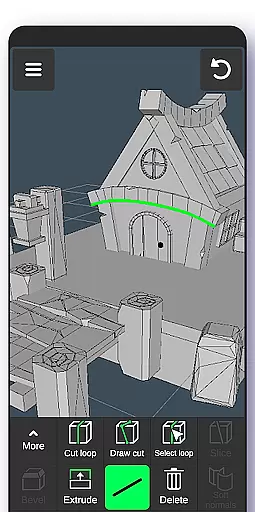
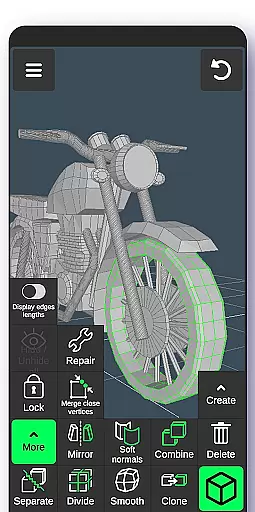
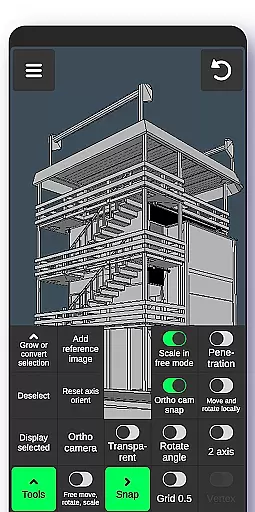
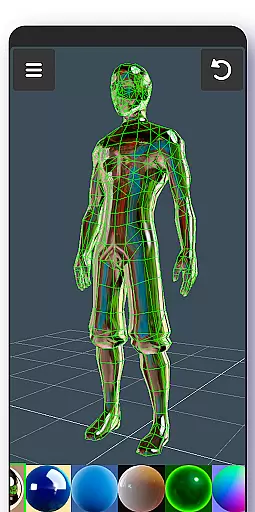
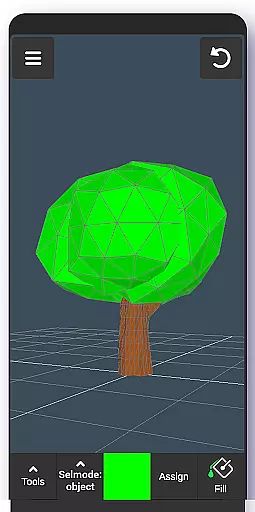
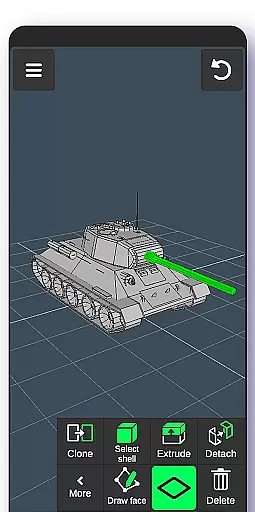
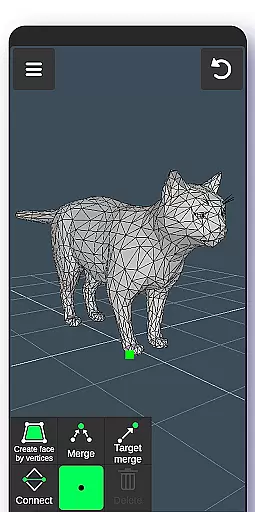
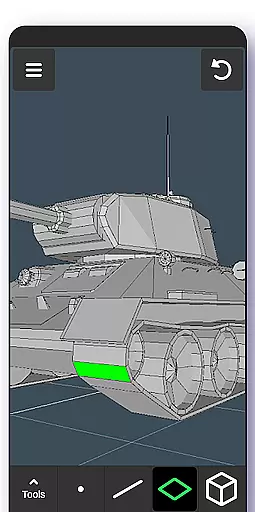
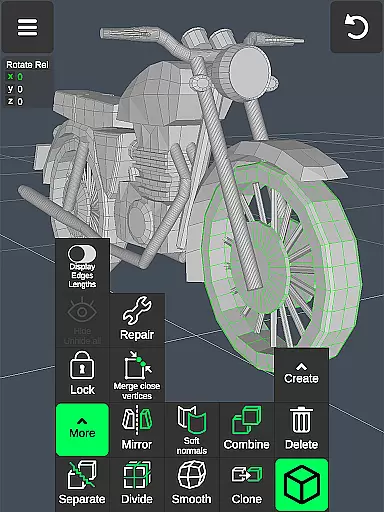
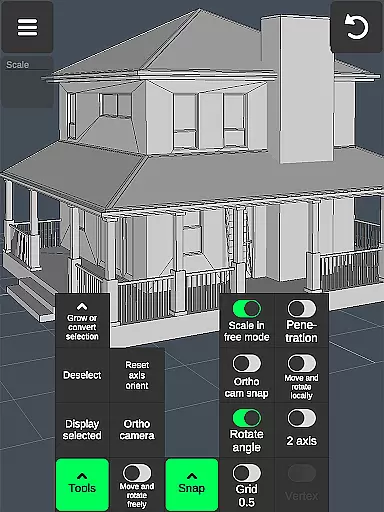
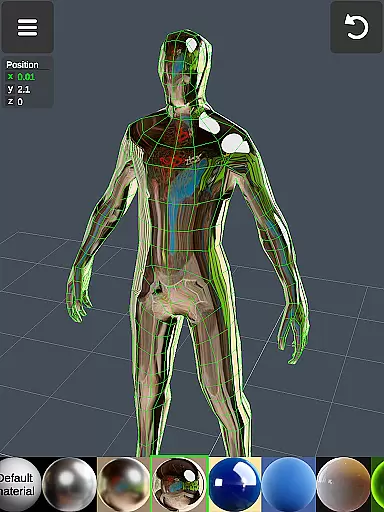
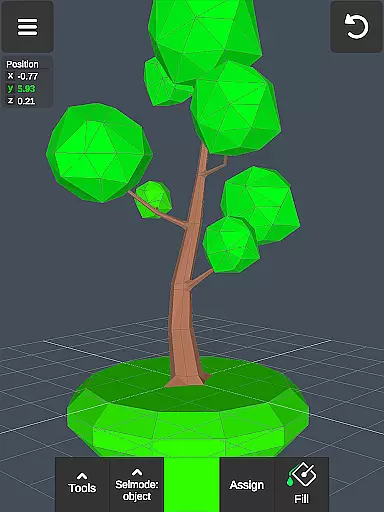
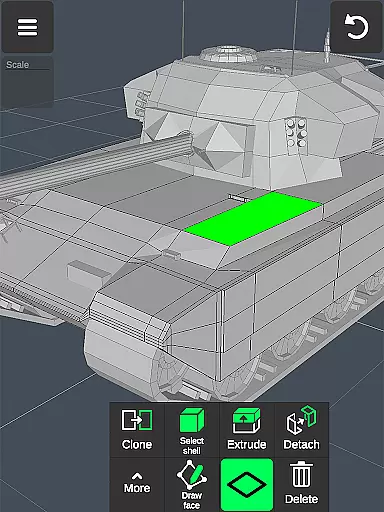
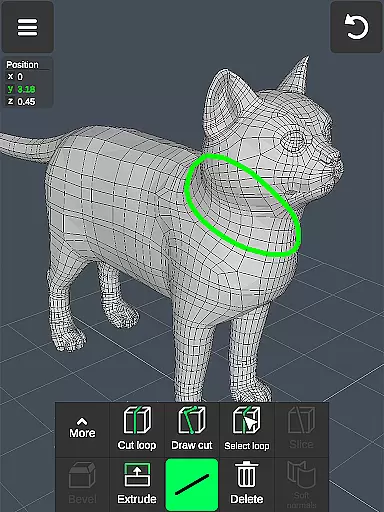
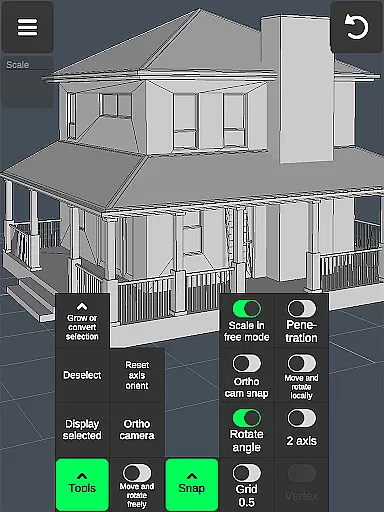

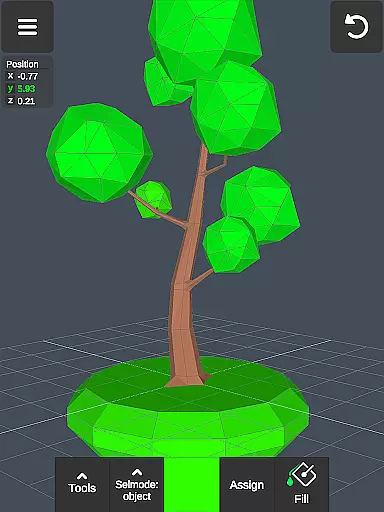
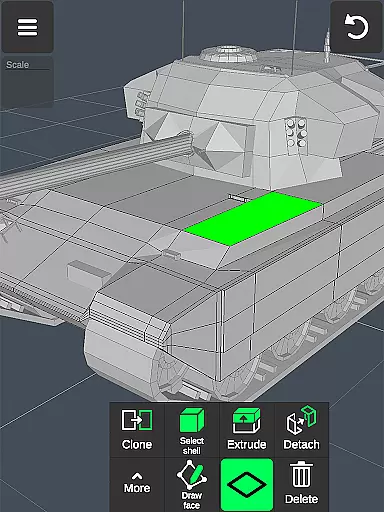
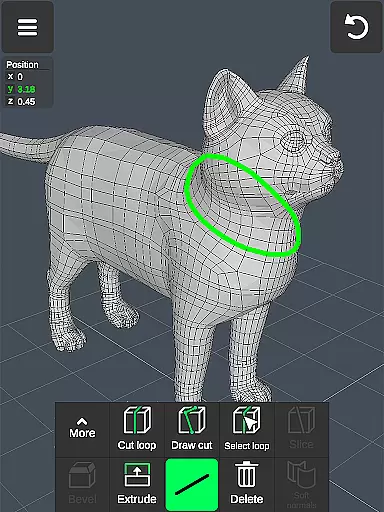
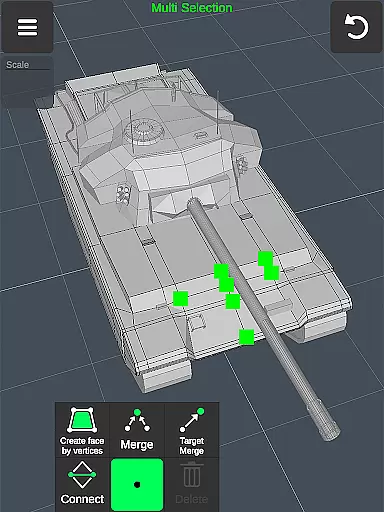
3D Modeling App is a comprehensive mobile solution for creating 3D models, objects, and art using intuitive gestures on your phone or tablet. Designed for professionals and hobbyists alike, this app enables users to craft 3D characters, design games, and produce CGI graphics with precision. The application stands out by offering versatile tools for various industries, including engineering, automotive design, and woodworking.
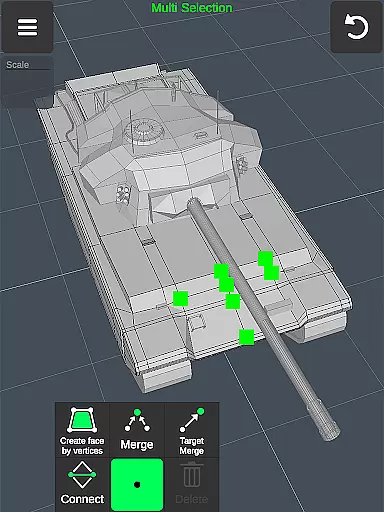
With its robust feature set, the app supports fast workflows through gesture-based controls for moving, rotating, and scaling 3D objects. Users can easily switch between tools and perform complex operations like vertex merging, edge cutting, and face extrusion. Additionally, advanced sculpting tools allow digital artists to refine their creations with adjustable brush sizes and strengths, making it an ideal choice for both quick sketches and detailed projects.
The app boasts an extensive range of features tailored to meet the needs of diverse creative professionals. One standout aspect is its efficient workflow system, which allows users to manipulate 3D images quickly using simple gestures. This includes multi-select capabilities for vertices, edges, faces, and entire objects, streamlining the editing process significantly.
For those focused on detailed work, the app provides specialized tools such as vertex merging, edge loops, and face extrusion. These functionalities enable precise modifications to 3D geometries, catering especially to engineers and designers who require exactness in their work. Moreover, the inclusion of sculpting tools empowers users to push, pull, and smooth surfaces, mimicking traditional sculpting techniques digitally. With support for up to 20 materials and customizable display settings, creators have full control over how their models look and feel.
In the realm of 3D modeling and design, having a comprehensive suite of creative tools is essential for professionals and hobbyists alike. The 3D Modeling App excels in this area by offering an extensive array of features that cater to various aspects of 3D creation. From vertex, edge, and face tools to object manipulation and sculpting options, users are equipped with everything needed to bring their visions to life.
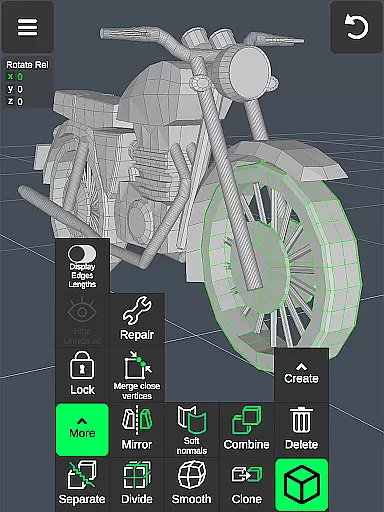
The app provides advanced functionalities such as merging vertices, creating loops, extruding faces, cloning objects, and even mirroring or smoothing models. These capabilities ensure that whether you're crafting intricate details on a character model or designing complex structures for a game environment, the power to do so is at your fingertips.
Moreover, the inclusion of display tools like wireframe views, shadow settings, and axis controls empowers users with precise control over how they visualize their projects. This level of detail allows artists to fine-tune every aspect of their work, ensuring accuracy and enhancing creativity. With up to 20 materials available for coloring, alongside vertex color painting, creators can achieve stunning visual effects within their designs.
By integrating these robust tools into its platform, the 3D Modeling App not only meets but exceeds industry standards, positioning itself as an indispensable asset in any digital artistu2019s toolkit.
A versatile canvas is crucial for unleashing one's artistic potential when working with 3D models. The 3D Modeling App offers remarkable flexibility in terms of canvas size and format compatibility, accommodating diverse project requirements seamlessly. Whether itu2019s adjusting grid sizes, snapping values, or toggling between orthographic and perspective cameras, users have complete freedom to customize their workspace according to specific needs.
This adaptability extends beyond mere aesthetics; practical features such as setting precise move, rotate, and scale values enable meticulous adjustments during the modeling process. Additionally, the ability to freely move vertices, edges, faces, and entire objects without being constrained by grid snaps facilitates organic exploration of ideas while maintaining structural integrity.
Furthermore, support for importing and exporting .obj files ensures smooth interoperability with other leading software solutions including Autodesk Maya, Blender, ZBrush, and more. By embracing widely-used file formats, the app guarantees that creations can be effortlessly transferred across different platforms, thus broadening collaborative opportunities and streamlining workflows.
Ultimately, the combination of customizable workspace parameters and broad format support makes the 3D Modeling App an ideal choice for anyone seeking unparalleled flexibility in their 3D art endeavors.
User-friendly interface
Wide range of professional tools
Supports stylus pens
Efficient gesture controls
Versatile export options
Steep learning curve
High system requirements
Limited free features
No collaborative tools
Occasional bugs

Premium version of Shimeji-ee app with no ads & no limit active shimeji
 4.2
4.2
Create stylish invitation cards using templates for weddings, birthdays & RSVP.
4.20
AI Face Swap, Video Effects Editor, Realtime Morph, Funny Video FX,AI Filters
3.70
Remove Background, Magic Eraser, Photo Enhancer, Story Templates, Collage Maker
4.30
Create color palette from Image, RGB & RYB Color wheel harmonies, Color Scheme
4.50
2D animation studio for Android tablets - unlimited layers, infinite timeline
4.70
Create cute cat emojis & PFPs! Fun, custom avatars for cat lovers.
3.70
Create amazing pictures and unleash your creative genius with AR Drawing Sketch
4.40
All-in-One art, logo & collage maker. Design photos and edit video backgrounds
4.80
Draw glowing spinners, relax, and spin your creative art
4.60
The ultimate tool for creating animations
4.60
Draw Trace image sketch by, AR art projector app, Easy to trace any image.
4.50
Just trace a projected picture on paper and color! Draw & Paint with AR drawing
4.40
Bring One UI 8.5 Icons to life -elegant dark icons with a modern, premium touch.
4.30
Paint with oils and sketch with natural tools on a realistic virtual canvas.
3.80
Apply cartoon, caricature, and portrait effects to make your photos stand out!
3.60
Create stunning video, photo & magic from text with FlixAI GPT video generator.
3.10
Inky runs Inkscape on Android devices and Chromebooks
2.90
Art of Combination Wear OS Watch faces
4.2


User Reviews