
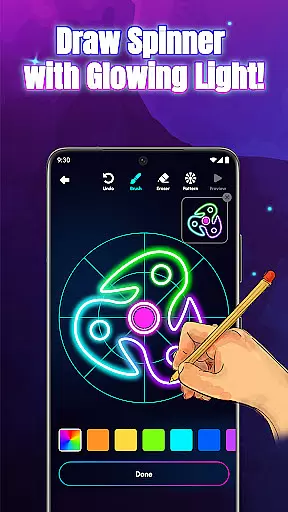
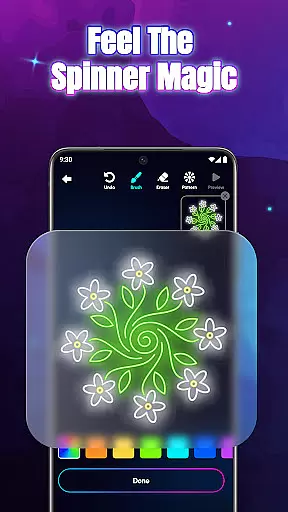
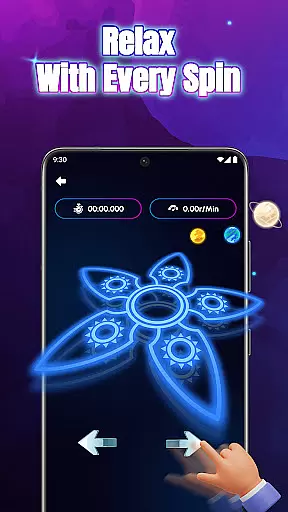
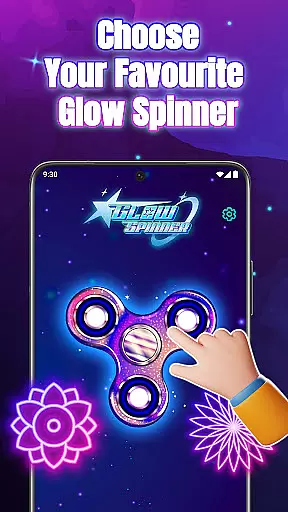
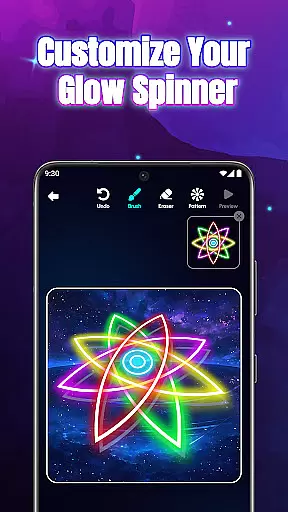
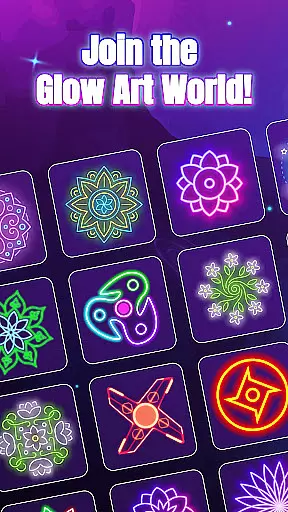
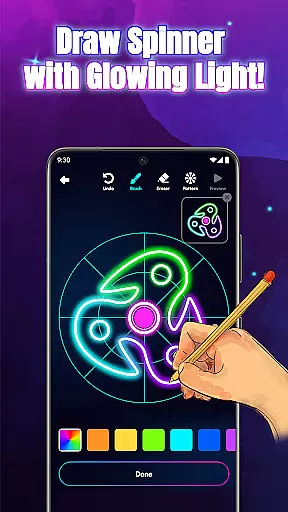
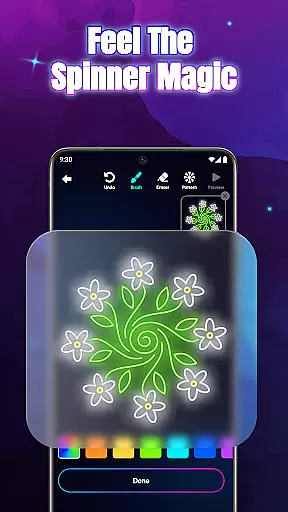
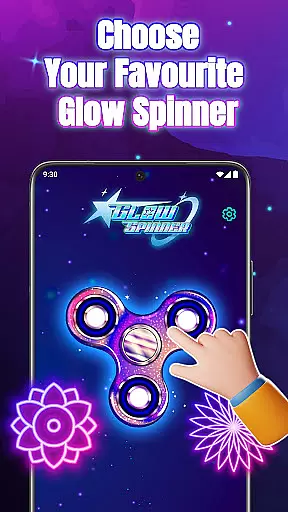
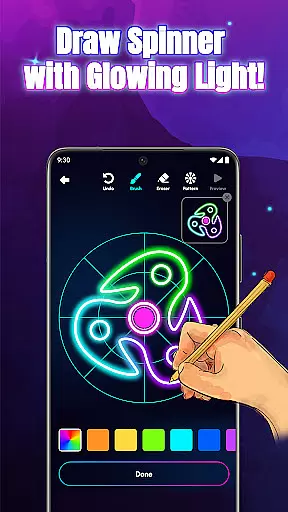
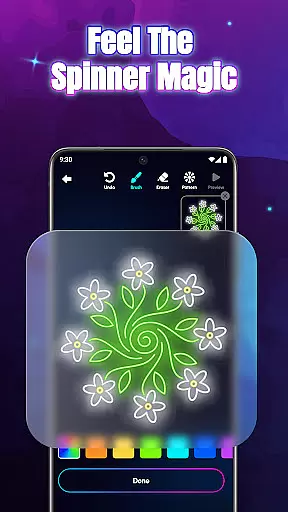
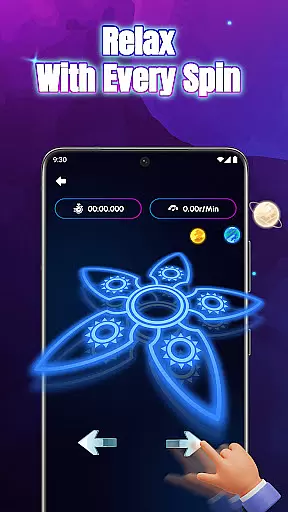
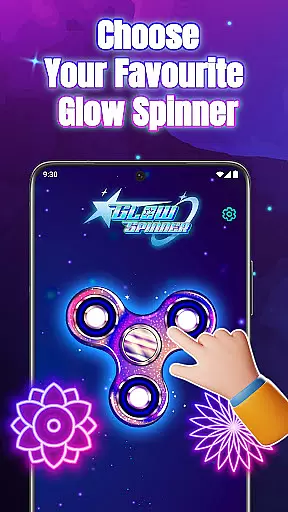
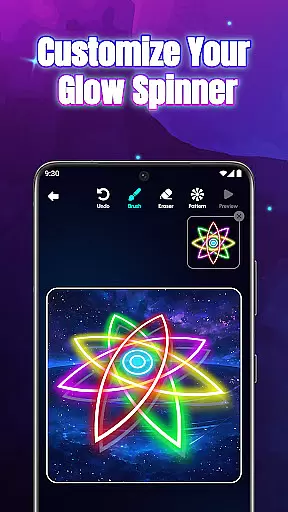
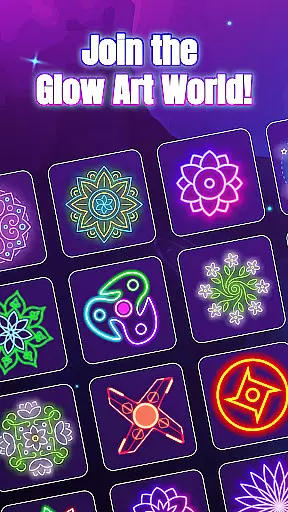
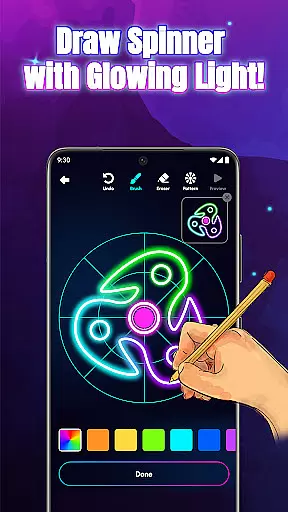
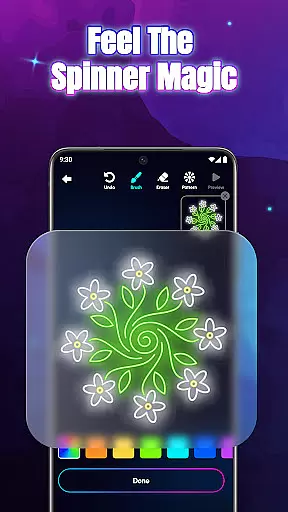
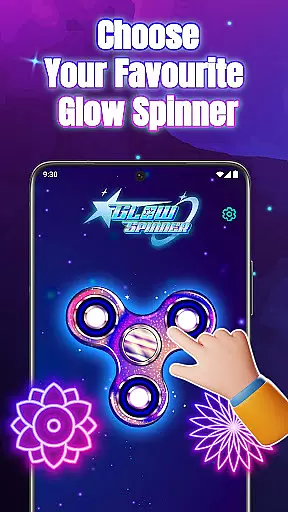
Glow Spinner is an innovative digital art app that combines creativity with relaxation. Designed for both casual users and art enthusiasts, this app allows you to draw glowing spinner art using your finger. The intuitive interface lets you create vibrant neon patterns that come alive with smooth motion and realistic 3D effects. Whether you're looking to relieve stress or explore your artistic side, Glow Spinner offers a unique platform where motion, light, and color converge to inspire calm and focus.
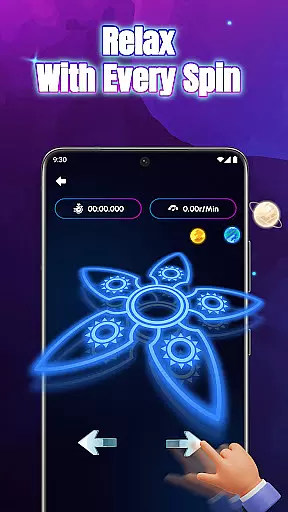
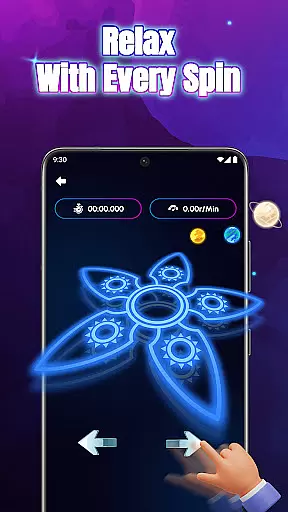
One of the standout features of Glow Spinner is its ability to blend creative expression with soothing experiences. Users can design custom spinners, apply stunning glow effects, and watch their creations spin with lifelike physics. This makes it perfect for unwinding after a long day or simply enjoying a moment of digital play. With its relaxing ambience, complete with soft visuals and gentle soundscapes, Glow Spinner transforms drawing into a therapeutic activity.
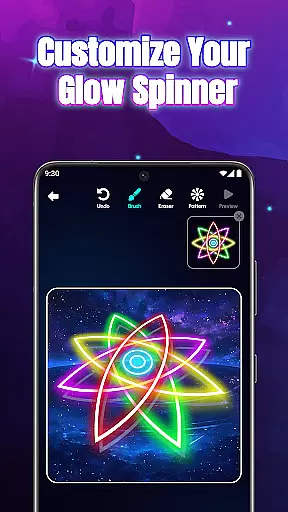
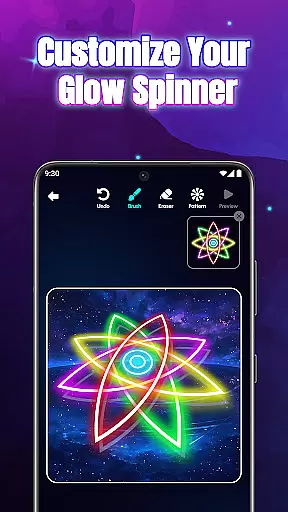
Glow Spinner stands out with its diverse range of features designed to enhance user experience. First, the app offers an intuitive finger-drawing tool that allows anyone to create glowing lines effortlessly. These lines transform into dynamic spinner art with customizable glow effects, including ambient tones and bright neon bursts. The 3D spinner design adds depth and realism, making each creation visually captivating.
Another key feature is the realistic spin physics powered by a responsive physics engine. When users flick their spinners, they move naturally, mimicking real-world motion. Additionally, the app includes an artwork gallery where users can save, revisit, and re-spin their favorite designs. This functionality not only preserves creative work but also encourages continuous exploration. Combined with calming soundscapes, these features make Glow Spinner a comprehensive tool for both fun and relaxation.
Creative tools are essential for any art and design application, and Glow Spinner excels in this area. The app offers an intuitive finger drawing experience that allows users to create glowing spinner art effortlessly. With customizable glow effects, users can choose from various styles, patterns, and colors, ranging from calm ambient tones to vibrant neon bursts.
The 3D spinner design feature adds depth and realism to the creations, making them visually stunning. The realistic spin physics powered by a responsive physics engine ensures that each flick results in lifelike motion, enhancing the overall user experience. These comprehensive creative tools empower users to express their imagination fully.
By providing such complete creative tools, Glow Spinner enables users to explore digital art with ease and confidence. Whether you're looking to unwind or seeking a creative outlet, the app's robust features ensure that your artistic vision can be realized without limitations.
Flexibility in canvas and format options is crucial for artists who wish to customize their workspace according to their preferences. Glow Spinner offers a versatile platform where users can design unique spinner shapes using their fingers. This tactile approach to digital art provides an engaging and personalized experience.
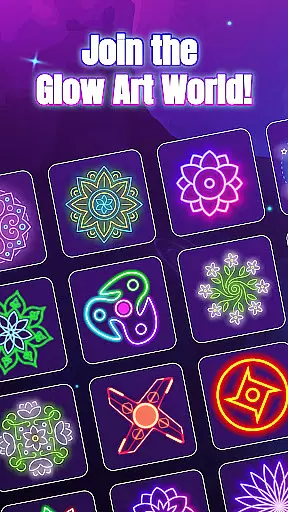
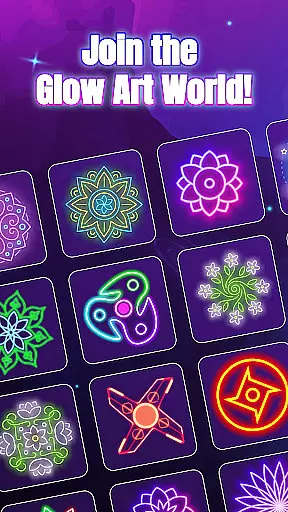
In addition to its flexible drawing capabilities, the app includes an artwork gallery feature. Users can save their favorite creations and revisit them anytime, effectively building a personal collection of glowing art pieces. This feature not only enhances convenience but also encourages continuous exploration and refinement of one's artistic skills.
With Glow Spinner's adaptable canvas and format options, users can enjoy a seamless transition from concept to completion. The ability to view animations and re-spin designs further enriches the creative process, allowing artists to experiment freely and bring their ideas to life in a dynamic environment.
User-friendly interface
Vibrant glow effects
Realistic 3D motion
Stress-relief capabilities
Creative freedom
Limited advanced tools
Few sharing options
No collaborative features
Basic free version
Occasional ads

Pose and morph realistic male and female models! 3D poser app
 3.00
3.00
Apply cartoon, caricature, and portrait effects to make your photos stand out!
3.60
Digital Drawing: Draw & Paint
4.10
Unleash your drawing and painting potential
4.50
AI Art Generator transforms your words into AI generated art & paintings.
3.70
Painting, drawing, & sketching
4.50
Your AI soulmate — meaningful chats, and unique emotional moments
4.70
Minecraft & Roblox Clothes
4.70
Everything you need to create hand drawn animation, anywhere you go!
4.40
Photo stitcher for automatically screenshot stitching into a long screenshot
4.70
Image resizer to resize, crop, rotate, flip, change dpi photo or picture in bulk
4.60
Draw anime & manga drawing, art with templates to create stunning picture!
4.50
Nano Banana AI Image Generator, Anime Filter, AI Portrait, AI Photo Generator
4.30
Create Logos, Tattoos, AI Art & more with our AI Photo Generator & Design Editor
4.20
Powerful home decoration & house design that allows you to design dream home.
3.80
Create cute cat emojis & PFPs! Fun, custom avatars for cat lovers.
3.70
Experience next-gen icons with a modern liquid glass look.
3.60
Transform photos into amazing monochrome dither art with professional algorithms
4.5
Your Essential Color Theory Guide: Red, Yellow, Blue (RYB)
4.3


User Reviews