
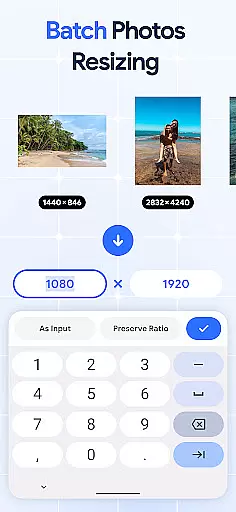
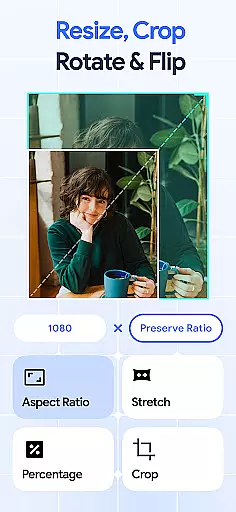
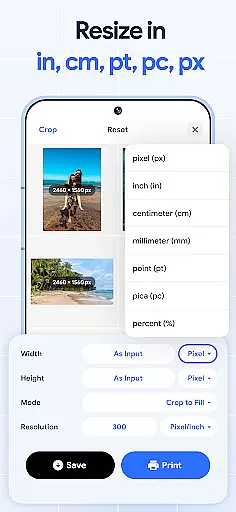
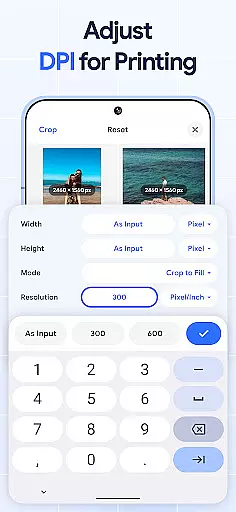
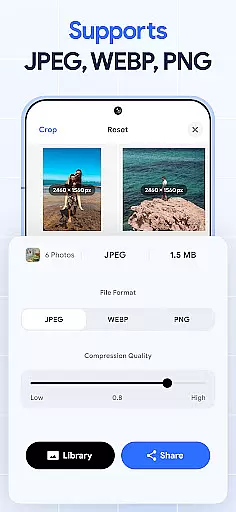
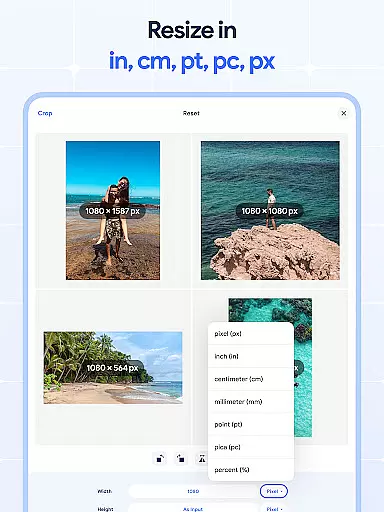
Image Resizer: Crop Photo is a versatile tool designed for resizing, cropping, rotating, flipping, and compressing images. This app caters to users who need to adjust photo resolution, change image size, or prepare images for storage and sharing on social media platforms. With its intuitive interface, the app allows both quick edits and detailed adjustments.
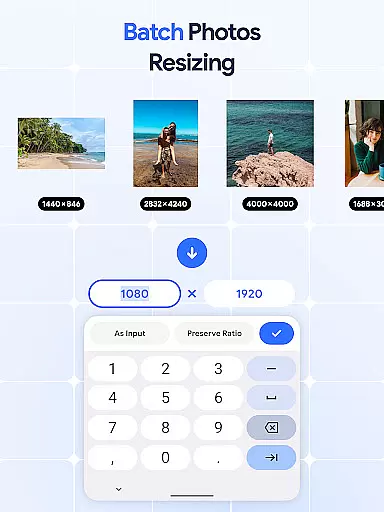
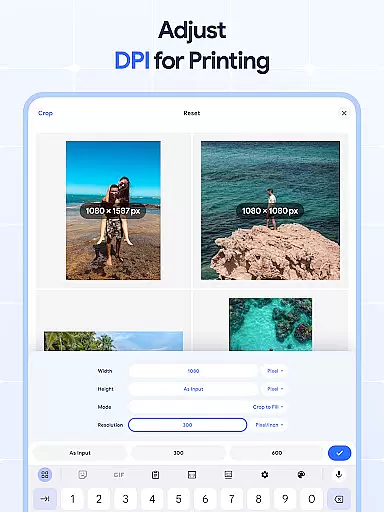
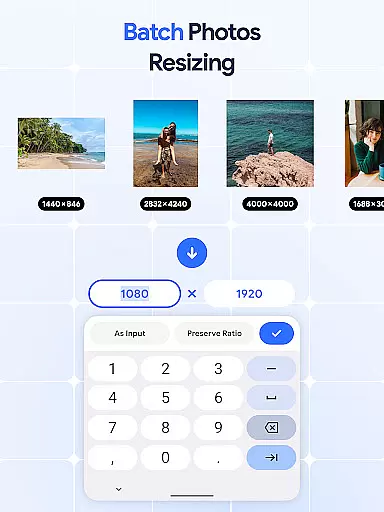
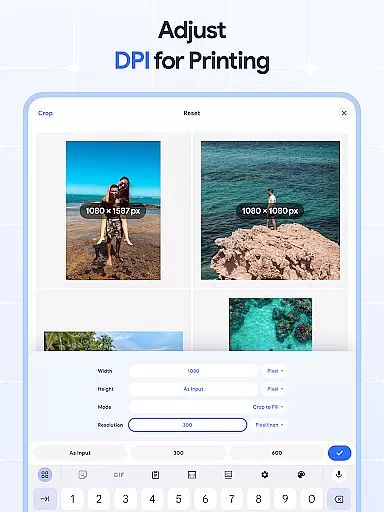
The application stands out with its batch processing capabilities, enabling users to resize multiple images simultaneously. Whether you need to rotate pictures in bulk, crop images precisely, or flip photos for creative effects, this app provides all the necessary tools. Additionally, the dpi changer ensures high-quality prints by allowing users to modify image resolution effectively.
For photographers, bloggers, and social media managers, Image Resizer offers an efficient solution to manage and optimize images. The ability to compress photos without significant quality loss makes it ideal for those looking to save storage space while maintaining professional standards.
Image Resizer: Crop Photo boasts an array of features that make image editing accessible and efficient. One of its core functionalities is the ability to quickly resize images for various purposes, whether for social media optimization or storage management. The app's batch resize feature allows users to handle multiple images at once, significantly speeding up workflow.
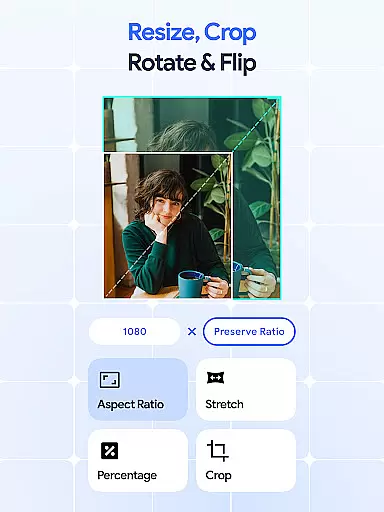
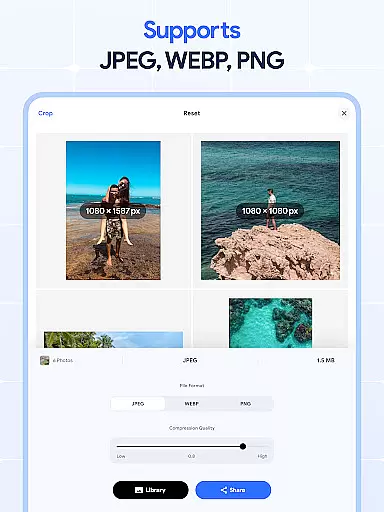
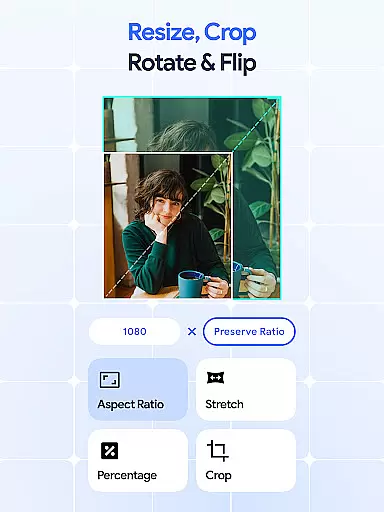
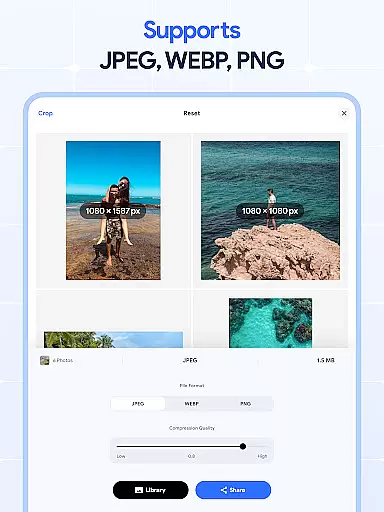
In addition to resizing, the app offers precise cropping tools to remove unwanted parts of an image. Users can also rotate and flip images with ease, creating mirrored effects or adjusting orientation as needed. The inclusion of a dpi changer ensures that images maintain high resolution, crucial for print quality. Furthermore, the photo compressor reduces file sizes without compromising image integrity, making it easier to share and store photos.
What sets Image Resizer apart is its combination of powerful editing tools with user-friendly design. Each feature is crafted to provide both amateur and professional users with the means to enhance their images efficiently. From bulk operations to detailed adjustments, this app streamlines the editing process while delivering consistent results.
In the realm of digital art and design, having access to comprehensive tools is essential for bringing creative visions to life. Image Resizer stands out by offering a wide array of features that cater to various image editing needs.
From resizing images for different platforms to adjusting photo resolution and changing DPI for print quality, this app provides users with everything they need in one place. The inclusion of batch processing capabilities further enhances productivity, allowing designers to apply changes across multiple files simultaneously.
Moreover, the ability to crop, rotate, flip, and compress images adds another layer of versatility. These functionalities empower users to make precise edits, remove unwanted elements, or create mirrored effects effortlessly. Such extensive toolset ensures that artists can fully express their creativity without limitations.
By consolidating these powerful features into a single application, Image Resizer not only simplifies workflows but also significantly boosts efficiency. Designers can focus more on their artistic process rather than switching between different software solutions.
Flexibility in canvas size and format options is crucial for accommodating diverse project requirements and personal preferences within art and design projects. Image Resizer excels in providing unparalleled adaptability when it comes to manipulating image dimensions and formats.
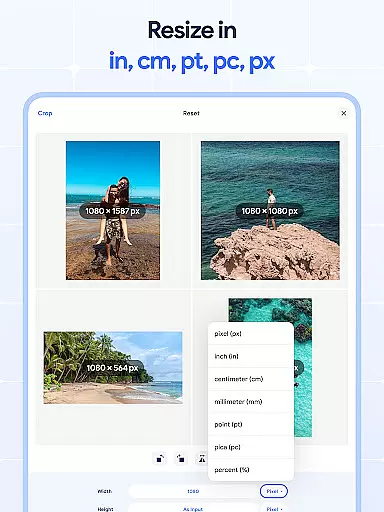
Whether you're preparing visuals for social media posts, optimizing images for web use, or ensuring high-quality prints, this app allows you to tailor your canvas precisely as needed. Users can easily modify image sizes while maintaining aspect ratios, thus preserving the integrity of their original compositions.
The support for bulk operations extends this flexibility even further, enabling efficient handling of large volumes of images. This feature proves invaluable when working on extensive collections where consistency in formatting is key.
Ultimately, Image Resizer's commitment to offering flexible canvas and format choices empowers creators to tackle any challenge confidently. With such robust capabilities at hand, artists can explore new creative avenues knowing they have the right tools to execute their ideas flawlessly.
User-friendly interface
Batch processing capabilities
High-quality compression
Precise cropping tools
Versatile editing options
Limited advanced editing
No cloud integration
Basic filters only
Occasional bugs
Ads in free version

AI generated images & photos, turn your words into drawing, painting & pictures.
 4.30
4.30
Download now for a stylish and functional timepiece
4.3
Create sweet, cool and unique couple avatars easily, in just a few steps!
3.40
Apply cartoon, caricature, and portrait effects to make your photos stand out!
3.60
Trace, draw, and create art with AR - from memes to masterpieces!
4.30
Unleash Your Creativity with Draw Cartoon - AR Drawing App
4.10
Draw anime easily with AR guidance, sketch templates & trace tools!
3.10
Draw, make movies & animate cartoons easily with our 2D animation maker app
4.40
Multiplayer Drawing game, Coloring, Painting・Sketch, Handwriting・Paint, draw
4.30
Passport size photo maker, create ID photo and visa photo in seconds
4.80
Mobile pixel art editor. Simple. Fast. Portable.
4.80
Draw, fidget, and spin glow art! Relax and express your creativity with a finger
4.60
Everything you need to create hand drawn animation, anywhere you go!
4.40
Create and Design Custom Logos in Seconds with AI-Powered Tools!
4.40
Unleash the artist in you with our AR drawing and tracing tool for photo drawing
4.10
AR Anime Drawing: How to draw anime with AR drawing & sketching apps!
4.00
Turning simple sketches into captivating tales filled with life and motion
3.90
Create cute cat emojis & PFPs! Fun, custom avatars for cat lovers.
3.70
Retouch photos. Create or edit images. Endless capabilities.
2.70


User Reviews