
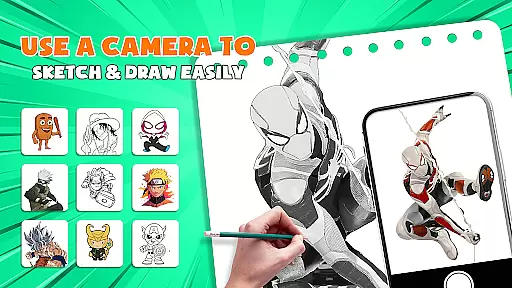
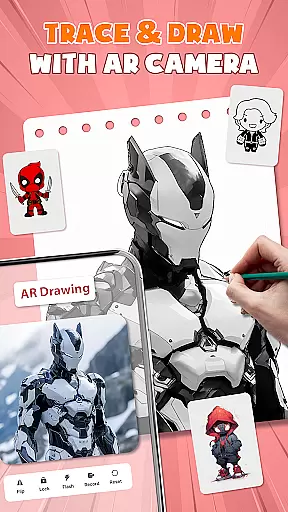
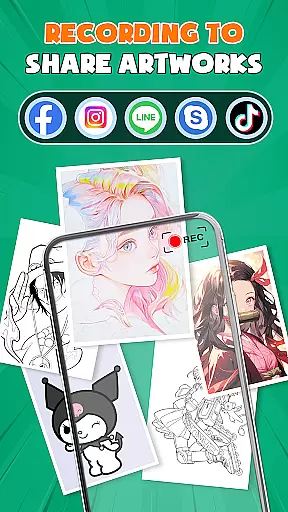
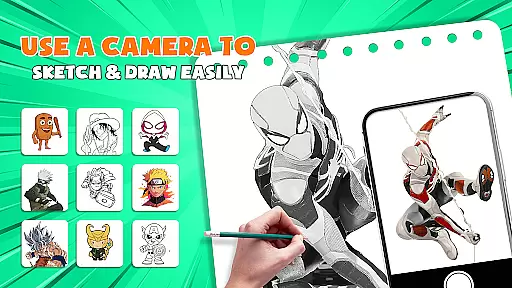
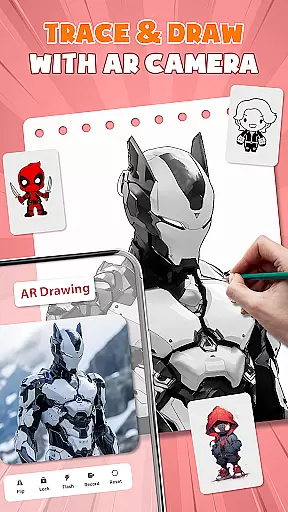
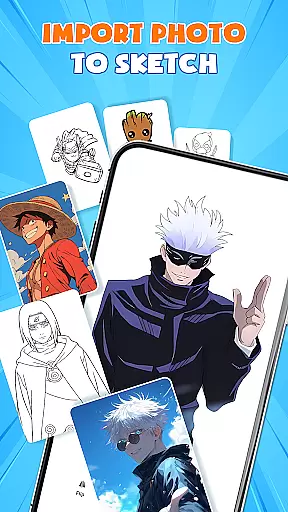
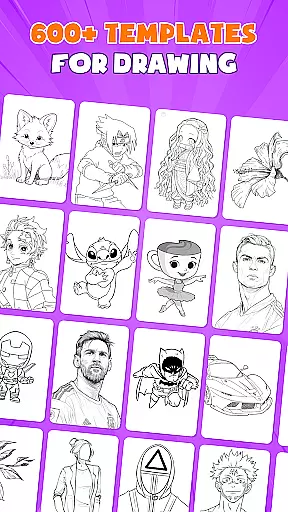
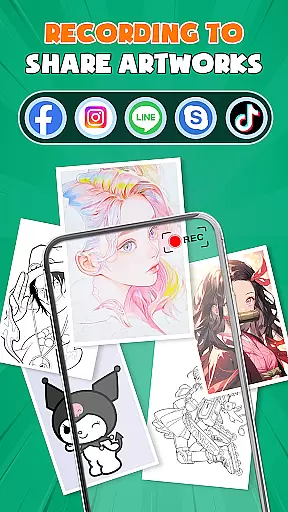
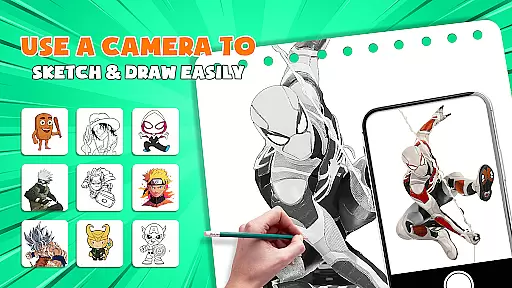
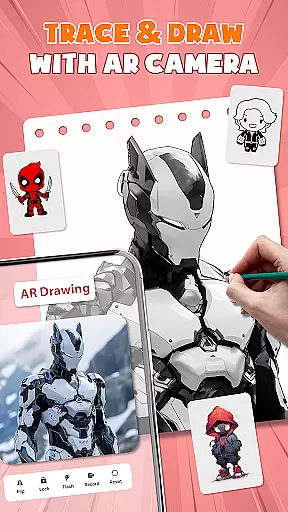
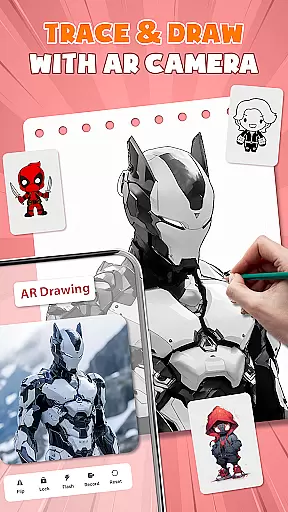
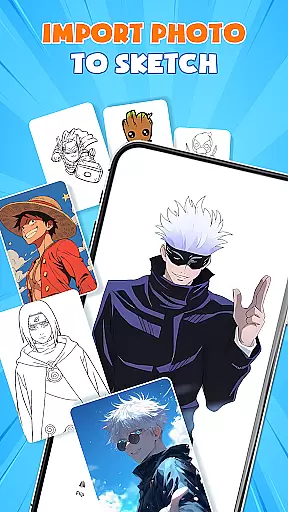
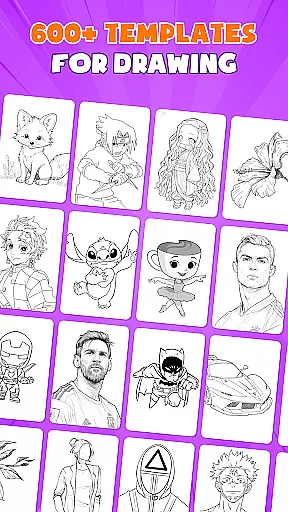
AR Drawing - Paint & Sketch is an innovative art application that combines augmented reality with traditional drawing techniques. This app allows users to create anime-style artwork using advanced AR tracing and sketching tools. With features like AR projection, precise tracing overlays, and a vast library of free templates, the app caters to both beginners and professional artists.
The application provides a complete suite of painting and sketching tools, including vibrant brushes, shading options, and specialized modes for anime creation. Users can import images, adjust opacity, and trace directly on paper or canvas. The app also includes game-like challenges and competitions, making the creative process engaging and fun.
Whether you're learning to draw or looking to master complex anime designs, AR Drawing - Paint & Sketch offers professional-grade tools in an easy-to-use interface. Its community features allow artists to connect, share work, and receive feedback, creating a supportive environment for artistic growth.
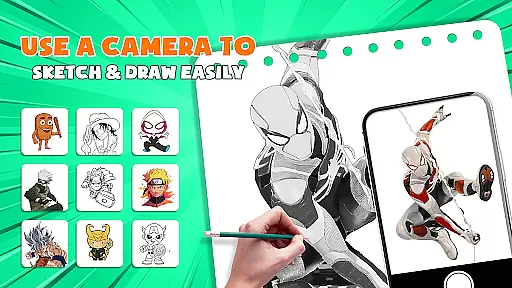
AR Drawing - Paint & Sketch stands out with its comprehensive set of features designed for various artistic needs. The app's AR projection capability transforms your device into a mobile projector, enabling precise tracing of real-world objects and scenes. This feature is particularly useful for artists who want to replicate complex shapes or improve their technical drawing skills.
The application includes specialized modes for different art styles, such as anime studio presets, tattoo drawing, and pencil sketching. Each mode comes with customizable settings and professional-grade tools. The anime studio, for instance, offers step-by-step tutorials, preset effects, and overlay options specifically tailored for creating Japanese-style artwork.
What sets this app apart is its integration of social and competitive elements. Through drawing games and tournaments, users can participate in challenges, compete with others, and track their progress. The community features enable artists to share their creations, follow other users, and engage in constructive discussions about their work.
AR Drawing - Paint & Sketch offers an extensive suite of creative tools that cater to both amateur and professional artists. The app includes AR projection and tracing features, allowing users to turn their devices into mobile projectors for precise tracing. This functionality is particularly beneficial for those who want to draw real-world scenes and characters with accuracy.
In addition to the tracing capabilities, the app provides a full suite of painting features. Users can take advantage of AR pencil drawing for shading, vibrant brushes for coloring, and various art drawing and sketching options. These tools ensure that artists have everything they need to create detailed and colorful artwork directly on their mobile devices.
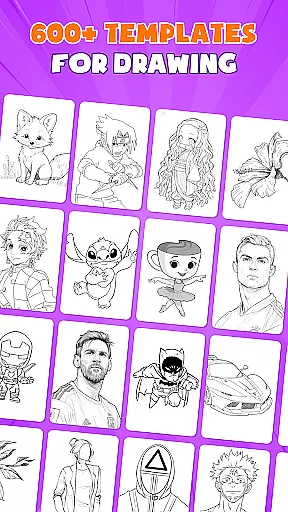
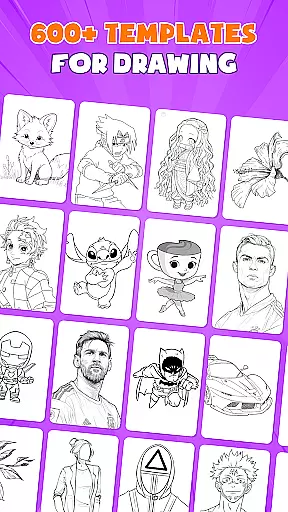
The Anime Studio mode further enhances the creative possibilities by offering specialized features such as anime tutorials, presets, and sketch effects. With over 1000+ free drawing templates, users can easily find inspiration and guidance for their sketches. This vast library ensures that artists of all levels can find something suitable for their projects.
Moreover, the inclusion of tattoo and pencil art modes allows for even more artistic expression. Whether creating realistic tattoos or detailed pencil sketches, users can switch between modes to suit their specific needs. This versatility makes AR Drawing - Paint & Sketch a comprehensive tool for anyone interested in digital art creation.
One of the standout features of AR Drawing - Paint & Sketch is its canvas and format flexibility, which empowers users to create art on various surfaces without the need for bulky traditional tools. By simply using their phone, paper, and the app, artists can sketch on any surface, making it highly adaptable to different artistic environments and preferences.
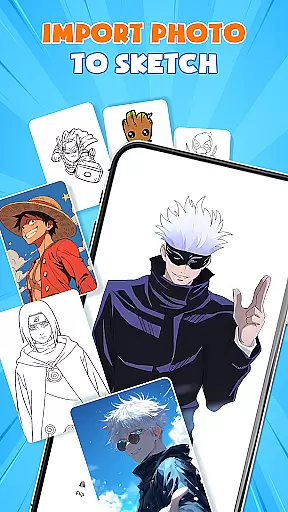
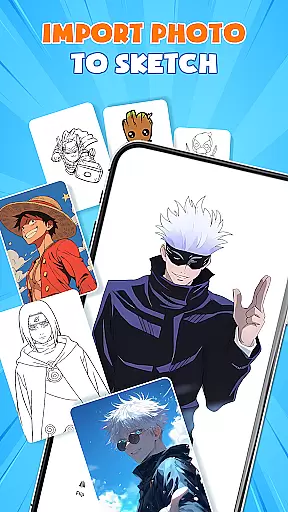
The app supports importing images from a gallery, where users can adjust opacity and trace directly. This feature transforms any photo into instant artwork, providing unparalleled flexibility in how artists choose to create. Whether working from a photograph or a blank canvas, the ability to manipulate and trace images opens up endless creative possibilities.
Furthermore, the app's AR view allows users to adjust the size, position, and transparency of their projects before beginning to trace. This ensures that artists can achieve the perfect setup for their work, whether they are sketching on paper or a digital canvas. Such precision and control are crucial for producing high-quality art.
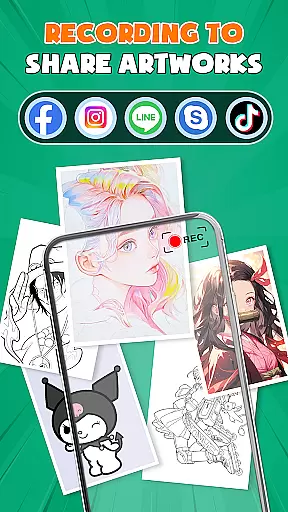
Finally, the app's support for multiple drawing modesu2014including paint mode for coloring and finishing touchesu2014ensures that users can complete their masterpieces within a single platform. Artists can save, export, or share their creations directly from the app, streamlining the entire creative process. This seamless integration of various formats and tools highlights the app's commitment to canvas and format flexibility.
User-friendly interface
Extensive template library
Precise AR tracing
Vibrant color options
Active artist community
Requires stable internet
Some features are premium
Steep learning curve
Device compatibility issues
Limited offline functionality

Pose and morph realistic male and female models! 3D poser app
 3.00
3.00
Create sweet, cool and unique couple avatars easily, in just a few steps!
3.40
Draw anime & manga drawing, art with templates to create stunning picture!
4.50
Passport size photo maker, create ID photo and visa photo in seconds
4.80
Make your phone cooler and have a fantastic experience
4.80
Your AI soulmate — meaningful chats, and unique emotional moments
4.70
Mobile pixel art editor. Simple. Fast. Portable.
4.80
Draw, fidget, and spin glow art! Relax and express your creativity with a finger
4.60
Multiplayer Drawing game, Coloring, Painting・Sketch, Handwriting・Paint, draw
4.30
2D animation studio for Android tablets - unlimited layers, infinite timeline
4.70
Turn your drawings into flipbook-style animations with simple creative tools
4.60
Discover Cartoon Dream : Unleash Your Creativity with CuttingEdge AI
4.50
800+ Drawing, Painting Lessons App to Practice, Sketch & Paint Art.
4.30
Design your dream room with AI. Get decor ideas & plan home interiors
3.90
Art of Combination Wear OS Watch faces (for Wear OS 5+ devices)
3.90
Resize photos and print photos in exact size with our powerful photo printer!
3.80
Meet the magic aı 3d photo generator and smart AI video generator app.
3.20
Create stunning video, photo & magic from text with FlixAI GPT video generator.
3.10
Art of Combination Wear OS Watch faces
4.4


User Reviews