
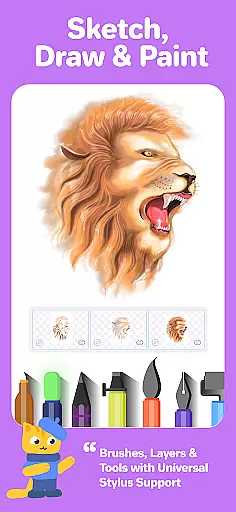



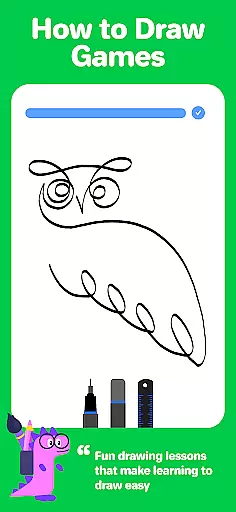
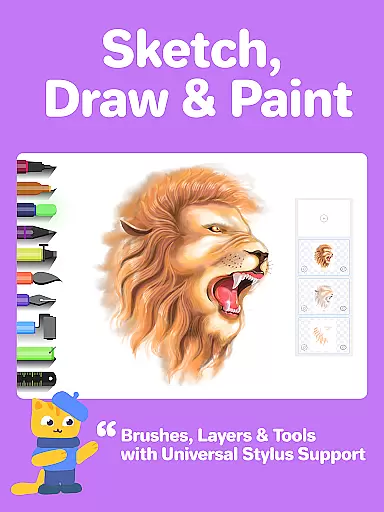


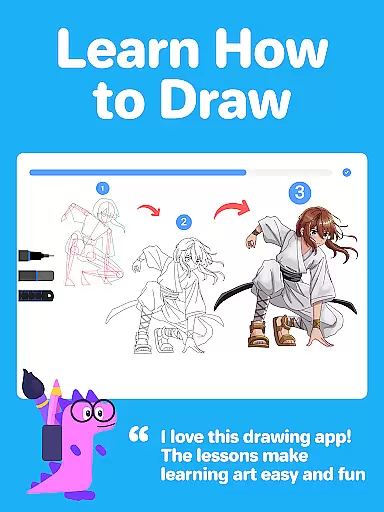
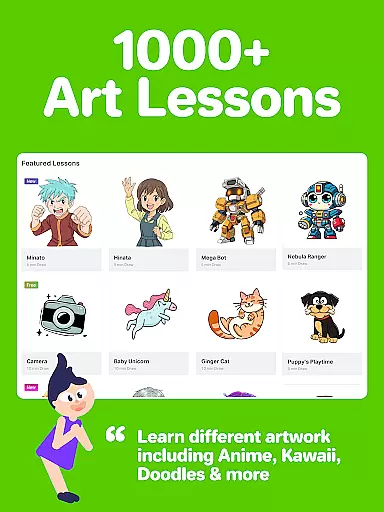


Drawing Desk is a premier digital art application trusted by over 70 million users globally, offering an extensive suite of drawing and painting tools. This app provides users with the ability to draw, doodle, sketch, paint, or color using professional-grade instruments such as pencils, crayons, and watercolor brushes directly on their mobile devices.
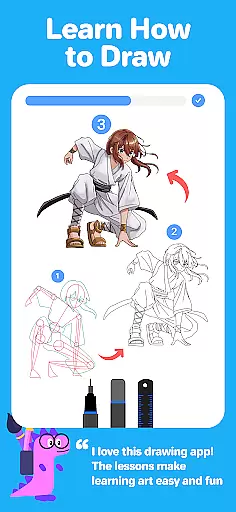
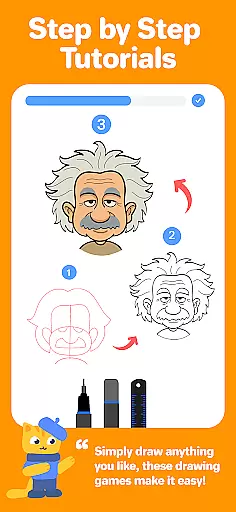
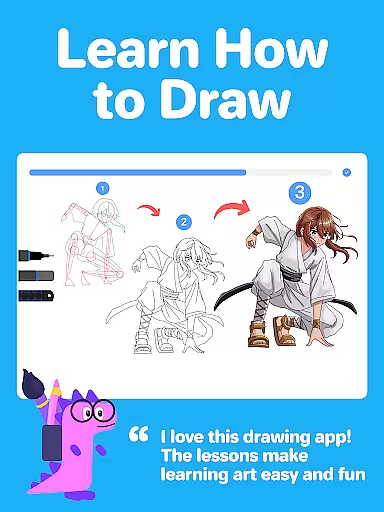
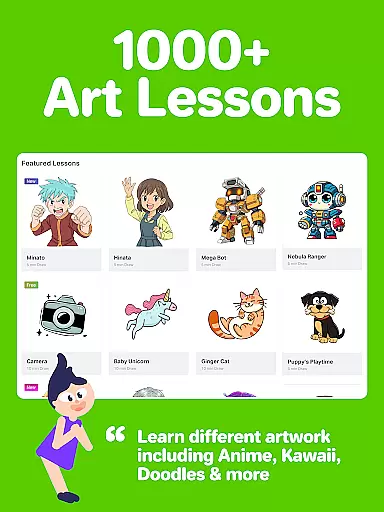
With over 1000+ step-by-step interactive drawing lessons, including styles like Anime, Manga, and Kawaii, Drawing Desk caters to both beginners and advanced artists. The app also features personalized learning paths and masterclasses conducted by professional artists, ensuring structured skill development from basic to advanced levels.
The app's AI-powered creative tools further enhance the user experience by enabling quick transformations of sketches into artworks, auto-colorization, and effortless object removal. With its rich feature set, Drawing Desk stands out as the ultimate platform for honing artistic skills and creating professional-quality digital illustrations.
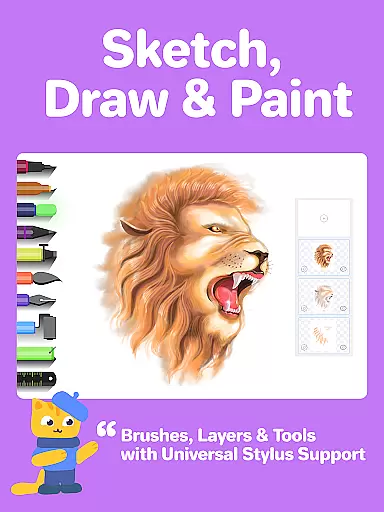
Drawing Desk boasts an impressive array of features designed to cater to every artist's needs. It includes 25+ sketch tools such as pens, pencils, crayons, watercolor brushes, smudge tools, and erasers, allowing users to experiment with different mediums. The app supports unlimited layers and various canvas sizes, providing flexibility in creating complex artworks.
One of the standout features is the AI-powered toolkit, which offers functionalities like Sketch to Art AI, Text to Art AI, and Auto Colorize, enabling users to transform simple sketches into detailed artworks within seconds. Additionally, Drawing Desk provides symmetry tools, instant shapes, color palettes, gradients, and texture-filled bucket tools, enhancing creativity and precision.
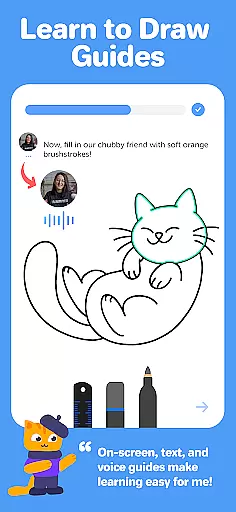
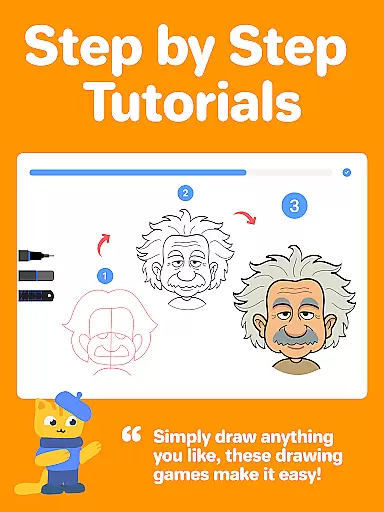
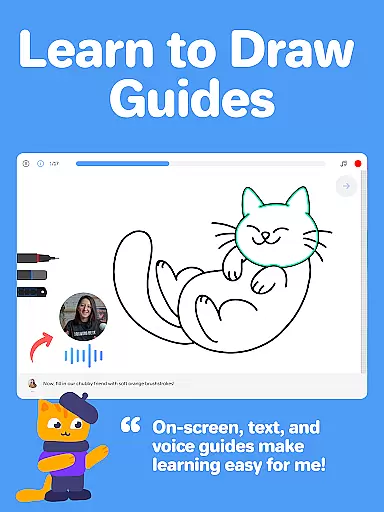
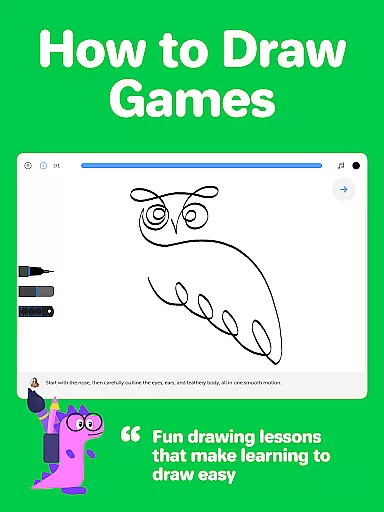
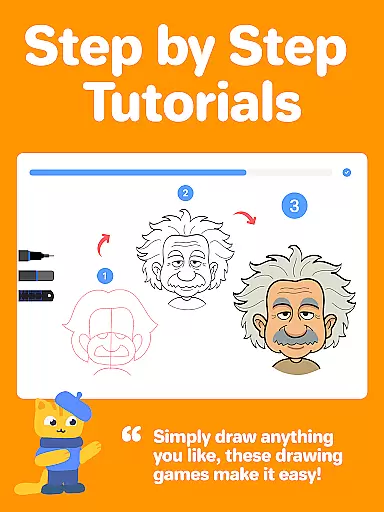
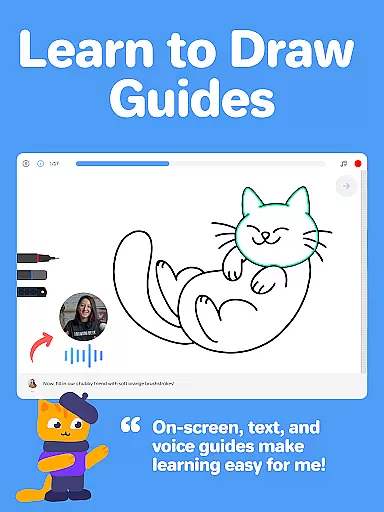
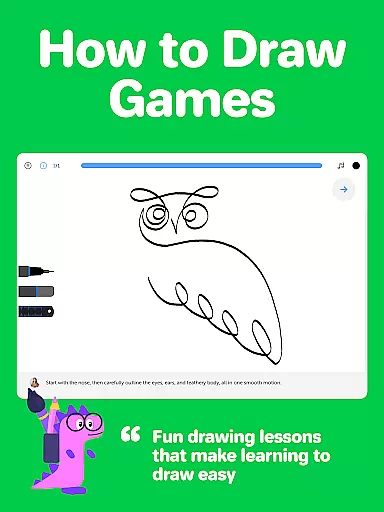
For those interested in structured learning, Drawing Desk offers curated lesson plans and masterclasses led by professional artists. These classes include video tutorials, step-by-step guides, and voice instructions, making it easier than ever to learn digital art techniques systematically and effectively.
In the realm of digital art, having a comprehensive set of creative tools is essential for artists to fully express their visions. Drawing Desk rises to the occasion by offering an extensive suite of over 25 sketch tools that include various pens, pencils, crayons, watercolor brushes, and even advanced options like smudge and fill bucket with 125+ textures.
These tools are not just diverse but also replicate real-world effects, enabling users to create art that feels authentic and tactile. The app goes beyond traditional tools by integrating AI-powered features such as Sketch to Art AI, Text to Art AI, and Auto Colorize functionalities, which allow for innovative creations in mere seconds.
Furthermore, Drawing Desk supports artistic exploration through unlimited layers, various canvas sizes, and symmetry tools, alongside providing more than 200 instant shapes and numerous color palettes with gradients. This complete toolkit empowers both beginners and professionals to experiment without limits and refine their skills effectively.
A canvas in the digital world should offer the same freedom and adaptability as a physical one, if not more. Drawing Desk understands this need and provides remarkable canvas/format flexibility that caters to different styles and preferences of artists. Users can choose from various canvas sizes, particularly beneficial when using the app on tablets where space and detail become significant factors.
The inclusion of unlimited layers within Drawing Desk allows artists to build complex compositions without being constrained by the limitations often found in other drawing applications. This layering system gives users control over individual elements of their artwork, making editing and experimentation much easier.
Moreover, Drawing Desk enhances creative possibilities with features like quick shape drawing, symmetry tools for balanced designs, and an expansive collection of 200+ instant shapes ready to be incorporated into any project. Such versatility ensures that whether you're sketching casually or crafting professional illustrations, Drawing Desk adapts seamlessly to your artistic demands.
User-friendly interface
Extensive toolset
AI-powered enhancements
Structured learning paths
Professional-grade output
Some features may require purchase
Advanced tools can be complex
Occasional performance lags
Limited offline functionality
Subscription model

Pose and morph realistic male and female models! 3D poser app
 3.00
3.00
Learn how to draw with step-by-step tutorials, fun lessons & multiplayer drawing
4.70
Draw anime & manga drawing, art with templates to create stunning picture!
4.50
Remove Background, Magic Eraser, Photo Enhancer, Story Templates, Collage Maker
4.30
Nano Banana AI Image Generator, Anime Filter, AI Portrait, AI Photo Generator
4.30
Your homescreen as an elegant glass with customized blur, lighting, and visuals.
3.70
Unleash the artist in you with our AR drawing and tracing tool for photo drawing
4.10
Everything you need to create hand drawn animation, anywhere you go!
4.40
Create cute cat emojis & PFPs! Fun, custom avatars for cat lovers.
3.70
Novices can also easily complete diamond painting masters
4.70
Draw Trace image sketch by, AR art projector app, Easy to trace any image.
4.50
Painting, drawing, & sketching
4.50
Stylish letters, Stylish Keyboard, Symbols, Emojis, Cool nickname
4.40
Design unique, funny and adorable cat stickers that reflect your own style!
3.80
Resize photos and print photos in exact size with our powerful photo printer!
3.80
AI Art Generator transforms your words into AI generated art & paintings.
3.70
Retouch photos. Create or edit images. Endless capabilities.
2.70
Download now for a stylish and functional timepiece
4.3
A luxurious gold watch face for an elegant and refined look.
4.2


User Reviews