
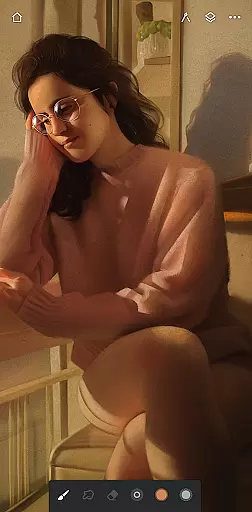
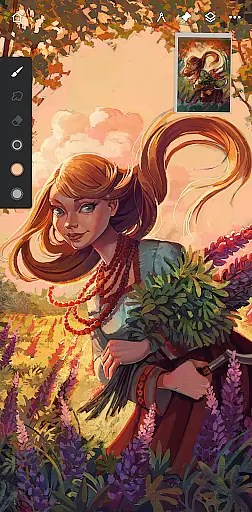
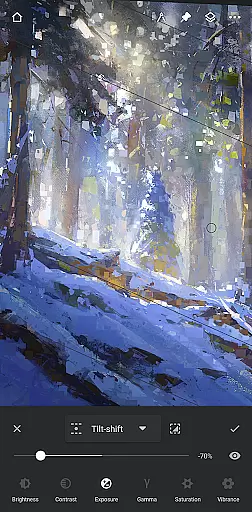
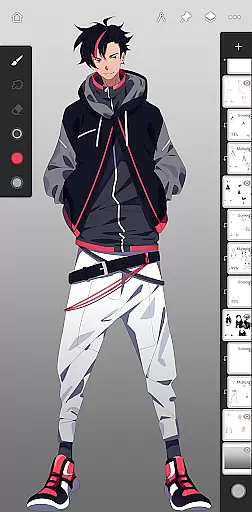
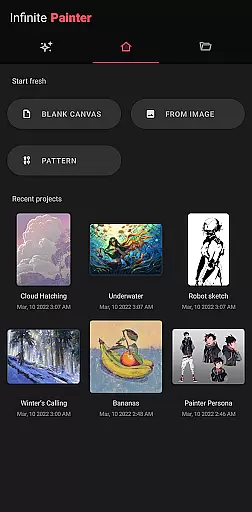
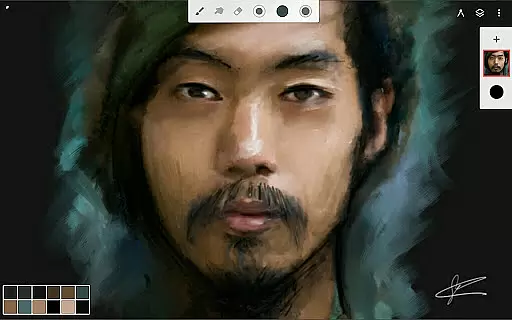
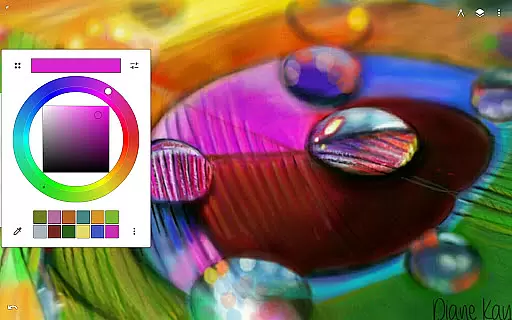
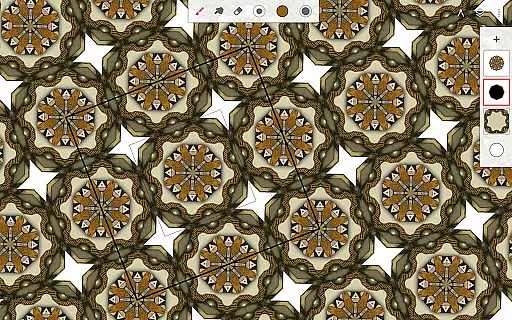
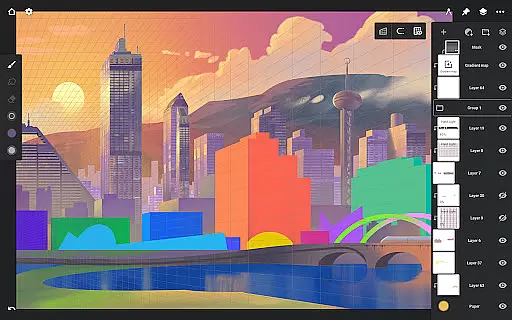
Infinite Painter stands as a premier digital art application tailored for artists across all levels, from hobbyists to professionals. This award-winning app offers an extensive suite of tools designed for tablets, phones, and Chromebooks, ensuring a seamless creative experience on any device.
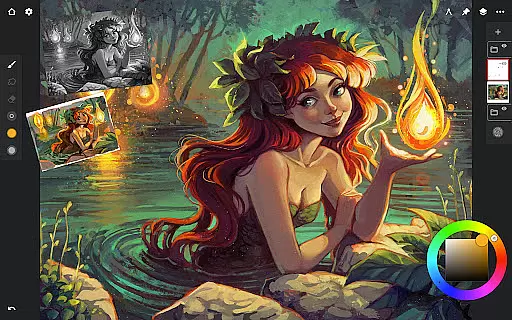
At its core, Infinite Painter provides best-in-class pencils, robust brush customization with over 100 settings, and advanced perspective guides. The app's intuitive interface minimizes clutter while maximizing workspace efficiency, allowing users to focus on their artistic expression without distraction.
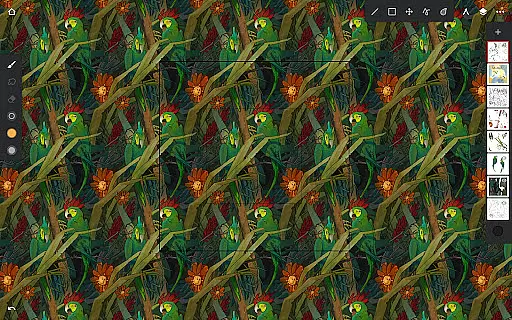
Whether you're sketching, painting, or designing intricate patterns, the app supports diverse workflows through features like symmetry tools, layer support with 30 blend modes, and industry-leading color correction. With capabilities such as timelapse recording and seamless pattern creation, Infinite Painter empowers artists to bring their visions to life effortlessly.
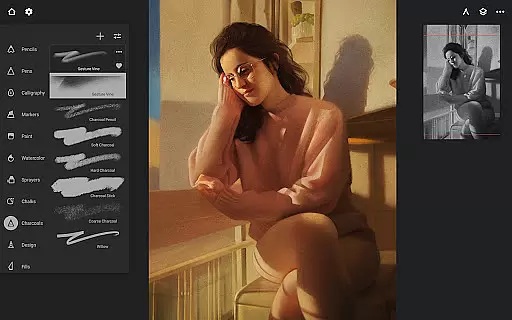
Infinite Painter distinguishes itself through a comprehensive set of innovative features that cater to both traditional and digital art forms. The app includes hundreds of built-in brushes with realistic canvas interactions, customizable settings, and full stylus support for pressure and tilt sensitivity.
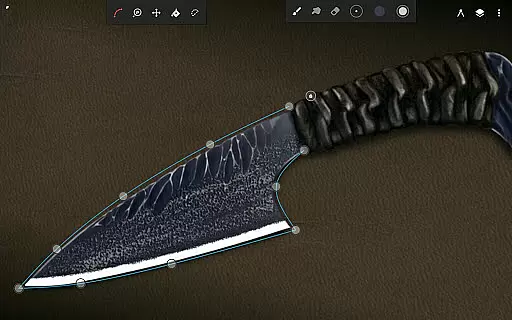
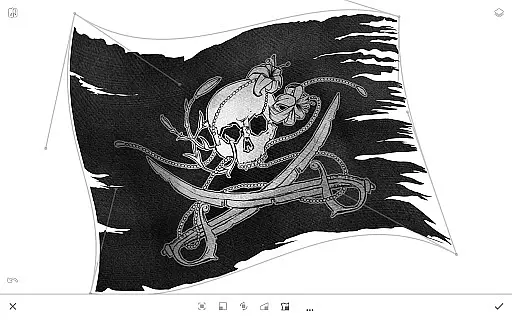
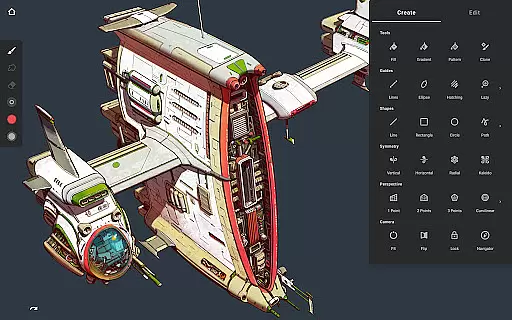
One standout feature is the ability to convert brush strokes into editable shapes, enabling precision in every stroke. Additionally, the app offers advanced perspective guides, smart shape detection, and powerful transformation tools that allow manipulation of multiple layers simultaneously. These functionalities streamline complex tasks, making them accessible even to beginners.
The app also accelerates workflow by integrating practical utilities such as quick access eyedroppers, gesture-based canvas rotation, and Photoshop-like smart layers. By supporting high-resolution exports in formats like PSD and PNG, Infinite Painter ensures professional-grade output suitable for commercial use.
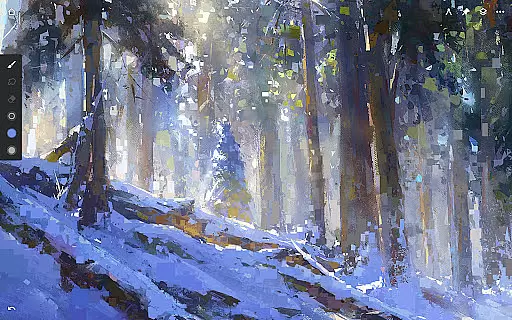
Infinite Painter offers an extensive suite of creative tools that cater to both amateur and professional artists. The app includes hundreds of built-in brushes with realistic brush-to-canvas interaction, offering over 100 customizable settings. This allows users to fine-tune their brushes to match their unique style and technique.
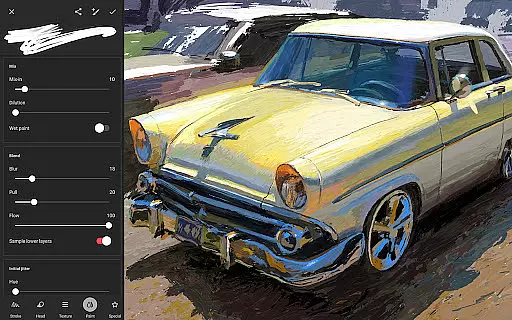
For those who work with stylus devices, Infinite Painter is designed to support full pressure and tilt functionality, ensuring every stroke translates accurately from the user's hand to the digital canvas. Artists can also apply real-time color adjustments and live effects to any brush, providing unprecedented control over the artistic process.
The app further enhances creativity by enabling users to convert brush strokes into editable shapes and import or export custom brushes and brush sets. These features ensure that artists are only limited by their imagination, not by the tools at their disposal.
With additional functionalities such as radial or kaleidoscope symmetry, perspective guides, and smart shape detection, Infinite Painter equips artists with everything they need to create complex artwork with ease and precision.
Flexibility in canvas and format options is a crucial aspect of Infinite Painter, allowing artists to customize their workspace to fit their specific needs. Users can enjoy a clean, clutter-free interface with more canvas space, which can be tailored to individual preferences, thus optimizing the creative process.
The app supports high-definition canvas sizes and provides users with the ability to work on multiple layers, which is essential for detailed artwork. Although the number of available layers may depend on canvas size and device capabilities, this feature ensures that artists can work on complex compositions without constraint.
Infinite Painter also enables exporting artworks in various formats including JPG, PNG, WEBP, ZIP, layered PSD files, or Painter projects. This versatility in file format support allows creators to seamlessly integrate their work into different workflows or platforms, whether for digital publishing or print.
Furthermore, the app facilitates working with industry-standard practices by offering print presets and CMYK color modes, making it suitable for professional use. With these robust canvas and format options, Infinite Painter stands out as a comprehensive solution for artists seeking flexibility in their digital art endeavors.
User-friendly interface
Extensive brush library
Advanced layer support
Realistic drawing tools
Versatile export options
Limited free version
Pro features subscription cost
Steep learning curve
Occasional performance lags
Device compatibility issues

Stylish letters, Stylish Keyboard, Symbols, Emojis, Cool nickname
 4.40
4.40
Create trending AI photos & videos with powerful effects and 3D styles.
3.20
AI Assistant, powered by ChatGPT GPT-4 & GPT-4o. Your intelligent companion.
3.50
Art of Combination Wear OS Watch Faces
4.0
Make your phone cooler and have a fantastic experience
4.80
Turn your drawings into flipbook-style animations with simple creative tools
4.60
OneUI 8.5 icons ✨ Smooth, modern & based on the latest Play Store design ??
4.10
Multiplayer Drawing game, Coloring, Painting・Sketch, Handwriting・Paint, draw
4.30
AI-powered photo & video creation—fast, fun, and effortless with Quick Actions
4.60
Digital, Abstract, Classic - all types of color wheels in one app!
4.60
Draw beautiful mandala's very easily
4.60
Castle is social media for creating and playing games!
4.60
Photo editor for art, avatars, filters & fun transformations.
4.60
Digital illustration drawing & painting pad app to paint Anime and Manga art
4.50
Draw Trace image sketch by, AR art projector app, Easy to trace any image.
4.50
Just trace a projected picture on paper and color! Draw & Paint with AR drawing
4.40
Beauty Camera - Selfie Camera is the ultimate beauty camera and selfie app
4.30
Design your dream room with AI. Get decor ideas & plan home interiors
3.90
AI Face Swap, Video Effects Editor, Realtime Morph, Funny Video FX,AI Filters
3.70


User Reviews