
SketchPro is a premier digital art application tailored for professional artists and designers. This comprehensive tool offers advanced AI-powered features that streamline the creative process, making it ideal for graphic designers, illustrators, and comic artists. With customizable brushes, smart shapes, and an extensive layer system, SketchPro provides all the essential tools needed for professional-grade drawings and designs.
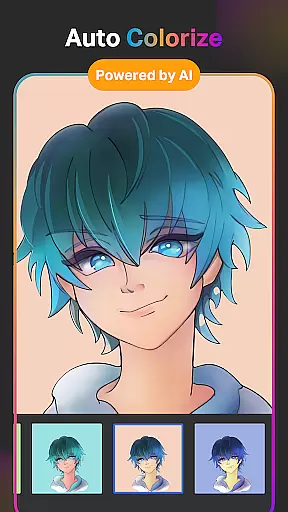
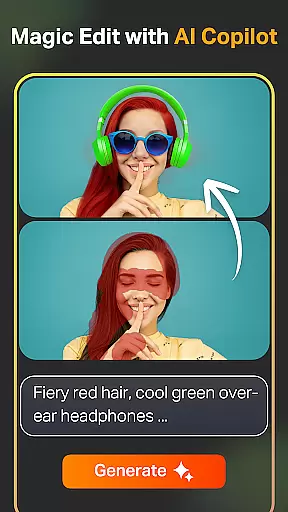
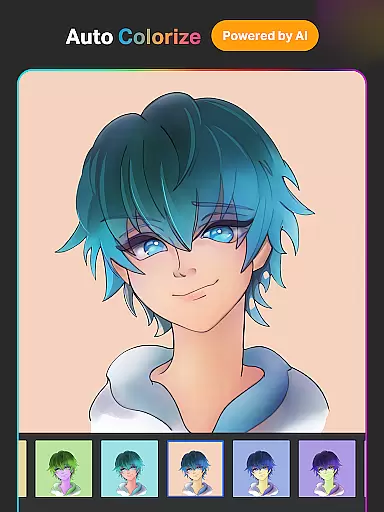
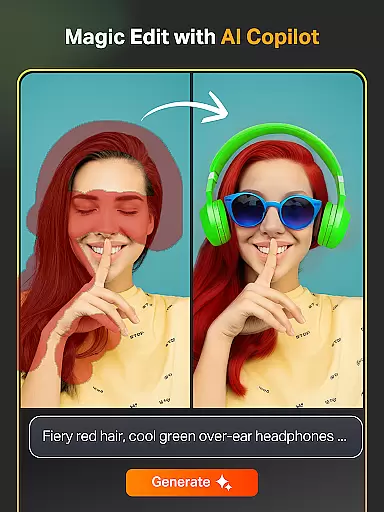
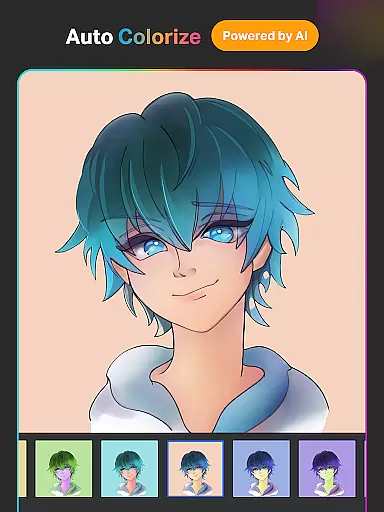
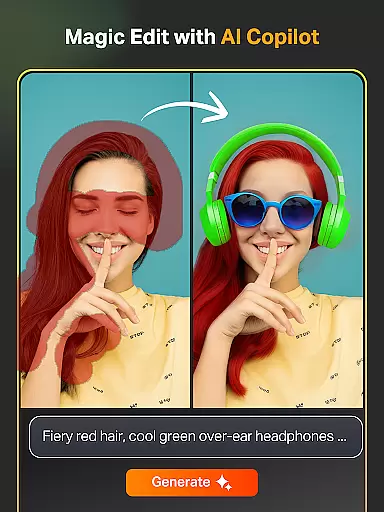
The app's standout feature is its suite of AI tools that enhance creativity. These include Text to Image, Sketch to Image, and Magic Edit functionalities that allow users to transform simple prompts into complex artworks. Additionally, the Auto-Coloring and Background Removal tools help refine artwork with minimal effort. The intuitive interface ensures that both beginners and professionals can easily navigate and utilize these powerful features.
Whether you're working on illustrations, manga, or graphic design projects, SketchPro adapts to various artistic needs. Its seamless integration of traditional drawing techniques with cutting-edge technology makes it an indispensable tool for digital artists seeking to elevate their craft.
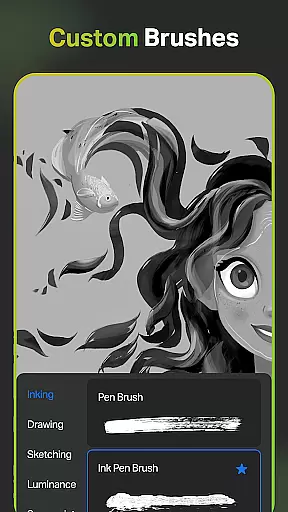
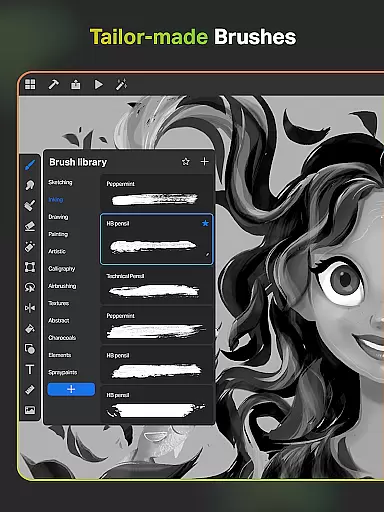
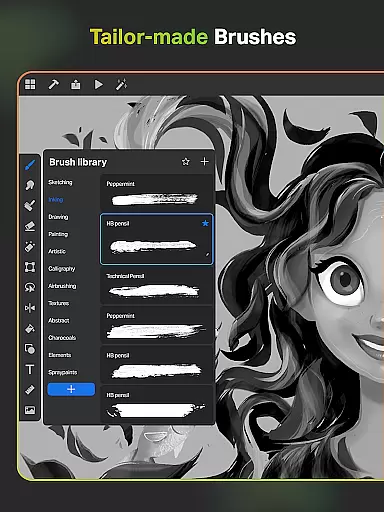
SketchPro stands out with its robust set of professional features designed to cater to digital artists. One of the key highlights is the customizable brush system, which includes over 100 patterns in the Free Roller Brush. This allows artists to create unique textures and styles tailored to their specific projects. The app also offers advanced AI tools such as Text to Image and Sketch to Image, enabling users to generate complex visuals from simple text prompts.
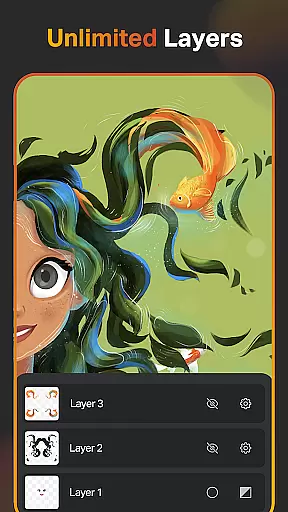
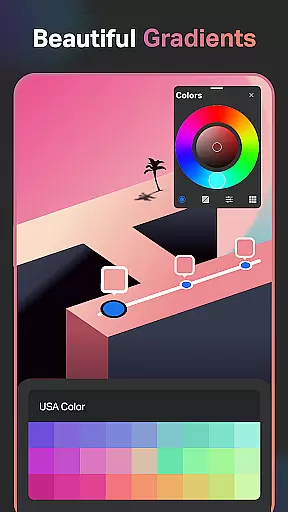
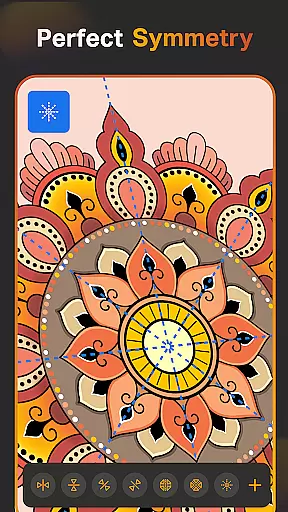
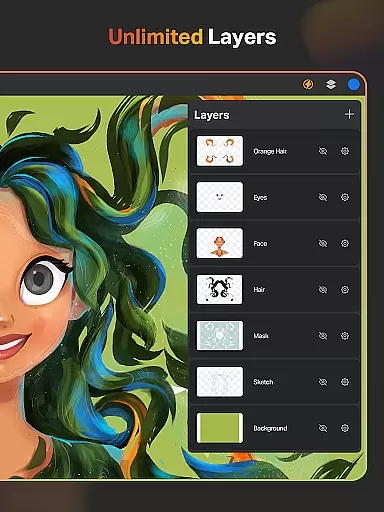
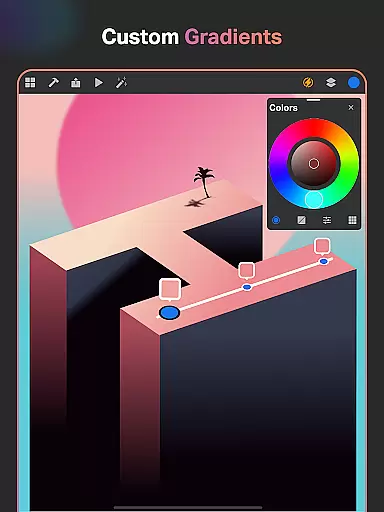
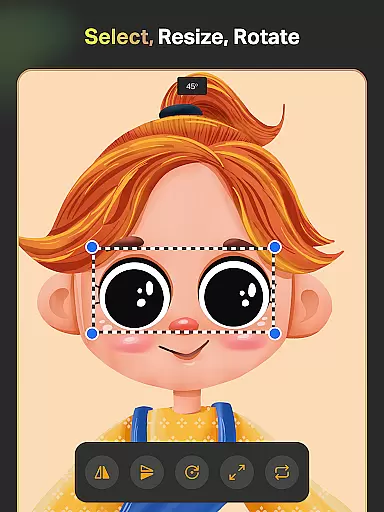
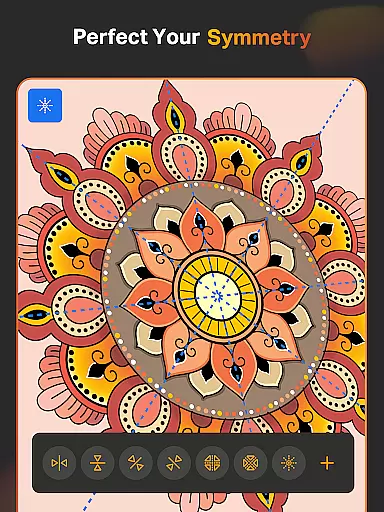
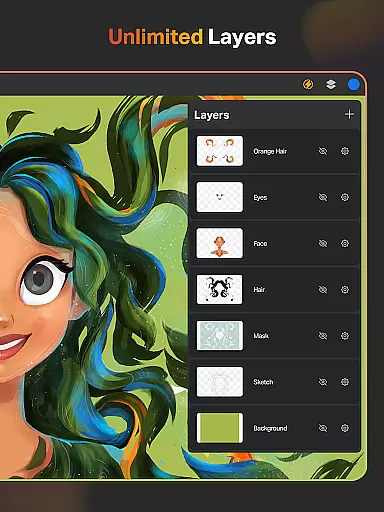
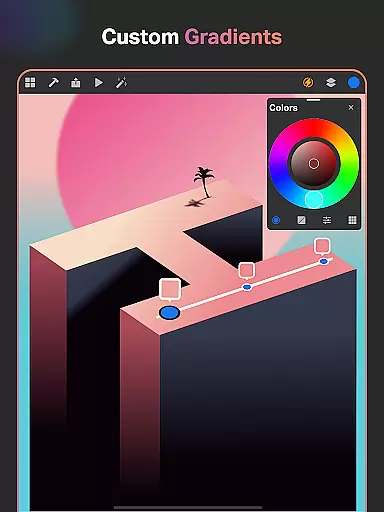
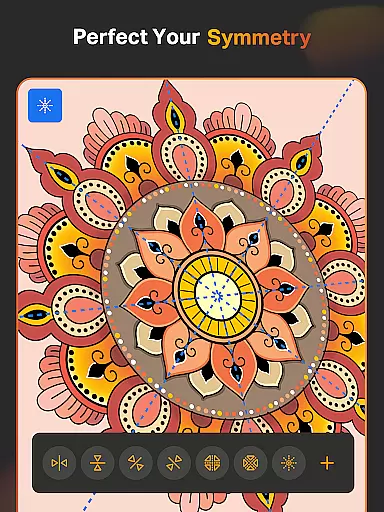
In addition to its brush and AI capabilities, SketchPro provides a comprehensive layer system with unlimited layers, essential for detailed graphic design work. Artists can utilize features like rasterizing, duplicating, and merging layers, along with options for fill, color invert, and alpha locking. The inclusion of Smart Shapes and Symmetry Tools further enhances precision in drawing and designing, while the Gradient Tool adds depth and dimension to artwork.
For organization and workflow efficiency, SketchPro offers cloud syncing, automatic saving, and time-lapse playback of projects. These features ensure that artists can focus on their creative process without worrying about losing progress. The app's dark mode and customizable canvas settings provide a comfortable working environment, making it suitable for extended creative sessions.
SketchPro offers an extensive suite of creative tools that cater to the needs of professional digital artists. The application includes customizable brushes for sketching, painting, and illustrating, alongside advanced AI drawing tools that streamline the creative process.
Among its features are AI-powered tools like Text to Image, Sketch to Image, and Magic Edit, which allow artists to transform simple prompts into complex artworks. These tools not only enhance productivity but also open new avenues for creativity by enabling effortless artwork generation and modification.
In addition to AI tools, SketchPro provides traditional art tools such as Smart Shapes, a Symmetry Tool, and a Gradient tool. These features ensure that artists have everything they need to create detailed and professional drawings, making the app a one-stop solution for all digital art needs.
Flexibility in canvas and format options is crucial for digital artists, and SketchPro excels in this area. The app allows users to work on a customizable canvas, providing unlimited layers and options to rasterize, duplicate, and merge layers, thus offering complete control over the creative workspace.
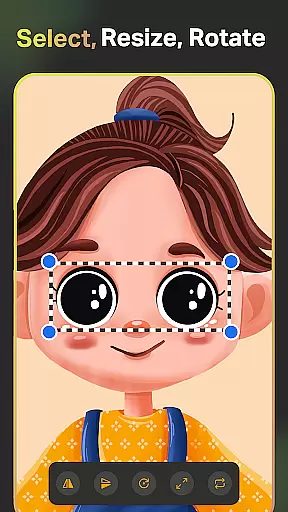
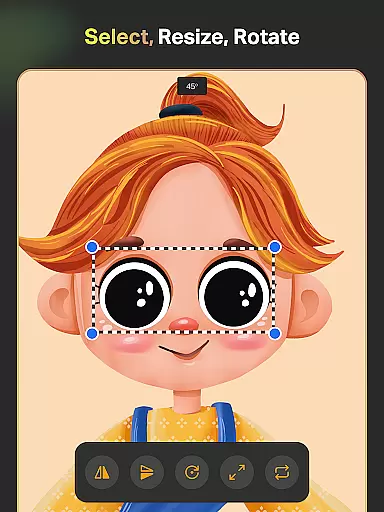
Artists can utilize various design tools within SketchPro, such as the Layer Transform Tool and Assisted Drawing, to refine their work. The inclusion of a full-color wheel and themed color palettes further enhances the ability to produce vibrant and cohesive artwork across different formats.
Moreover, SketchPro supports importing colors from photos and images, expanding the artist's palette beyond traditional limits. With these versatile canvas and format options, artists can seamlessly transition from concept to completion, ensuring their vision is fully realized without technical constraints.
Advanced AI tools
Customizable brushes
Unlimited layers
Cloud syncing
Time-lapse playback
Steep learning curve
High system requirements
Limited free features
Occasional bugs
Premium subscription cost

The ultimate tool for creating animations
 4.60
4.60
Pose and morph realistic male and female models! 3D poser app
3.00
Your Essential Color Theory Guide: Red, Yellow, Blue (RYB)
4.5
The perfect place to start sketching! Use Sketchbook to draw and paint sketches.
4.50
Turn your drawings into flipbook-style animations with simple creative tools
4.60
Image resizer to resize, crop, rotate, flip, change dpi photo or picture in bulk
4.60
Kling AI is an image and video generation and editing studio powered by AI.
4.50
Draw, fidget, and spin glow art! Relax and express your creativity with a finger
4.60
AI-powered photo & video creation—fast, fun, and effortless with Quick Actions
4.60
Minecraft & Roblox Clothes
4.70
Castle is social media for creating and playing games!
4.60
Get an overview over all your embroidery threads, projects and more.
4.60
Create color palette from Image, RGB & RYB Color wheel harmonies, Color Scheme
4.50
Draw Trace image sketch by, AR art projector app, Easy to trace any image.
4.50
Painting, drawing, & sketching
4.50
AI Tattoo Generator: Create Tattoo Designs & Get Ideas! Ink & Stencil Maker
4.50
Draw, make movies & animate cartoons easily with our 2D animation maker app
4.40
Powerful home decoration & house design that allows you to design dream home.
3.80
Draw anime easily with AR guidance, sketch templates & trace tools!
3.10


User Reviews