
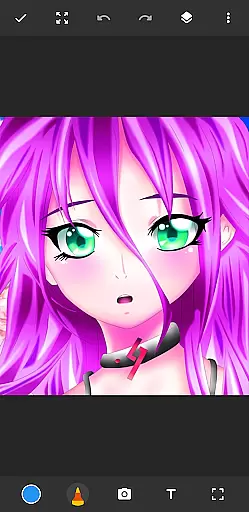
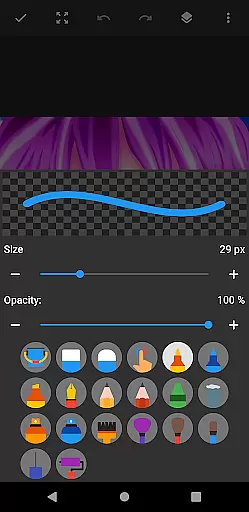
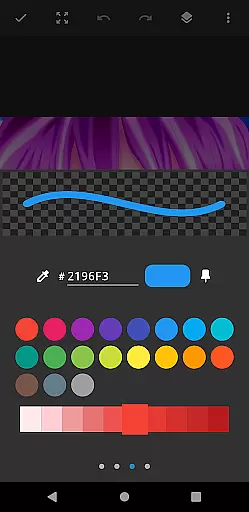
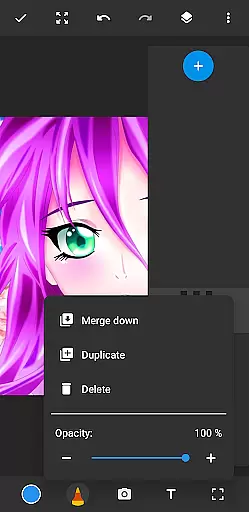
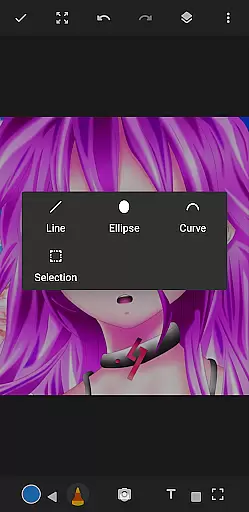
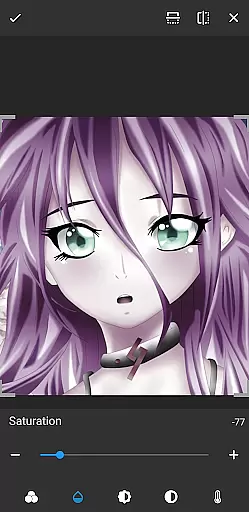
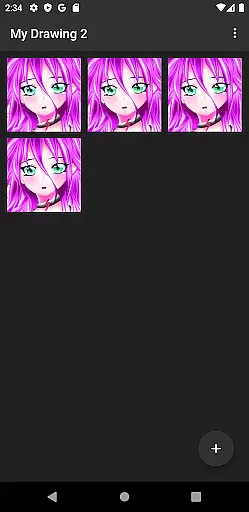
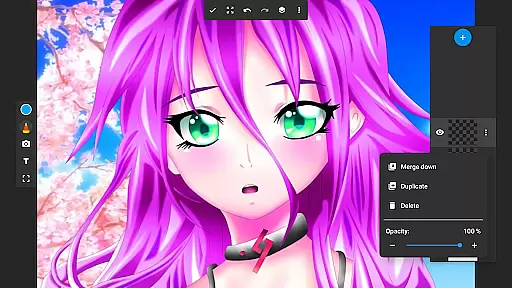
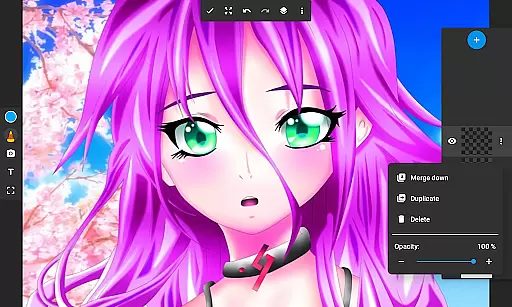
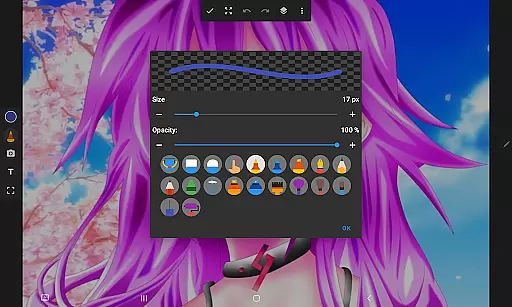
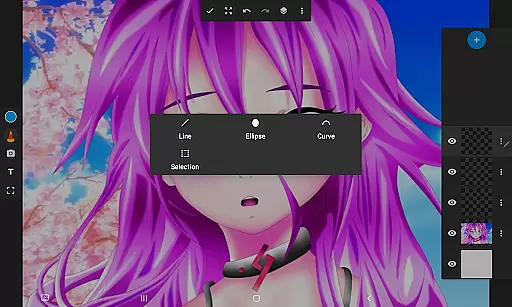
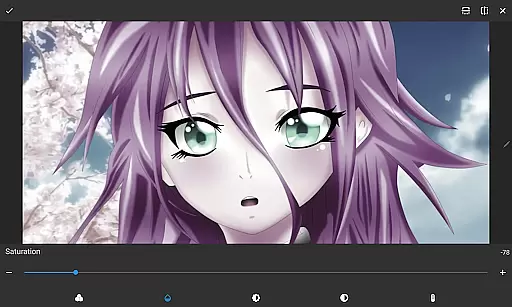
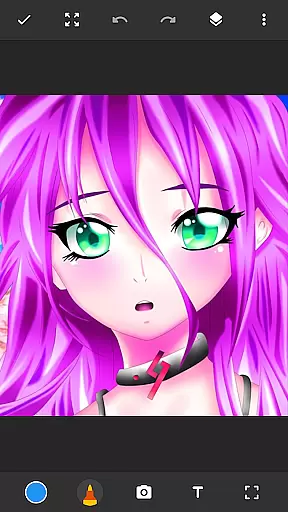
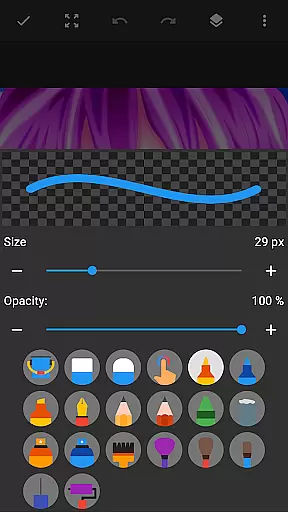
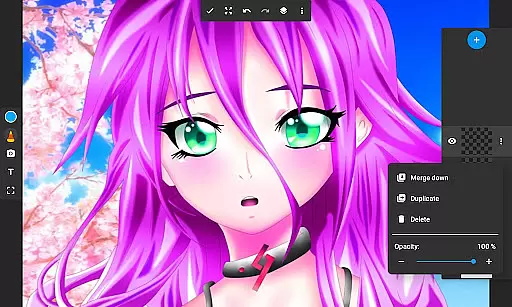
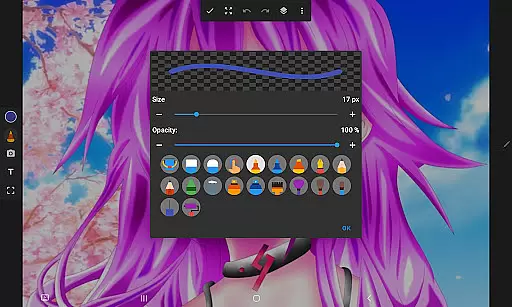
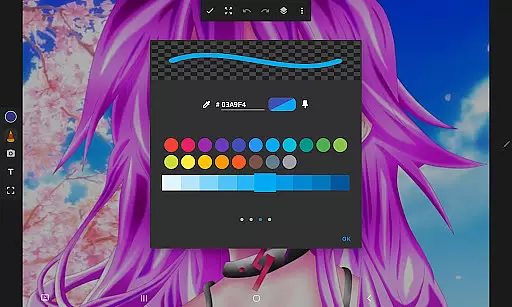
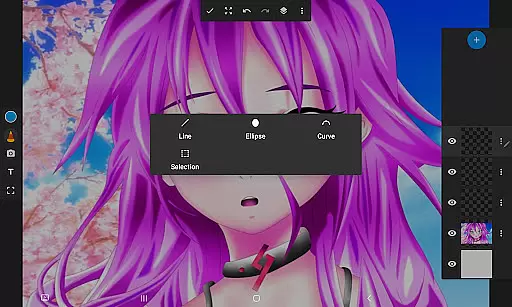
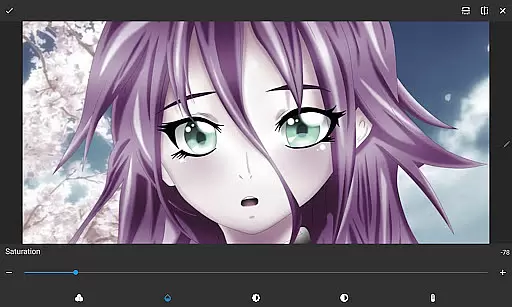
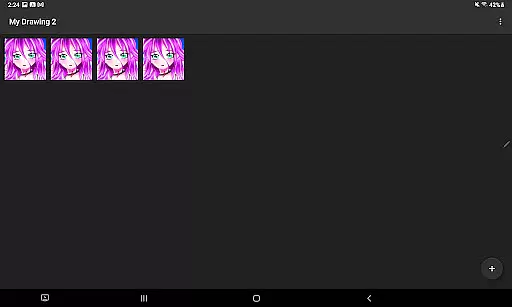
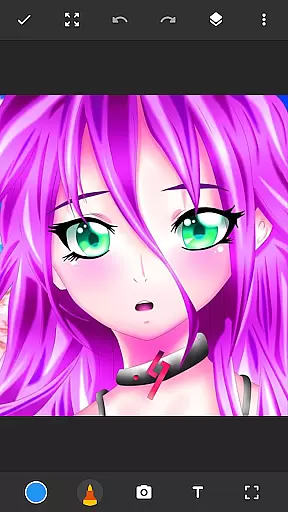
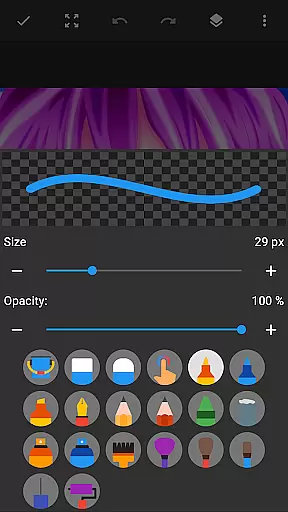
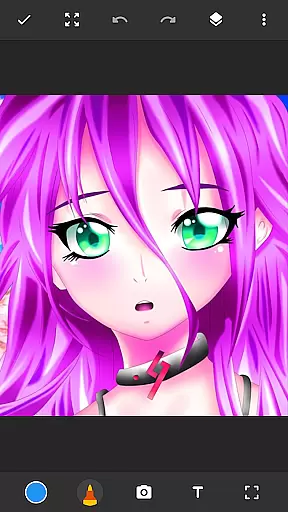
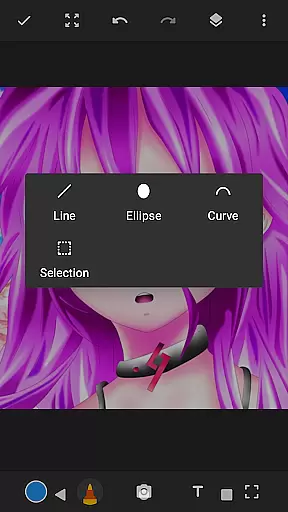
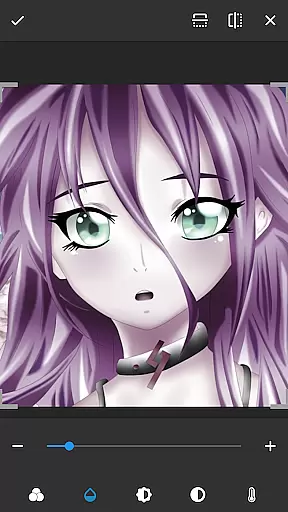
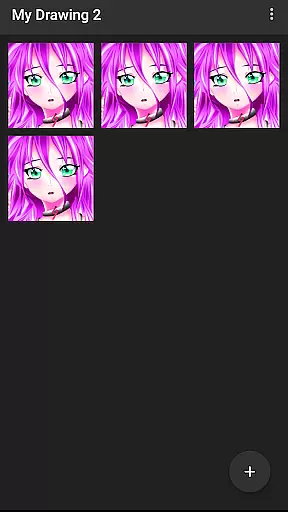
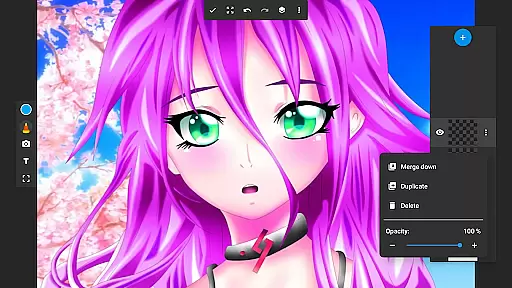
Drawing Pad Lite is a versatile digital art application designed for both amateur and professional artists. This app provides an intuitive platform where users can create sketches, paintings, and detailed artwork with ease. The interface is crafted to simulate traditional drawing tools while offering the advantages of digital media.
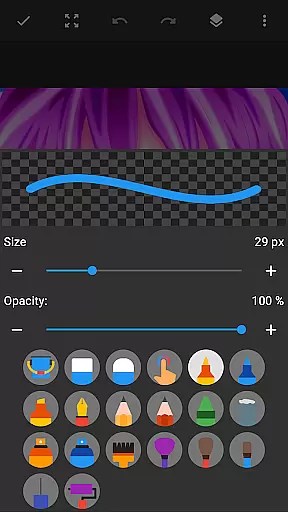
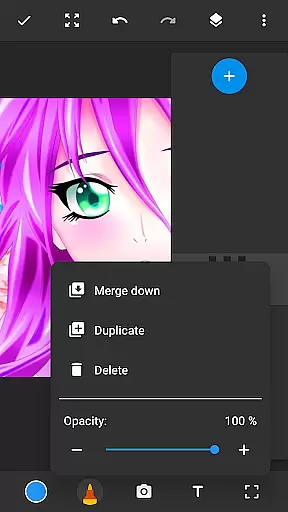
The app features a wide selection of brushes, pencils, pens, and markers, each with customizable sizes and styles. One standout feature is the layer functionality, allowing artists to organize their work in multiple layers, adjust opacity, and experiment with different design elements without affecting the entire composition. Whether you're into anime coloring, manga drawings, or photo illustrations, Drawing Pad Lite caters to all these needs.
With its user-friendly design, this app is suitable for creative professionals who need a reliable sketching tool on the go as well as hobbyists looking to explore their artistic potential. The ability to draw on photos adds another dimension to creativity, making it a valuable tool for anyone interested in digital art.
Drawing Pad Lite stands out with its comprehensive set of features tailored for digital artists. The app offers a diverse range of brushstrokes and pen tools that mimic real-world art supplies, providing users with precise control over their creations. Each brush and pencil type can be customized in terms of size, style, and texture, enabling artists to achieve the exact stroke they envision.
A key feature is the layer system, which allows users to separate different elements of their artwork onto distinct layers. This makes it easier to edit individual components without altering the entire piece. Artists can also adjust the opacity of each layer, blend colors seamlessly, and experiment with various effects. Additionally, the app supports drawing directly on photographs, expanding its creative possibilities.
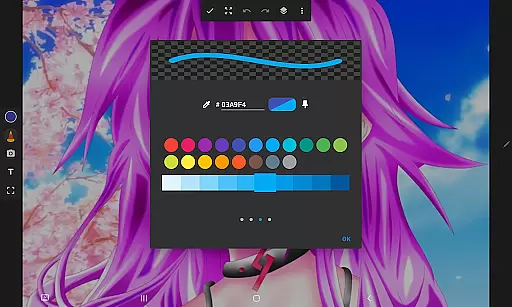
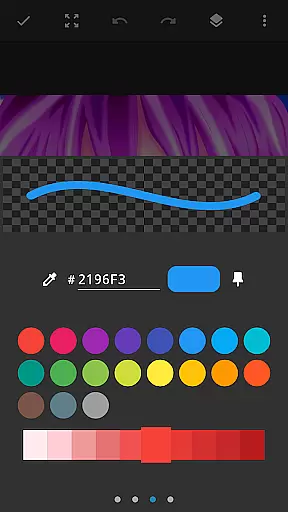
Other notable features include an easy-to-navigate interface, vibrant color palettes, and advanced editing options. These functionalities ensure that users can refine their work until it meets professional standards. Whether creating simple doodles or complex digital paintings, Drawing Pad Lite provides all the necessary tools to bring artistic visions to life.
In the realm of digital art, having a comprehensive set of creative tools is paramount. Sketchbook Lite - Artbook rises to the occasion by offering an extensive array of brushstrokes, pencils, pens, and markers. This diverse selection empowers artists to experiment with different styles and techniques, from fine line drawings to bold, vibrant paintings.
The app's powerful brushstroke and pencil tools are designed to provide complete control over your creations. With adjustable sizes and styles, users can easily tailor their tools to match their artistic vision. Whether it's creating delicate shading or laying down thick, expressive lines, Sketchbook Lite ensures precision and adaptability in every stroke.
Additionally, the inclusion of layers revolutionizes the way artists approach their work. By allowing the saving of digital art in layers, the app enables users to organize their sketches efficiently and make non-destructive edits. This feature is crucial for complex projects where managing multiple elements is essential for maintaining clarity and coherence in the artwork.
Flexibility in canvas and format options is vital for unleashing creativity without constraints. Sketchbook Lite - Artbook understands this need and offers a versatile platform where artists can draw on photos and create stunning digital art. The ability to import images and incorporate them into your artwork opens up endless possibilities for creative expression.
Artists can also customize their workspace by adjusting canvas sizes and orientations to suit their project requirements. Whether working on small, detailed pieces or large, expansive compositions, Sketchbook Lite provides the necessary flexibility to accommodate various artistic endeavors. This adaptability ensures that creators can focus on their art without being limited by predefined settings.
Moreover, the app supports a range of file formats, making it easy to export and share your masterpieces across different platforms. With compatibility for both raster and vector outputs, users can preserve the quality of their work regardless of how they choose to present it. Such versatility not only enhances the creative process but also streamlines workflows for professional artists seeking high-quality results.
User-friendly interface
Wide range of brushes
Layer support for advanced editing
Customizable drawing tools
Vibrant color options
Limited free features
Occasional performance lags
In-app purchases required for full experience
Steep learning curve for beginners
Interface may feel cluttered

Transform photos into amazing monochrome dither art with professional algorithms
 4.4
4.4
Create trending AI photos & videos with powerful effects and 3D styles.
3.20
Art of Combination Wear OS Watch faces
4.2
Create stunning art with AI.
4.80
Photo editor for art, avatars, filters & fun transformations.
4.60
Image resizer to resize, crop, rotate, flip, change dpi photo or picture in bulk
4.60
Android 14 style widgets and wallpapers app.
4.5
2D animation studio for Android tablets - unlimited layers, infinite timeline
4.70
Share the joy of painting with ibis Paint! Drawing anime and manga art.
4.50
Draw glowing spinners, relax, and spin your creative art
4.60
Digital illustration drawing & painting pad app to paint Anime and Manga art
4.50
Painting, drawing, & sketching
4.50
Just trace a projected picture on paper and color! Draw & Paint with AR drawing
4.40
Beauty Camera - Selfie Camera is the ultimate beauty camera and selfie app
4.30
Customizable Outlined Fonts. Watch Face Format. Battery friendly Digital Clock.
4.20
Floor Plan Creator lets you create, edit and share floor plans.
4.00
Design your dream room with AI. Get decor ideas & plan home interiors
3.90
Art of Combination Wear OS Watch Faces
3.30
Premium version of Shimeji-ee app with no ads & no limit active shimeji
4.1


User Reviews