
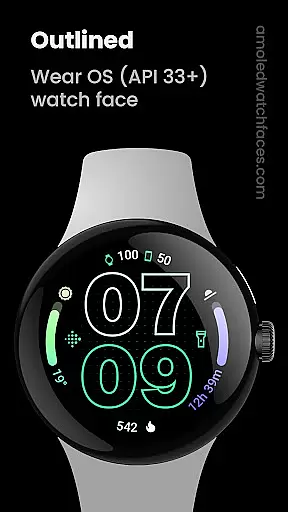
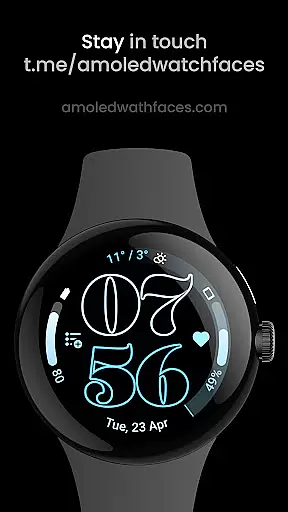
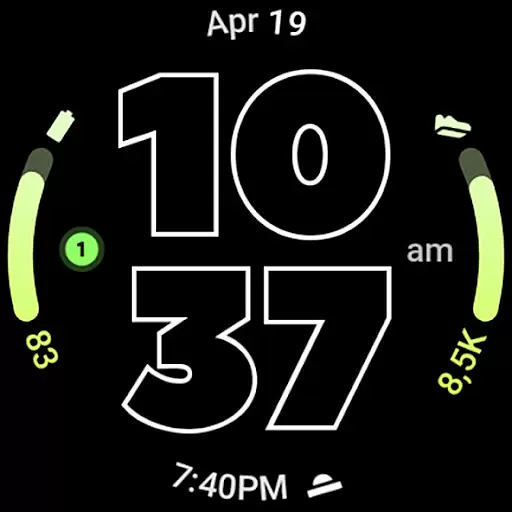
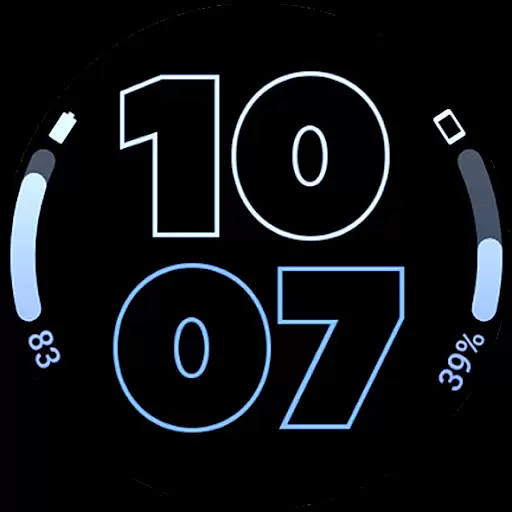
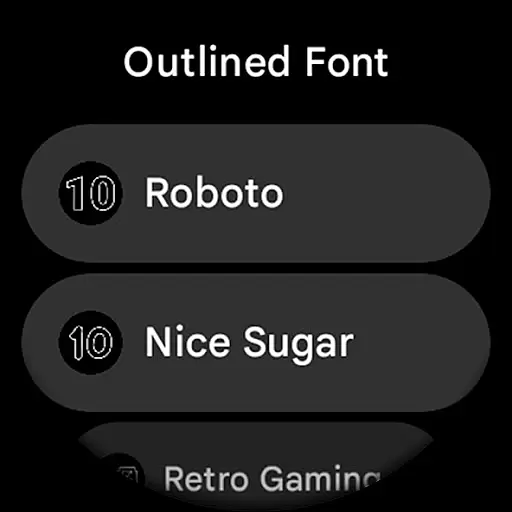
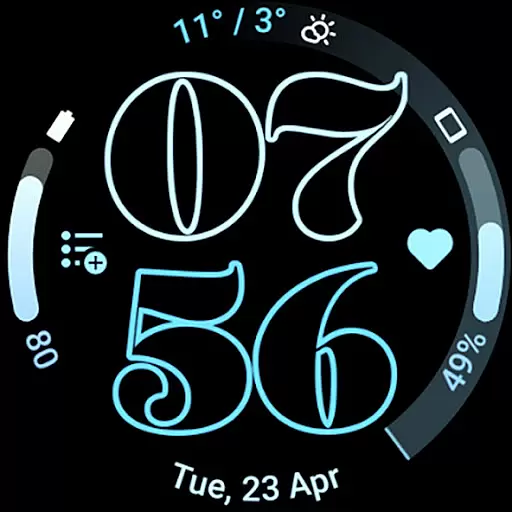
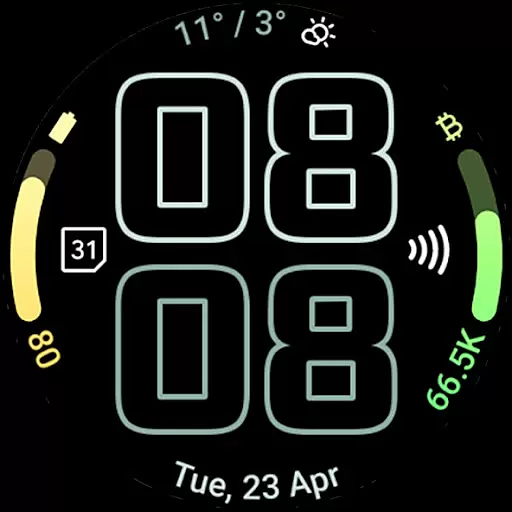
Outlined Watch Face is a premium wearable app designed exclusively for Wear OS 4+ devices. This sophisticated watch face features a modern outlined digital clock design with customizable font options, making it both stylish and functional. With support for two gradient arc complication slots and combined watch/phone battery complications, users can access essential information at a glance while enjoying a battery-friendly true black background.
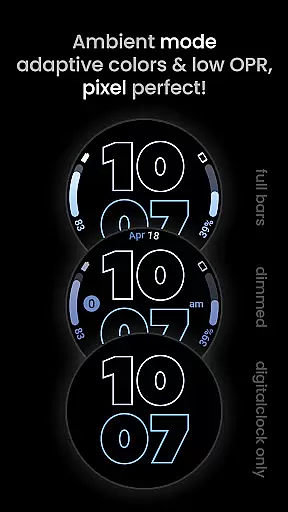
The watch face offers extensive customization options including unique material color themes, high-resolution design elements, and three Always-On Display (AOD) styles. Users can personalize each progress bar gradient individually when using ranged value complications, and choose from various settings to create their perfect daily companion. The optional wave-styled seconds indicator and burn-in protection feature make it suitable for extended use on OLED displays.
Outlined Watch Face stands out with its comprehensive feature set tailored for Wear OS enthusiasts. The application utilizes Watch Face Format to deliver optimized performance and visual quality. Key features include two gradient arc complication slots that support combined watch and phone battery displays, allowing users to monitor multiple devices simultaneously. The unique outlined digital clock fonts come in ten variations, offering unprecedented personalization options.
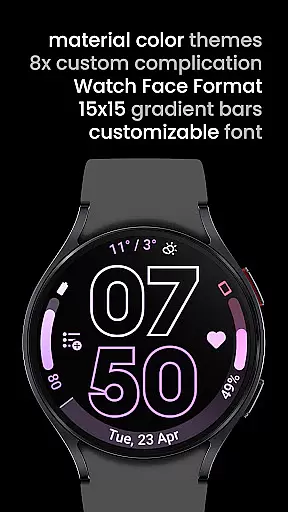
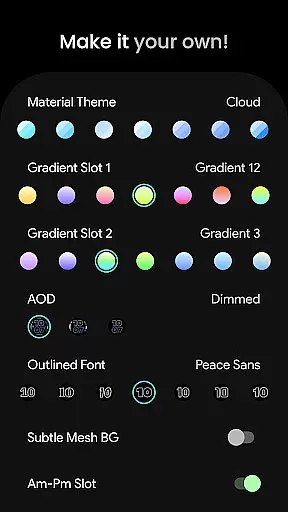
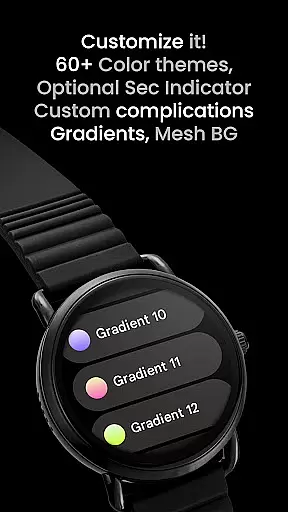
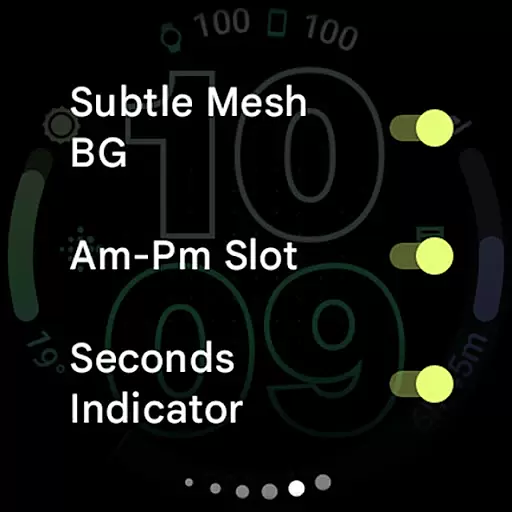
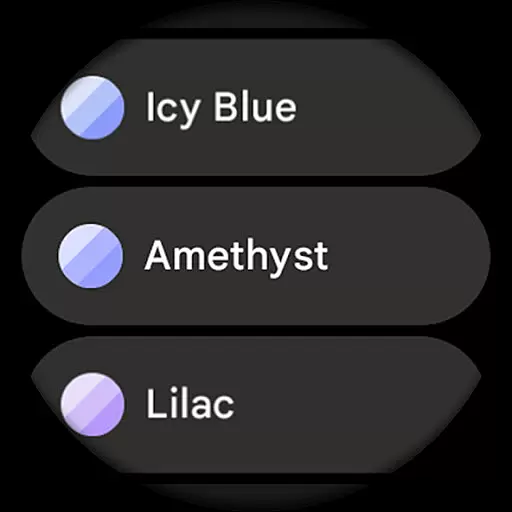
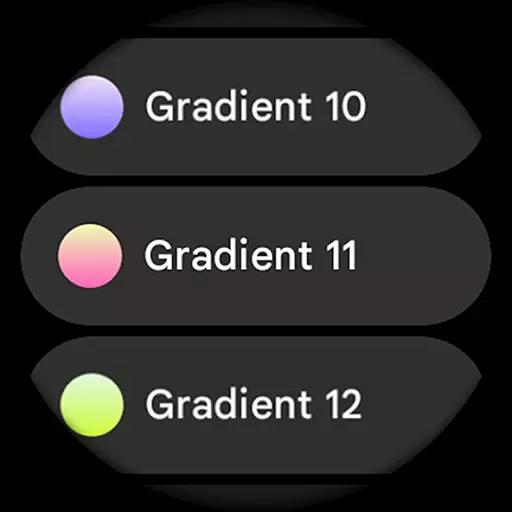
Advanced customization capabilities let users select from over 60 material themes and 19 gradient options for each slot. The watch face supports eight custom complications through two dedicated app shortcuts, providing quick access to frequently used functions. Additional features include an optional subtle mesh background, AM-PM slot toggle for 12-hour format, and tinted icon complication slots. The three AOD styles offer flexibility in power management, with an option to offload processing to MCU for maximum battery efficiency.
Outlined Watch Face offers a comprehensive suite of creative tools that cater to users who want to personalize their Wear OS 4+ devices. With over 60 material themes, 19 gradient options for two slots, and 10 unique outlined font choices, the app provides extensive customization possibilities.
The inclusion of advanced features such as combined watch/phone battery complications, burn-in protection, and optional wave-styled seconds indicators ensures that users have access to both aesthetic and functional enhancements. These tools allow for a tailored experience that can adapt to individual preferences while maintaining device integrity.
Furthermore, the app supports high-res design elements and true black backgrounds, making it not only versatile but also battery-friendly. Users can create a unique daily companion by adjusting settings like AM-PM slot toggles, subtle mesh backgrounds, and tinted icons, ensuring their watch face is truly one-of-a-kind.
Flexibility in canvas and format options is a standout feature of Outlined Watch Face. Compatible with both Pixel Watch 2 and Galaxy Watch6, this app allows users to fully customize each progress bar gradient individually when using ranged value complications, offering unparalleled personalization.
Users can choose from three Always-On Display (AOD) styles, including an option to use only the digital clock and offload functions to the MCU for additional battery savings. This flexibility ensures that the watch face can be optimized for both visual appeal and performance efficiency.
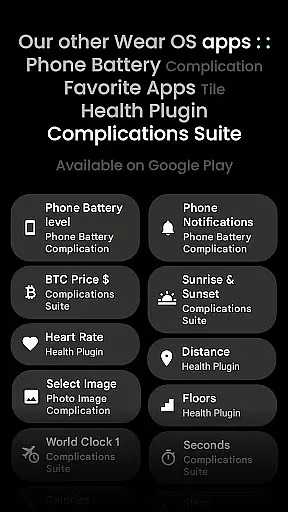
Moreover, the app's support for custom complication apps and unique material color themes adds another layer of versatility. Whether users prefer monochromatic icon tinting or specific app shortcuts, Outlined Watch Face provides the tools necessary to make the most out of their wearable technology.
Modern outlined design
Extensive customization
Battery efficient
High resolution
Unique themes
Wear OS 4+ only
No rectangular support
Premium cost
Complex setup
Limited compatibility

Discover Cartoon Dream : Unleash Your Creativity with CuttingEdge AI
 4.50
4.50
Art of Combination Wear OS Watch faces (for Wear OS 5+ devices)
3.00
Create trending AI photos & videos with powerful effects and 3D styles.
3.20
AI Assistant, powered by ChatGPT GPT-4 & GPT-4o. Your intelligent companion.
3.50
Convert image to JPG PNG HEIC PDF, support almost all kinds of image formats
4.70
Get an overview over all your embroidery threads, projects and more.
4.60
OneUI 8.5 icons ✨ Smooth, modern & based on the latest Play Store design ??
4.10
Video AI: Revolutionize Your Content Creation with Advanced Video Generation
4.50
Multiplayer Drawing game, Coloring, Painting・Sketch, Handwriting・Paint, draw
4.30
Photo stitcher for automatically screenshot stitching into a long screenshot
4.70
Minecraft & Roblox Clothes
4.70
The perfect place to start sketching! Use Sketchbook to draw and paint sketches.
4.50
Trace, draw, and create art with AR - from memes to masterpieces!
4.30
Remove Background, Magic Eraser, Photo Enhancer, Story Templates, Collage Maker
4.30
Bring One UI 8.5 Icons to life -elegant dark icons with a modern, premium touch.
4.30
Unleash Your Creativity with Draw Cartoon - AR Drawing App
4.10
Easy 3D drawing design maker & creator. Model designing, Sculpting. Create&paint
4.00
AI Art Generator transforms your words into AI generated art & paintings.
3.70
Apply cartoon, caricature, and portrait effects to make your photos stand out!
3.60


User Reviews