
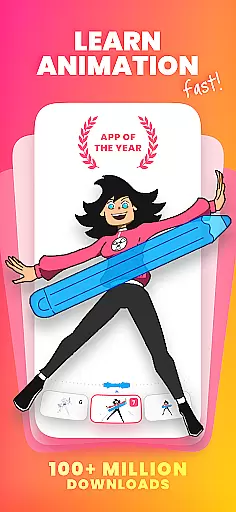
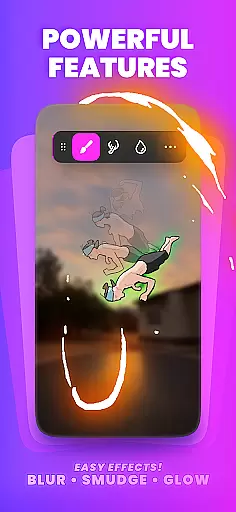
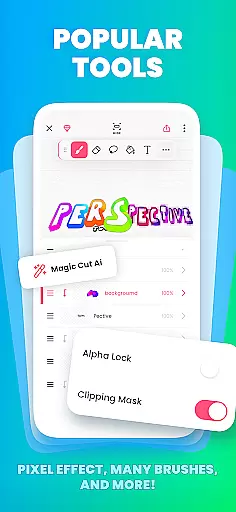
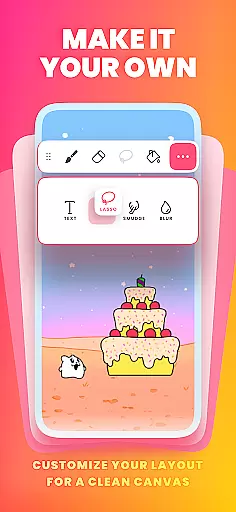
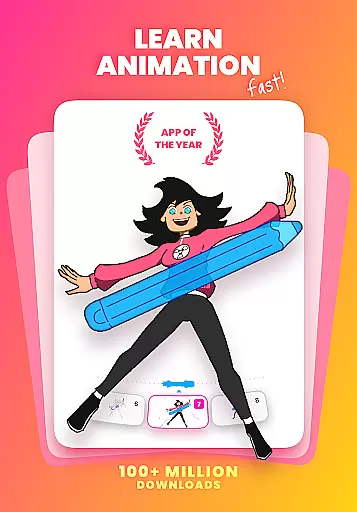
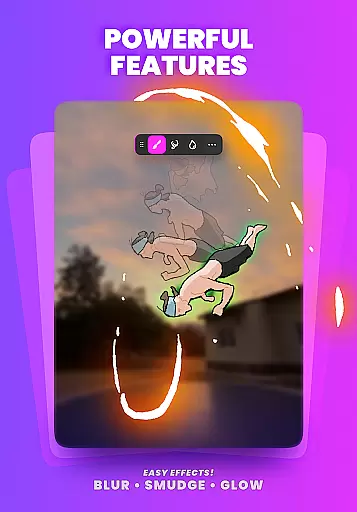
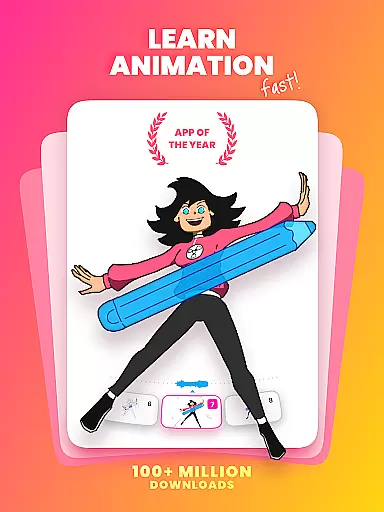
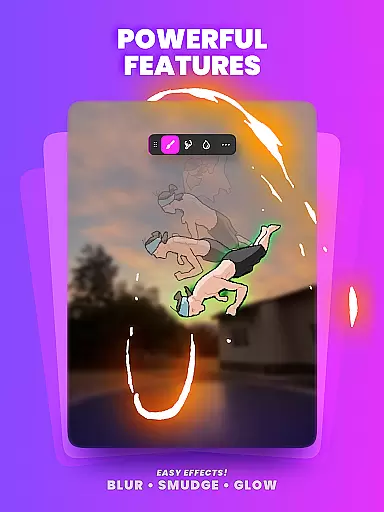
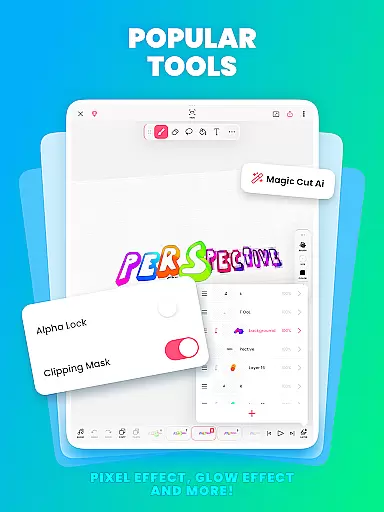
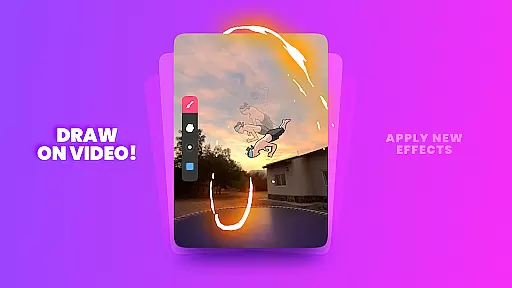
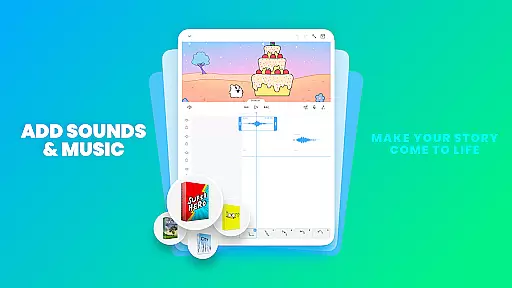
FlipaClip is a leading 2D animation app designed for both beginners and professionals in the Art & Design category. This powerful tool allows users to create frame-by-frame animations, draw cartoons, and produce short animated movies with remarkable ease. The app offers an intuitive interface that combines the simplicity of flipbook-style animation with advanced editing features.
With over 80 million monthly active users, FlipaClip has become a favorite among creators who want to bring their drawings to life. Whether you're interested in anime, cartoons, or simple doodles, this app provides all the necessary tools to make your vision a reality. Its professional-grade features include onion skinning, layer support, and AI-powered tools like Magic Cut and Voice Maker.
The app's versatility makes it suitable for various creative projects, from storyboarding to social media content creation. Users can export their work in multiple formats including MP4, GIF, and PNG sequences, making it easy to share creations across platforms like YouTube, TikTok, and Instagram.
FlipaClip stands out with its comprehensive suite of animation tools tailored for artists of all skill levels. The app's frame-by-frame animation timeline gives creators precise control over their work, while the onion skin feature ensures smooth transitions between frames. With support for up to 10 layers (3 free), users can build complex scenes and experiment with different elements.
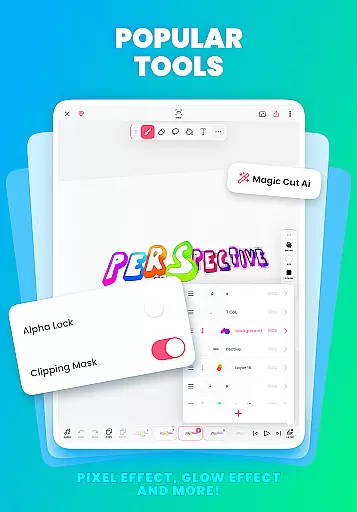
The inclusion of AI-powered features like Magic Cut revolutionizes the animation process by enabling quick object removal and image manipulation. The app also supports pressure-sensitive styluses, providing natural drawing experiences for devices like Samsung S Pen and SonarPen. Creators can import photos and videos for rotoscope animation, expanding their creative possibilities.
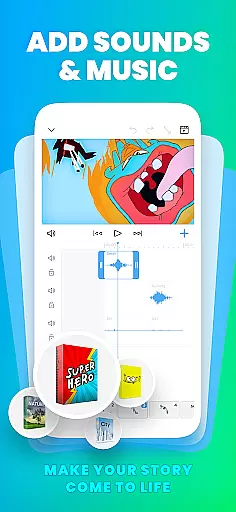
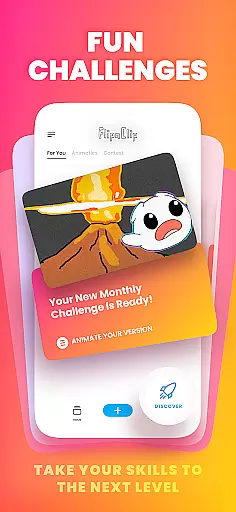
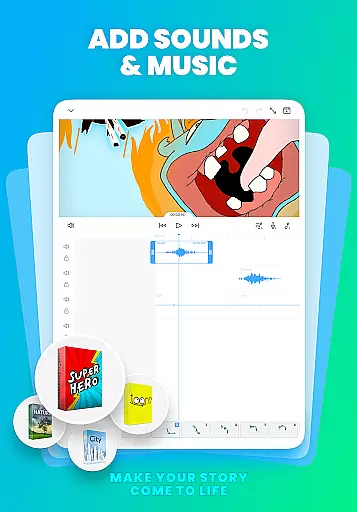
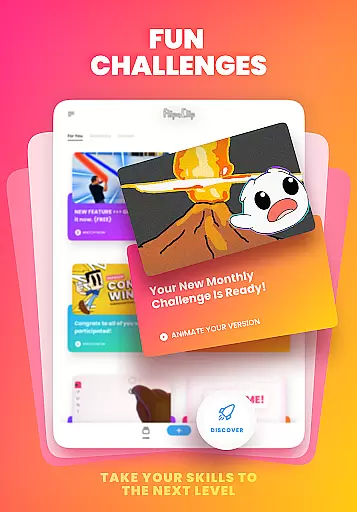
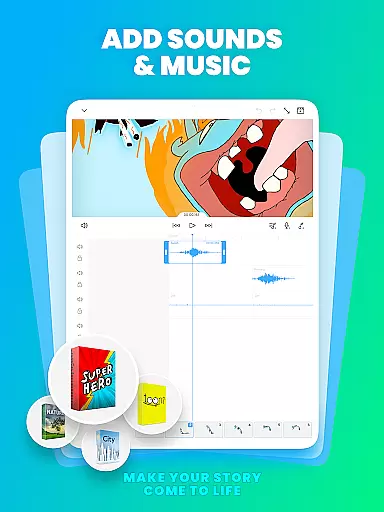
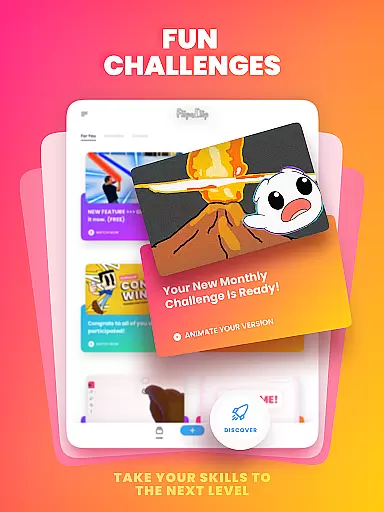
Audio integration is another key feature, allowing users to add up to 6 audio tracks with perfect synchronization. The AI Voice Maker enables adding lifelike narration to animations. These robust features, combined with regular community challenges and events, make FlipaClip an essential tool for modern digital artists and animators.
FlipaClip stands out as a comprehensive creative suite for both budding and professional artists in the realm of 2D animation. The app offers an extensive array of drawing tools, including brushes, fill, lasso, eraser, ruler, text, and shape tools, which cater to a wide range of artistic expressions and requirements.
With support for pressure-sensitive styluses like Samsung S Pen and SonarPen, FlipaClip ensures precision and natural drawing experiences. This feature is crucial for artists who demand fine control over their work, allowing them to create detailed and vibrant animations with ease.
The inclusion of advanced features such as onion skinning, frame-by-frame animation timelines, and up to 10 layers (with 3 free) empowers users to craft complex animations that are smooth and professional-looking. These tools are essential for creating high-quality animations and are a testament to FlipaClip's dedication to providing a complete creative package.
Moreover, the ability to import photos or videos for rotoscope animations and exporting projects in various formats like MP4, GIF, or PNG sequences with transparency showcases FlipaClip's versatility and commitment to creative freedom. Artists can seamlessly integrate external media into their projects and share their creations across multiple platforms, enhancing their workflow and reach.
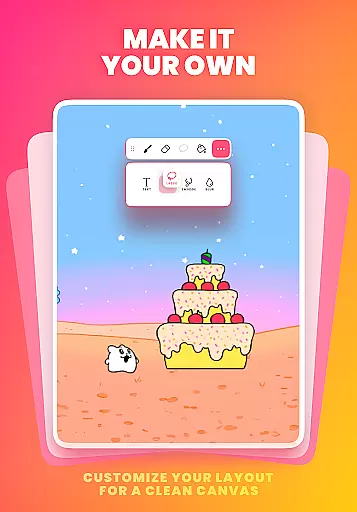
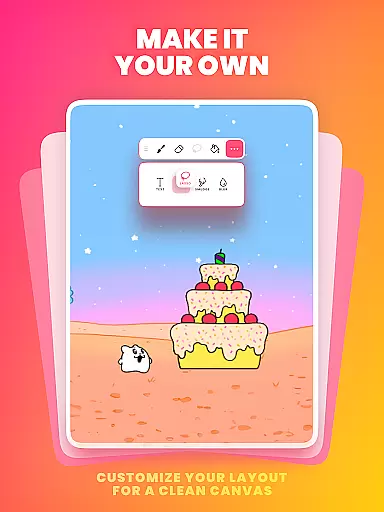
One of FlipaClip's defining features is its exceptional canvas and format flexibility, which allows creators to customize their workspace according to their specific needs. Users can draw on custom canvas sizes, offering unparalleled adaptability whether they're working on small-scale animations or expansive storyboards.
This flexibility extends to the app's export options, enabling animators to produce content in MP4, GIF, or PNG sequences with transparency. Such versatility ensures that no matter the intended platform or purpose, from social media posts to professional presentations, FlipaClip can accommodate diverse project requirements.
Furthermore, the app supports various input methods, including importing photos or videos for rotoscoping, which broadens the scope of creative possibilities. By allowing creators to incorporate real-world imagery into their animations, FlipaClip bridges the gap between traditional and digital animation techniques.
FlipaClip also embraces AI technology with features like Magic Cut, which intelligently slices images and objects from frames. This innovation not only streamlines the creative process but also opens new avenues for experimentation and expression within the flexible framework that FlipaClip provides to its users.
User-friendly interface
Powerful AI tools
Versatile export options
Active creator community
Regular feature updates
Limited free layers
Premium features locked
Steep learning curve
Occasional bugs
Subscription required

Design your dream room with AI. Get decor ideas & plan home interiors
 3.90
3.90
Art of Combination Wear OS Watch Faces
4.1
Create color palette from Image, RGB & RYB Color wheel harmonies, Color Scheme
4.50
Draw anime easily with AR guidance, sketch templates & trace tools!
3.10
Get creative and make art with your Sesame Friends!
4.00
Your homescreen as an elegant glass with customized blur, lighting, and visuals.
3.70
Unleash the artist in you with our AR drawing and tracing tool for photo drawing
4.10
Bring One UI 8.5 Icons to life -elegant dark icons with a modern, premium touch.
4.30
Create and Design Custom Logos in Seconds with AI-Powered Tools!
4.40
2D animation studio for Android tablets - unlimited layers, infinite timeline
4.70
Draw glowing spinners, relax, and spin your creative art
4.60
Image resizer to resize, crop, rotate, flip, change dpi photo or picture in bulk
4.60
Video AI: Revolutionize Your Content Creation with Advanced Video Generation
4.50
Just trace a projected picture on paper and color! Draw & Paint with AR drawing
4.40
OneUI 8.5 icons ✨ Smooth, modern & based on the latest Play Store design ??
4.10
Design unique, funny and adorable cat stickers that reflect your own style!
3.80
AI Art Generator transforms your words into AI generated art & paintings.
3.70
Transform photos into amazing monochrome dither art with professional algorithms
4.2
Art of Combination Wear OS Watch faces
4.5


User Reviews