
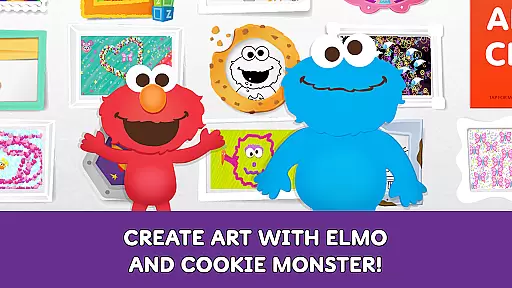
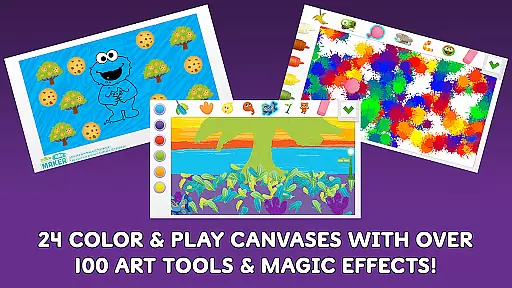
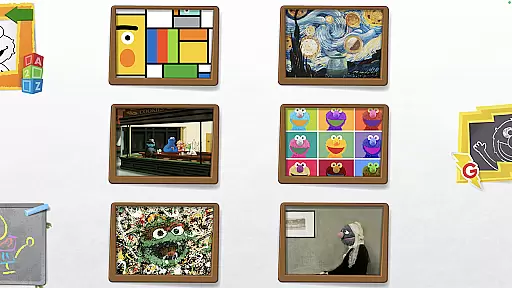
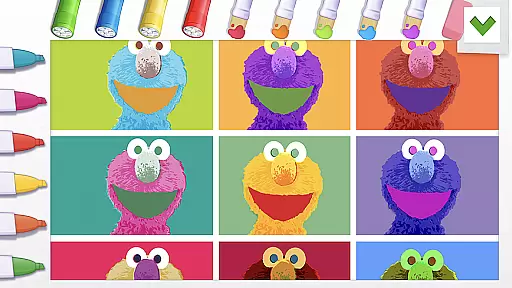
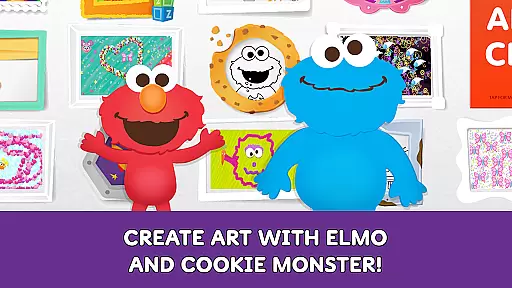
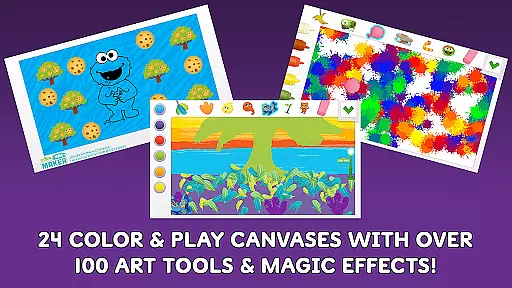
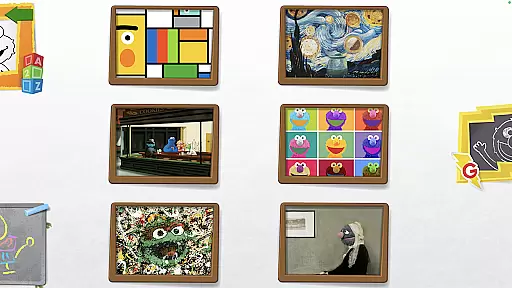
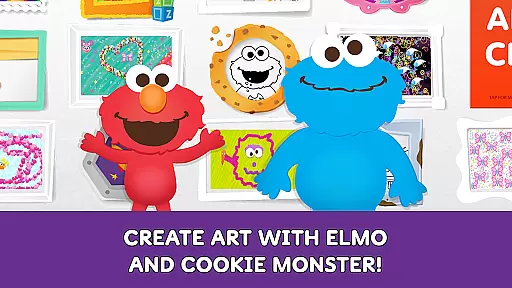
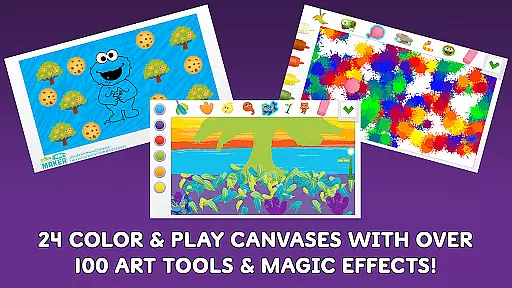
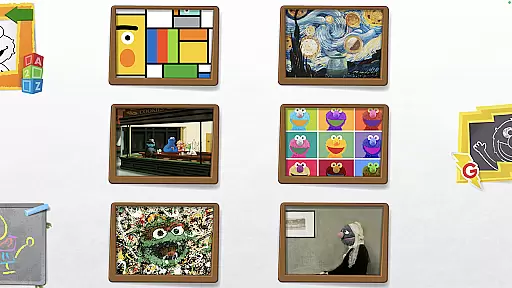
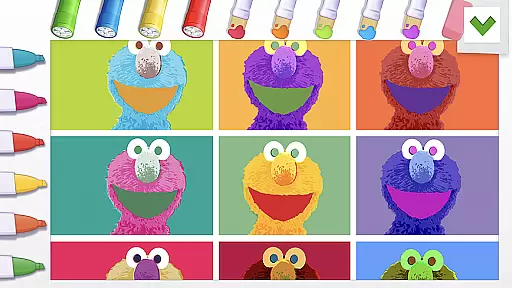
Sesame Street Art Maker is an innovative creativity app designed to inspire young artists through interactive digital experiences. The app offers a rich selection of 24 unique canvases featuring beloved Sesame Street characters, providing children with diverse starting points for their artistic explorations.
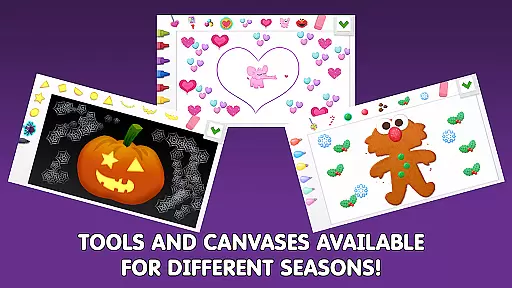
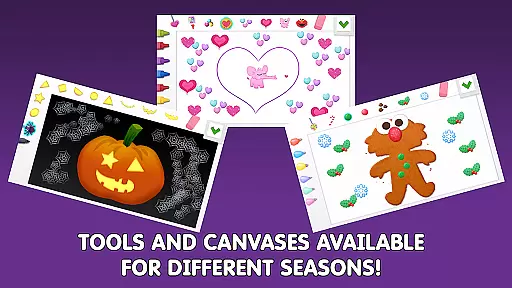
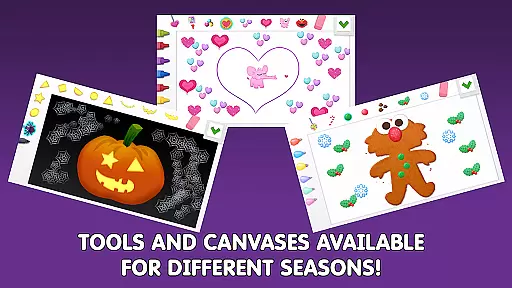
With over 100 realistic art tools including finger paints, fur textures, and Abby's magic wand, the app enables endless creative possibilities. Seasonal updates keep the content fresh throughout the year, while additional Expansion Kits offer themed options for extended play. The inclusion of animated character stickers and personalized photo canvases makes this app particularly suitable for children aged 3-7 who are developing their artistic skills.
The app's educational value extends beyond mere entertainment, as it encourages imagination development and fine motor skills through engaging activities. By allowing children to share their creations through the Art Maker Challenge, it fosters both creativity and social interaction with the broader Sesame Street community.
The app's feature set is particularly robust for young creators. Its core functionality includes 24 distinct canvases inspired by Sesame Street friends, each offering unique background themes that spark different types of creative expression. The extensive collection of over 100 art tools ranges from traditional mediums like paint and crayons to imaginative elements such as magical effects and textured surfaces.
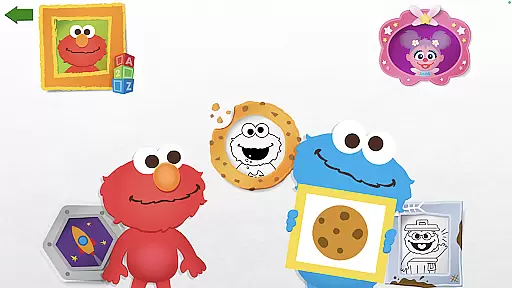
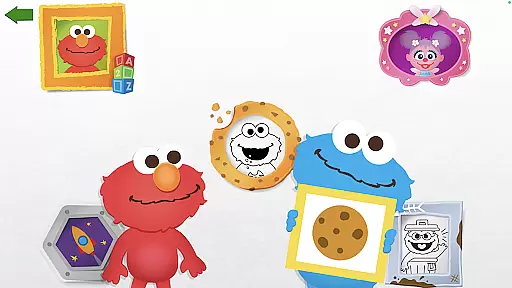
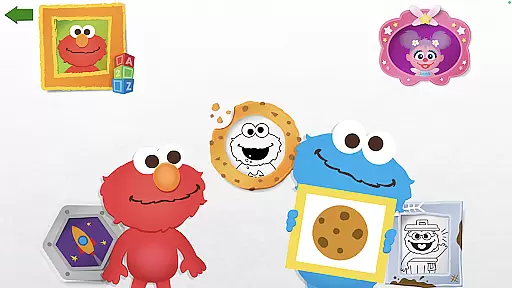
A standout feature is the interactive feedback system where beloved characters Elmo and Cookie Monster provide personalized comments on children's artwork, enhancing engagement and motivation. The photo canvas feature allows children to insert their own images and decorate them with silly stickers, creating personal connections with their art.
Additional features include professionally designed coloring pages and animated stickers that bring artwork to life. The app's seasonal updates ensure continued interest, while optional Expansion Kits provide themed content collections. These comprehensive features work together to create an immersive and educational art-making experience that aligns with Sesame Workshop's mission of helping children grow smarter, stronger, and kinder through media.
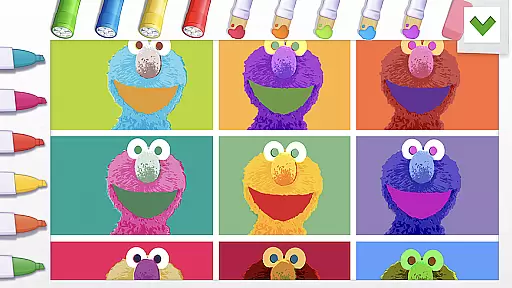
In the realm of digital creativity, having a comprehensive set of tools is paramount. Sesame Street Art Maker offers an impressive array of over 100 unique art tools that cater to the imaginative needs of children. These include realistic finger paints, fur textures, and even Abbyu2019s magic wand, enabling kids to experiment with different materials and styles.
The app doesn't stop at just painting; it extends its creative arsenal with stickers, sequins, and animated character stickers that talk, providing an interactive element to artwork. This vast selection ensures that young artists have everything they need to bring their visions to life in a virtual environment.
By regularly updating its canvases to match seasons and offering additional Expansion Kits for purchase, the app keeps the content fresh and engaging. Such variety not only maintains user interest but also encourages repeated use, allowing children to continually explore new artistic possibilities.
Ultimately, Sesame Street Art Maker's extensive toolkit empowers children to express themselves freely, fostering creativity and enhancing their developmental skills through playu2014an invaluable feature for any art and design application targeted at younger audiences.
A versatile canvas is essential for unleashing creativity, and Sesame Street Art Maker excels in this area by providing 24 unique canvases inspired by beloved Sesame Street friends. Each canvas offers a distinct backdrop that can inspire different themes or stories within a child's artwork, promoting narrative skills alongside visual expression.
Beyond static images, the app includes a photo canvas feature where users can decorate faces with silly stickers. This adds another layer of personalization and fun as kids see familiar faces transformed into whimsical characters through their own creative choices.
Sesame Street Art Maker supports various formats from coloring pages to animated scenes, ensuring that thereu2019s something for every type of learner and creator. The ability to switch between these formats allows children to engage with art in multiple ways, catering to individual preferences and learning styles.
This flexibility in format not only enhances user experience but also broadens the scope of what can be created within the app, making it a dynamic platform for young minds eager to explore the world of art and design.
User-friendly interface
Regular content updates
Educational value
Character engagement
Creative freedom
In-app purchases available
Young age limit
Device compatibility
Internet required
Storage intensive

Learn how to draw with step-by-step tutorials, fun lessons & multiplayer drawing
 4.70
4.70
Digital illustration drawing & painting pad app to paint Anime and Manga art
4.50
Art of Combination Wear OS Watch faces
4.5
See Color, Paint Color
4.90
Art of Combination Wear OS Watch Faces
4.5
Bring One UI 8.5 Icons to life -elegant dark icons with a modern, premium touch.
4.30
Share the joy of painting with ibis Paint! Drawing anime and manga art.
4.50
Turning simple sketches into captivating tales filled with life and motion
3.90
An intuitive, high-performance painting app that lets you focus on creating
4.40
Create stunning art with AI.
4.80
Draw on screen: FP sDraw is a simple and lightweight drawing app
4.70
2D animation studio for Android tablets - unlimited layers, infinite timeline
4.70
Draw glowing spinners, relax, and spin your creative art
4.60
Discover Cartoon Dream : Unleash Your Creativity with CuttingEdge AI
4.50
Unleash Your Creativity with Draw Cartoon - AR Drawing App
4.10
Art of Combination Wear OS Watch faces (for Wear OS 5+ devices)
3.90
Art of Combination Wear OS Watch faces (for Wear OS 5+ devices)
3.00
Inky runs Inkscape on Android devices and Chromebooks
2.90
Transform photos into amazing monochrome dither art with professional algorithms
4.4


User Reviews