
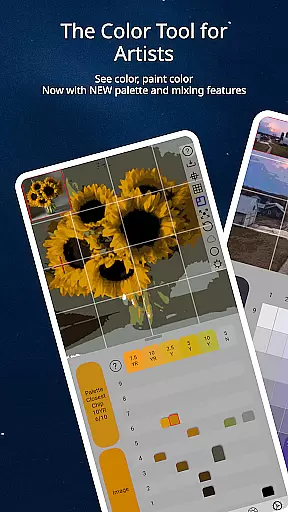
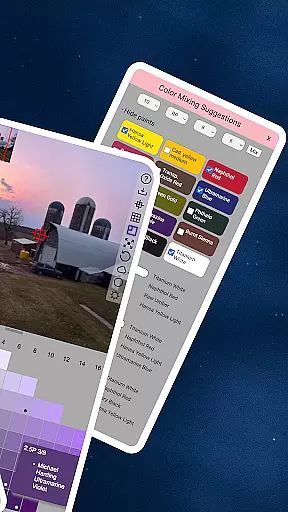
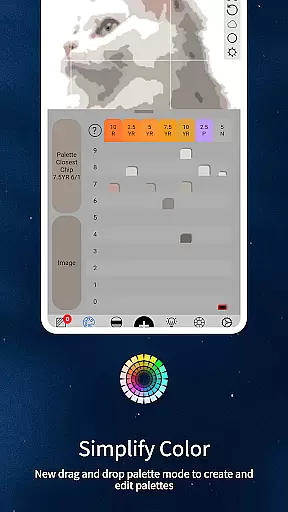
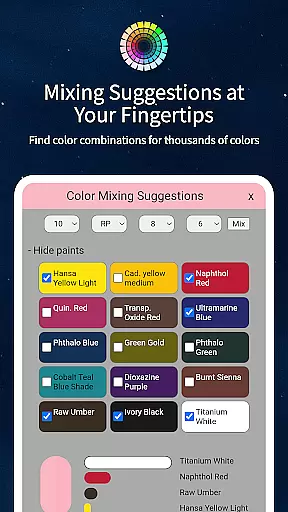
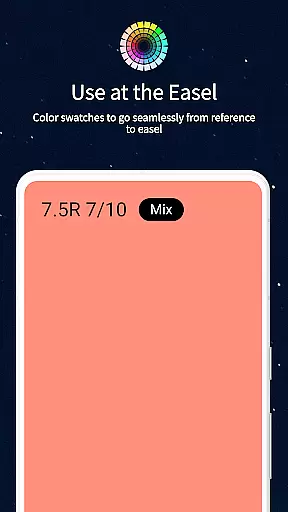
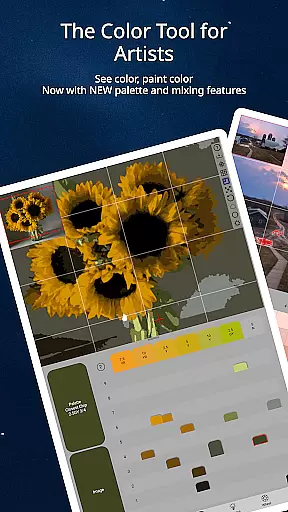
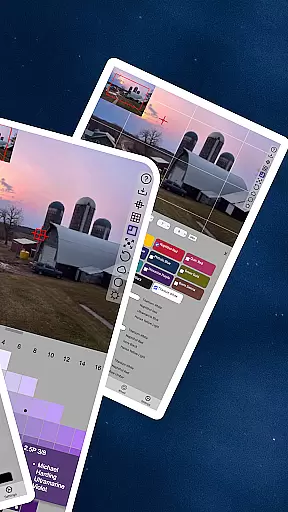
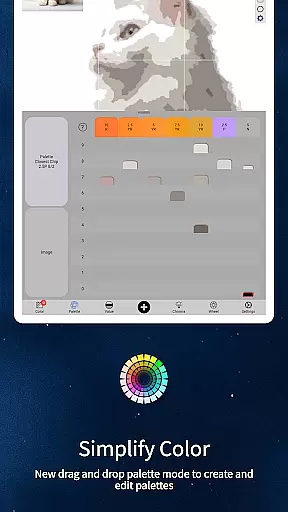
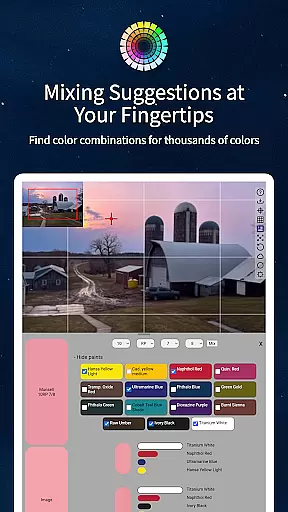
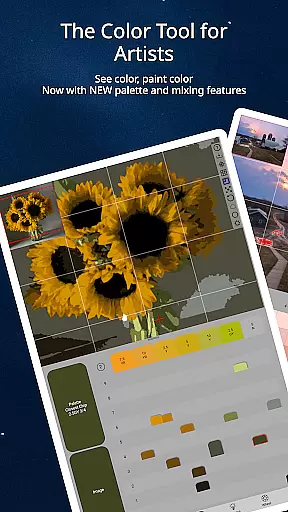
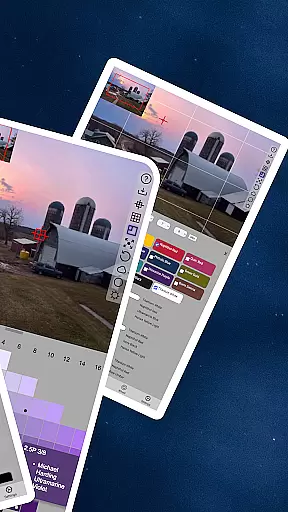
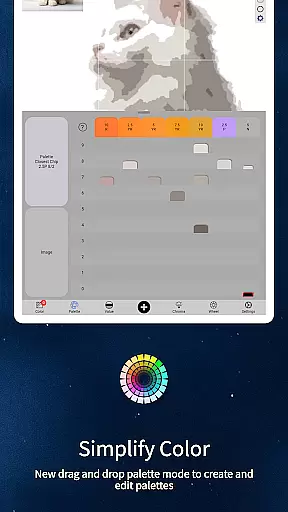
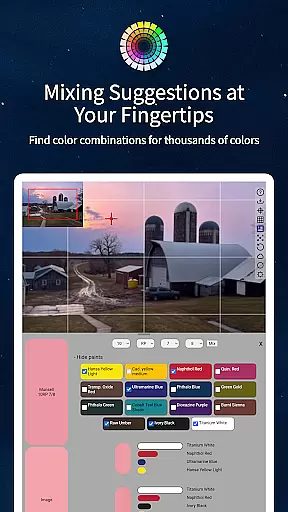
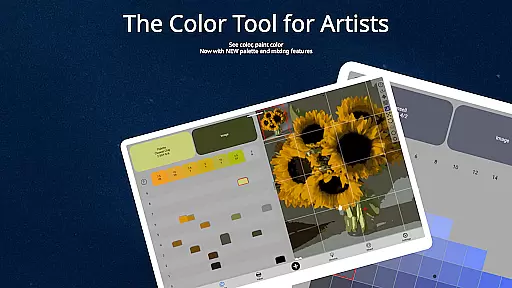
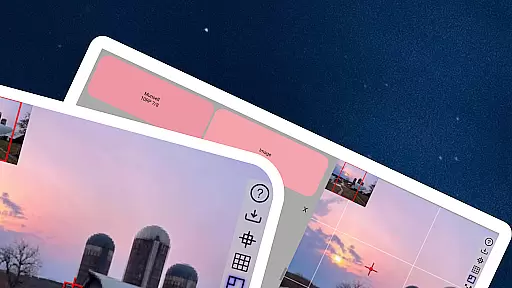
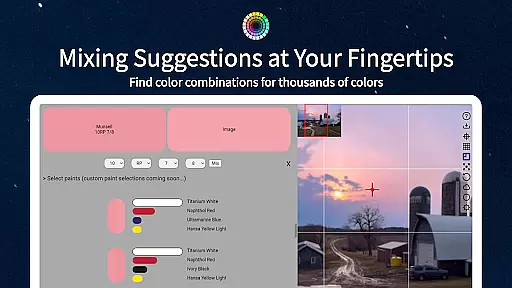
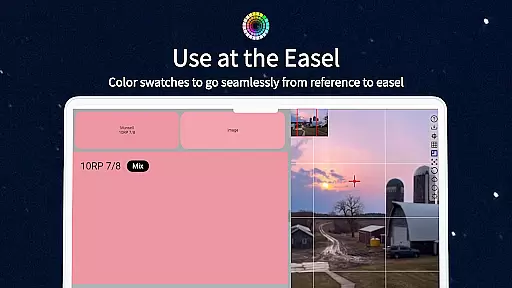
ChromaMagic is a revolutionary color analysis tool designed specifically for artists. This application allows users to load any photo or reference image and instantly identify the exact color properties using the Munsell color system. The app provides detailed breakdowns of hue, value, and chroma, enabling artists to understand and replicate colors accurately.
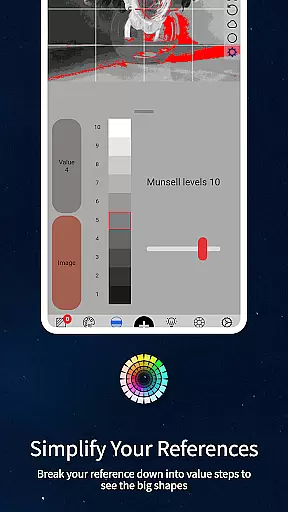
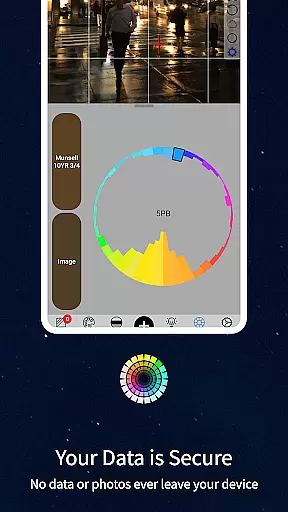
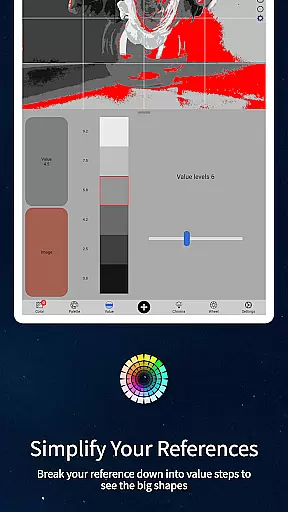
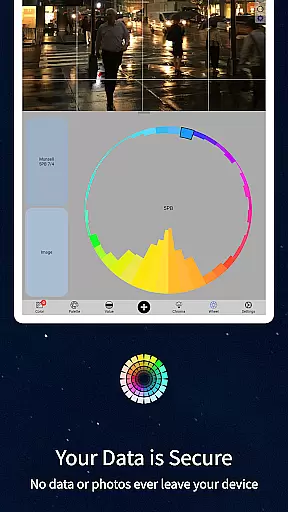
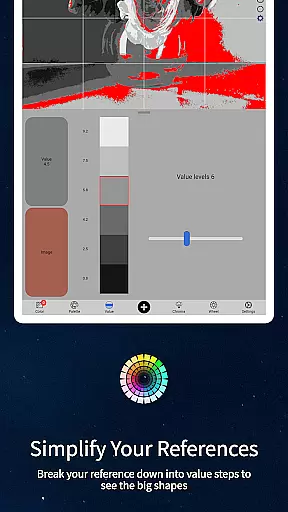
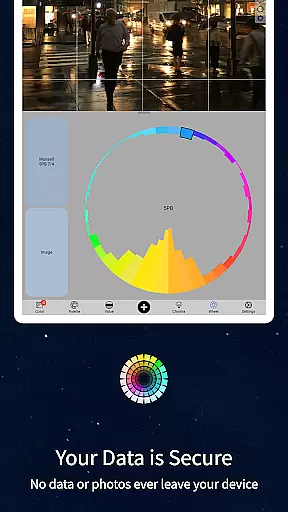
In addition to its core functionality, ChromaMagic offers multiple viewing modes that help artists analyze their references in different ways. Users can view images in grayscale, isolate major value shapes, examine color saturation levels, and visualize color distribution on the color wheel. These features provide invaluable insights for both representational and abstract painters.
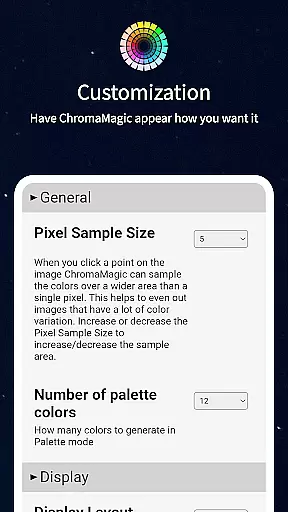
The application's intuitive interface supports buttery-smooth zooming and panning, making it easy to work with detailed images. ChromaMagic works offline, allowing artists to use it anywhere - from studio settings to outdoor locations. Its advanced features include multi-pixel averaging, paint recommendations, and desktop drag-and-drop functionality, making it an indispensable tool for professional artists.
ChromaMagic stands out with its comprehensive set of features tailored for artistic color analysis. The application's most notable feature is its implementation of the Munsell color system, which breaks down colors into their fundamental components of hue, value, and chroma. This scientific approach helps artists understand color relationships more effectively than traditional color wheels.
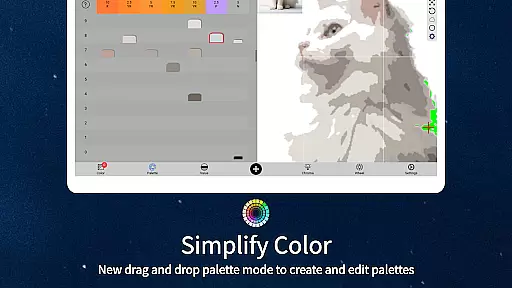
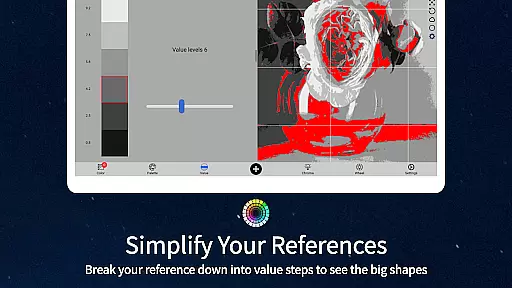
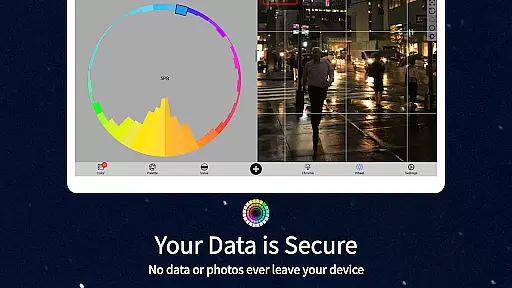
The application includes five distinct viewing modes that cater to different analytical needs. Value mode simplifies images into major tonal shapes, while grayscale mode reveals precise value relationships. Saturation mode highlights color intensity variations, and color wheel mode visualizes hue distribution. These modes work together to give artists a complete understanding of their reference materials.
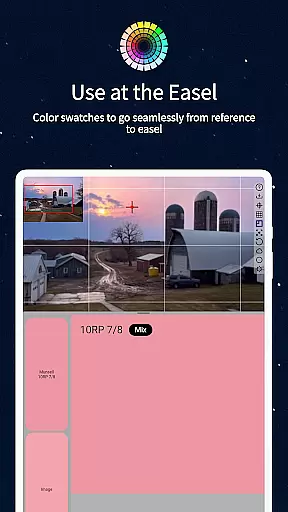
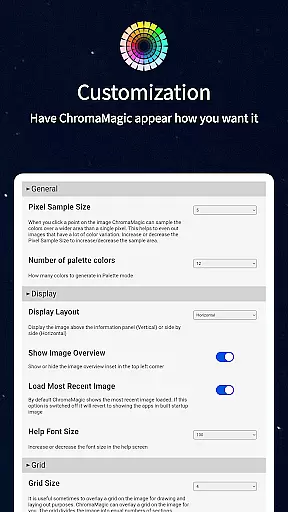
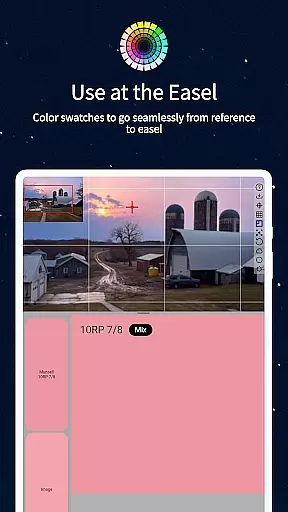
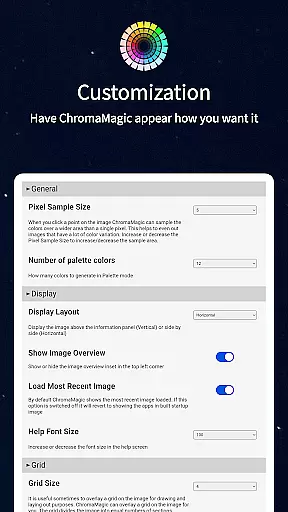
Additional features include advanced image handling capabilities such as smooth zooming and panning, offline functionality for field work, and multi-pixel averaging for complex references. The application also integrates with professional oil paint databases and offers calibration tools for accurate color mixing. Its modern interface supports drag-and-drop functionality on desktop platforms, streamlining the workflow for digital and traditional artists alike.
ChromaMagic offers a comprehensive suite of creative tools tailored for artists seeking precision and depth in their work. The app provides functionalities that go beyond basic color selection, enabling users to dissect colors into hue, value, and chroma components.
This detailed analysis is crucial for artists who need to replicate or modify colors accurately in their projects. By integrating Munsell color modes, ChromaMagic ensures that artists can access professional-grade color definitions without requiring extensive technical knowledge.
In addition to its primary color identification features, the app includes multiple viewing modes such as grayscale, saturation maps, and color wheel distribution. These modes help artists visualize their reference materials in ways that enhance understanding and application of color theory.
The availability of linked oil paint references further enriches the user experience by bridging digital analysis with physical art supplies, making it an indispensable tool for both digital and traditional artists.
Flexibility in canvas and format options is essential for artists adapting their workflow across different mediums and devices. ChromaMagic addresses this need by providing a versatile interface that supports high-resolution image manipulation on various devices, including tablets and smartphones.
The app's zoomable and pannable interface allows users to examine minute details in their artwork or reference photos without compromising image quality. This feature is particularly beneficial when working with intricate designs or large-scale projects where precision is paramount.
Moreover, ChromaMagic facilitates offline usage, empowering artists to utilize its features regardless of internet connectivity. This mobility ensures that creative processes are not interrupted by environmental constraints, whether users are indoors or outdoors.
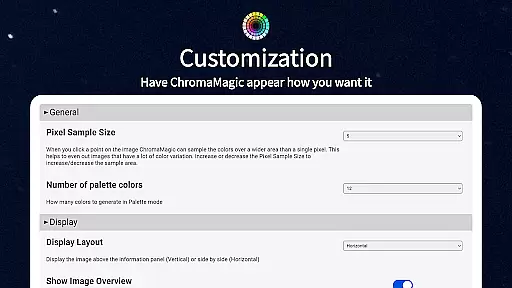
With additional functionalities like drag-and-drop file loading and multi-pixel color averaging, ChromaMagic enhances productivity while maintaining ease of use, thus catering to diverse artistic requirements and preferences.
Accurate color analysis
Multiple viewing modes
Offline functionality
Intuitive user interface
Professional paint database
Steep learning curve
Advanced features only
No basic mode
Resource intensive
Premium price point

Floor Plan Creator lets you create, edit and share floor plans.
 4.00
4.00
Remove Background, Magic Eraser, Photo Enhancer, Story Templates, Collage Maker
4.30
Paint with oils and sketch with natural tools on a realistic virtual canvas.
3.80
Draw Trace image sketch by, AR art projector app, Easy to trace any image.
4.50
Turn your drawings into flipbook-style animations with simple creative tools
4.60
2D animation studio for Android tablets - unlimited layers, infinite timeline
4.70
Experience next-gen icons with a modern liquid glass look.
3.60
Retouch photos. Create or edit images. Endless capabilities.
2.70
Create and Design Custom Logos in Seconds with AI-Powered Tools!
4.40
Photo stitcher for automatically screenshot stitching into a long screenshot
4.70
Draw beautiful mandala's very easily
4.60
Draw, fidget, and spin glow art! Relax and express your creativity with a finger
4.60
Create neon drawing with magic doodle and fun doodle art effects!
4.50
The perfect place to start sketching! Use Sketchbook to draw and paint sketches.
4.50
Kling AI is an image and video generation and editing studio powered by AI.
4.50
Stylish letters, Stylish Keyboard, Symbols, Emojis, Cool nickname
4.40
Bring One UI 8.5 Icons to life -elegant dark icons with a modern, premium touch.
4.30
Art of Combination Wear OS Watch faces (for Wear OS 5+ devices)
3.90
Resize photos and print photos in exact size with our powerful photo printer!
3.80


User Reviews