
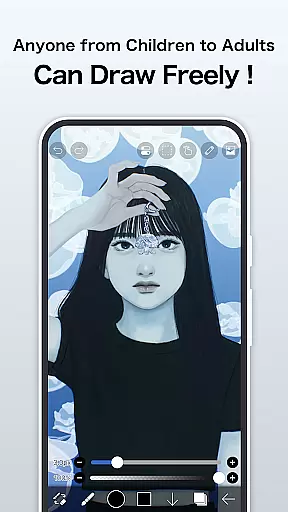
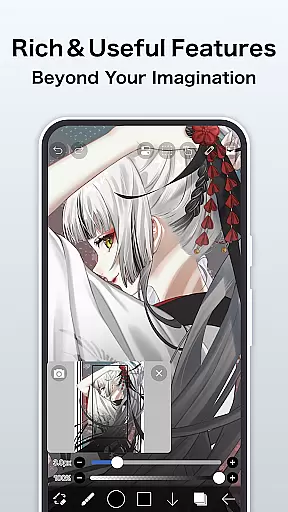
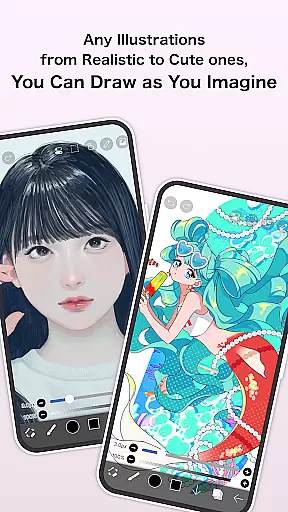
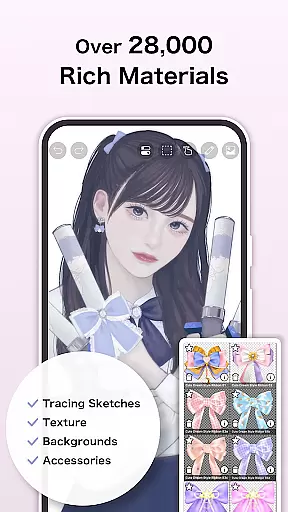
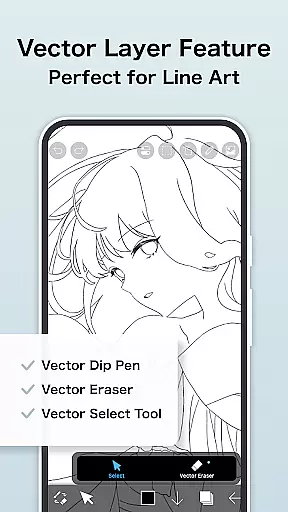
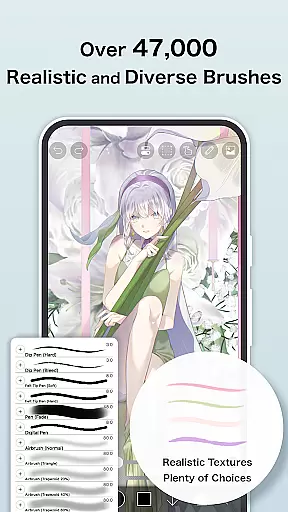
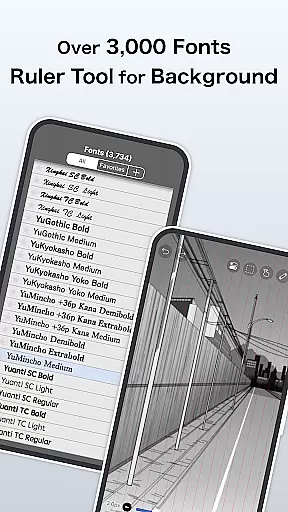
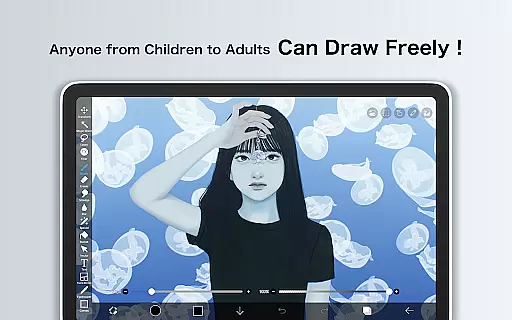
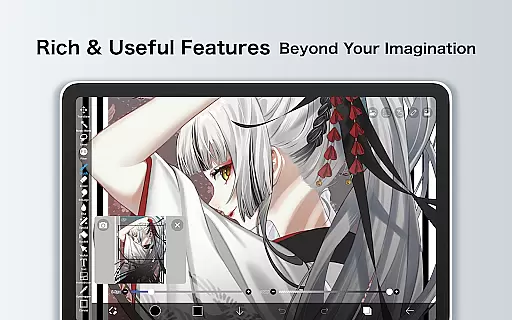
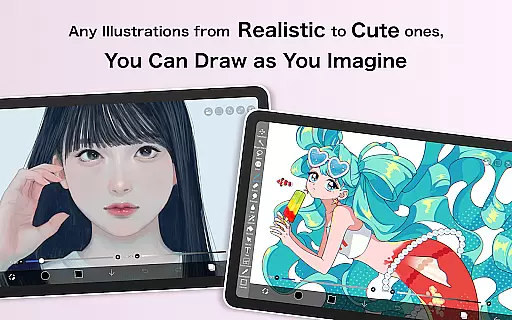
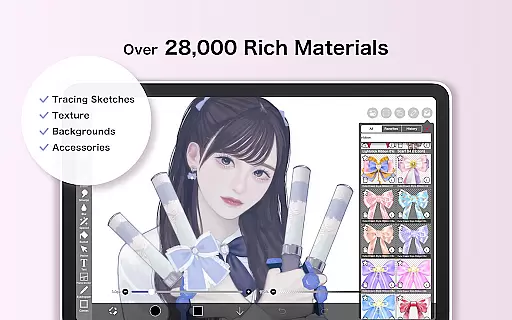
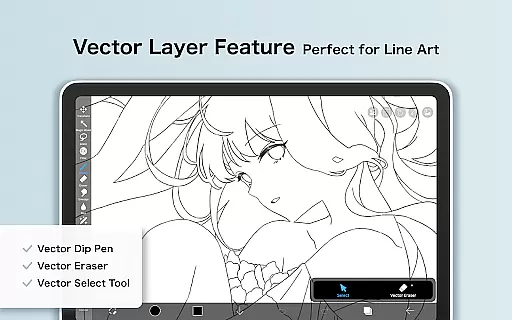
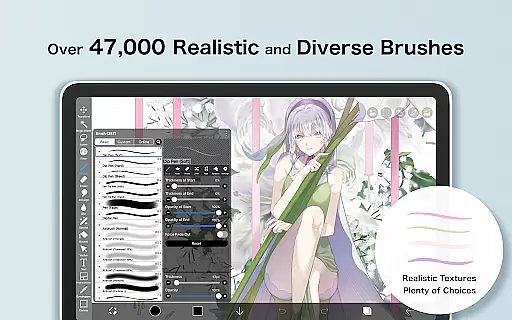
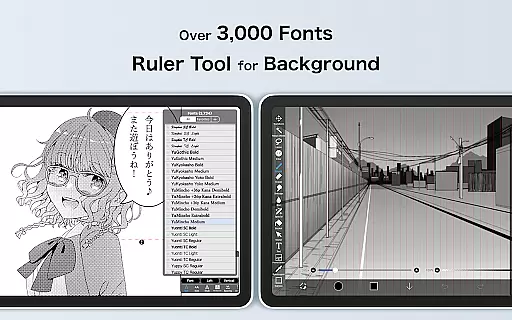
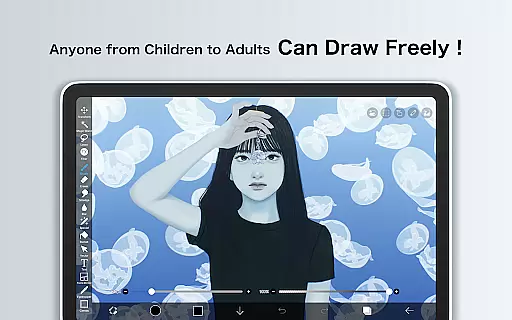
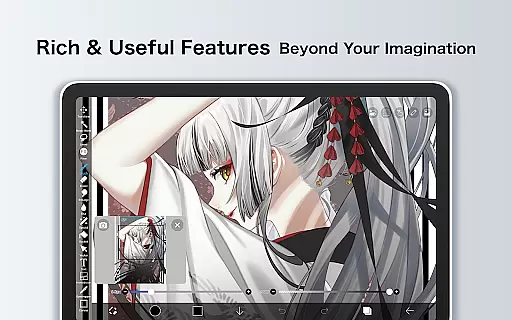
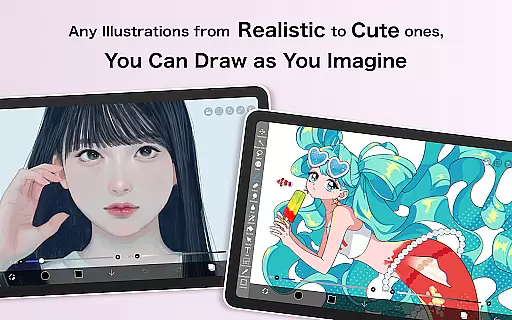
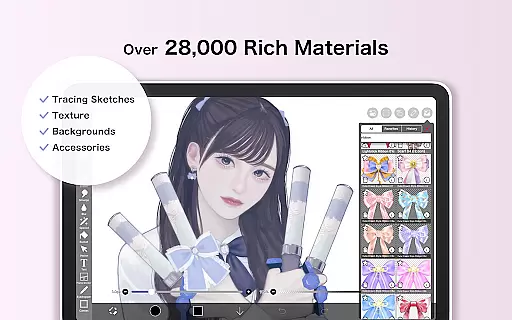
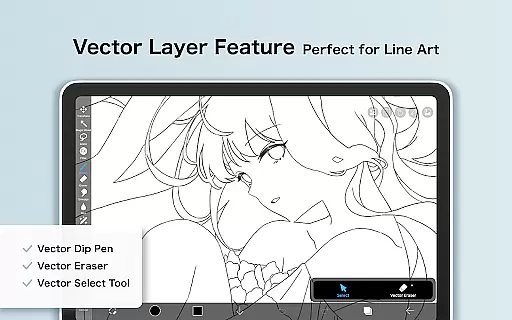
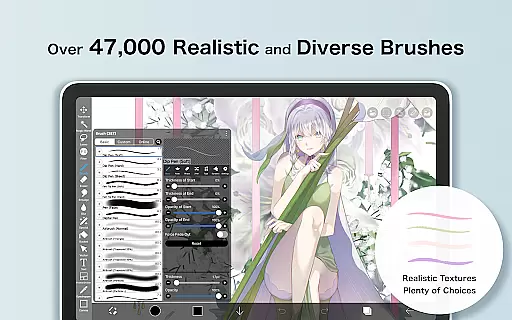
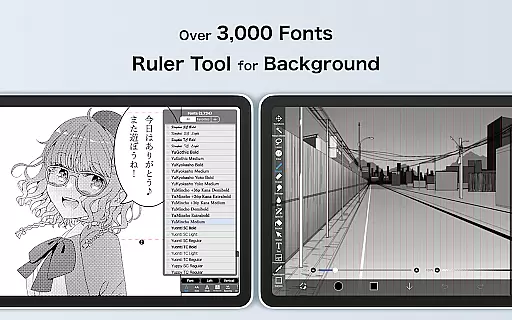
ibis Paint X stands as a premier drawing application tailored for both amateur and professional artists, boasting over 460 million downloads. This app offers an extensive suite of creative tools including more than 47,000 brushes, 27,000 materials, and 2,100 fonts, alongside advanced features like stroke stabilization, animation support, and AI disturbance effects. Its versatility extends to its layer management system, providing users with unlimited layers and diverse blending options.
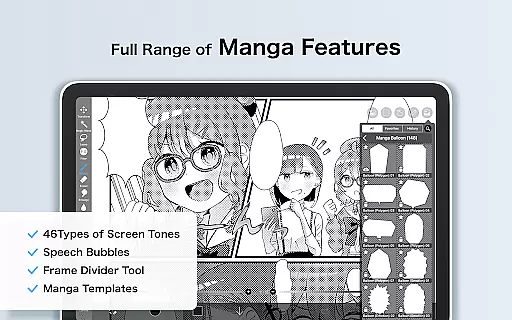
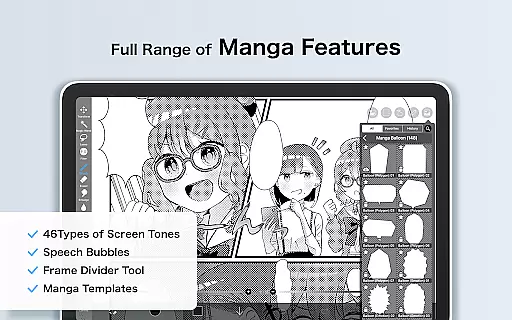
The app's social component allows users to share their creative processes through video recordings of their work, fostering a community where techniques and styles can be exchanged. With additional offerings such as vector tools, manga-specific text tools, and various filters, ibis Paint X caters to a wide array of artistic needs. Whether creating detailed illustrations or simple sketches, this app provides the resources necessary for artists to realize their visions on mobile platforms.
Among ibis Paint X's standout features is its vast selection of customizable brushes, which emulate real-world tools from pencils to oil paints, ensuring that every stroke feels authentic and precise. The app supports high-definition drawing at up to 60 frames per second, delivering a seamless experience powered by OpenGL technology. Additionally, its sophisticated layer functionality enables complex compositions, with options for alpha blending, masking, and individual layer adjustments.
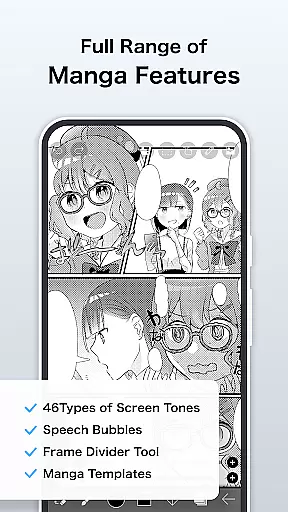
For manga creators, ibis Paint X includes specialized text tools that allow for vertical and horizontal text alignment, font selection, and multi-text handling. The inclusion of animation features and AI-based effects further expands the creative possibilities, while the option to record drawing sessions adds an educational dimension. These capabilities, combined with cloud storage and exclusive Prime Membership benefits, make ibis Paint X a comprehensive solution for digital artists seeking flexibility and power in their mobile art software.
In the realm of digital art, having a comprehensive suite of creative tools is paramount. ibis Paint X stands out by offering over 47000 brushes, 27 blending modes, and specialized features like stroke stabilization and various rulers such as radial line or symmetry rulers. These tools mimic traditional media and offer new ways to explore creativity digitally.
Furthermore, the app provides advanced text tool functions and layer features that allow artists to manipulate opacity, blend modes, and apply commands like duplication and inversion. With unlimited layers and detailed brush types ranging from pencils to oil brushes, users can execute complex artwork with precision.
The inclusion of professional features such as Vector tools, Animation features, and AI Disturbance caters to both amateur doodlers and professional illustrators alike. This vast array of instruments ensures every artist's needs are met, enhancing their ability to create stunning visuals without compromise.
Flexibility in canvas size and format options is crucial for accommodating different artistic visions within ibis Paint X. Users have access to customizable canvases which support a variety of formats suitable for everything from quick sketches to detailed manga pages.
With capabilities including importing images through clipping masks and adjusting canvas dimensions on-the-fly, artists maintain full control over their work environment. The app also supports exporting projects in multiple resolutions, ensuring compatibility across devices and platforms while preserving quality.
Moreover, Prime Membership unlocks additional benefits such as larger cloud storage capacity and exclusive canvas papers designed specifically for high-resolution outputs. Such flexibility empowers creators to experiment freely, knowing they can adapt their workspace according to project requirements or personal preference.
User-friendly interface
Extensive brush library
Advanced layer options
Community sharing platform
Regular feature updates
Prime Membership required
Ads in free version
Steep learning curve
Large app size
Limited offline resources

Pose and morph realistic male and female models! 3D poser app
 3.00
3.00
Stylish letters, Stylish Keyboard, Symbols, Emojis, Cool nickname
4.40
Draw anime & manga drawing, art with templates to create stunning picture!
4.50
Draw on screen: FP sDraw is a simple and lightweight drawing app
4.70
Passport size photo maker, create ID photo and visa photo in seconds
4.80
Digital, Abstract, Classic - all types of color wheels in one app!
4.60
Painting, drawing, & sketching
4.50
Get an overview over all your embroidery threads, projects and more.
4.60
AI-powered photo & video creation—fast, fun, and effortless with Quick Actions
4.60
Turn your drawings into flipbook-style animations with simple creative tools
4.60
Castle is social media for creating and playing games!
4.60
Create neon drawing with magic doodle and fun doodle art effects!
4.50
Text to Image, Image to Video & AI Chat
4.20
Turning simple sketches into captivating tales filled with life and motion
3.90
Paint with oils and sketch with natural tools on a realistic virtual canvas.
3.80
AI Face Swap, Video Effects Editor, Realtime Morph, Funny Video FX,AI Filters
3.70
AI Assistant, powered by ChatGPT GPT-4 & GPT-4o. Your intelligent companion.
3.50
Create sweet, cool and unique couple avatars easily, in just a few steps!
3.40
Transform photos into amazing monochrome dither art with professional algorithms
4.1


User Reviews