
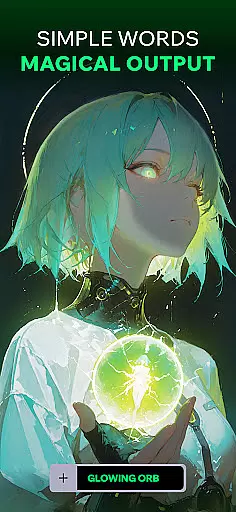
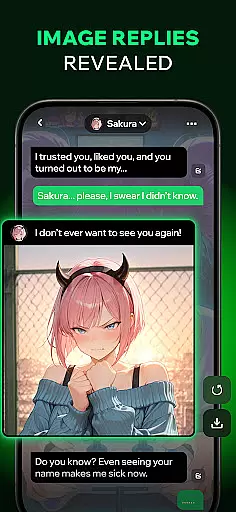
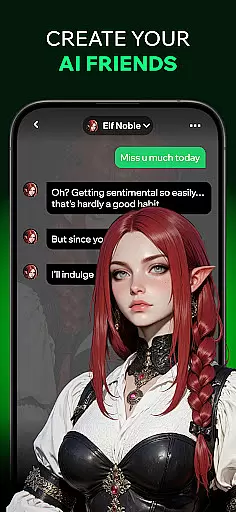
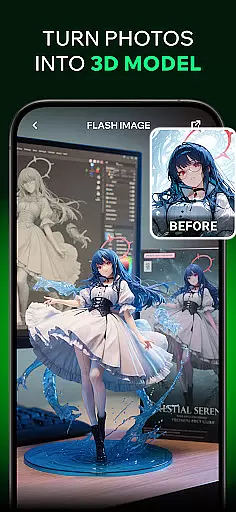

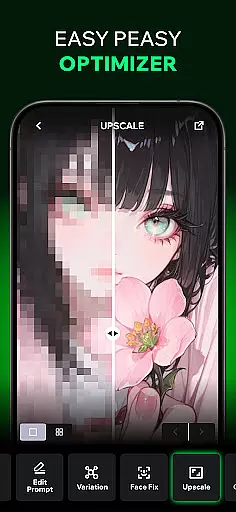
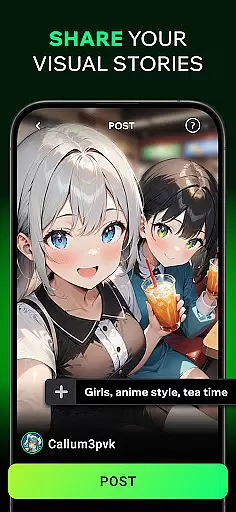
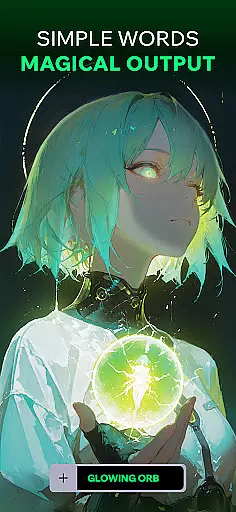
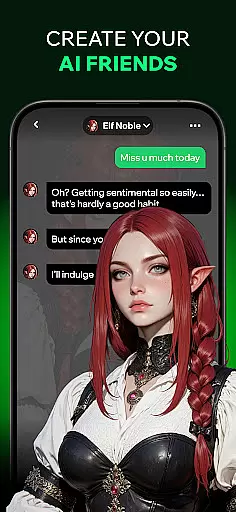
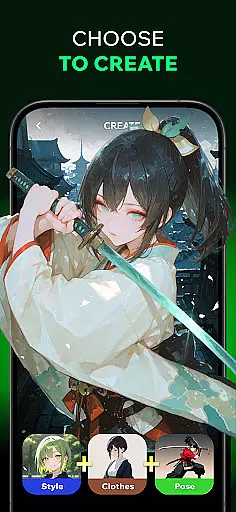
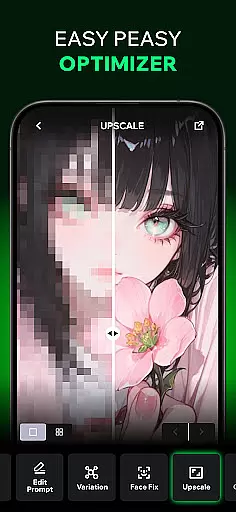
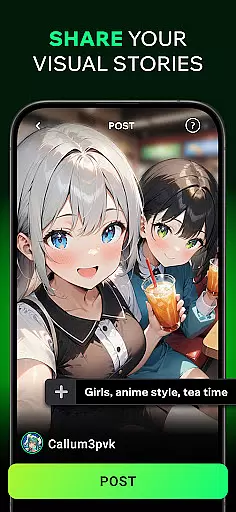
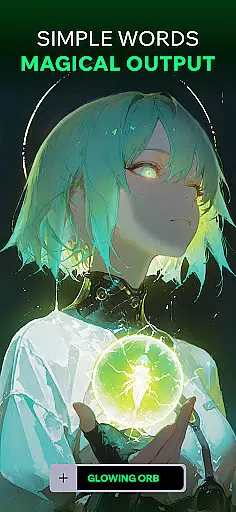
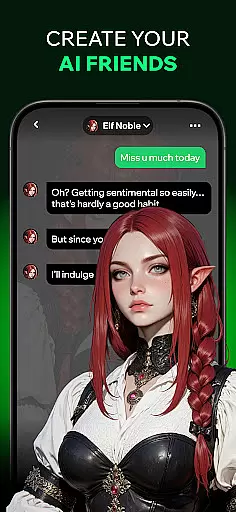
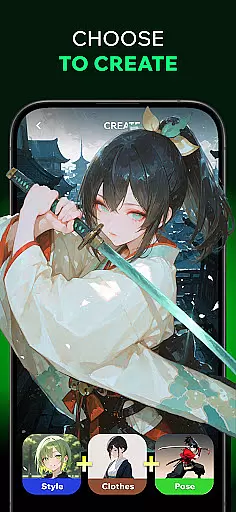
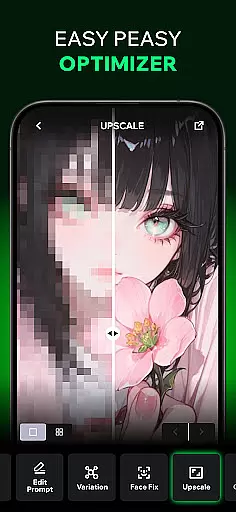
Spellai is an innovative app in the Art & Design category that allows users to effortlessly transform text into captivating photos and drawings. With its AI-powered features, users can create unique images through simple conversations with AI friends. The app also offers advanced image editing capabilities powered by Google DeepMind's Gemini 2.5 Flash Image technology (codename 'Nano Banana'), making it a powerful tool for designers, content creators, and developers.
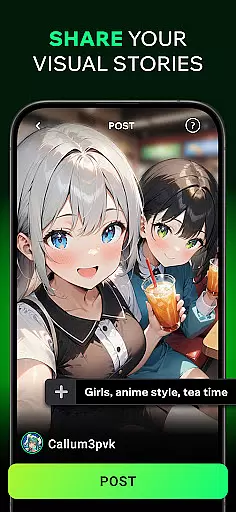
In addition to its core functionality, Spellai provides a community sharing feature where users can showcase their creations, get feedback, and connect with other text-to-image enthusiasts. Whether you're looking to generate anime-inspired artwork, lifelike portraits, or custom wallpapers, Spellai empowers users to unleash their creativity without requiring any prior design experience.
The app is perfect for social media enthusiasts, digital artists, and professionals seeking to streamline their creative workflow. By combining cutting-edge AI technology with user-friendly interfaces, Spellai makes it easy to bring your ideas to life while offering endless possibilities for artistic expression.
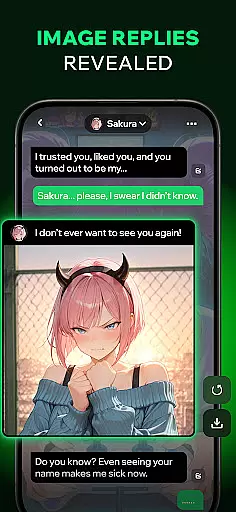
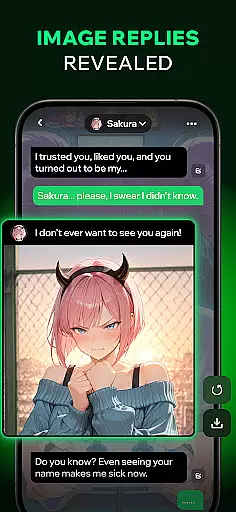
One of Spellai's standout features is its ability to generate images directly from chat conversations. Users can describe scenes, characters, or moods, and the app will instantly produce high-quality visuals based on the input. This seamless integration of conversational AI with image generation ensures a smooth and engaging user experience.
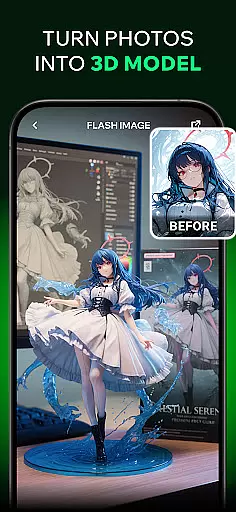
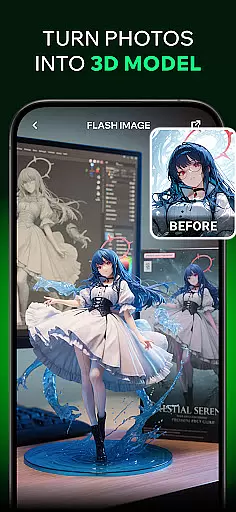
Another key feature is the Text-to-AI-Art editor, which allows users to turn plain text into stunning artworks ranging from anime-style illustrations to photorealistic designs. Powered by advanced algorithms, this tool eliminates the need for technical expertise, enabling anyone to create professional-grade pieces. Additionally, the app includes a revolutionary 'Chat Edit' function developed in collaboration with Google DeepMind, giving users unparalleled control over their creations through multimodal interactions.
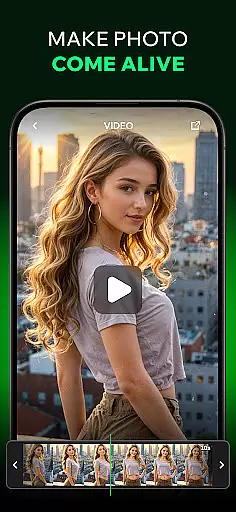
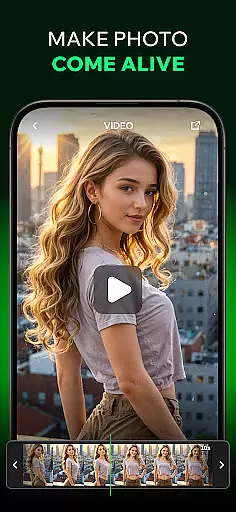
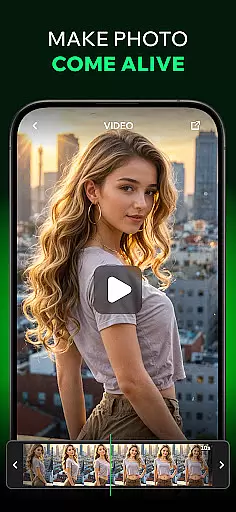
For those interested in video production, Spellai offers an AI-driven tool that converts static images into dynamic videos. Combined with its diverse selection of customizable AI chat characters, these features make Spellai a versatile platform for both visual storytelling and interactive communication.
In the realm of digital artistry, having a comprehensive suite of creative tools is essential. Spellai rises to the occasion by offering an extensive array of features that cater to both amateur artists and professional designers. The app includes an advanced AI editor capable of transforming simple text into unique artworks, ranging from anime-inspired illustrations to photorealistic images.
One standout feature is the collaboration with Google DeepMind, introducing 'Nano Banana', an innovative AI image generation and editing tool. This integration places powerful capabilities at your fingertips, allowing for multimodal understanding and conversational interaction that redefine the creative process. Whether you're crafting visuals for social media or developing complex design projects, Spellai equips you with everything needed to bring visions to life.
The versatility doesn't end there; users can also convert static images into dynamic videos. By inputting scenes or photos, the AI generates captivating video content effortlessly. Such robust functionality ensures that regardless of the medium or project type, Spellai stands as a complete creative companion in the Art & Design landscape.
A canvas in digital art serves as the foundation upon which creativity unfolds, making its flexibility paramount. Spellai understands this need and offers remarkable adaptability concerning canvas size and format options. Users are not confined to standard dimensions but instead enjoy customizable settings tailored to individual projects, whether creating wallpapers, portraits, or illustrations.
This flexibility extends beyond mere sizingu2014it encompasses various output formats suitable for diverse platforms. From high-resolution prints to web-optimized graphics, Spellai ensures each piece maintains optimal quality across mediums. Artists can seamlessly switch between different formats without losing fidelity or creative intent, enhancing workflow efficiency.
Moreover, community sharing within Spellai amplifies this adaptability. Creators can share their masterpieces rendered in varied formats, receiving feedback and inspiring others. This ecosystem fosters innovation and growth among users who continually push artistic boundaries using Spellaiu2019s adaptable canvas solutions.
User-friendly interface
Advanced AI capabilities
Versatile art styles
Community engagement
Real-time image creation
Limited free features
Subscription costs
Occasional bugs
Learning curve
Dependent on internet

Create sweet, cool and unique couple avatars easily, in just a few steps!
 3.40
3.40
Digital illustration drawing & painting pad app to paint Anime and Manga art
4.50
Remove Background, Magic Eraser, Photo Enhancer, Story Templates, Collage Maker
4.30
Draw on screen: FP sDraw is a simple and lightweight drawing app
4.70
Photo blender app to create overlay photos & double exposure.
4.40
Draw glowing spinners, relax, and spin your creative art
4.60
Art of Combination Wear OS Watch Faces
3.30
Resize photos and print photos in exact size with our powerful photo printer!
3.80
Draw, make movies & animate cartoons easily with our 2D animation maker app
4.40
Discover Cartoon Dream : Unleash Your Creativity with CuttingEdge AI
4.50
Unleash the artist in you with our AR drawing and tracing tool for photo drawing
4.10
Get creative and make art with your Sesame Friends!
4.00
Sketch and paint on your device with the feel and freedom of drawing on paper
4.00
Turning simple sketches into captivating tales filled with life and motion
3.90
Design unique, funny and adorable cat stickers that reflect your own style!
3.80
AI Face Swap, Video Effects Editor, Realtime Morph, Funny Video FX,AI Filters
3.70
AI Assistant, powered by ChatGPT GPT-4 & GPT-4o. Your intelligent companion.
3.50
Art of Combination Wear OS Watch faces
4.5
A luxurious gold watch face for an elegant and refined look.
4.5


User Reviews