
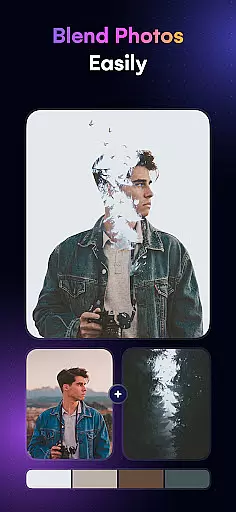
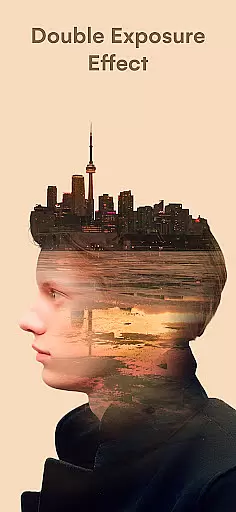
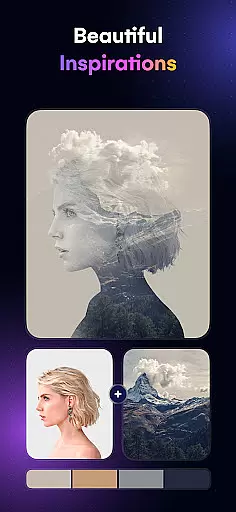
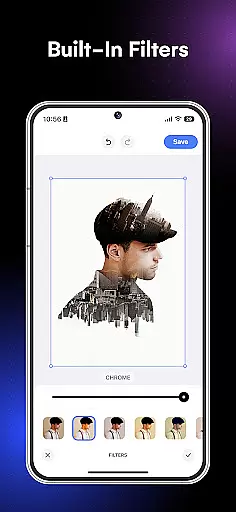
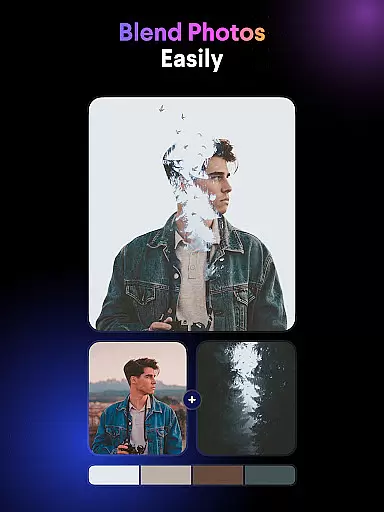
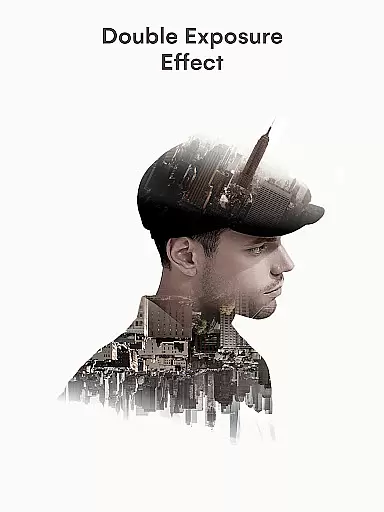
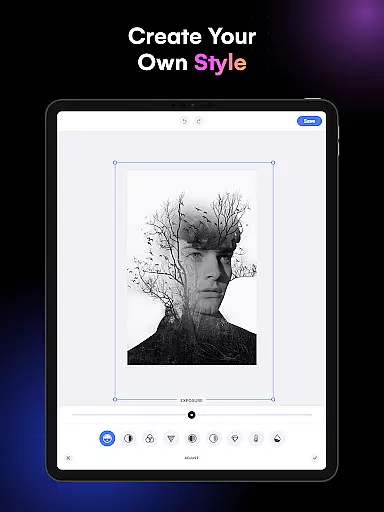
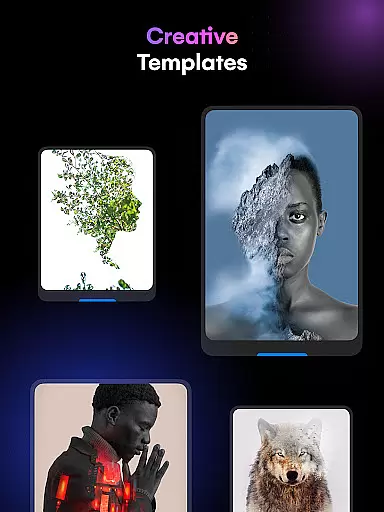
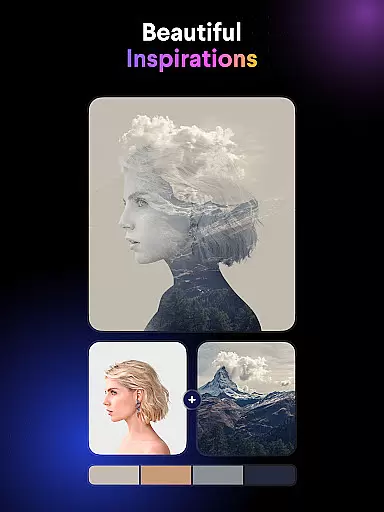
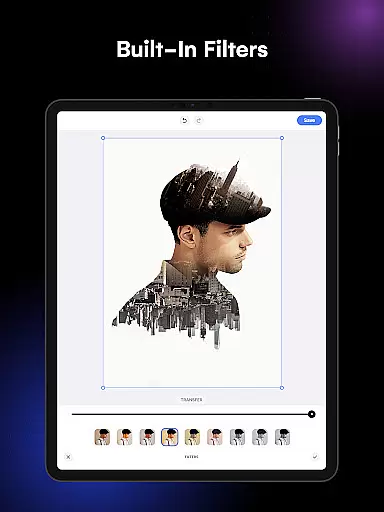
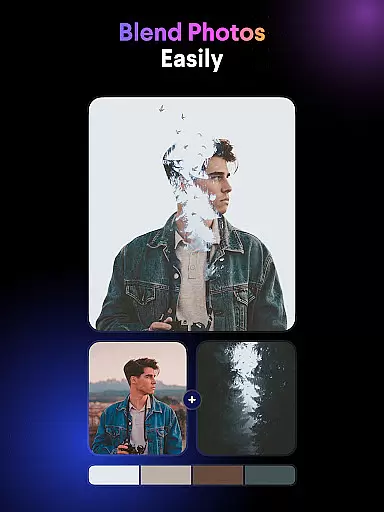
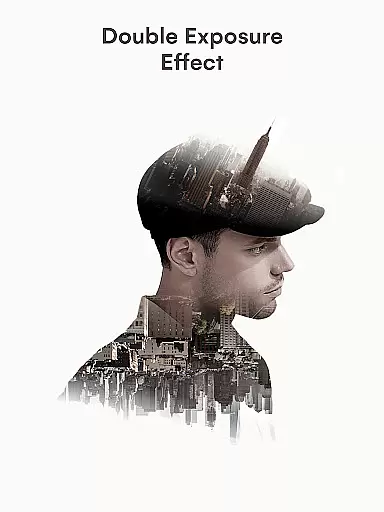
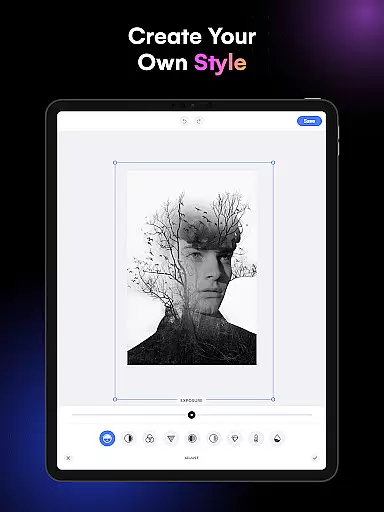
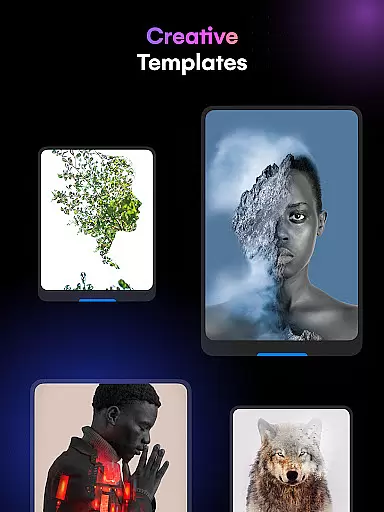
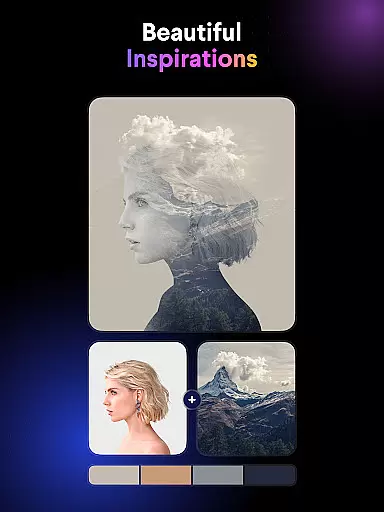
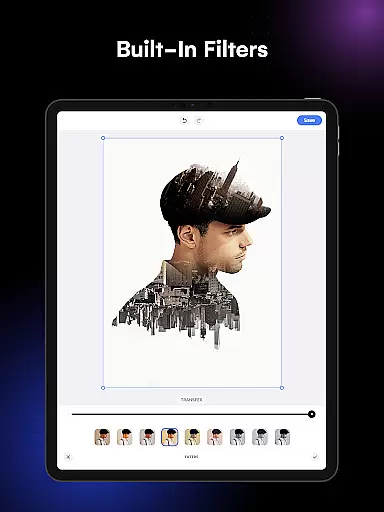
Blend Photos is a powerful photo editing application designed for both amateur and professional artists. This app allows users to create stunning double exposure images and photo blends with ease, offering a full suite of features including cropping, rotating, and advanced picture overlay tools. Whether you're looking to enhance your photos with gradient blends or craft professional-grade compositions with shape masks, Blend Photos provides all the necessary tools in one intuitive interface.
The app stands out with its smart AI technology that automatically removes backgrounds and adjusts photo settings for optimal results. With HD resolution saving and direct social media sharing, it ensures your creations maintain top quality when shared online. Its clutter-free design makes the creative process enjoyable, while the customizable effects enable users to express their unique artistic vision.
Ideal for digital artists, photographers, and social media enthusiasts, Blend Photos empowers users to produce visually striking content quickly and easily. The app's comprehensive feature set and user-friendly experience make it an essential tool for anyone interested in photo blending and creative image manipulation.
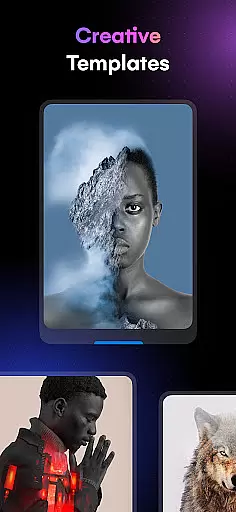
Blend Photos offers an extensive range of features that cater to various photo editing needs. One of its core capabilities is the ability to create double exposure images through an intuitive interface. Users can choose from multiple photo blender templates, each providing different styles and effects to experiment with. The automatic background removal tool simplifies complex editing tasks, allowing creators to focus on their artistic expression without technical hurdles.
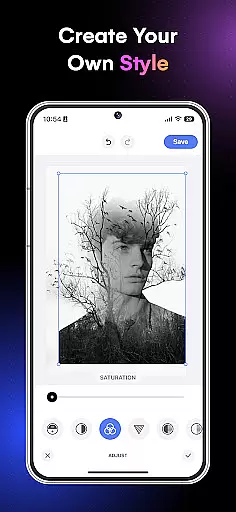
In addition to basic editing functions like crop and rotation, Blend Photos includes advanced adjustment options for more refined control over the final image. The app supports adding shape masks for creative picture overlays and enables gradient blends for smooth transitions between layers. These features ensure that every composition looks polished and professional.
What sets Blend Photos apart is its commitment to quality and convenience. Images can be saved in HD resolution, preserving every detail of your work. The app also facilitates easy sharing to social media platforms directly from the interface. With smart AI technology enhancing the editing process, Blend Photos represents a new era of accessible yet sophisticated photo blending tools.
In the realm of digital artistry, having a comprehensive suite of creative tools is essential for bringing visions to life. Blend Photos stands out by offering an extensive array of features that cater to both novice and professional artists alike. The app includes various photo blender templates, automatic background removal, advanced adjustments, shape masks, gradient blends, double exposure capabilities, and basic editing functions like crop and rotation.
These tools are designed to be highly customizable, allowing users to fine-tune their creations with precision. Whether you're looking to craft a simple overlay or a complex double exposure image, Blend Photos provides the necessary instruments to achieve professional and polished results. The inclusion of AI technology further enhances the creative process, making sophisticated edits accessible to all skill levels.
By integrating these powerful features into an intuitive interface, Blend Photos ensures that artists can focus on their work without being hindered by technical limitations. This complete toolkit empowers users to experiment with different styles and techniques, pushing the boundaries of their artistic expression while maintaining ease of use throughout the editing journey.
Flexibility in canvas and format options is crucial for artists who wish to explore diverse creative avenues without constraints. Blend Photos excels in this area by providing a versatile platform where users can manipulate their images with freedom. The app supports high-definition resolution saving and sharing, ensuring that every creation retains its quality from the digital workspace to the final output.
Artists using Blend Photos have access to advanced features such as automatic background removal and shape masking, which allow for intricate compositions and seamless overlays. These functionalities enable creators to produce artwork that transcends traditional boundaries, whether they're designing for personal projects or professional assignments across various media platforms.
The app's commitment to flexibility extends beyond just image manipulation; it encompasses a clutter-free interface that streamlines the creative workflow. By prioritizing user experience alongside robust editing capabilities, Blend Photos offers an environment where imagination meets practicality, empowering artists to realize their visions without compromise on either aesthetics or functionality.
User-friendly interface
Advanced AI technology
HD resolution support
Quick sharing options
Customizable effects
Limited free features
Occasional ads
Premium subscription required
Steep learning curve
Resource-intensive

Premium version of Shimeji-ee app with no ads & no limit active shimeji
 4.5
4.5
Create sweet, cool and unique couple avatars easily, in just a few steps!
3.40
Draw on screen: FP sDraw is a simple and lightweight drawing app
4.70
Art of Combination Wear OS Watch Faces
4.1
Draw anime easily with AR guidance, sketch templates & trace tools!
3.10
Design unique, funny and adorable cat stickers that reflect your own style!
3.80
Draw Trace image sketch by, AR art projector app, Easy to trace any image.
4.50
Powerful home decoration & house design that allows you to design dream home.
3.80
AI Tattoo Generator: Create Tattoo Designs & Get Ideas! Ink & Stencil Maker
4.50
Photo stitcher for automatically screenshot stitching into a long screenshot
4.70
Create color palette from Image, RGB & RYB Color wheel harmonies, Color Scheme
4.50
Painting, drawing, & sketching
4.50
Just trace a projected picture on paper and color! Draw & Paint with AR drawing
4.40
Draw, make movies & animate cartoons easily with our 2D animation maker app
4.40
Remove Background, Magic Eraser, Photo Enhancer, Story Templates, Collage Maker
4.30
Easy 3D drawing design maker & creator. Model designing, Sculpting. Create&paint
4.00
Art of Combination Wear OS Watch faces (for Wear OS 5+ devices)
3.00
Retouch photos. Create or edit images. Endless capabilities.
2.70
Art of Combination Wear OS Watch faces
4.3


User Reviews