
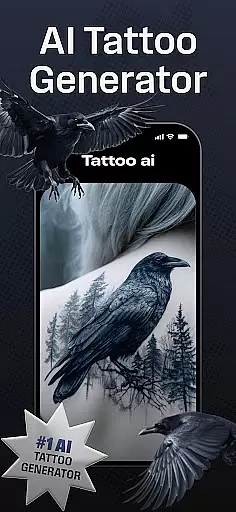
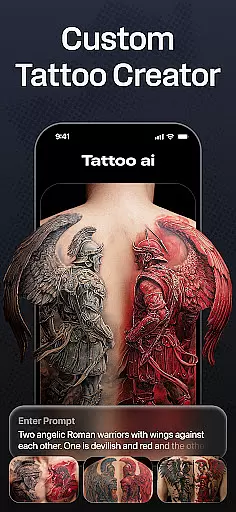
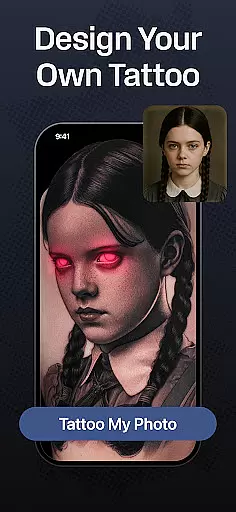
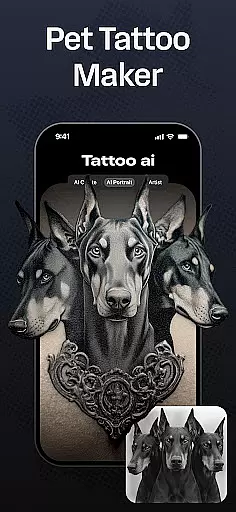
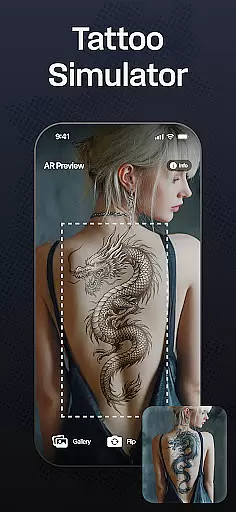
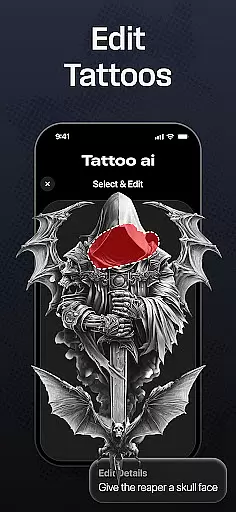
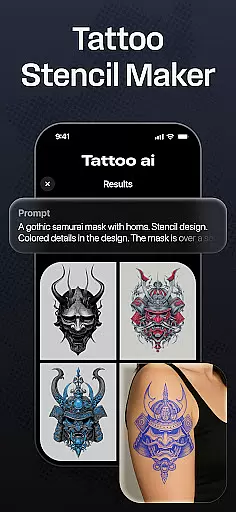
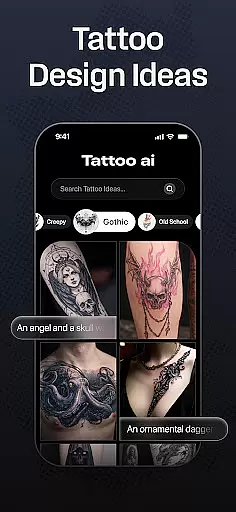
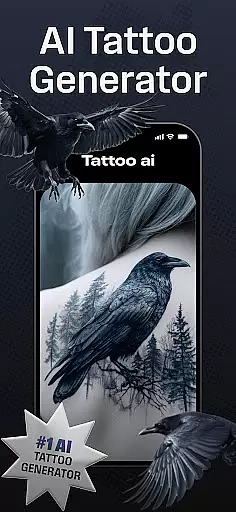
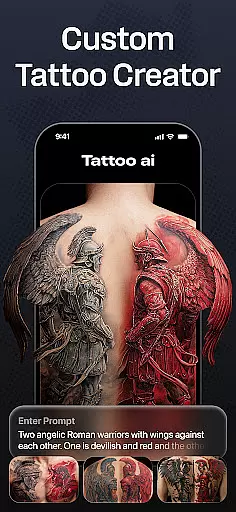
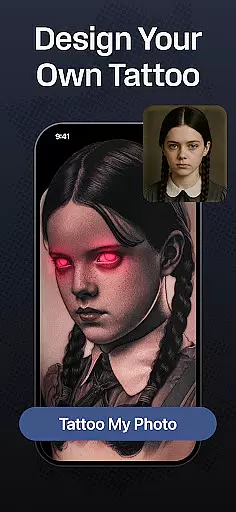
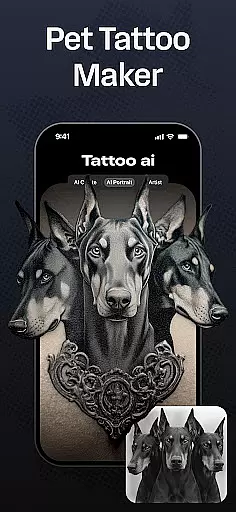
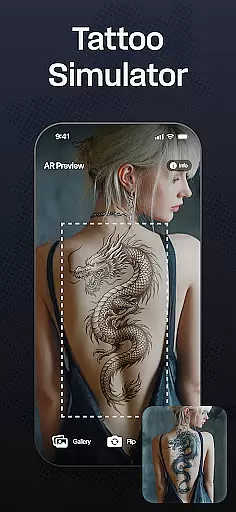
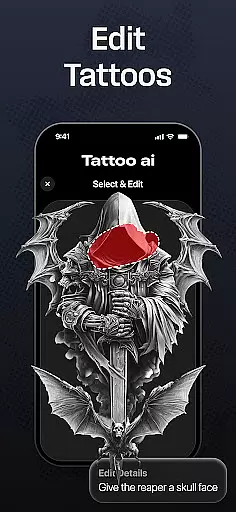
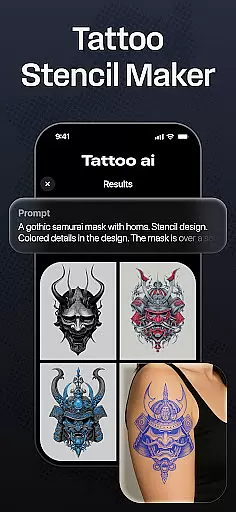
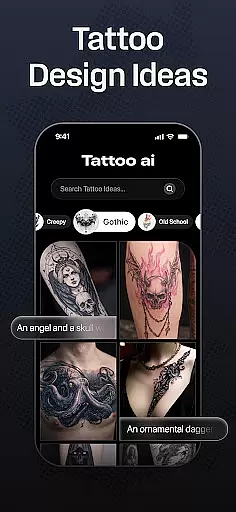
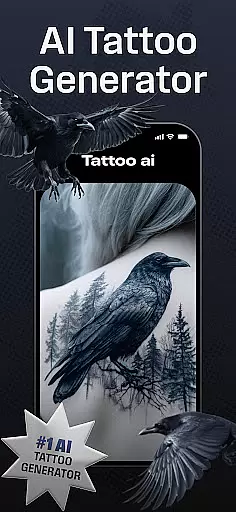
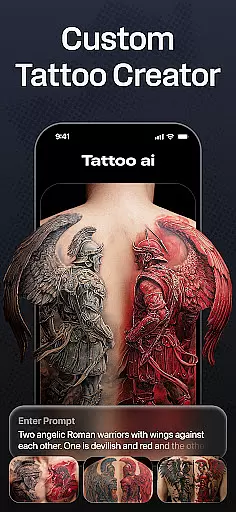
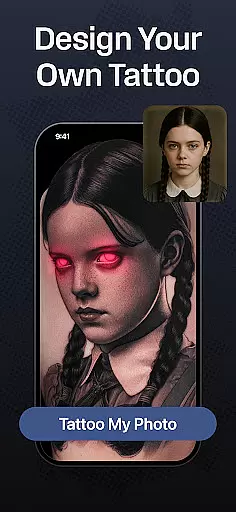
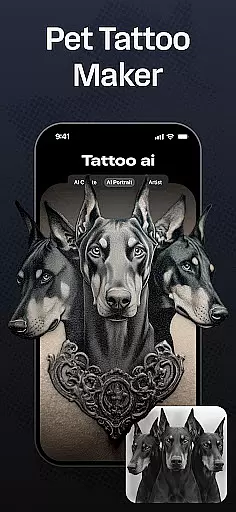
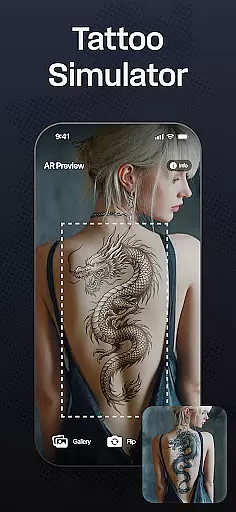
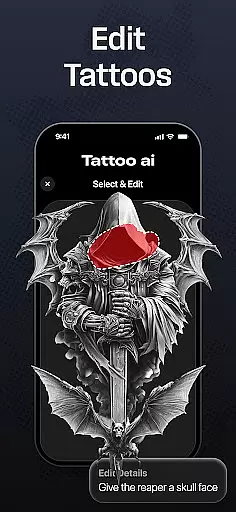
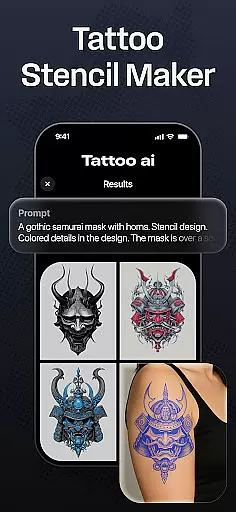
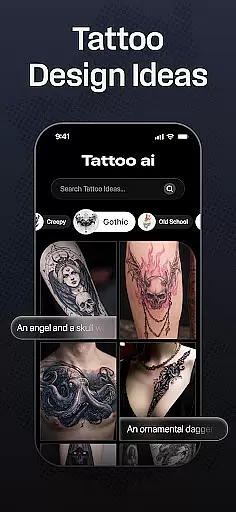
Tattoo AI is a revolutionary app in the Art & Design category, designed to simplify and enhance the tattoo creation process. At its core, the app features an advanced AI tattoo generator that allows users to effortlessly create unique, personalized designs tailored to their preferences. Whether you're a tattoo enthusiast seeking inspiration or a professional artist looking for new ideas, Tattoo AI provides endless possibilities.
The app offers diverse style options ranging from classic black & white tattoos to intricate Japanese art and bold tribal designs. Users can also generate text-based tattoos with customizable fonts, visualize designs on various body parts, and even produce high-quality tattoo stencils. With its intuitive interface and powerful tools, Tattoo AI empowers users to explore artistic freedom while saving time and effort in the design process.
One standout use case is for first-time tattoo seekers who may feel overwhelmed by the decision-making process. Tattoo AI helps them experiment with countless designs, placements, and styles virtually, ensuring they make confident, informed decisions before committing to ink. This functionality highlights the app's value as both a creative tool and a practical solution for anyone involved in the tattooing journey.
Tattoo AI stands out in the Art & Design category due to its innovative and user-centric features. The cornerstone of the app is its AI tattoo generator, which uses cutting-edge algorithms to transform simple inputs into stunning, one-of-a-kind tattoo designs. This feature eliminates the need for manual brainstorming and sketching, making it accessible for beginners while still offering depth for professionals.
Beyond the AI generator, the app boasts an extensive library of styles, including black & white, Japanese, tribal, and gaming-inspired designs. It also supports text-based tattoos, enabling users to craft meaningful quotes or phrases with fully customizable fonts. Another notable feature is full-body customization, where users can visualize how a tattoo will look on different parts of their body. This ensures accurate sizing and placement before any real-world commitment.
For tattoo artists, the app includes tools to convert digital designs into high-quality tattoo stencils, bridging the gap between creativity and execution. Additionally, users can save their favorite designs and share them with friends or collaborators, fostering a community-driven approach to tattoo creation. These robust features collectively position Tattoo AI as an indispensable resource for anyone passionate about tattoos.
In the realm of digital tattoo design, having a comprehensive suite of creative tools is essential. Tattoo AI stands out by offering an extensive array of features that cater to both tattoo enthusiasts and professional artists. At the core of this app is the AI tattoo generator, which acts as your personal artist, transforming simple ideas into intricate designs.
With diverse style options ranging from classic black and white to culturally rich Japanese art, users can explore and create tattoos that resonate with their personal tastes. The inclusion of text-based tattoo creation adds another layer of customization, allowing meaningful quotes or phrases to be beautifully integrated into the artwork.
The ability to visualize tattoos on different body parts before making a commitment showcases the app's dedication to user-centric design. This feature not only aids in decision-making but also enhances customer satisfaction by setting accurate expectations. Additionally, the option to convert designs into high-quality tattoo stencils bridges the gap between digital creativity and real-world application.
Tattoo AI doesn't just stop at creation; it fosters a community of sharing and feedback. Users can save their unique designs and share them with friends or professional artists for further refinement. This collaborative environment ensures that every tattoo created is not only personalized but also perfected through communal input.
Flexibility in canvas and format options is crucial for any design application, and Tattoo AI excels in providing users with adaptable solutions tailored to individual needs. Whether you're designing a small, intimate piece or planning an elaborate sleeve, the app accommodates various sizes and complexities without compromising on detail or quality.
The app supports full-body customization, enabling users to experiment with placements and dimensions across different body parts. This adaptability ensures that each design fits perfectly within the chosen area, maintaining aesthetic harmony and proportion. Such versatility is particularly beneficial for first-time tattoo seekers who may be uncertain about size and placement.
Beyond physical dimensions, Tattoo AI offers multiple artistic styles and formats. From minimalist line art to vibrant, detailed compositions, users can switch between styles effortlessly. This variety caters to diverse artistic expressions, ensuring that every user finds their ideal match regardless of their preferred genre or complexity level.
Furthermore, the app facilitates easy export and sharing of designs, making it convenient for users to bring their digital creations to life. By converting concepts into usable stencils, Tattoo AI bridges imagination and reality, empowering both amateur designers and seasoned professionals to execute their visions accurately and confidently.
User-friendly interface
Wide range of styles
Customizable text tattoos
Body part visualization
High-quality stencils
Limited free features
Requires internet
Premium subscription
Steep learning curve
Few sharing options

The ultimate tool for creating animations
 4.60
4.60
Learn how to draw with step-by-step tutorials, fun lessons & multiplayer drawing
4.70
AI Assistant, powered by ChatGPT GPT-4 & GPT-4o. Your intelligent companion.
3.50
Text to Image, Image to Video & AI Chat
4.20
See Color, Paint Color
4.90
Castle is social media for creating and playing games!
4.60
Your AI soulmate — meaningful chats, and unique emotional moments
4.70
Turn your drawings into flipbook-style animations with simple creative tools
4.60
Bring One UI 8.5 Icons to life -elegant dark icons with a modern, premium touch.
4.30
Mobile pixel art editor. Simple. Fast. Portable.
4.80
Unleash your drawing and painting potential
4.50
Remove Background, Magic Eraser, Photo Enhancer, Story Templates, Collage Maker
4.30
Digital Drawing: Draw & Paint
4.10
Paint with oils and sketch with natural tools on a realistic virtual canvas.
3.80
Experience next-gen icons with a modern liquid glass look.
3.60
Create sweet, cool and unique couple avatars easily, in just a few steps!
3.40
Vidu is an AI video generator made for creators and aspiring makers.
3.30
Art of Combination Wear OS Watch faces (for Wear OS 5+ devices)
3.00
Art of Combination Wear OS Watch Faces
4.3


User Reviews