
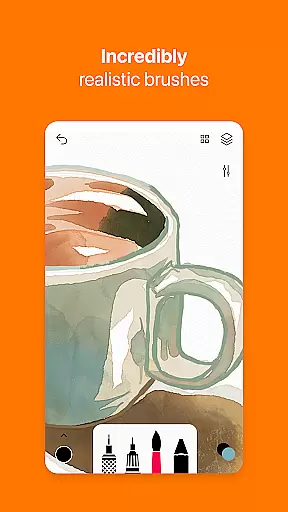
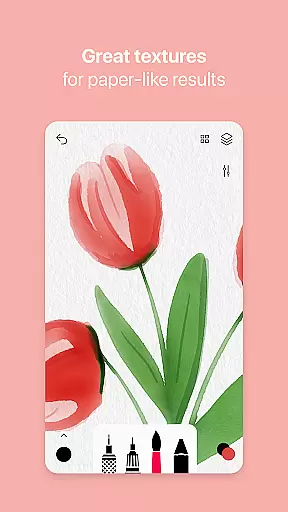
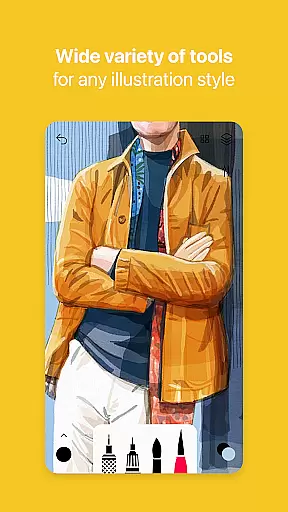
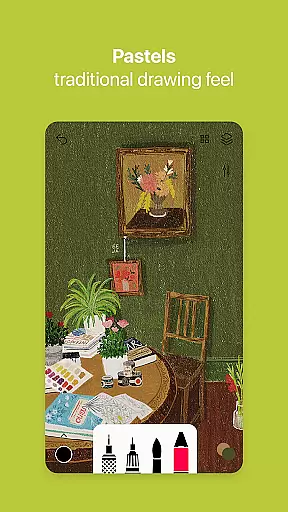

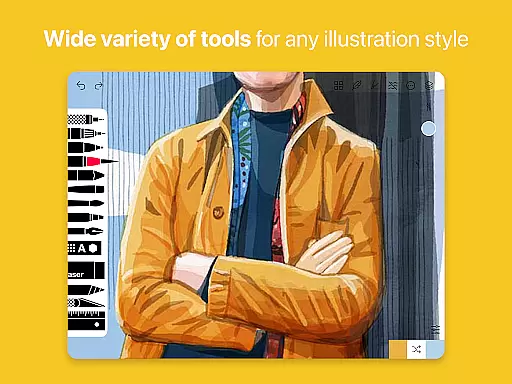
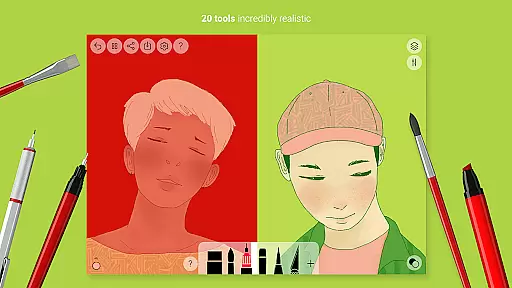
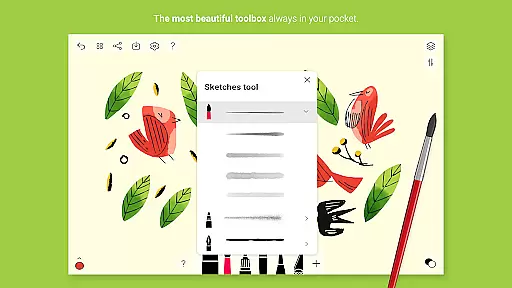
Tayasui Sketches is a premier drawing application designed for artists and creatives who value precision and beauty in their digital artwork. The app offers an impressive selection of over 20 ultra-realistic tools, each meticulously crafted to mimic the behavior of traditional art mediums. These include watercolor brushes that react dynamically to your touch, oil pastels that blend seamlessly, and various pens and pencils that respond to pressure and angle changes.
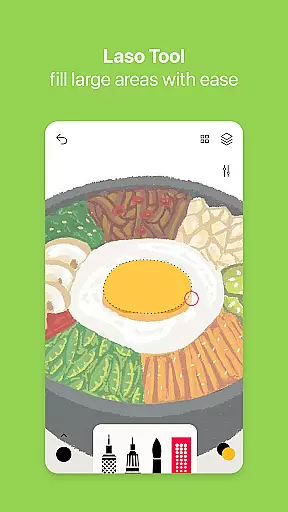
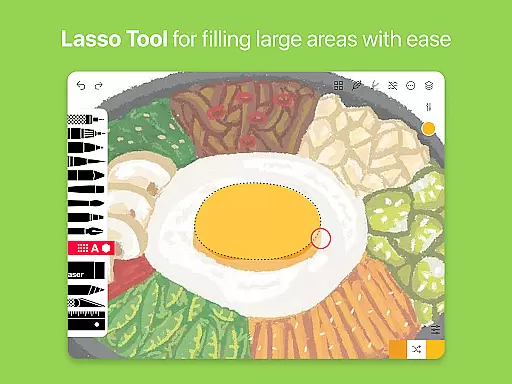
One of the standout features of Tayasui Sketches is its intuitive interface, which maintains a minimalist design while providing access to advanced functionalities such as layers, brush editing, and color eyedropper. This combination ensures that both amateur and professional artists can easily navigate the app and make use of its powerful capabilities without feeling overwhelmed. Additionally, users can import photos and utilize the smudge tool or area filling options to create complex compositions.
Whether you're sketching ideas on the go or working on detailed illustrations, Tayasui Sketches provides a versatile platform that adapts to your creative needs. With support for stylus input and advanced sharing options, this app is perfect for anyone looking to produce high-quality digital art on their Android device.
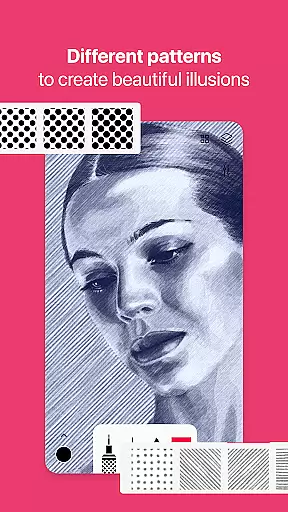
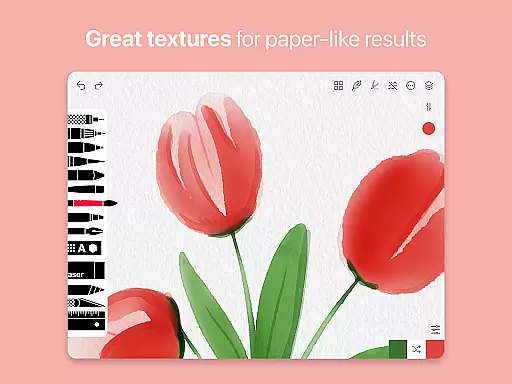
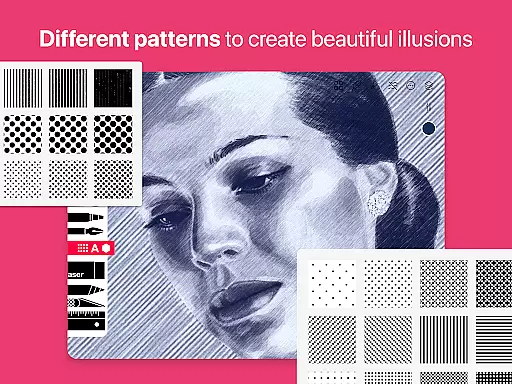
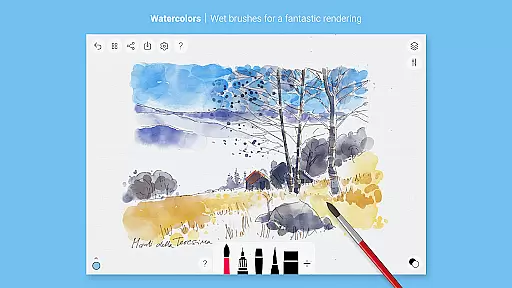
Tayasui Sketches distinguishes itself through its commitment to realism and functionality. Each tool within the app has been engineered to provide an authentic drawing experience. For instance, the watercolor brushes not only look realistic but also behave like actual paint on paper, spreading and blending depending on how you manipulate them. This level of detail extends across all available instruments, including acrylics, airbrushes, and even specialized tools like pattern generators and shape creators.
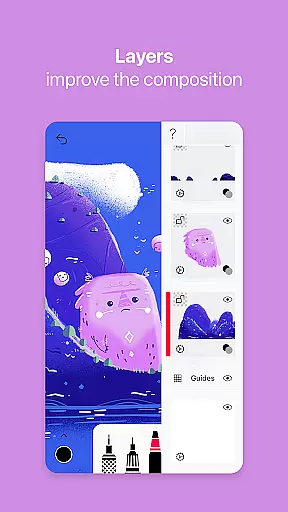
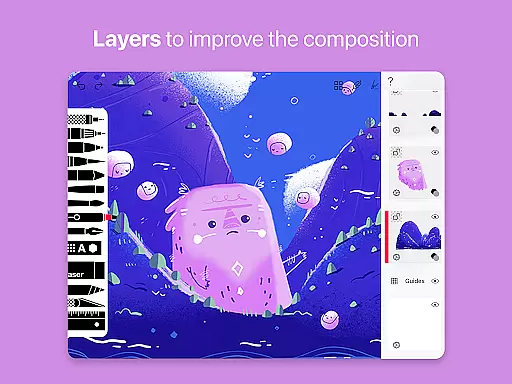
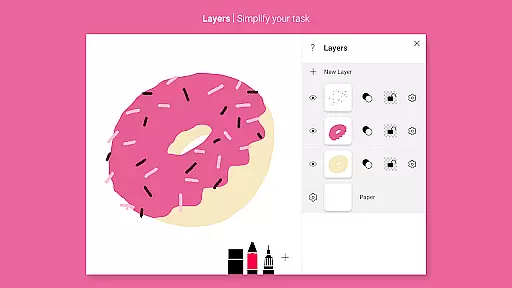
Beyond its core set of brushes, Tayasui Sketches offers several pro-level features accessible via subscription. These include enhanced layer management, allowing artists to organize their work more effectively, and a comprehensive brush editor for customizing every aspect of their tools. Furthermore, the app supports importing images, enabling users to incorporate external elements into their projects effortlessly.
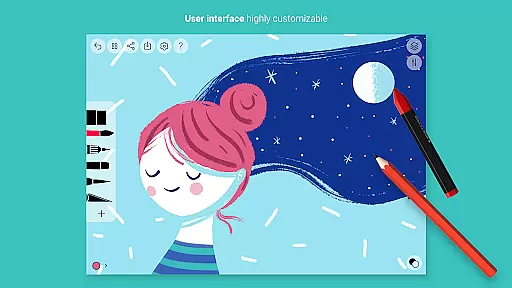
The app's dedication to user experience is evident in its streamlined design and customizable interface. Users can tailor their workspace by arranging tools according to personal preference, ensuring maximum efficiency during creative sessions. Moreover, Tayasui Sketches facilitates collaboration and feedback by offering robust export and sharing functions, making it easy to showcase work on social media or send drafts to clients directly from the app.
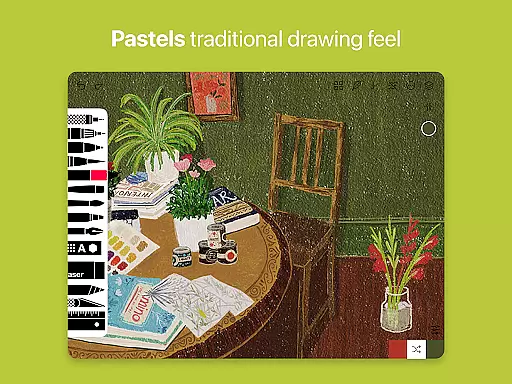
Tayasui Sketches offers an extensive suite of creative tools that cater to both amateur and professional artists. With over 20 ultra-realistic tools, the app provides a diverse range of brushes including watercolor, acrylic, and oil pastel, each designed to mimic real-life drawing experiences.
The app stands out with its advanced features such as the Brushes Editor and Layers functionality. These allow users to customize their brushes and manage complex artwork with ease, enhancing the creative process through technology.
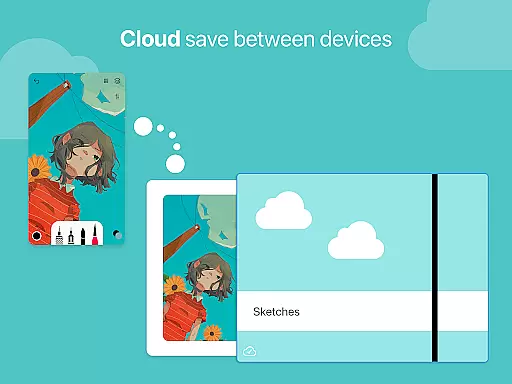
Furthermore, Tayasui Sketches supports importing photos and offers advanced sharing options, making it not just a drawing app but a comprehensive art studio on your device. This complete toolkit empowers artists to bring their visions to life with precision and flair.
Flexibility in canvas and format options is crucial for digital artists, and Tayasui Sketches excels in this area. The app allows users to adapt their canvas to various projects, whether it's a simple sketch or a complex layered artwork, ensuring that creativity is never hindered by technical limitations.
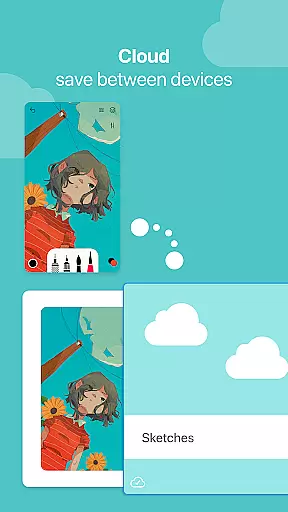
In addition to supporting different canvas sizes, Tayasui Sketches also offers a variety of export functions. Artists can share their work in multiple formats, catering to different platforms and requirements, thus broadening the scope of how their art can be utilized and shared.
Stylus support further enhances the flexibility of the drawing experience. By accommodating various input methods, Tayasui Sketches ensures that artists can choose the most comfortable and efficient way to create, providing a truly adaptable and personalized art-making environment.
User-friendly interface
Realistic brush effects
Advanced layer management
Customizable workspace
Supports stylus input
Premium features require subscription
Limited free trial availability
Some tools iPad-exclusive
No refunds for unused periods
Auto-renewal default setting

Premium version of Shimeji-ee app with no ads & no limit active shimeji
 4.5
4.5
Create trending AI photos & videos with powerful effects and 3D styles.
3.20
Meet the magic aı 3d photo generator and smart AI video generator app.
3.20
Unleash your drawing and painting potential
4.50
Draw on screen: FP sDraw is a simple and lightweight drawing app
4.70
Passport size photo maker, create ID photo and visa photo in seconds
4.80
Create stunning video, photo & magic from text with FlixAI GPT video generator.
3.10
Resize photos and print photos in exact size with our powerful photo printer!
3.80
OneUI 8.5 icons ✨ Smooth, modern & based on the latest Play Store design ??
4.10
Mobile pixel art editor. Simple. Fast. Portable.
4.80
Create stunning art with AI.
4.80
Photo stitcher for automatically screenshot stitching into a long screenshot
4.70
Draw beautiful mandala's very easily
4.60
The perfect place to start sketching! Use Sketchbook to draw and paint sketches.
4.50
Floor Plan Creator lets you create, edit and share floor plans.
4.00
AI Face Swap, Video Effects Editor, Realtime Morph, Funny Video FX,AI Filters
3.70
AI Assistant, powered by ChatGPT GPT-4 & GPT-4o. Your intelligent companion.
3.50
Vidu is an AI video generator made for creators and aspiring makers.
3.30
Your Essential Color Theory Guide: Red, Yellow, Blue (RYB)
4.4


User Reviews