
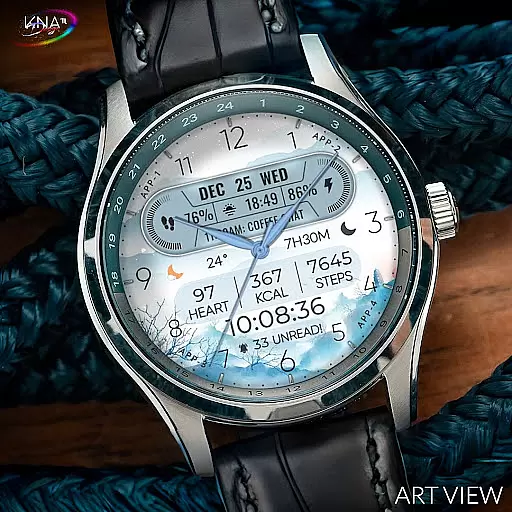
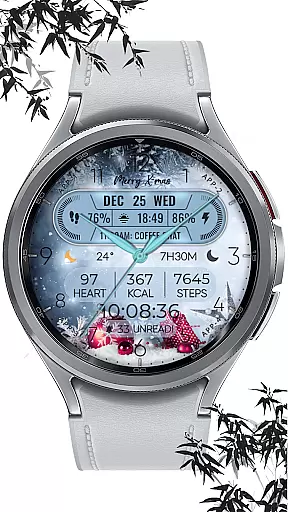
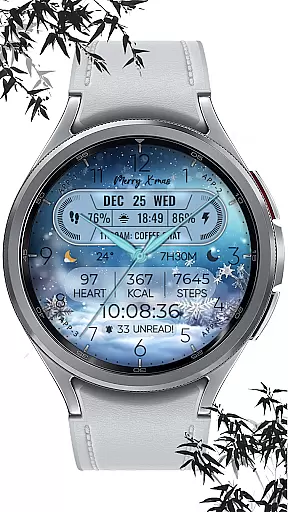
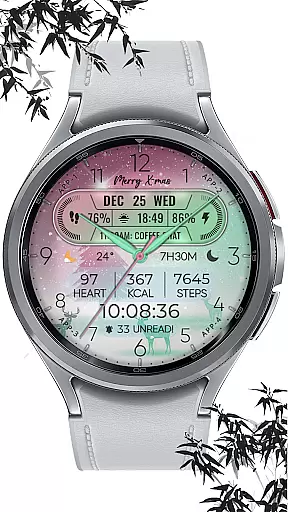
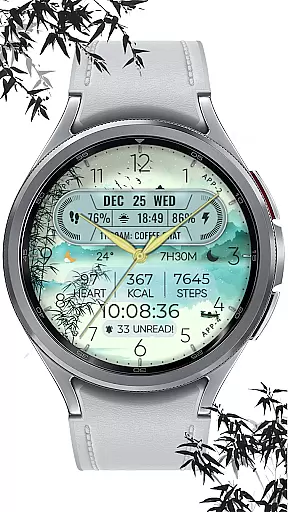
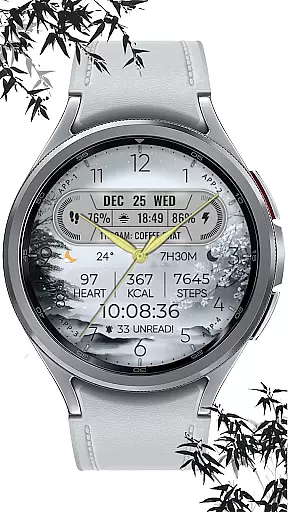
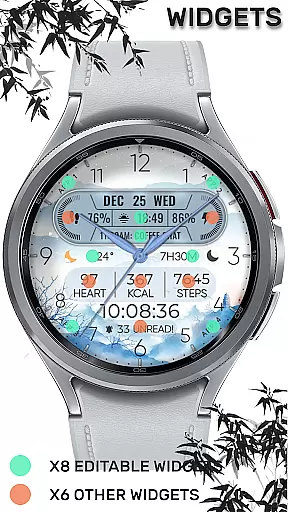
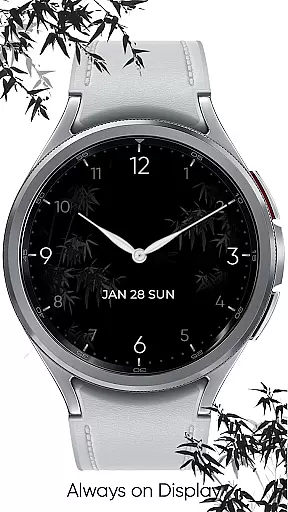
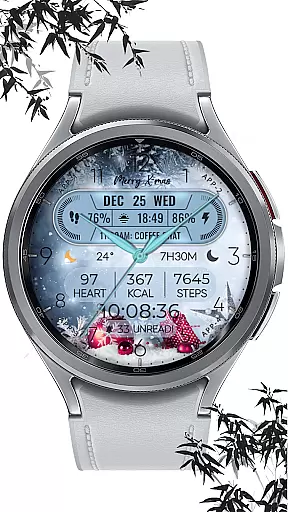
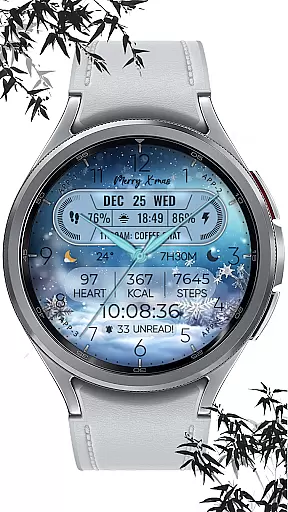
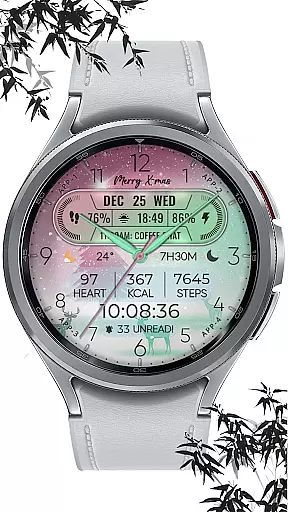
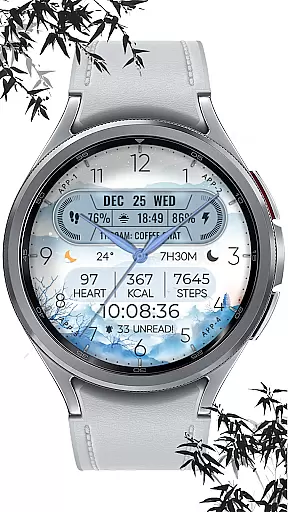
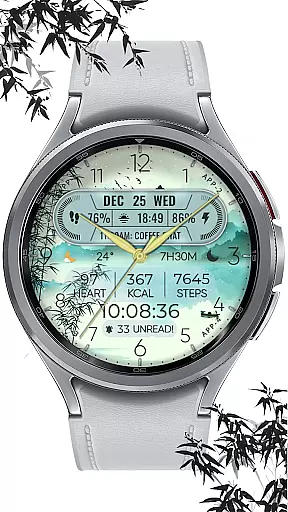
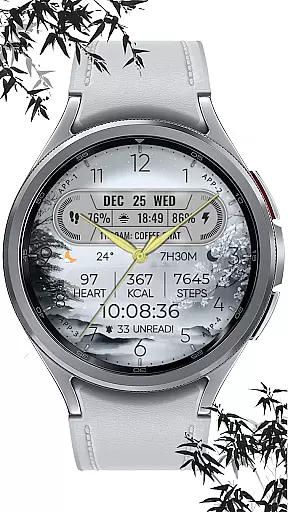
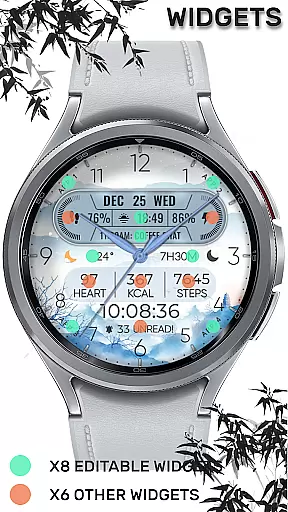
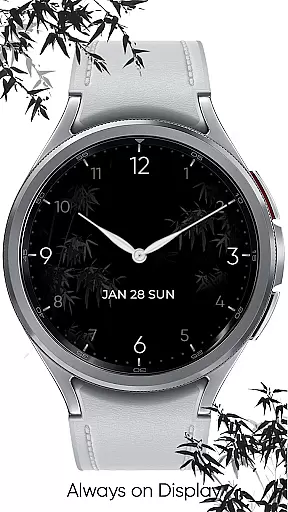
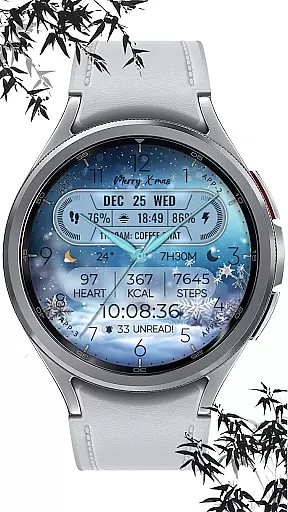
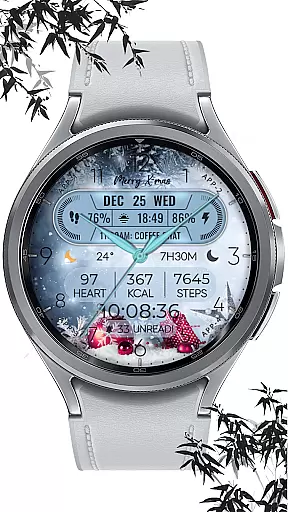
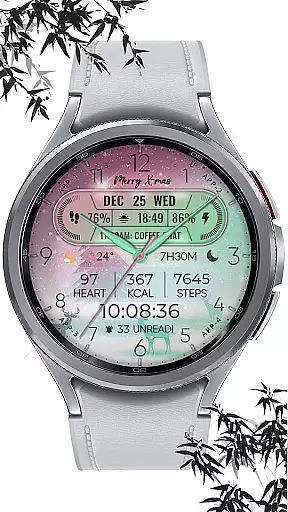
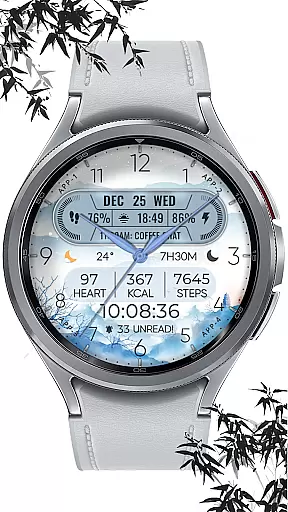
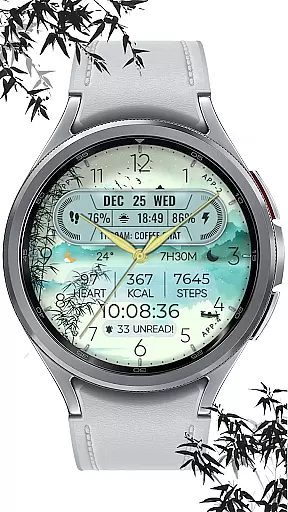
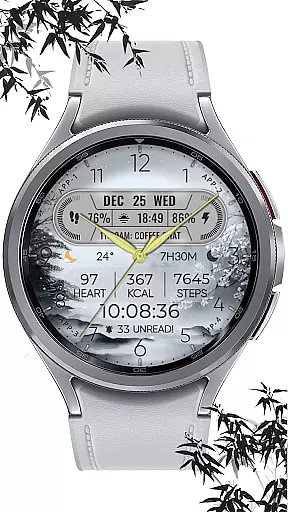
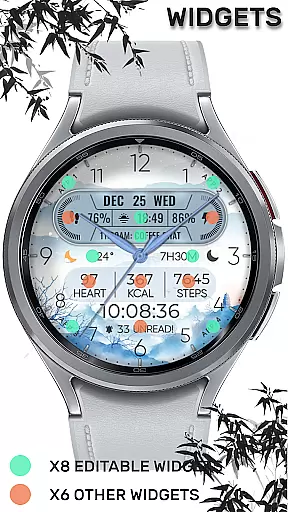
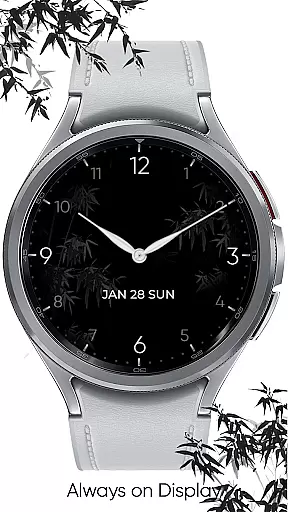
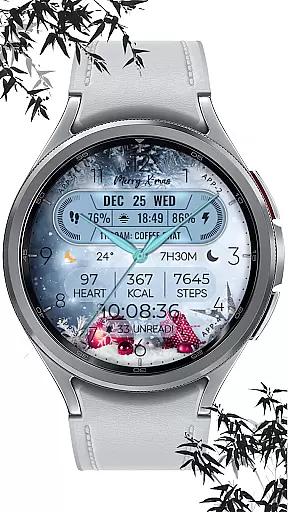
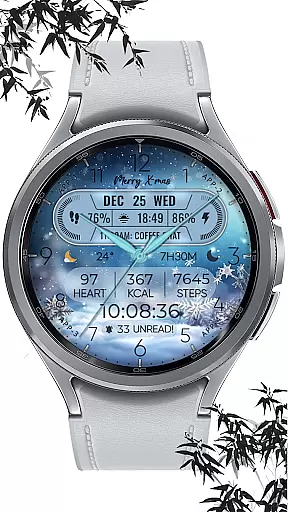
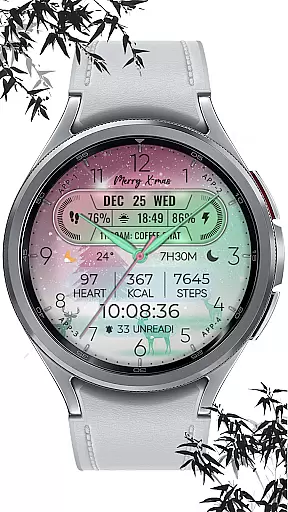
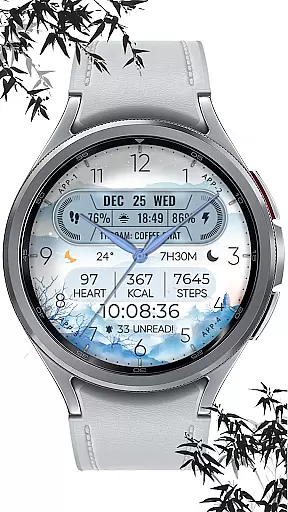
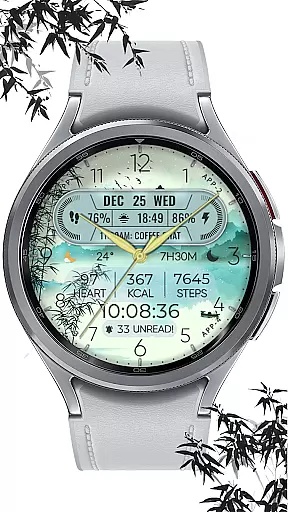
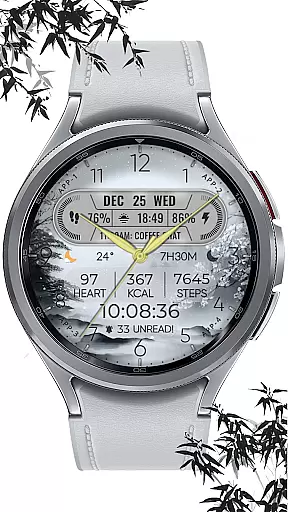
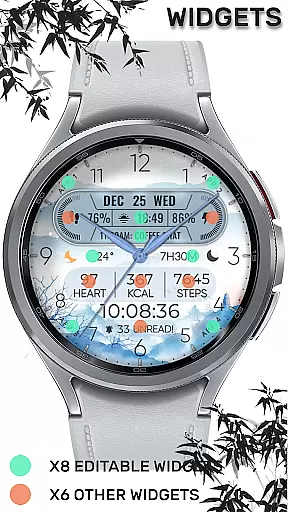
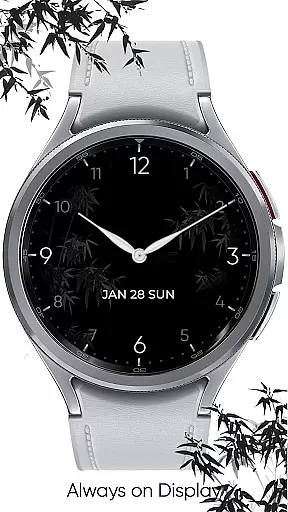
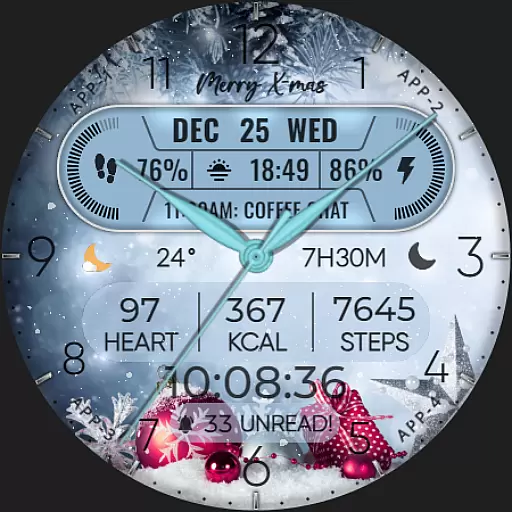
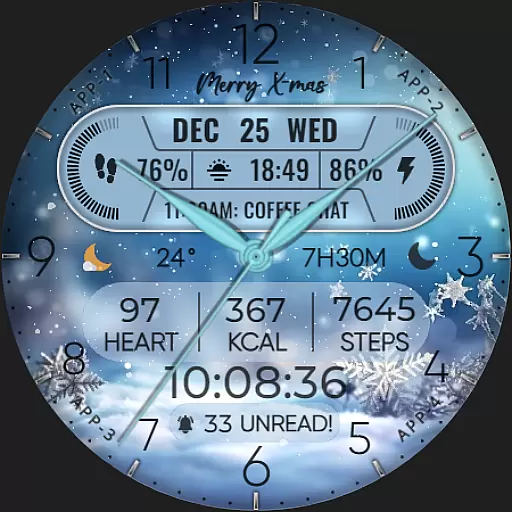
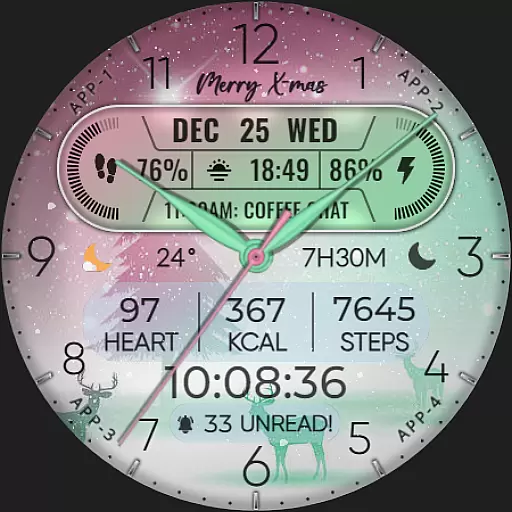
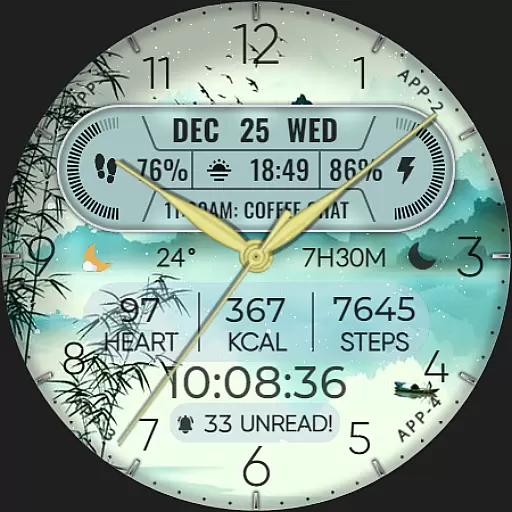
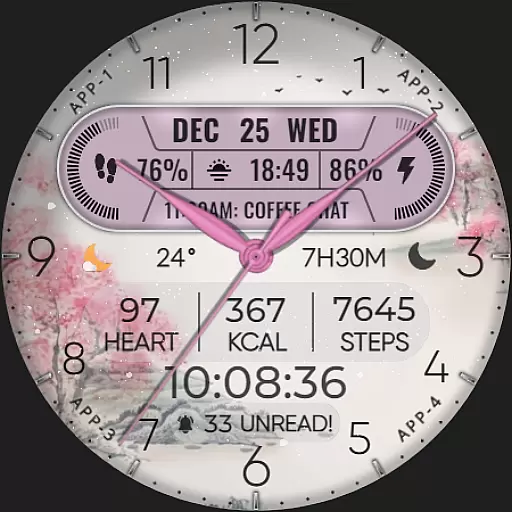
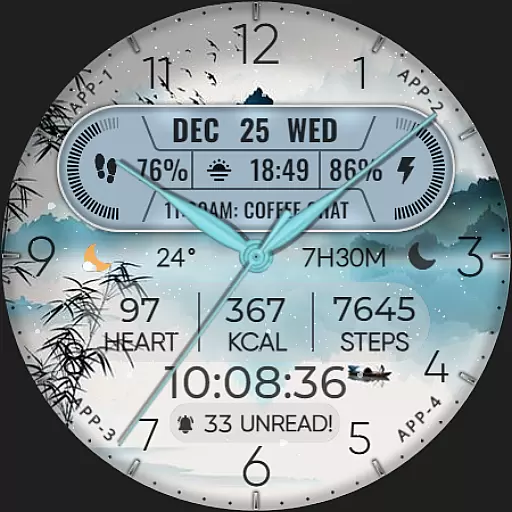
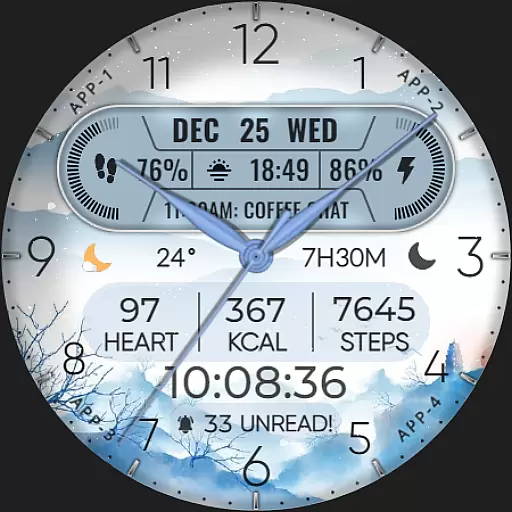
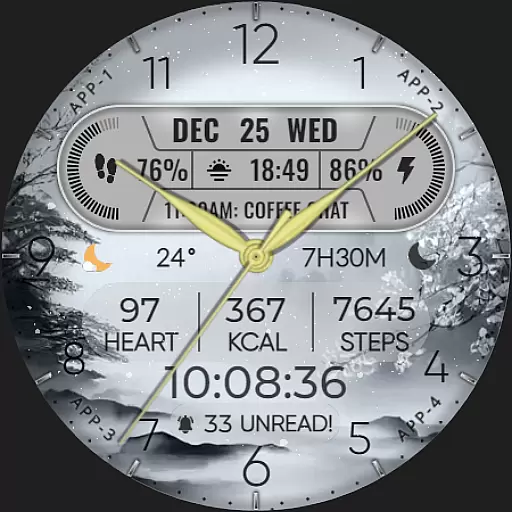
ART VIEW is a feature-rich watch face designed specifically for Wear OS devices, offering users a customizable and visually appealing way to interact with their smartwatch. This application provides an array of complications that allow users to tailor the display to their preferences, including date, day of week, month, and up to 8 editable complications. With compatibility across API level 30+ devices such as Google Pixel and Galaxy Watch series, ART VIEW ensures broad device support while delivering essential information at a glance.
The watch face stands out with its hybrid styles, offering 10 colors and 10 style variations, alongside practical features like step counting, heart rate monitoring, battery level indication, next event tracking, unread message counts, sunrise & sunset times, and calorie calculations. Additionally, it includes a festive snow falling animation for the X-max season, adding a touch of personality to your wearable device. Whether you're looking to enhance functionality or personalize aesthetics, ART VIEW caters to both needs seamlessly.
For those seeking a versatile smartwatch experience, ART VIEW serves as an ideal choice by combining utility with customization options. Users can easily adjust settings through simple touch interactions and enjoy a dynamic interface that adapts to various occasions and moods. Its intuitive design makes it accessible even for first-time users, ensuring everyone can benefit from this innovative solution tailored for modern lifestyles.
ART VIEW boasts an impressive set of features designed to elevate the smartwatch experience. One standout aspect is its extensive customization capabilities, allowing users to modify the watch face with over 10 color options and 10 distinct styles. This flexibility extends to the inclusion of 8 editable complications, enabling integration of diverse data points such as weather updates, world clocks, barometric pressure readings, and more. Such versatility ensures that each user can craft a unique layout reflecting their individual priorities and interests.
In addition to aesthetic adjustments, ART VIEW excels in providing practical functionalities. Key metrics like step count, heart rate, battery status, upcoming events, unread messages, sunrise/sunset timings, and calorie burn estimates are readily accessible on the watch face. These insights empower users to stay informed about their health and daily activities without needing to unlock their phone constantly. Furthermore, special effects like the snow falling animation during the X-max period add seasonal charm, enhancing visual appeal beyond mere utility.
Compatibility remains a core strength of ART VIEW, supporting a wide range of Wear OS devices running API level 30+. From Google Pixel watches to Galaxy Watch models (4, 5, 6), the application ensures consistent performance across different hardware configurations. By adhering to platform standards and optimizing resource usage, ART VIEW delivers a smooth and responsive experience regardless of the specific device in use. This commitment to quality guarantees that users receive maximum value from their investment in wearable technology.
When it comes to designing watch faces for Wear OS devices, having a comprehensive set of creative tools is essential. ART VIEW offers an extensive suite of features that cater to both amateur designers and professionals alike.
This application provides users with hybrid styles, including the display of date, day of the week, and month. With 8 editable complications, users can tailor their watch faces to show a variety of information such as steps count, heart rate, battery level, next event, unread messages count, sunrise & sunset times, and calories calculation.
Furthermore, ART VIEW enhances personalization with 10 color options and 10 different styles, ensuring that each user's watch face is unique to their taste and mood. The added snow falling animation feature brings festivity to your X-max season, making your wearable device not just a gadget, but a fashion statement.
The true mark of a versatile design application is its canvas and format flexibility, allowing creators to bring their visions to life without constraints. ART VIEW excels in this area by providing compatibility with API level 30+ devices, including Google Pixel and Galaxy Watch series 4, 5, 6 among other Wear OS models.
Before installation, users are encouraged to verify their watchu2019s compatibility with WEAR OS since some models like Galaxy Watch 3 and Galaxy Active do not support this system. Once installed, setting up the watch face on the device screen is necessary as it does not apply automatically.
Customization is at the forefront of ART VIEW's design philosophy. Users can activate the customization mode by simply touching and holding the display and then tapping on the customize option. Complications can be personalized with various data types, from weather updates to world clocks, offering a dynamic and interactive experience tailored to individual preferences.
User-friendly interface
Highly customizable
Broad device compatibility
Comprehensive health tracking
Seasonal animations
Limited to Wear OS
Some features may not work
No iOS support
Requires latest Android
Potential battery drain

Sketch, plan, take notes and illustrate on an infinite canvas.
 4.20
4.20
Text to Image, Image to Video & AI Chat
4.20
Create stunning art with AI.
4.80
Painting, drawing, & sketching
4.50
Unleash the artist in you with our AR drawing and tracing tool for photo drawing
4.10
Everything you need to create hand drawn animation, anywhere you go!
4.40
Retouch photos. Create or edit images. Endless capabilities.
2.70
Turning simple sketches into captivating tales filled with life and motion
3.90
Create amazing pictures and unleash your creative genius with AR Drawing Sketch
4.40
Passport size photo maker, create ID photo and visa photo in seconds
4.80
2D animation studio for Android tablets - unlimited layers, infinite timeline
4.70
Unleash your drawing and painting potential
4.50
Draw Trace image sketch by, AR art projector app, Easy to trace any image.
4.50
Kling AI is an image and video generation and editing studio powered by AI.
4.50
Stylish letters, Stylish Keyboard, Symbols, Emojis, Cool nickname
4.40
AI generated images & photos, turn your words into drawing, painting & pictures.
4.30
Bring One UI 8.5 Icons to life -elegant dark icons with a modern, premium touch.
4.30
AR Anime Drawing: How to draw anime with AR drawing & sketching apps!
4.00
Sketch, trace and master AR drawing with awesome anime art!
3.30


User Reviews