
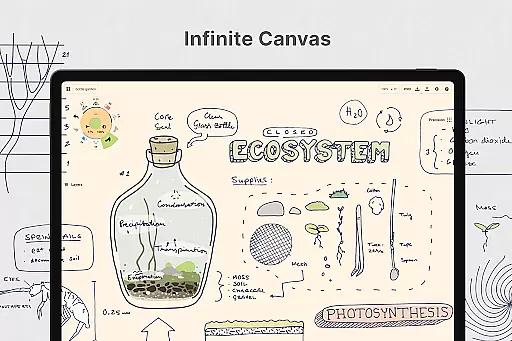
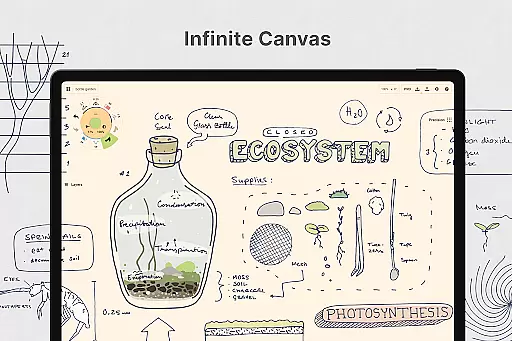
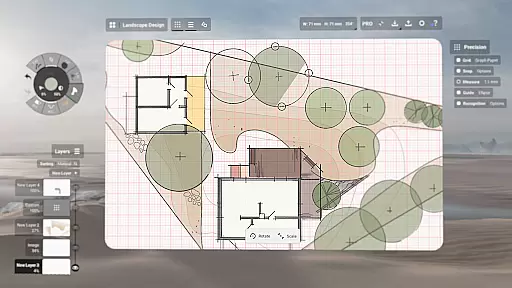
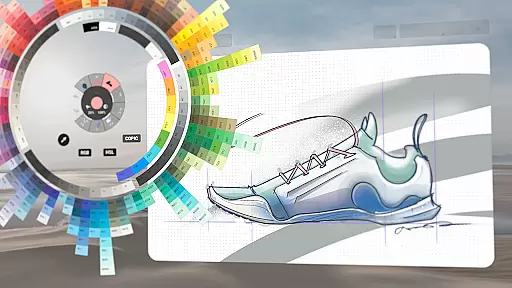
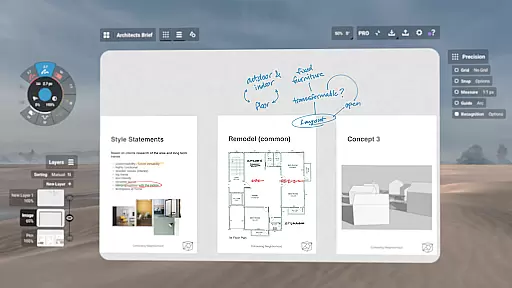
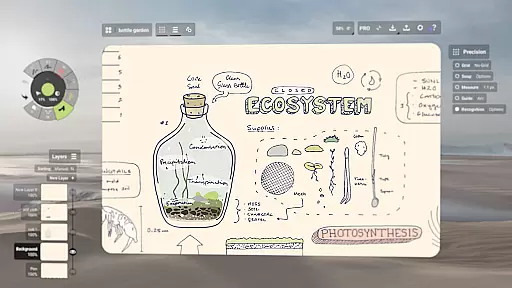
Concepts is a versatile vector-based creative workspace designed for artists, designers, and creators to bring their ideas to life. This digital sketchpad offers an infinite canvas where users can sketch plans, create mind maps, draw storyboards, and experiment with designs. Its flexibility allows every stroke to be editable and scalable, making it ideal for both quick sketches and detailed design work.
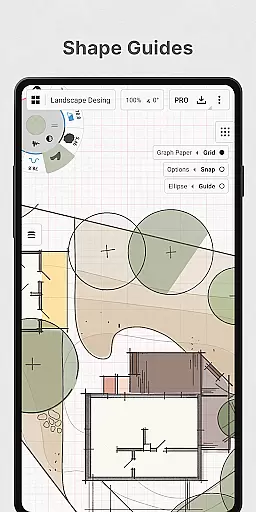
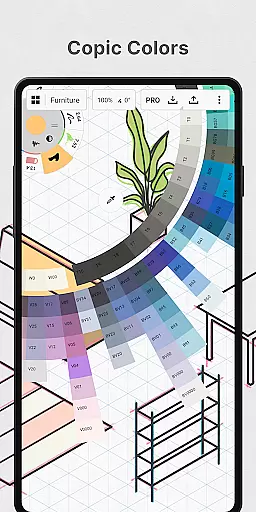
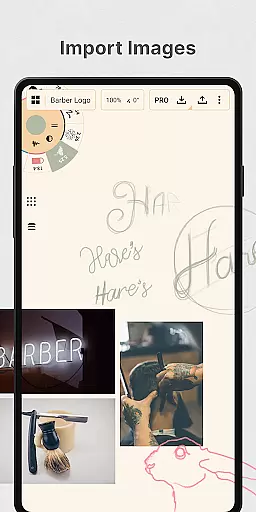
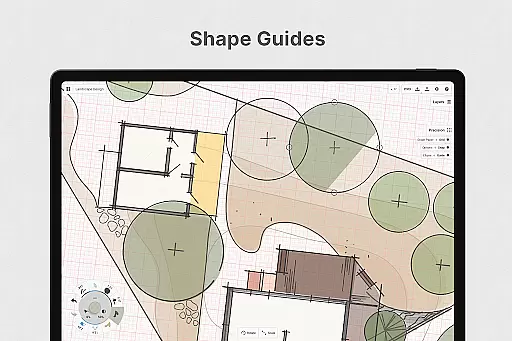
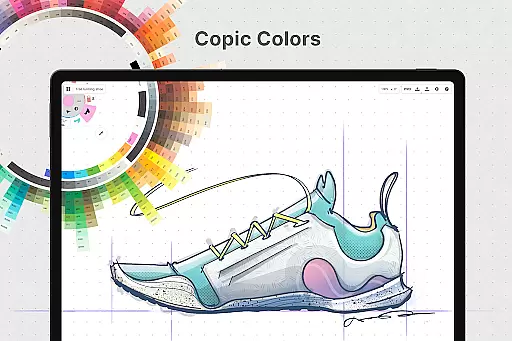
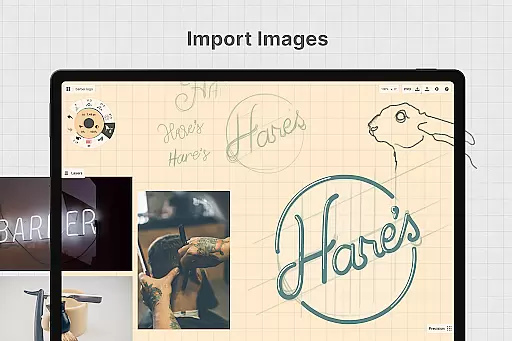
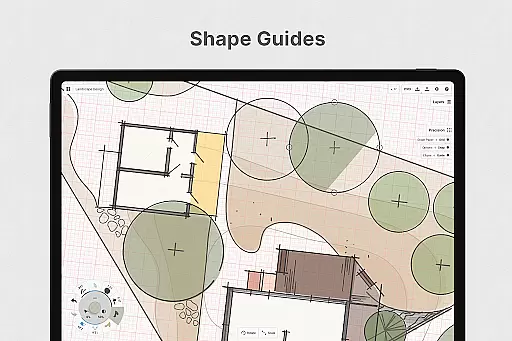
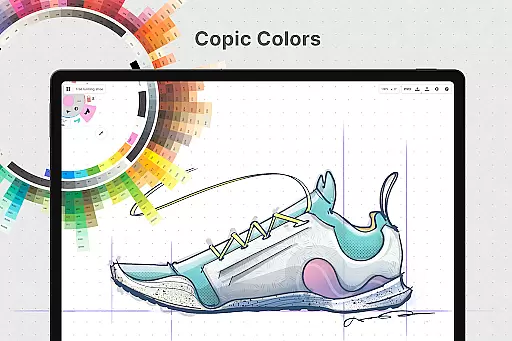
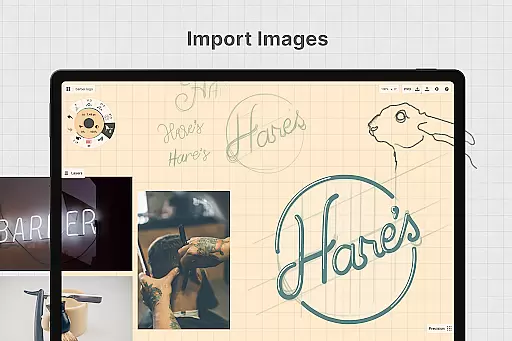
The app provides professional-grade tools including realistic pencils, pens, and brushes that respond to pressure, tilt, and velocity. With features like shape guides, live snap, and measurement tools, Concepts enables precise and clean drawings. The app also supports drag-and-drop image imports, customizable canvas settings, and various color wheels to help users choose complementary colors.
Concepts is particularly well-suited for creative professionals working across multiple platforms. Whether you're designing product sketches at Disney or developing game assets at Unity, this app provides a seamless workflow between ideation and execution. The ability to export high-quality images, PDFs, and vector files makes it an essential tool for collaborating with clients and other apps.
Concepts stands out with its robust feature set tailored for creative professionals. The app's vector-based engine allows for infinite scalability and easy editing of strokes without redrawing. Users can take advantage of advanced tools like Nudge, Slice, and Select to modify elements with precision. The customizable tool wheel and bar let you organize your favorite tools and presets for efficient workflows.
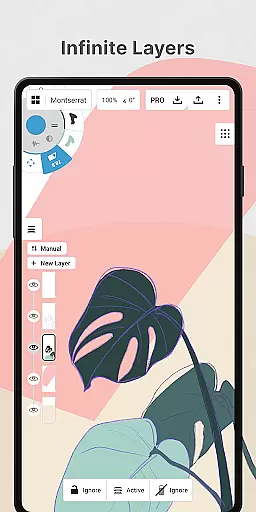
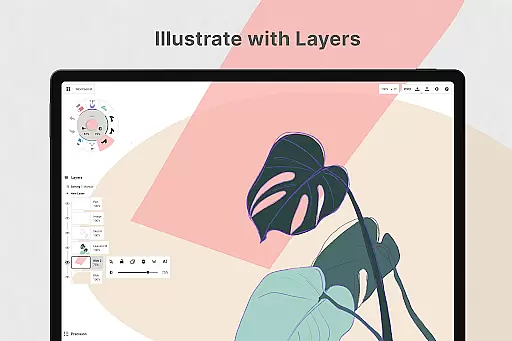
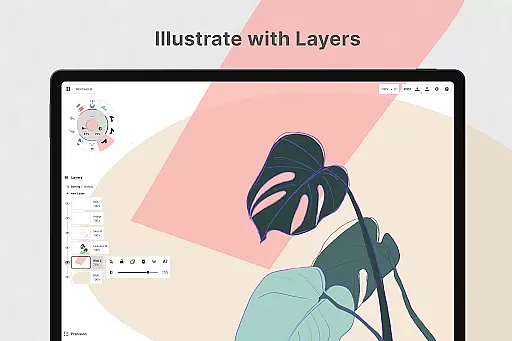
One of the key highlights is the infinite layering system with automatic sorting and adjustable opacity. This feature, combined with flexible vector-based sketching, allows creators to move and adjust their drawings by tool, color, size, smoothing, and scale. The app also offers various paper types and custom grids, giving users complete control over their workspace environment.
For professionals seeking enhanced productivity, Concepts provides options like shape guides, live measurement, and customizable gestures. The app supports cross-platform functionality, enabling seamless work across Android, ChromeOS, iOS, and Windows devices. With frequent updates based on user feedback, Concepts continues to evolve as a comprehensive solution for creative ideation and execution.
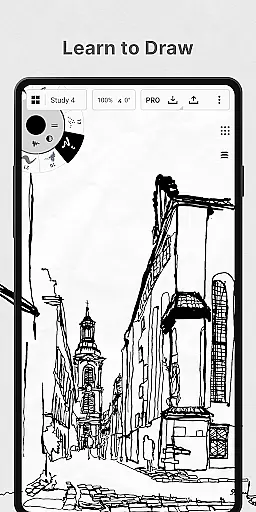
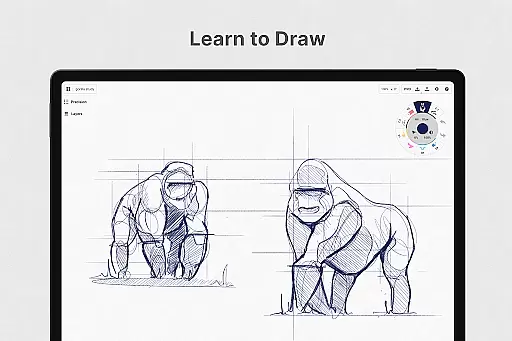
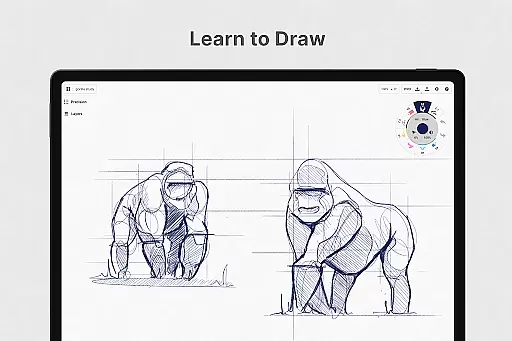
In the realm of digital art and design, having a comprehensive set of tools is paramount. Concepts offers an extensive array of creative instruments that cater to both amateur doodlers and professional designers. The app provides realistic pencils, pens, and brushes that respond to pressure, tilt, and velocity, with adjustable live smoothing to refine your strokes.
One of the standout features is its vector-based sketching capability, which allows users to move and adjust their drawings at any time. This flexibility extends to editing by tool, color, size, smoothing, and scale, ensuring that every element of your creation can be fine-tuned without starting over.
The inclusion of an infinite canvas, coupled with various paper types and custom grids, empowers creators to experiment freely. With Concepts, you're not just limited to drawing; you can also make notes, doodle, create mind maps, and even draw storyboards or product sketches, all within a dynamic workspace optimized for the latest pen-enabled devices and Chrome OS.
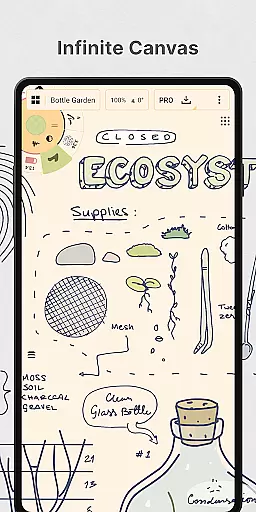
A versatile canvas is essential for unleashing creativity, and Concepts delivers this through its infinite canvas feature. This virtual space knows no bounds, allowing artists to expand their work as far as their imagination takes them. Whether it's sketching out plans, whiteboarding ideas, or creating intricate designs, the infinite canvas adapts to your needs.
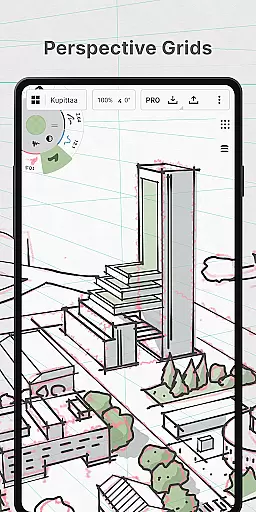
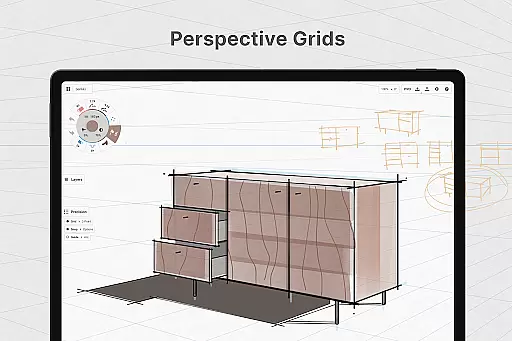
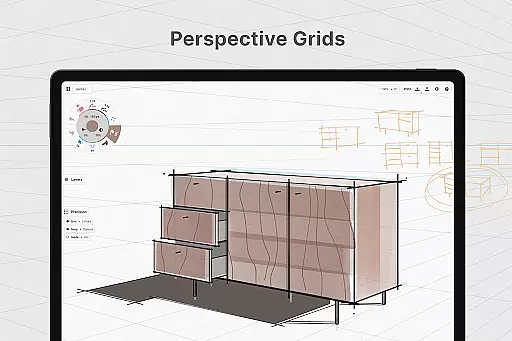
Concepts doesn't stop there; it offers multiple paper types and customizable grids, giving users control over the background and layout of their workspace. This level of personalization ensures that whether you're drafting architectural blueprints or painting a digital masterpiece, the canvas will always match your project requirements.
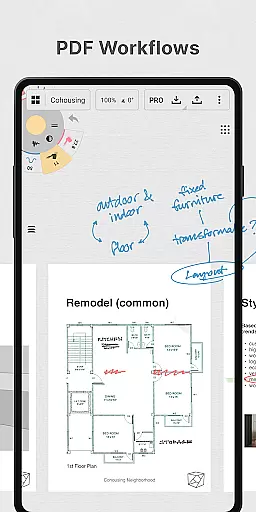
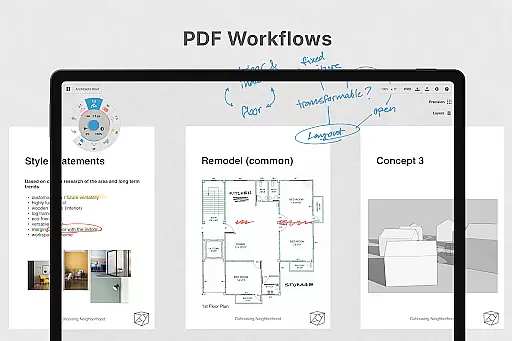
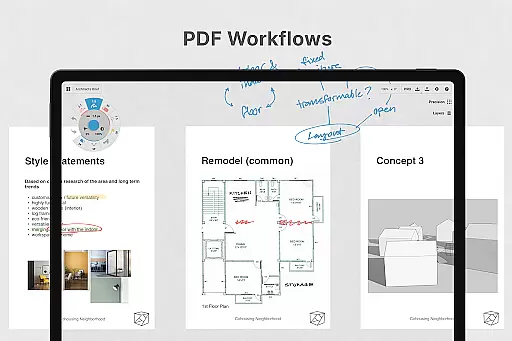
Furthermore, the app supports exporting in various formats such as images, PDFs, and vectors. This means that once your artwork is complete, you can easily share it with clients, friends, or integrate it into other applications, making Concepts not only a place for creation but also a hub for collaboration and feedback.
Flexible vector-based workspace
Infinite canvas and layers
Realistic drawing tools
Cross-platform compatibility
Frequent feature updates
Premium features are costly
Steep learning curve
Limited free tools
Subscription required
Advanced features complex

Unleash your drawing and painting potential
 4.50
4.50
Art of Combination Wear OS Watch faces
4.0
Unleash Your Creativity with Draw Cartoon - AR Drawing App
4.10
The perfect place to start sketching! Use Sketchbook to draw and paint sketches.
4.50
Painting, drawing, & sketching
4.50
Turn your drawings into flipbook-style animations with simple creative tools
4.60
Minecraft & Roblox Clothes
4.70
Sketch and paint on your device with the feel and freedom of drawing on paper
4.00
All-in-One art, logo & collage maker. Design photos and edit video backgrounds
4.80
Mobile pixel art editor. Simple. Fast. Portable.
4.80
Video AI: Revolutionize Your Content Creation with Advanced Video Generation
4.50
Kling AI is an image and video generation and editing studio powered by AI.
4.50
Stylish letters, Stylish Keyboard, Symbols, Emojis, Cool nickname
4.40
Just trace a projected picture on paper and color! Draw & Paint with AR drawing
4.40
800+ Drawing, Painting Lessons App to Practice, Sketch & Paint Art.
4.30
Create Logos, Tattoos, AI Art & more with our AI Photo Generator & Design Editor
4.20
AR Anime Drawing: How to draw anime with AR drawing & sketching apps!
4.00
Art of Combination Wear OS Watch Faces
3.30
Premium version of Shimeji-ee app with no ads & no limit active shimeji
4.0


User Reviews