
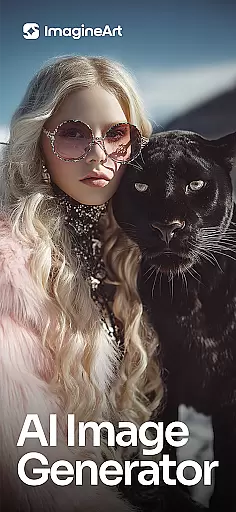
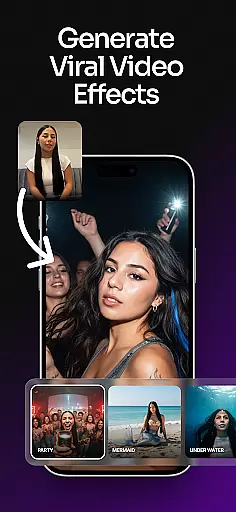
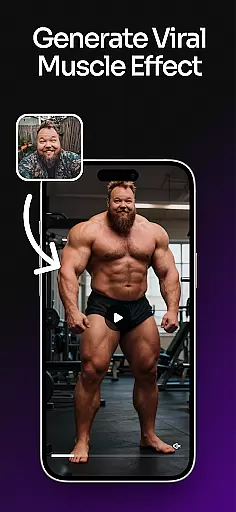
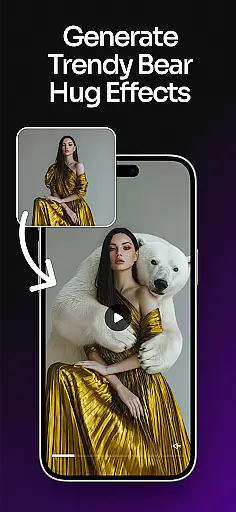
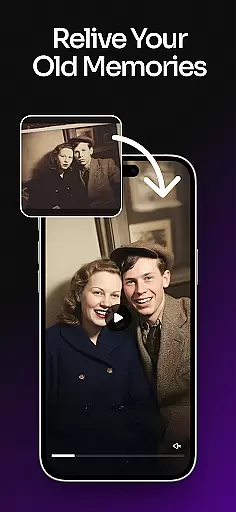
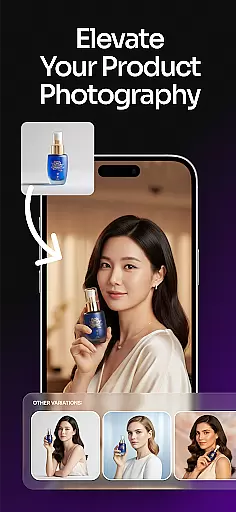
ImagineArt is a comprehensive AI-powered art design studio that enables users to create stunning visuals across various formats, including images, logos, posters, and more. With its powerful Generative AI capabilities, the app caters to both professional and casual creators, offering tools for logo generation, photo editing, and creative design. Available on mobile platforms, ImagineArt provides an accessible solution for businesses and individuals seeking professional-quality designs without extensive technical expertise.
The app's versatility shines through its ability to generate realistic visuals, customize styles, and offer over 100 AI-driven templates tailored to specific needs such as social media posts, event flyers, and branding materials. Its intuitive interface allows users to transform simple text prompts into intricate designs, making it an ideal tool for entrepreneurs, marketers, and hobbyists alike.
ImagineArt stands out with its robust suite of AI-powered features designed to streamline the creative process. The app includes an advanced AI Image Generator capable of producing high-quality visuals in seconds, alongside specialized tools like the AI Logo Generator and Cartoon Photo Maker. These features allow users to experiment with diverse design elements, from typography and color schemes to object placement and image scaling.
Additionally, ImagineArt offers unique functionalities such as Generative Fill for seamless object insertion or removal, AI Text Editing for effortless customization, and Image Upscaling to enhance designs up to 8K resolution. With built-in sharing options for platforms like Instagram and TikTok, the app ensures that users can showcase their creations effortlessly while maintaining professional standards.
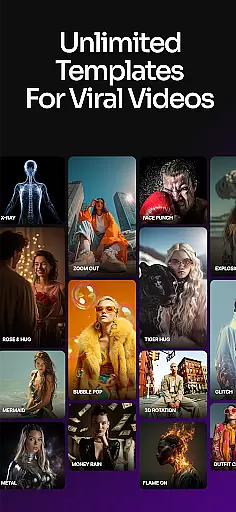
In the realm of digital creativity, having a comprehensive suite of tools is paramount. ImagineArt stands out by offering over 100 categories of AI templates, ensuring that no matter the project, users have the necessary resources at their fingertips. From designing logos and business cards to creating posters and social media content, this application provides an extensive array of options.
ImagineArt's capabilities extend beyond just templates. The app includes powerful features such as text editing, generative fill, and image resizing, which allow for detailed customization of each design. Users can effortlessly adjust layouts, incorporate various elements like shapes and stickers, and even upscale images to 4K or 8K quality without losing detail.
The true value of ImagineArt lies in its ability to cater to both novices and professionals. With intuitive controls and seamless integration of complex functionalities, it ensures that everyone from hobbyists to seasoned designers can execute their visions with precision. This democratization of design empowers users to produce professional-grade work without needing extensive technical knowledge.
Flexibility in design is crucial for adapting to different mediums and platforms. ImagineArt excels in this area by providing versatile canvas and format options that accommodate a wide range of creative needs. Whether you're crafting a logo, flyer, or social media post, the app allows you to tailor your canvas size and format accordingly.
One standout feature is the AI-powered image resize tool, which enables users to adjust their designs for banners, wallpapers, or specific social media dimensions without compromising on quality. Additionally, the generative fill functionality lets creators insert or remove objects seamlessly, ensuring that every element fits perfectly within the chosen format.
This adaptability not only enhances productivity but also encourages experimentation. By removing traditional constraints associated with fixed canvas sizes, ImagineArt fosters an environment where creativity knows no bounds. Designers can explore new ideas confidently, knowing they have the flexibility to bring diverse concepts to life efficiently and effectively.
User-friendly interface
Extensive template library
High-resolution outputs
Versatile design tools
Realistic AI-generated visuals
Limited free features
Subscription costs
Occasional glitches
Learning curve for beginners
Internet dependency

Art of Combination Wear OS Watch faces
 4.5
4.5
Apply cartoon, caricature, and portrait effects to make your photos stand out!
3.60
Remove Background, Magic Eraser, Photo Enhancer, Story Templates, Collage Maker
4.30
Novices can also easily complete diamond painting masters
4.70
A luxurious gold watch face for an elegant and refined look.
4.2
Beauty Camera - Selfie Camera is the ultimate beauty camera and selfie app
4.30
Draw, make movies & animate cartoons easily with our 2D animation maker app
4.40
Explore future self face age filter & remove background image for a unique look.
3.50
Unleash your inner artist! Sketchar: AR Drawing for Limitless Creativity
4.40
Convert image to JPG PNG HEIC PDF, support almost all kinds of image formats
4.70
Your AI soulmate — meaningful chats, and unique emotional moments
4.70
Photo editor for art, avatars, filters & fun transformations.
4.60
Draw glowing spinners, relax, and spin your creative art
4.60
Get an overview over all your embroidery threads, projects and more.
4.60
Unleash your drawing and painting potential
4.50
Draw Trace image sketch by, AR art projector app, Easy to trace any image.
4.50
Get creative and make art with your Sesame Friends!
4.00
Paint with oils and sketch with natural tools on a realistic virtual canvas.
3.80
Art of Combination Wear OS Watch faces
4.4


User Reviews