
AR Drawing - Sketchar App represents a breakthrough in the Art & Design category, offering users an innovative way to learn and create art through augmented reality. This app allows both beginners and experienced artists to draw by using their device's camera, transforming any real-world surface into a canvas for creativity.
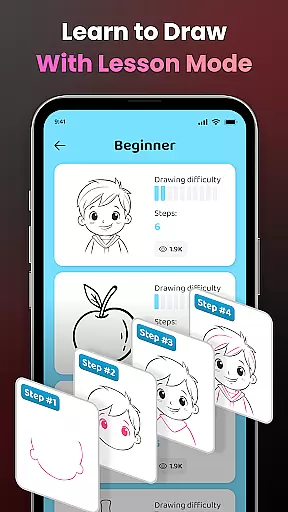
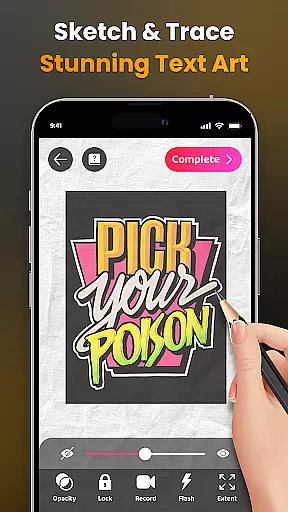
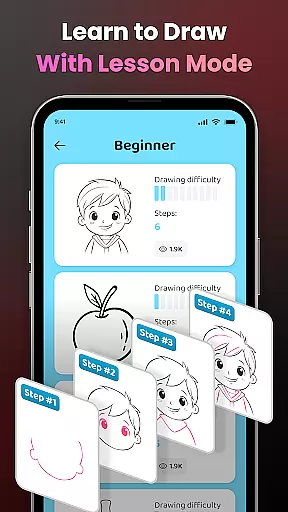
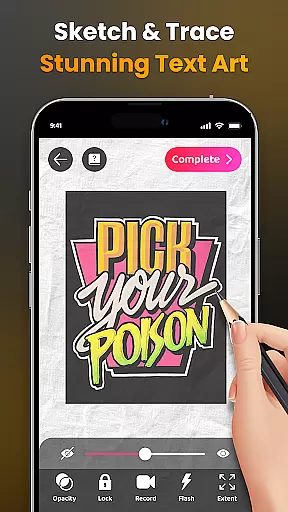
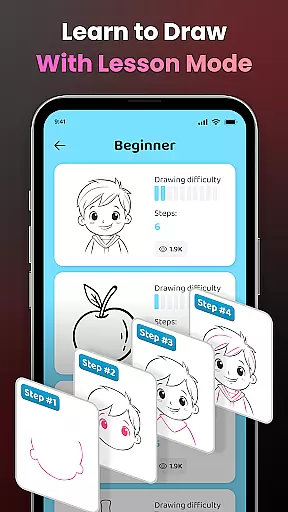
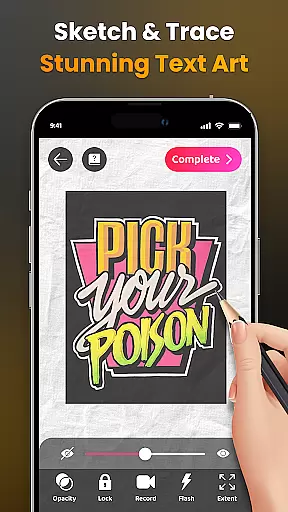
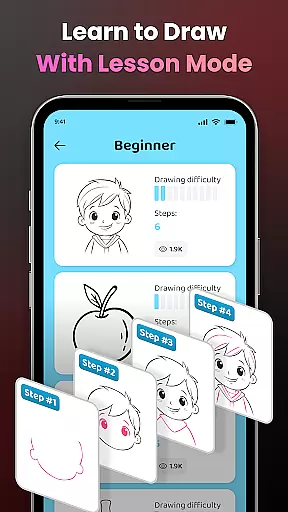
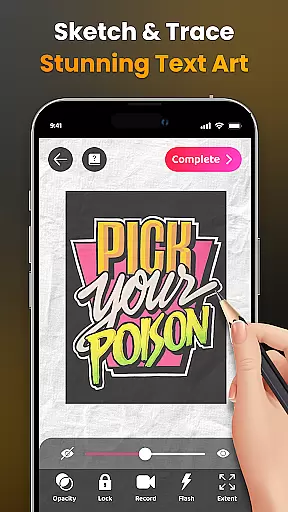
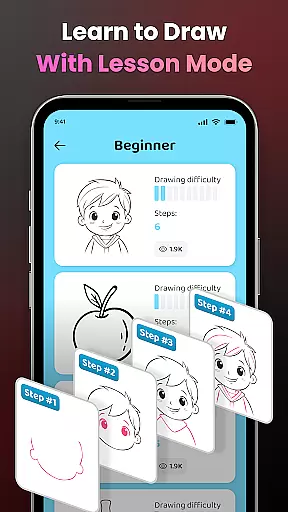
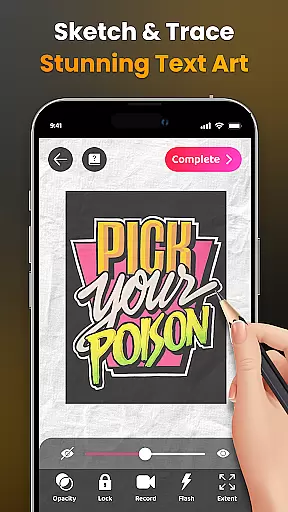
The application provides advanced AR technology that enables users to sketch everything from sample photos to entire scenes as seen through their camera lens. With features like opacity adjustment, video recording of the drawing process, and zoom functionality, AR Drawing ensures an immersive and customizable experience. The app also supports learning with simplified outlines for tracing and offers lessons across three difficulty levels.
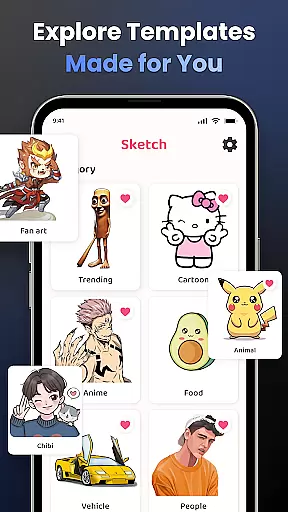
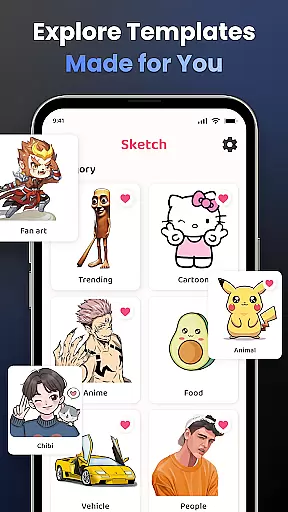
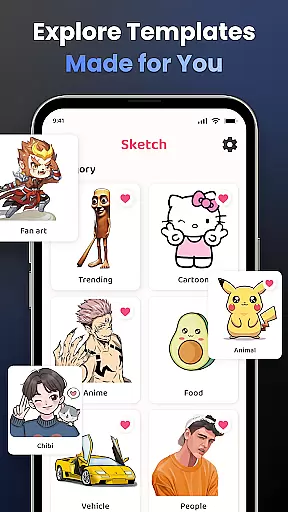
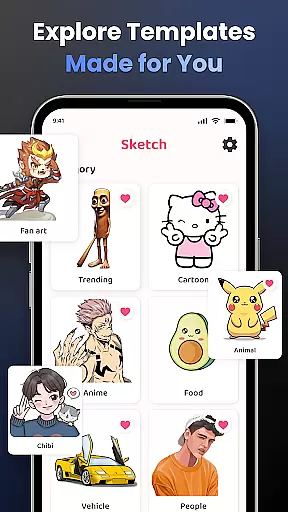
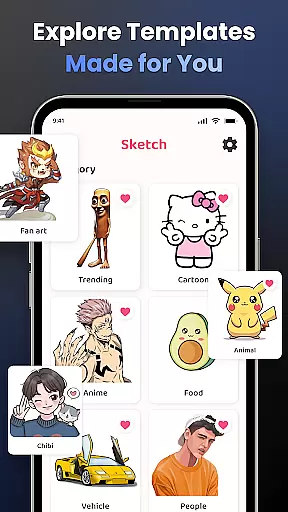
Whether you're looking to draw popular characters like Hello Kitty or Pikachu, or explore themes such as Anime, Cartoon, Animals, and more, this tool caters to diverse interests. It is especially useful for those who wish to share their artwork with a community or track their progress over time.
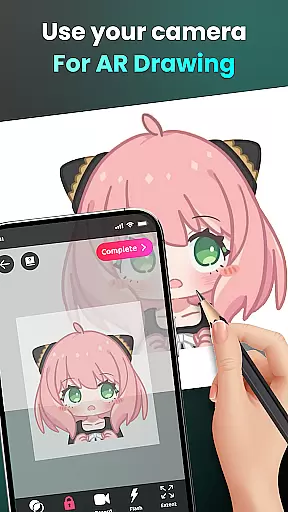
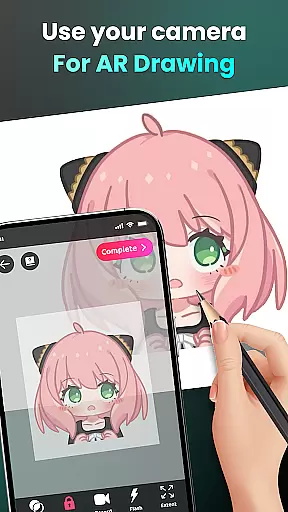
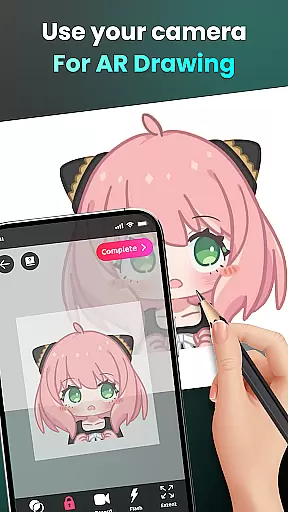
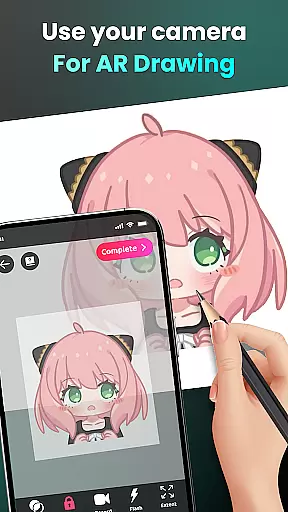
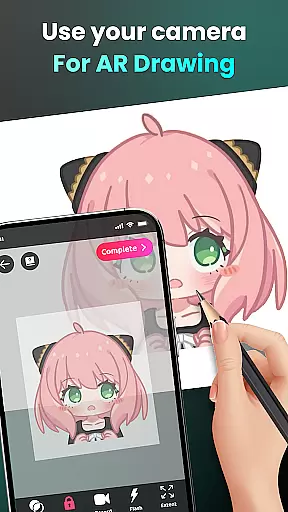
AR Drawing - Sketchar App stands out with its comprehensive feature set tailored for artists of all skill levels. One of the key highlights is the ability to draw through the camera, which lets users sketch live scenes or objects in their environment. This feature bridges the gap between traditional drawing methods and modern technology, making it easier than ever to capture and recreate the world around you.
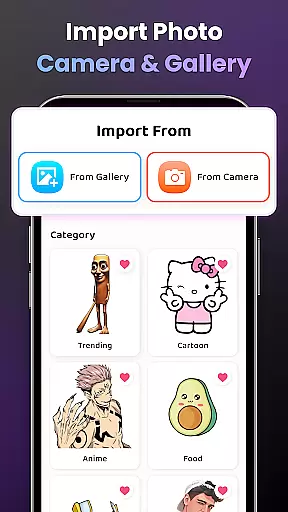
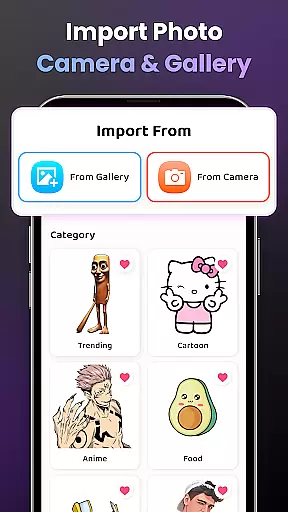
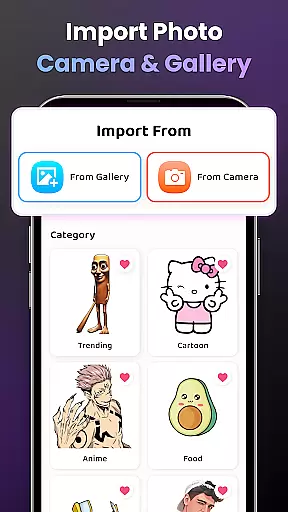
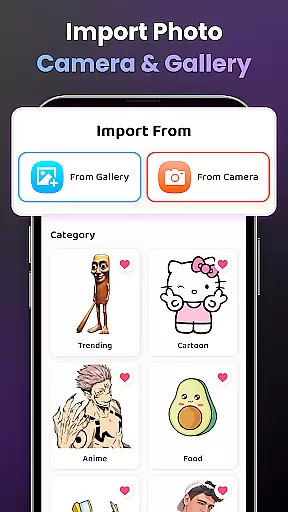
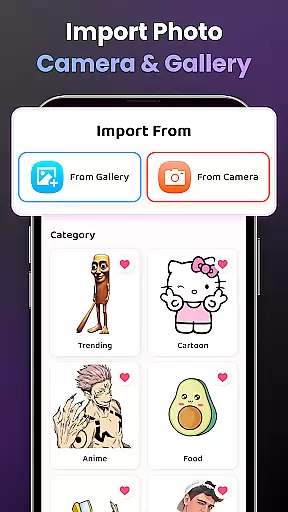
In addition to its core drawing capabilities, the app includes an extensive library of samples and supports importing personal photos for tracing. Users can adjust settings such as opacity and utilize flash controls to optimize their drawing conditions. For those focused on improvement, the app offers structured lessons categorized by difficulty level, ensuring steady progression in skills.
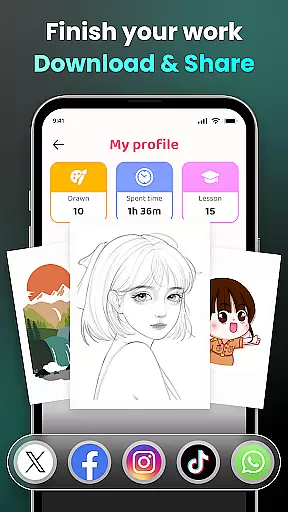
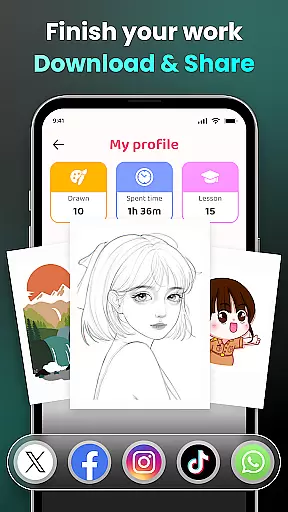
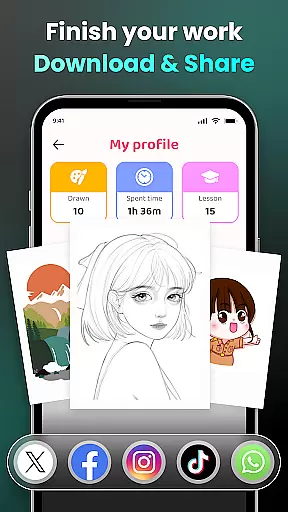
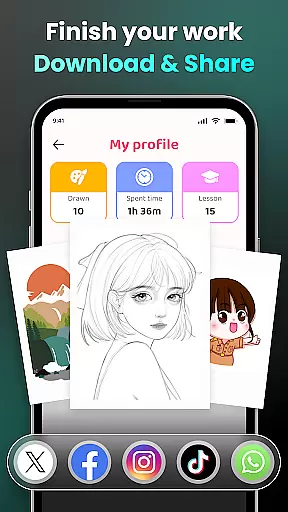
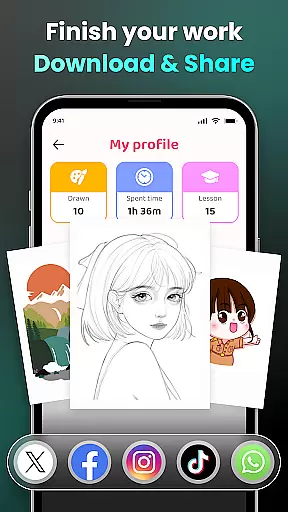
Sharing your creations is seamless with built-in options to distribute finished pieces within the app’s community or via social media platforms. Moreover, personalized content recommendations enhance user engagement while tracking features allow monitoring one's artistic journey over time. These robust functionalities make AR Drawing not just a drawing tool but a complete ecosystem for creative expression.
AR Drawing - Sketchar App offers an extensive suite of creative tools that cater to both novice and professional artists. The app's augmented reality (AR) technology allows users to transform any real-world surface into a canvas, providing limitless possibilities for creativity.
With features such as drawing through the camera, users can sketch anything from sample photos to entire scenes with ease. The ability to adjust opacity, record videos of the drawing process, zoom in and out, toggle the flash, and extend images ensures that artists have full control over their creations.
The inclusion of a diverse sample library and the option to import personal photos further enhance the creative experience. Additionally, detailed video tutorials guide beginners through specific drawings, making it easier than ever to start creating art regardless of skill level.
This comprehensive set of tools not only supports artistic expression but also aids in skill development, allowing users to track their progress and personalize their content for a tailored drawing experience.
Flexibility in canvas and format options is a hallmark of AR Drawing - Sketchar App, setting it apart as a versatile tool for artists. Users can select from an array of predefined canvases or import custom images, granting them the freedom to work on projects that suit their preferences and needs.
The app's advanced settings enable creators to manipulate their workspace by adjusting image opacity, recording their artistic process in video format, and controlling zoom levels. This adaptability ensures that whether users are working on detailed sketches or broad strokes, they can customize their environment for optimal performance.
Moreover, the support for various popular topics like Anime, Cartoon, Animals, and more provides a wide range of formats to explore. Artists can practice tracing outlines or dive into complex compositions, knowing that AR Drawing supports their vision with its flexible platform.
By offering these adaptable canvas and format options, AR Drawing empowers users to push the boundaries of traditional art forms while embracing new technologies in digital creation.
User-friendly interface
Advanced AR features
Variety of drawing tools
Customizable experience
Active community support
Requires stable internet
Premium features locked
Steep learning curve
Limited free resources
Device compatibility issues

The ultimate tool for creating animations
 4.60
4.60
Text to Image, Image to Video & AI Chat
4.20
Logo Generator powered by AI: Create stunning logos effortlessly!
4.70
Unleash your drawing and painting potential
4.50
See Color, Paint Color
4.90
Passport size photo maker, create ID photo and visa photo in seconds
4.80
Convert image to JPG PNG HEIC PDF, support almost all kinds of image formats
4.70
Photo editor for art, avatars, filters & fun transformations.
4.60
How to draw anime step by step for beginner easily by AR drawing sketch & paint.
3.60
Make your phone cooler and have a fantastic experience
4.80
Your AI soulmate — meaningful chats, and unique emotional moments
4.70
Draw glowing spinners, relax, and spin your creative art
4.60
Draw Trace image sketch by, AR art projector app, Easy to trace any image.
4.50
Unleash Your Creativity with Draw Cartoon - AR Drawing App
4.10
Floor Plan Creator lets you create, edit and share floor plans.
4.00
Design your dream room with AI. Get decor ideas & plan home interiors
3.90
Design unique, funny and adorable cat stickers that reflect your own style!
3.80
Download now for a stylish and functional timepiece
4.1
Art of Combination Wear OS Watch faces
4.5


User Reviews