
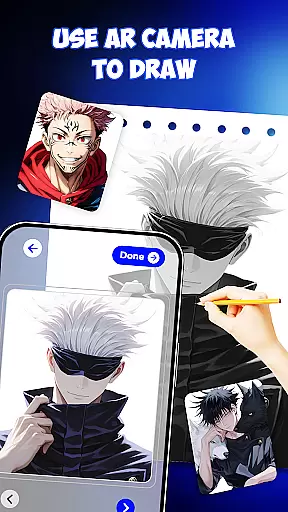
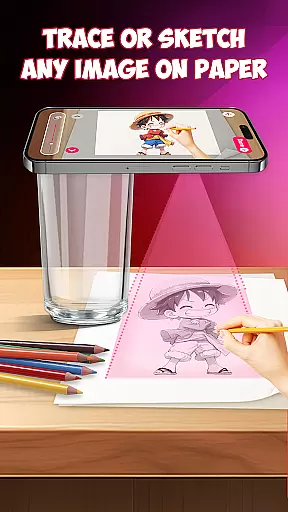
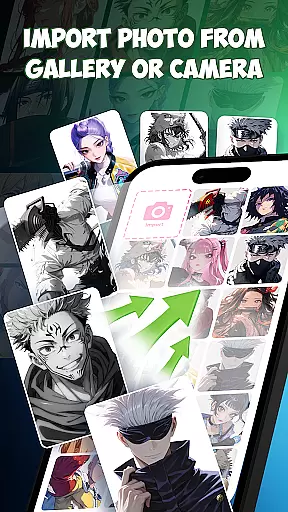
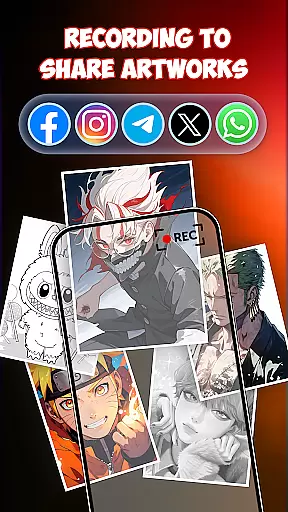
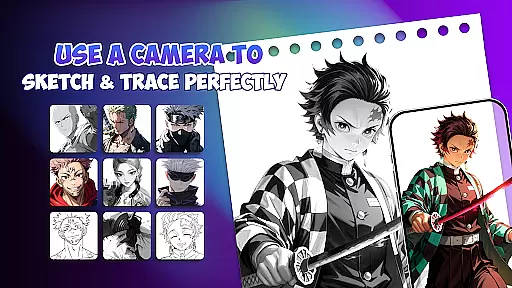
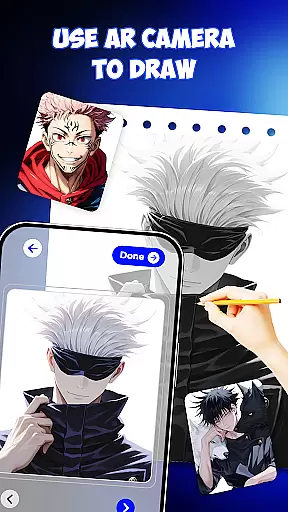
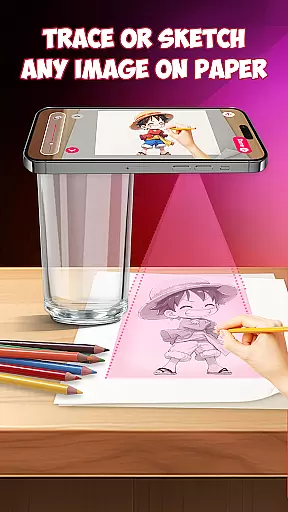
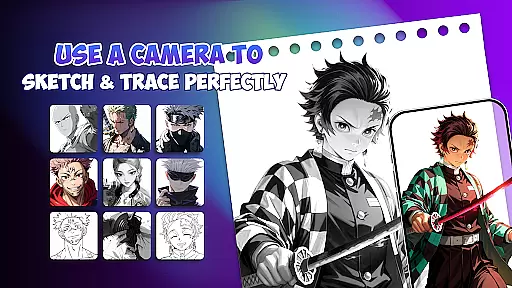
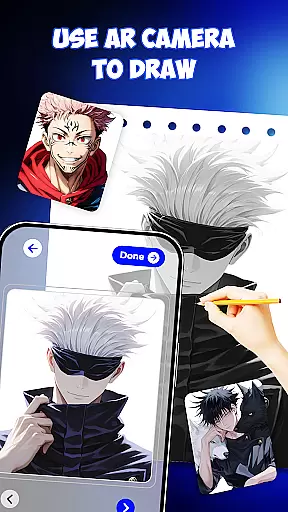
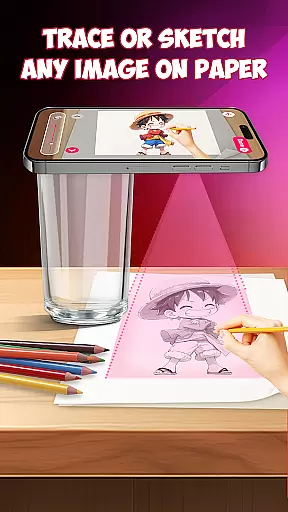
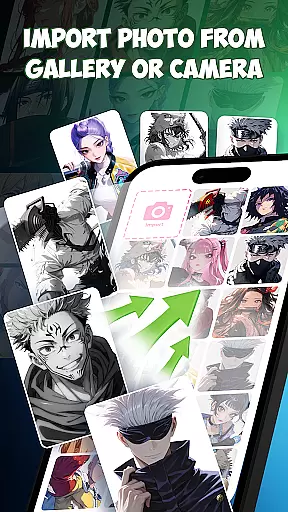
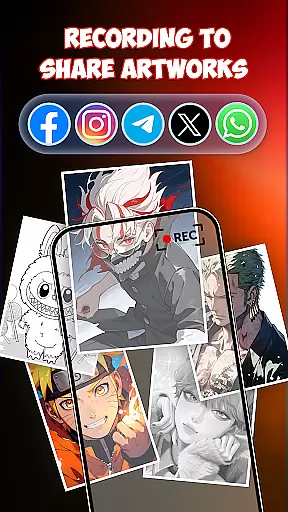
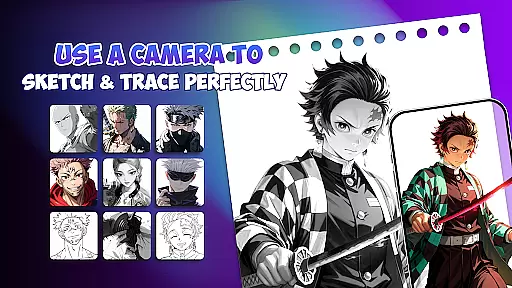
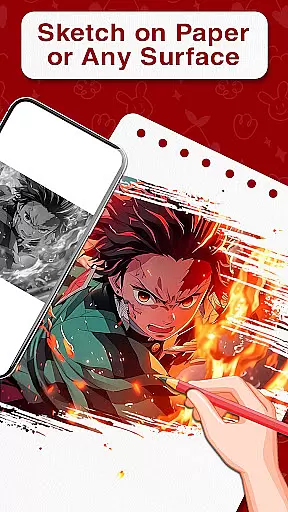
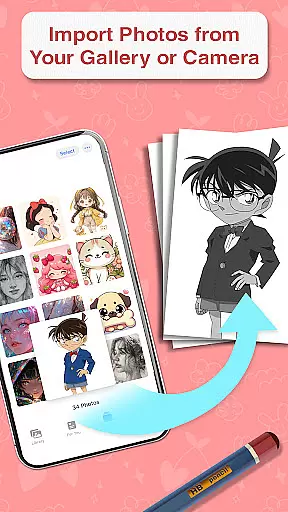
Draw Anime is an innovative AR-based drawing application designed specifically for anime enthusiasts. This app allows users to learn and practice drawing anime characters through augmented reality guidance, making the process more interactive and accurate. The app projects step-by-step outlines directly onto paper, enabling users to trace characters with precision.
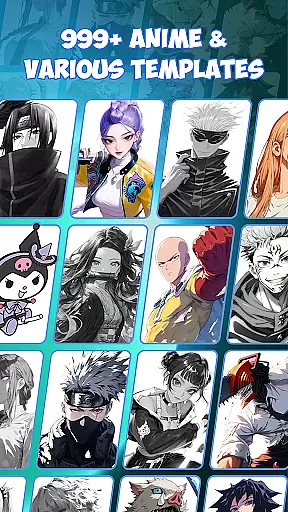
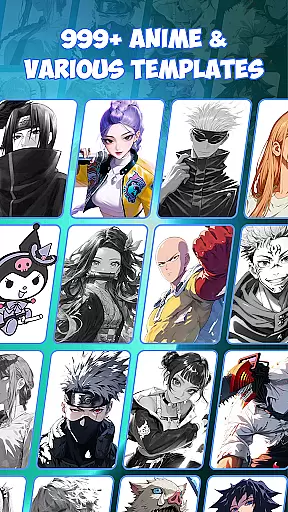
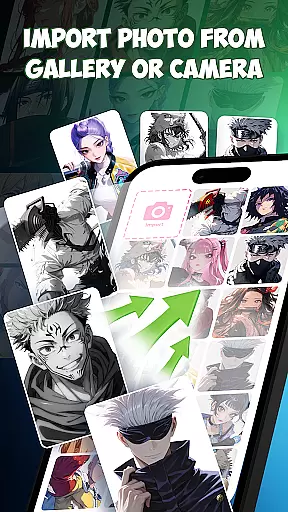
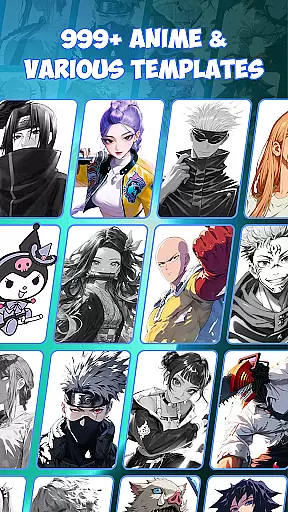
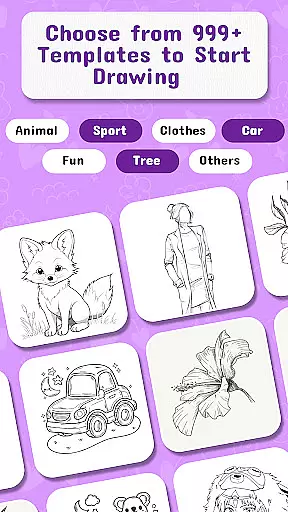
In addition to its AR features, Draw Anime offers a comprehensive library of 999+ templates covering various anime styles. These resources cater to both beginners who are just starting their artistic journey and experienced artists looking to refine their skills. The app's versatility extends beyond simple tracing, incorporating AI-powered creative tools that support painting, doodling, and designing original artwork.
The application's unique combination of traditional sketching methods with modern AR technology creates an optimal learning environment for aspiring anime artists. Whether practicing at home, preparing for art school, or designing professional-quality sketches, Draw Anime provides the necessary tools to develop artistic abilities effectively.
Draw Anime distinguishes itself through several remarkable features that enhance the drawing experience. The app's core functionality revolves around its advanced AR guidance system, which projects precise outlines onto physical paper. This feature enables users to trace characters accurately while maintaining proper proportions and details, eliminating the frustration often associated with traditional drawing methods.
Beyond basic tracing capabilities, the application incorporates powerful AI drawing tools that assist in creating original artwork. These tools analyze user input and suggest enhancements, helping artists develop their unique style. The app also includes specialized features such as drafting tools for precision work, making it suitable for professional applications like tattoo design and detailed illustrations.
Additional notable features include a comprehensive tutorial system, free drawing modes for unrestricted creativity, and various customization options. The app supports multiple drawing techniques, from simple sketches to complex paintings, all within a single platform. This versatility, combined with its user-friendly interface, makes Draw Anime an invaluable tool for artists at any skill level seeking to improve their anime drawing abilities.
When it comes to creating anime art, having access to a comprehensive set of tools is essential. Draw Anime offers an extensive suite of creative instruments that cater to both beginners and advanced artists. The app includes AR guidance & templates, step-by-step lessons, and AI drawing support, ensuring users have everything they need to bring their artistic visions to life.
The application provides over 999 templates, allowing users to draw any character they love. This vast library covers a wide range of anime styles and characters, making it easy for users to find inspiration and practice their skills. Additionally, the AR picture drawing feature enables unique designs, giving artists the freedom to experiment with different visual elements.
For those who appreciate precision in their work, Draw Anime incorporates drafting and design tools that enhance accuracy. These tools help artists create detailed sketches and polished final pieces, whether they're working on simple doodles or complex character designs. With these capabilities, users can refine their techniques and produce high-quality artwork consistently.
Flexibility in canvas and format options is crucial for artists who want to explore various styles and mediums. Draw Anime excels in this area by offering versatile solutions that adapt to different artistic needs. Users can place paper on their desk and follow AR guidance on their phone screen, which projects outlines directly onto the paper for precise tracing.
This innovative approach combines traditional sketching with modern technology, providing a seamless experience for artists. The app supports multiple formats, from freehand drawing to structured templates, ensuring that users can switch between different methods effortlessly. This adaptability makes it suitable for various use cases, such as practicing for art school or designing tattoo sketches.
Moreover, the app's compatibility with different devices enhances its flexibility. Artists can use their smartphones to project images onto any surface, allowing them to work comfortably in diverse environments. Whether at home or on the go, Draw Anime empowers users to express their creativity without limitations, turning ideas into art faster and more enjoyably.
User-friendly interface
Extensive template library
Accurate AR guidance
AI-powered creativity tools
Versatile drawing options
Requires stable internet
Premium features locked
Device compatibility issues
Steep learning curve
Limited offline functionality

Learn how to draw with step-by-step tutorials, fun lessons & multiplayer drawing
 4.70
4.70
Image/ Text to Video Generator
4.40
Your Essential Color Theory Guide: Red, Yellow, Blue (RYB)
4.3
See Color, Paint Color
4.90
AI Art Generator transforms your words into AI generated art & paintings.
3.70
Get creative and make art with your Sesame Friends!
4.00
Get an overview over all your embroidery threads, projects and more.
4.60
Beauty Camera - Selfie Camera is the ultimate beauty camera and selfie app
4.30
Create and Design Custom Logos in Seconds with AI-Powered Tools!
4.40
Mobile pixel art editor. Simple. Fast. Portable.
4.80
Draw beautiful mandala's very easily
4.60
The perfect place to start sketching! Use Sketchbook to draw and paint sketches.
4.50
AI generated images & photos, turn your words into drawing, painting & pictures.
4.30
Unleash Your Creativity with Draw Cartoon - AR Drawing App
4.10
Easy 3D drawing design maker & creator. Model designing, Sculpting. Create&paint
4.00
Resize photos and print photos in exact size with our powerful photo printer!
3.80
Create sweet, cool and unique couple avatars easily, in just a few steps!
3.40
Retouch photos. Create or edit images. Endless capabilities.
2.70
Premium version of Shimeji-ee app with no ads & no limit active shimeji
4.0


User Reviews