
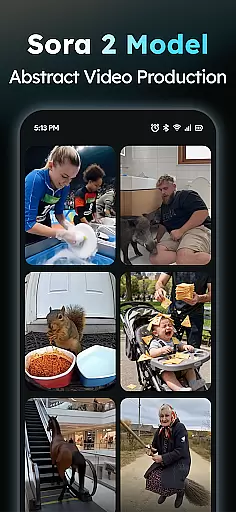
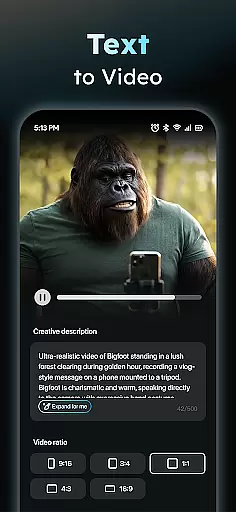
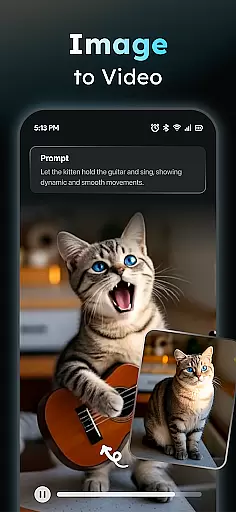
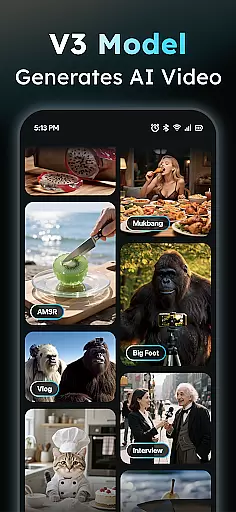
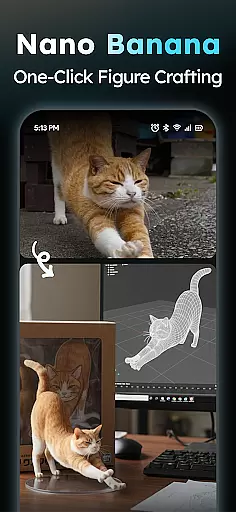
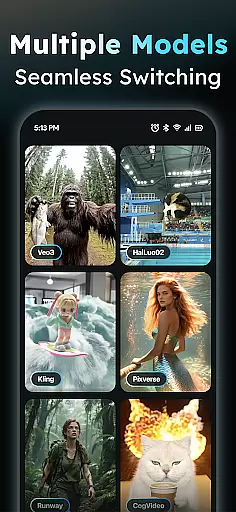
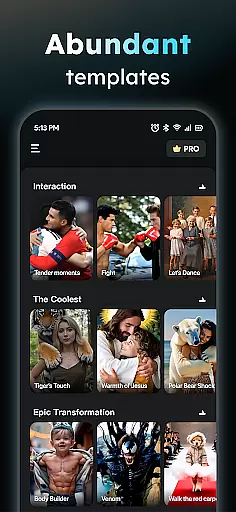
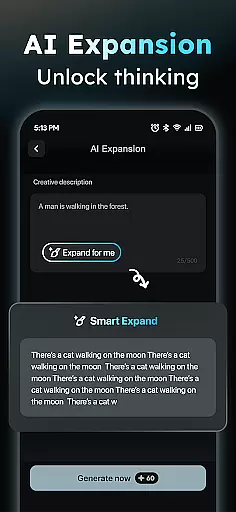
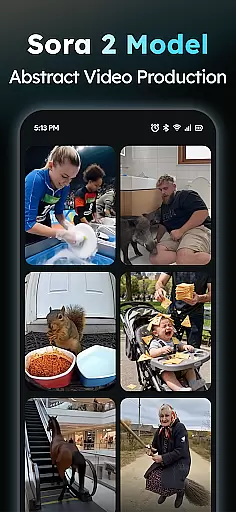
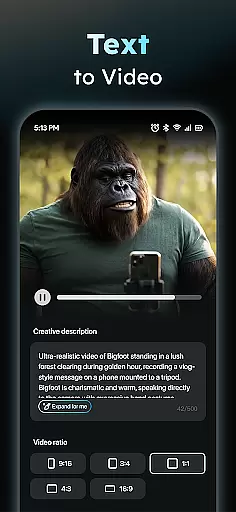
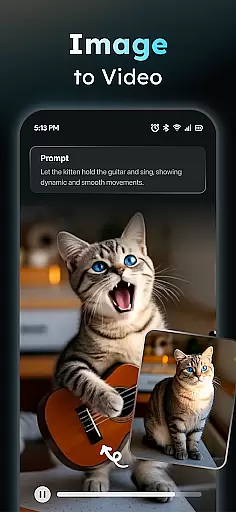
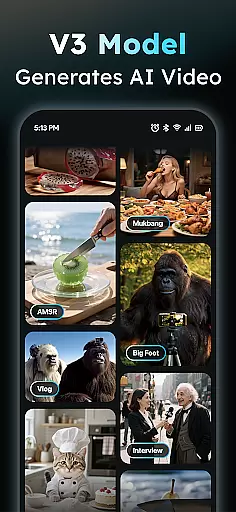
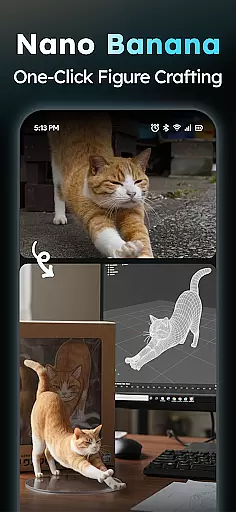
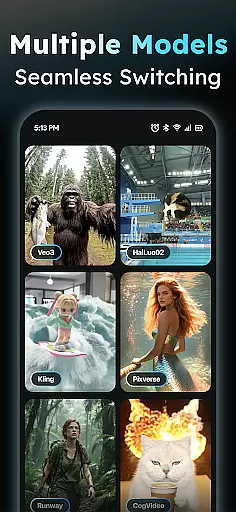
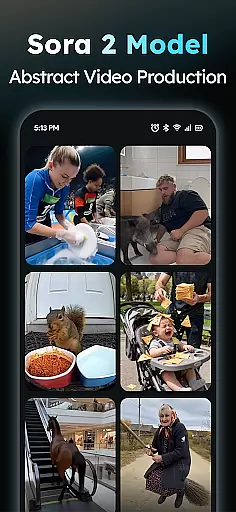
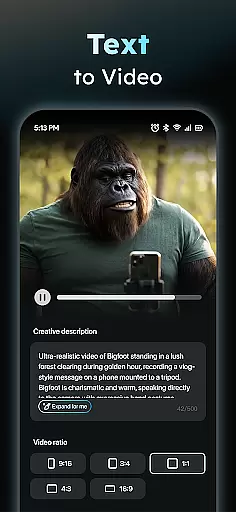
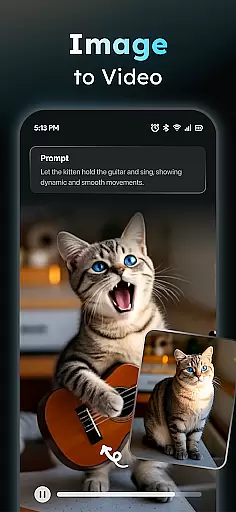
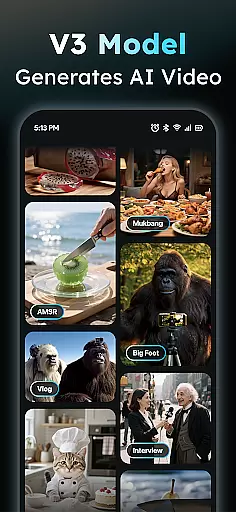
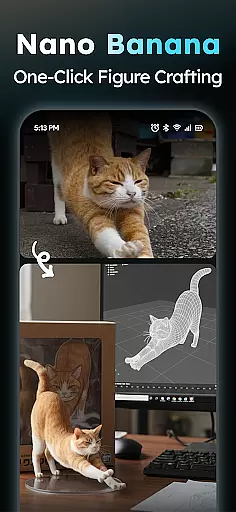
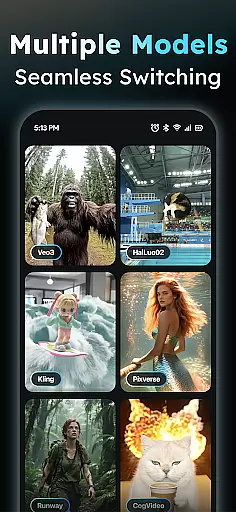
AIreel is an advanced AI-powered video creation tool designed for the Art & Design category, enabling users to produce professional-quality viral videos with unprecedented ease. The app's dual-engine system supports both Text-to-Video and Image-to-Video generation, making it possible to create cinematic content without any prior experience.
The application integrates cutting-edge AI models such as veo3, hailluo, and runway, allowing users to generate engaging short videos from simple text inputs or transform static images into dynamic visual stories. With specialized features like auto scene addition, music integration, and support for various image formats including real-person, anime, and pet photos, AIreel caters to a wide range of creative needs.
Whether you're a social media content creator looking to boost engagement or a designer wanting to add motion to your artwork, AIreel provides the tools to elevate your projects. Its unique combination of speed, versatility, and privacy-focused local processing makes it an invaluable asset for modern digital creators.
AIreel distinguishes itself through its comprehensive suite of creative tools tailored for efficient video production. The AI Video Generator enables users to input any text and automatically generates complete short videos with added scenes and background music, streamlining the content creation process.
The Photo to Video AI feature revolutionizes how users can bring still images to life, supporting various formats (JPG/PNG) and subjects (real-person, anime, pets). This functionality, combined with the Prompt Assistant that helps craft professional-grade prompts, significantly lowers the barrier to entry for AI-powered video creation.
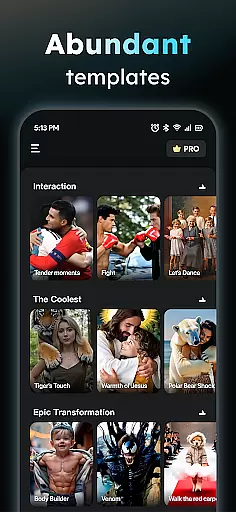
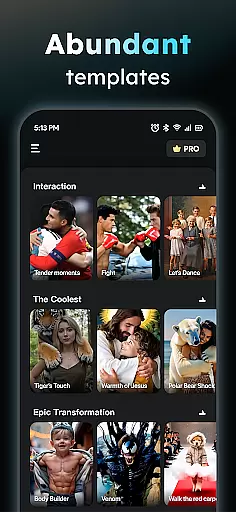
Additional features include a Social Template Hub with daily updates of trending templates for platforms like TikTok, Reels, and Shorts, and flexible export options supporting all major aspect ratios (9:16, 16:9, 1:1). The app's rendering speed, which is 50% faster than mainstream tools, along with its unique human-moderation system and privacy-focused local processing capabilities, make it a standout choice in the Art & Design category.
In the realm of digital content creation, having a comprehensive suite of creative tools is essential for unleashing one's imagination. AIReel stands out by offering an extensive array of features that cater to both novices and professionals in the Art & Design category. The app includes an advanced AI Video Generator that transforms any text input into engaging cinematic content, complete with auto-generated scenes and music.
Moreover, AIReel doesn't stop at video generation; it extends its capabilities to Photo to Video conversion, supporting real-person, anime, and pet images. This versatility ensures that users can breathe life into still images, creating dynamic visual stories without prior experience in video editing or animation.
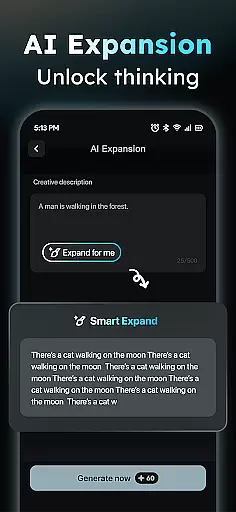
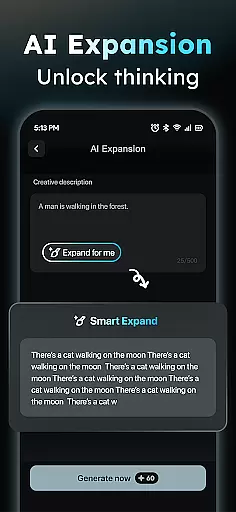
The inclusion of a Prompt Assistant further lowers the barrier to entry for users who may not be familiar with crafting professional prompts for AI models. By turning simple ideas into sophisticated prompts, AIReel empowers users to explore their creativity fully. Additionally, the Social Template Hub provides daily updates on trending TikTok, Reels, and Short templates, ensuring that creators have fresh and relevant formats at their fingertips.
Flexibility in canvas and format options is crucial for designers who wish to tailor their creations to specific platforms or artistic visions. AIReel addresses this need by enabling users to export videos in various aspect ratios, including 9:16 for mobile screens, 16:9 for traditional displays, and 1:1 for social media posts. This adaptability allows creators to optimize their content for different audiences and channels effortlessly.
Furthermore, AIReel supports local processing on compatible devices, which not only enhances privacy but also provides users with greater control over their creative projects. This feature is particularly beneficial for those working on sensitive or proprietary content, as it minimizes the risk of data breaches during cloud-based operations.
AIReel's commitment to quality and user experience is evident in its ability to render videos 50% faster than mainstream tools. This efficiency boost means less waiting time and more creating, allowing artists to focus on refining their work rather than being bogged down by lengthy rendering processes. Coupled with human moderation to ensure appropriate content, AIReel offers a robust platform where creativity meets practicality.
User-friendly interface
Fast rendering speed
Privacy-focused design
Dual-mode generator
Professional templates
Limited free features
Device compatibility
Learning curve
Premium pricing
Occasional bugs

Create neon drawing with magic doodle and fun doodle art effects!
 4.50
4.50
Unleash Your Creativity with Draw Cartoon - AR Drawing App
4.10
Nano Banana AI Image Generator, Anime Filter, AI Portrait, AI Photo Generator
4.30
AR Anime Drawing: How to draw anime with AR drawing & sketching apps!
4.00
A luxurious gold watch face for an elegant and refined look.
4.4
Experience next-gen icons with a modern liquid glass look.
3.60
Inky runs Inkscape on Android devices and Chromebooks
2.90
Share the joy of painting with ibis Paint! Drawing anime and manga art.
4.50
Kling AI is an image and video generation and editing studio powered by AI.
4.50
See Color, Paint Color
4.90
Minecraft & Roblox Clothes
4.70
The ultimate tool for creating animations
4.60
Draw glowing spinners, relax, and spin your creative art
4.60
Discover Cartoon Dream : Unleash Your Creativity with CuttingEdge AI
4.50
Everything you need to create hand drawn animation, anywhere you go!
4.40
Turning simple sketches into captivating tales filled with life and motion
3.90
Paint with oils and sketch with natural tools on a realistic virtual canvas.
3.80
Art of Combination Wear OS Watch Faces
3.30
Art of Combination Wear OS Watch Faces
4.4


User Reviews