
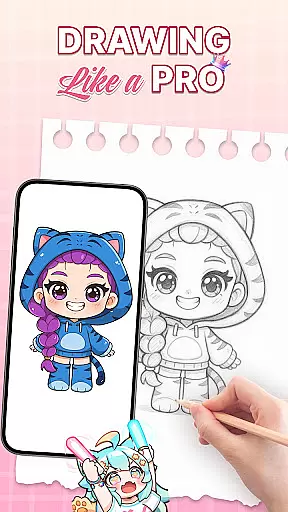
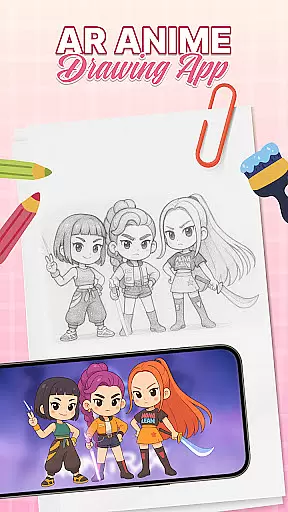
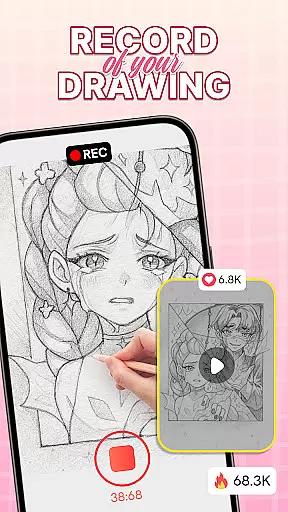
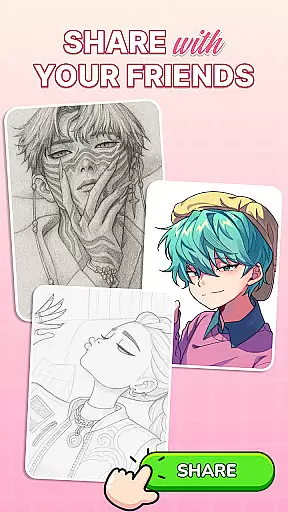
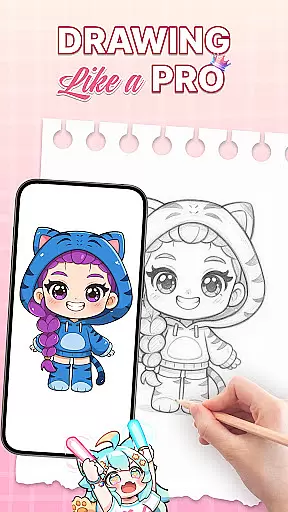
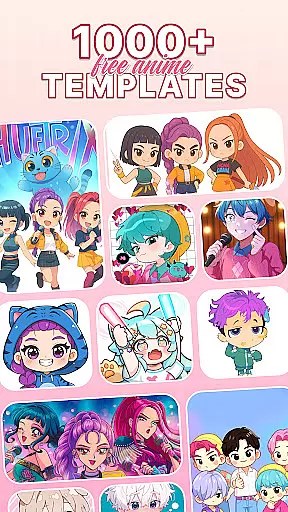
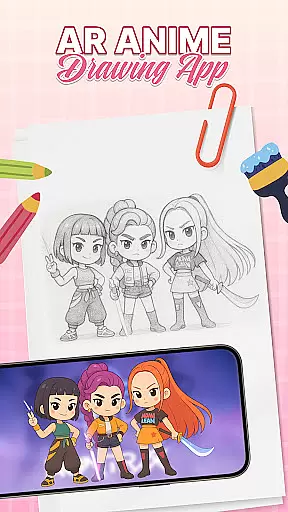
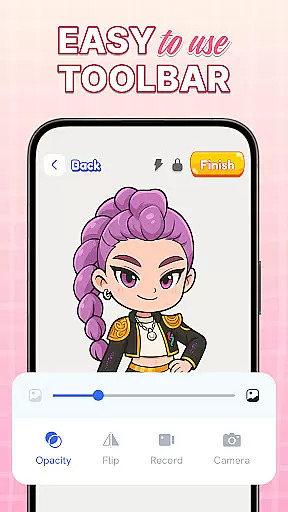
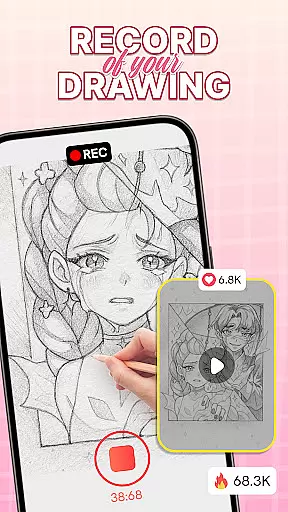
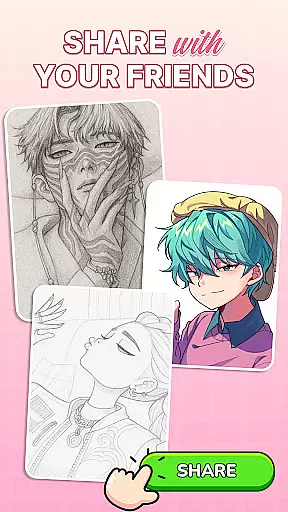
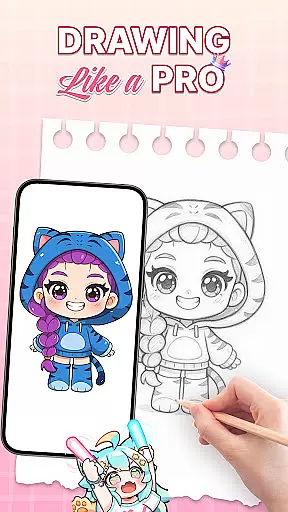
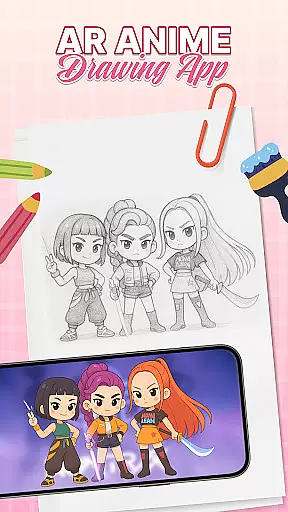
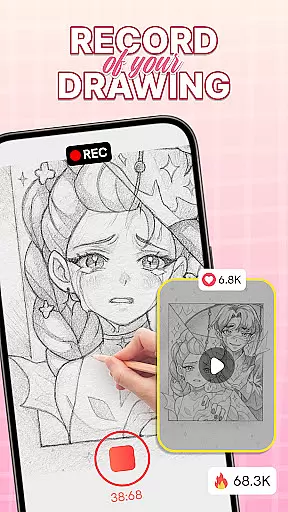
AR Drawing: Sketch & Trace is an innovative mobile application that merges augmented reality with artistic expression. Designed for both aspiring and professional artists, this app allows users to project any image onto paper through AR technology, creating a precise tracing guide. The app's core functionality lies in its ability to invert images on the phone screen, enabling effortless tracing and sketching.
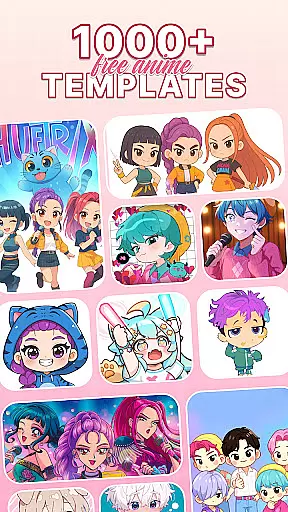
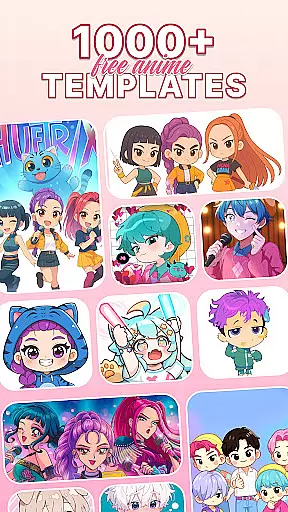
Beyond basic tracing, the app offers a diverse range of drawing templates covering popular categories like anime, animals, and nature. These templates serve as creative inspiration while the app's comprehensive sketching tools help bring artwork to life with vibrant colors and intricate details. Whether you're looking to improve your anime drawing skills or explore traditional sketching techniques, this app provides the perfect platform for artistic growth.
The app's practical applications extend beyond personal use. It serves as an excellent educational tool for beginners learning to draw and offers family-friendly features that allow parents and children to bond over creative projects. With regular updates and a user-friendly interface, AR Drawing: Sketch & Trace establishes itself as an essential tool for modern digital artists.
AR Drawing: Sketch & Trace distinguishes itself through several key features that enhance the drawing experience. The app's augmented reality tracing capability allows users to project images directly onto their drawing surface, creating a precise template that can be easily traced. This feature particularly benefits those learning to draw anime and cartoons, as it provides structured guidance while maintaining creative freedom.
The application houses an extensive library of drawing templates across various categories including anime, animals, food, and nature. Each template is carefully designed to inspire creativity while offering technical guidance. The app also includes comprehensive sketching and painting tools that support both digital art creation and traditional pencil work. Users can access a wide color palette and detailed brush options to refine their artwork.
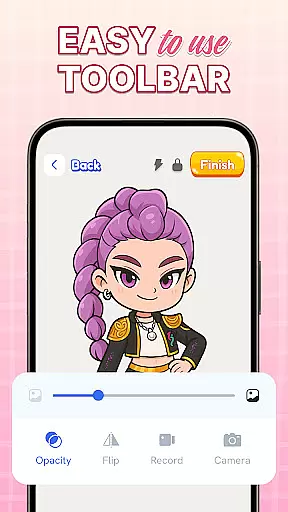
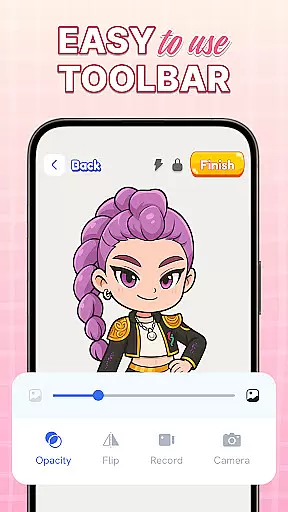
Practical features such as integrated camera support and adjustable flash settings make the drawing process more convenient, especially in low-light conditions. The app maintains a careful balance between professional-grade tools and user-friendly accessibility, ensuring that artists of all skill levels can utilize its features effectively. Regular updates ensure the app stays current with technological advancements and user needs.
AR Drawing: Sketch & Trace offers an extensive suite of creative tools that cater to both amateur and professional artists. The app includes AR drawing and tracing features, allowing users to project any image onto a surface for easy tracing. This functionality bridges the gap between traditional sketching and modern technology, providing precision and ease in every stroke.
In addition to its core AR functionalities, the app boasts a diverse library of drawing templates. These templates cover various categories such as anime, animals, food, and nature, offering inspiration and guidance for users' artistic journeys. With these resources at their disposal, artists can explore different styles and refine their skills without limitations.
The Sketch & Paint tools within the app further enhance the creative process. Users can bring their sketches to life with vibrant colors and intricate details, thanks to comprehensive paint and color options. This versatility ensures that whether you're working on digital art or traditional sketches, AR Drawing: Sketch & Trace provides everything necessary to create stunning artworks.
One of the standout features of AR Drawing: Sketch & Trace is its canvas and format flexibility. The app allows users to draw on any surface by utilizing their phone's camera and augmented reality technology. By placing the camera on a stable surface, users can project images directly onto paper or other materials, making it possible to trace and create art anywhere.
This flexibility extends to various lighting conditions as well. Integrated flashlight support enables better tracing in low-light settings, ensuring that artists can work comfortably regardless of their environment. Such adaptability makes the app suitable for use both indoors and outdoors, providing consistent performance across different scenarios.
Moreover, the app supports a wide range of artistic expressions through its extensive palette and customization options. Users can adjust colors, brushes, and other settings to suit their preferences, resulting in highly personalized artwork. Whether you're creating detailed anime drawings or simple sketches, AR Drawing: Sketch & Trace offers the tools needed to realize your vision with precision and flair.
User-friendly interface
Wide template selection
AR precision tracing
Family-friendly features
Regular feature updates
Requires stable surface
Limited free templates
Device compatibility issues
Subscription fees apply
Learning curve for AR

Discover Cartoon Dream : Unleash Your Creativity with CuttingEdge AI
 4.50
4.50
The ultimate tool for creating animations
4.60
Image/ Text to Video Generator
4.40
Remove Background, Magic Eraser, Photo Enhancer, Story Templates, Collage Maker
4.30
Paint with oils and sketch with natural tools on a realistic virtual canvas.
3.80
Unleash Your Creativity with Draw Cartoon - AR Drawing App
4.10
Nano Banana AI Image Generator, Anime Filter, AI Portrait, AI Photo Generator
4.30
AR Anime Drawing: How to draw anime with AR drawing & sketching apps!
4.00
Turning simple sketches into captivating tales filled with life and motion
3.90
Create stunning art with AI.
4.80
Draw on screen: FP sDraw is a simple and lightweight drawing app
4.70
Novices can also easily complete diamond painting masters
4.70
Digital, Abstract, Classic - all types of color wheels in one app!
4.60
Unleash your drawing and painting potential
4.50
Floor Plan Creator lets you create, edit and share floor plans.
4.00
AI Assistant, powered by ChatGPT GPT-4 & GPT-4o. Your intelligent companion.
3.50
Create sweet, cool and unique couple avatars easily, in just a few steps!
3.40
Retouch photos. Create or edit images. Endless capabilities.
2.70
Transform photos into amazing monochrome dither art with professional algorithms
4.5


User Reviews