
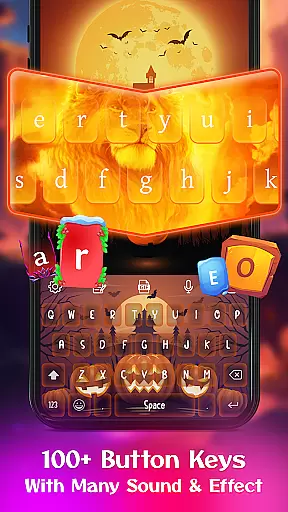
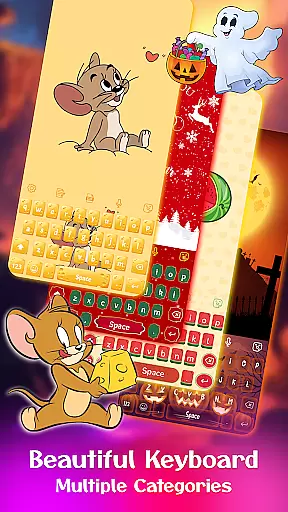
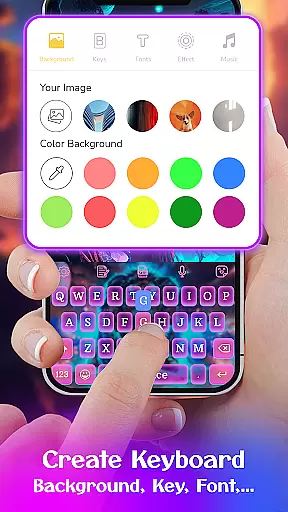
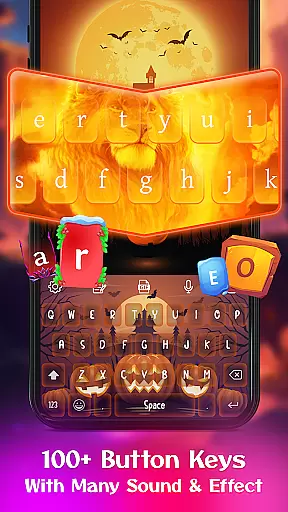
Keyboard Maker is a feature-rich personalization app that allows users to create their own custom keyboard themes for Android devices. With support for 150+ languages and various typing methods like QUERTY and Gesture Typing, it offers versatile typing options.
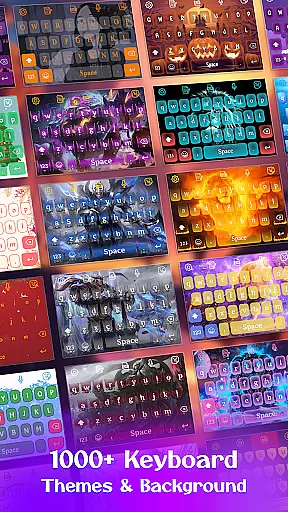
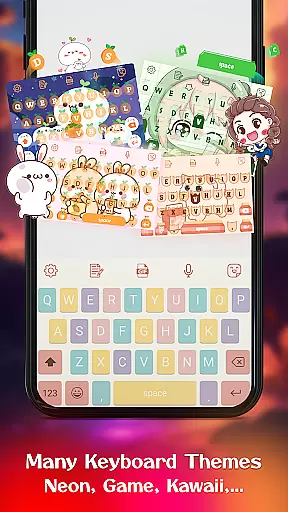
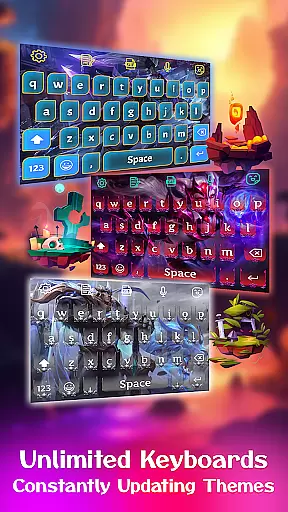
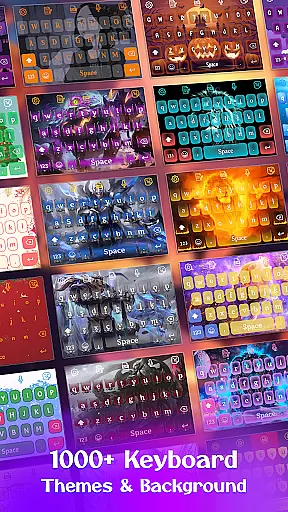
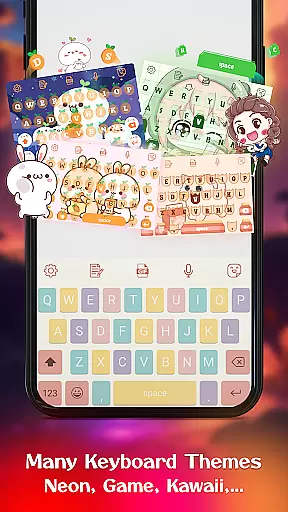
The app provides an extensive collection of 500+ free keyboard themes including Led, Neon, anime, and love themes. Users can personalize their typing experience with custom wallpapers, backgrounds, fonts, and sound effects while enjoying smart features like autocorrect, word prediction, and voice input.
This application is particularly useful for users who want to express their personality through their device's keyboard or those looking for more functional and visually appealing typing options. The ability to use personal photos as keyboard backgrounds adds a unique touch.
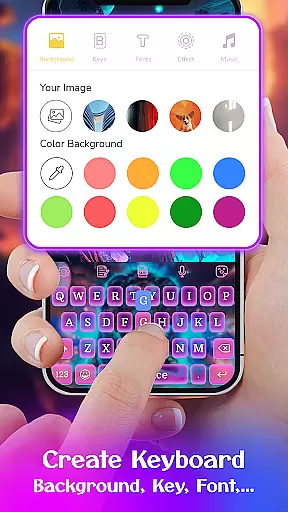
Keyboard Maker stands out with its comprehensive customization options. The app allows users to design their own keyboard themes from scratch using the DIY feature. This includes setting personal images as keyboard backgrounds from the gallery.
Functionality-wise, the app supports multiple advanced features including smart autocorrect, word prediction, voice typing, and gesture-based typing. The inclusion of 150+ language support makes it suitable for international users while the clipboard function enables fast copy-paste operations.
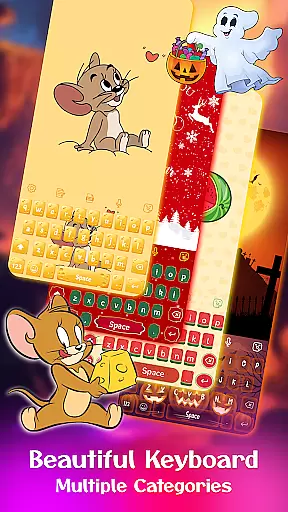
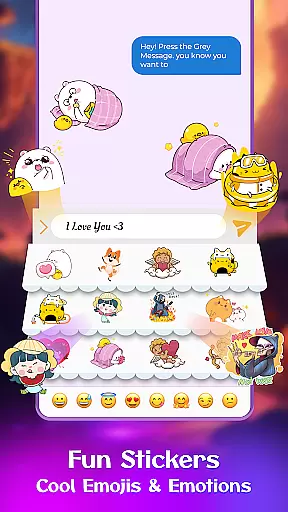
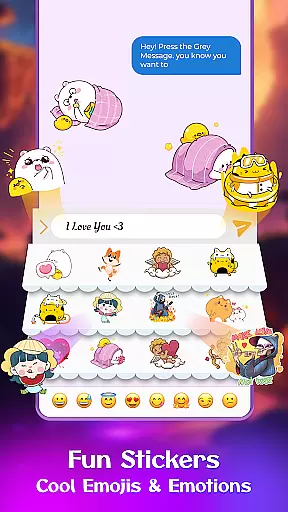
Users can choose from various theme categories such as simple, colorful, LED, anime, and cute themes. Additional features include emoji support, GIF integration, sticker sharing, and customizable font options, making it one of the most versatile keyboard applications available in the personalization category.
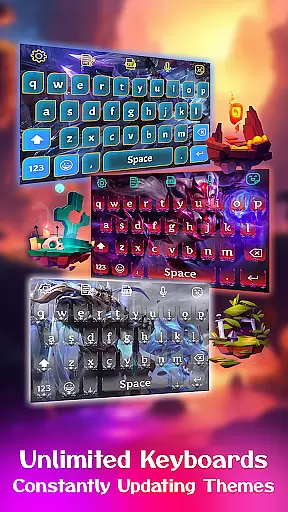
Customization is at the heart of Keyboard Maker, offering users an extensive array of options to tailor their typing experience. This app provides hundreds of themes ranging from simple and minimalistic designs to vibrant, colorful layouts that can illuminate the typing experience with LED-style keys.
Users have the ability to instantly change their keyboard's appearance with a selection that includes anime themes, love-inspired designs, and cute aesthetics, ensuring there's something for every personal taste. The 'Custom' category even allows for the creation of unique themes that are exclusively yours, making your keyboard truly one-of-a-kind.
Beyond just visual aesthetics, Keyboard Maker also offers functional customization. Users can adjust keyboard layouts, toggle a number row, and resize the keyboard to better fit their device or personal preference. These options ensure that the app doesn't just look good but feels right under your fingertips as well.
Theme compatibility in Keyboard Maker ensures that no matter which theme you choose, it will work seamlessly across your devices. With support for over 150 languages, this app makes certain that language barriers won't affect your personalized keyboard experience.
The app's design is focused on providing a consistent user experience whether you're typing in English, Hindi, Russian, or any other supported language. This means that the theme you select will maintain its style and functionality, adapting to different keyboard layouts without losing its essence.
Moreover, Keyboard Maker's compatibility extends to its emoji keyboards, font selections, and GIF functionalities. Whether you're using standard emoticons or sharing the latest trending GIFs, the chosen theme complements these features perfectly, enhancing both expression and communication in any language.
Highly customizable
Wide language support
Variety of themes
Smart typing features
User-friendly interface
May use more storage
Some features redundant
Occasional lags
Ads in free version
Complex for beginners

Capture moments that pass like a storm, second by second.
 4.4
4.4
3D, live, and moving wallpapers & themes in 4K and HD for your device.
4.50
Make your phone look simple & luxury, like iDevice
4.60
A launcher for Samsung Good Lock and Good Guardians modules without ads
4.70
Customizable screen pets that play, climb, and keep you company.
4.50
Unique Fonts, typefaces and stylish text. Fonts for Instagram, Whatsapp & others
4.20
Zip lock screen with magic wallpaper to decorate your phone with fun zipper lock
4.60
Yandex Browser — stylish and secure, with voice search and data compression
4.40
400+ Beautifully crafted widgets inspired by NOTHING.
4.70
Winter's Journey: digital watch face for Galaxy Watch & Wear OS
4.80
A Colorful and Minimal icon pack in an Outline Style - Over 13,600 icons!
4.70
300+ Stunning and well-designed widgets inspired by NOTHING.
4.70
Over 28,000 high quality icons to bring color & homogeneity to your phone.
4.60
Ultimate Gallery Lock App - Hide Pictures, Videos and Lock Apps Instantly!
4.60
Icons made of colorful linear lines
4.60
Turn text & photos into stunning AI videos, art, and creative visual stories.
4.50
Fingerprint Lock Screen & Live Animations with 4K Wallpapers as Live Wallpaper
4.40
⭐ OneUI inspired Fluffy Icon Pack – Soft. Stylish. Standout. ⭐
4.5
Custom edge gestures for volume control, brightness, apps, and shortcuts.
4.3


User Reviews