
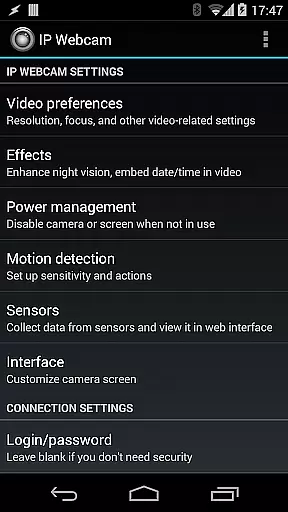
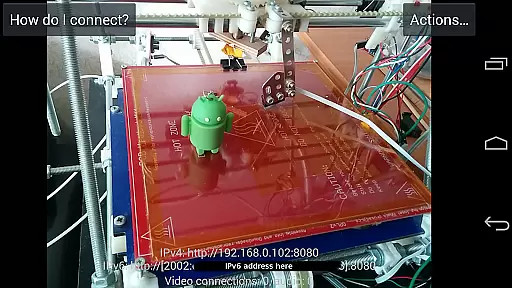
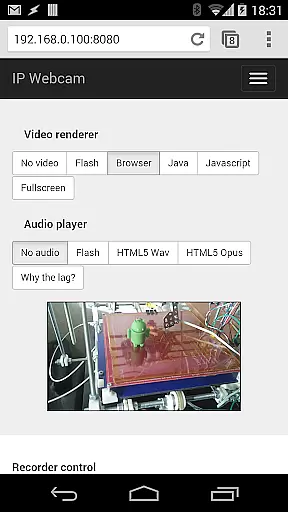
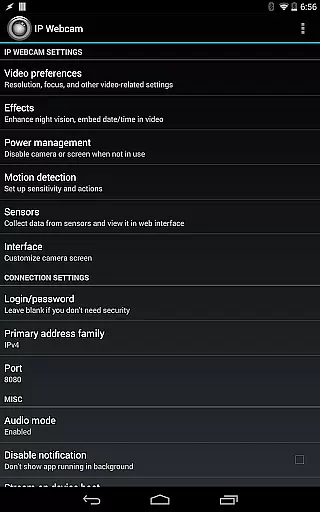
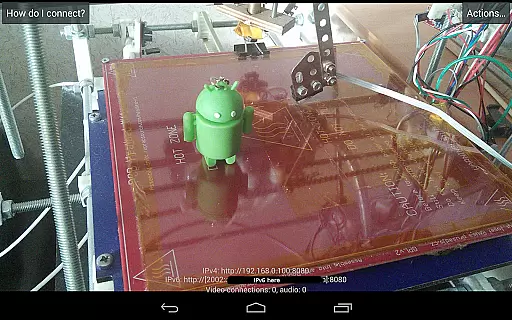
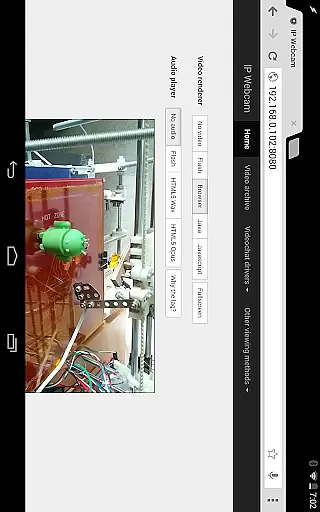
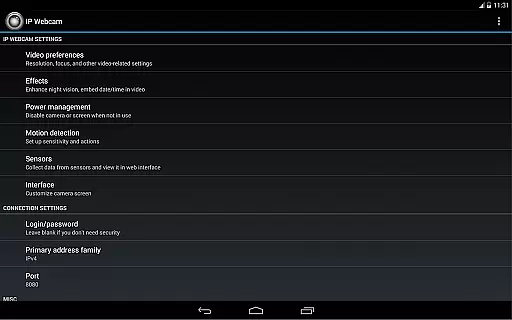
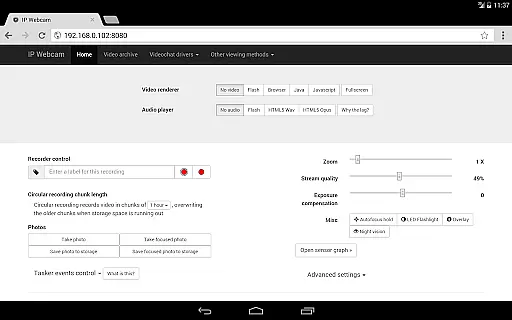
IP Webcam Pro excels in video format compatibility, ensuring users can stream and record in multiple formats. The app supports WebM, MOV, MKV, or MPEG4 (on Android 4.1+), catering to a wide range of user preferences and device capabilities.
This flexibility in video formats allows users to choose the best option for their specific needs, whether it's for quality, file size, or compatibility with other software and devices. Such versatility is crucial for both casual users and professionals who rely on specific formats for their workflows.
Moreover, the app's ability to adapt to different formats ensures that users can view their camera feed on virtually any platform using VLC player or a web browser. This universality enhances the accessibility and convenience of monitoring solutions provided by IP Webcam Pro.
While IP Webcam Pro focuses primarily on video streaming and surveillance, it incorporates AI-powered features that enhance its utility beyond basic monitoring. These include motion detection with sound triggers and sensor data acquisition with online web graphing, which collectively offer smart monitoring solutions.
The app's AI capabilities extend to cloud push notifications on motion and sound, allowing users to receive instant alerts without needing to constantly monitor the feed manually. Additionally, cloud recording for motion-triggered records ensures that important events are captured and stored securely, optimizing storage usage and relevance.
These intelligent features not only improve the efficiency of video monitoring but also provide users with advanced tools to customize their surveillance experience according to their specific requirements. By integrating AI into its core functionalities, IP Webcam Pro delivers a sophisticated, automated approach to video monitoring and analysis.

HD Video player all format, HD Videos, Cast & Subtitle. No annoying ads.
 4.60
4.60
Photo and Music Video Creator into Stunning Videos—Effortlessly
4.40
Play ALL formats in 4K & HD. Video downloader, MP3 player, Chromecast & more.
4.80
KMPlayer Plus (Divx Codec) officially support Divx codec.
4.30
Fast & easy HD video downloader for all formats, support 4K playback & download.
4.60
Cast movies, tv shows and live streams to Chromecast, Roku, DLNA, Fire TV & more
4.60
Fast & Private HD Video Downloader with Built-in Proxy Browser and Video Player.
4.50
Viddo: Generate Action Figure, AI Anime, AI kiss, AI hug Video from image & text
4.40
Manage your YouTube channel on the go
4.40
Fast, private downloading, video saving, social media
4.50
HD video maker with no watermark, no ads & vlog maker with music, PIP, text
4.50
Powerful Video Editor & Photo Editing App —— Quick Edits & Stunning Effects!
4.30
1)AirPlay/DLNA Mirroring/Streaming, up to 4 connections; 2)Samba/NAS/DMS Player.
4.00
Cast to Smart TV, Fire TV. Cast video, photo - Fast & Stable!
3.90
Manage your IPTV live channels and VOD playlists (no playlist included)
3.80
Kodi media center, a free and open source cross-platform entertainment hub
3.60
AirMirror is Receiver for Screen Mirroring and Casting from Apple Devices.
3.60
A full editing room to accompany your Insta360 cameras and handheld gimbals.
3.30
Video player with powerful streaming playback and various convenient features.
2.10


User Reviews