
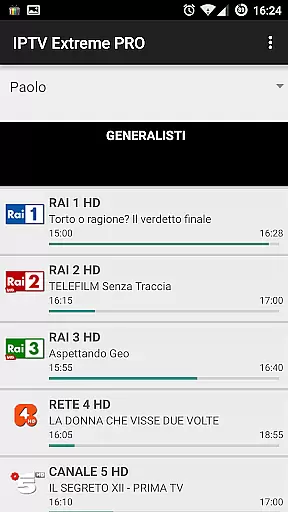
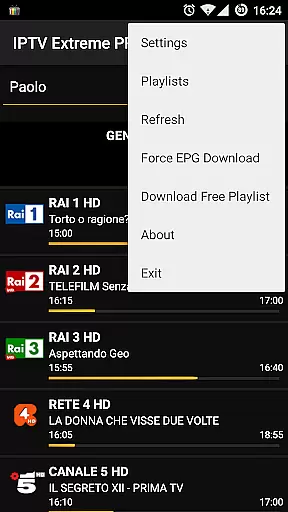

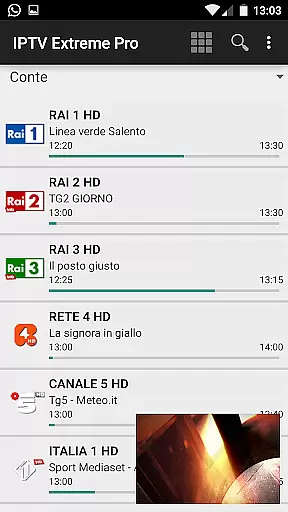


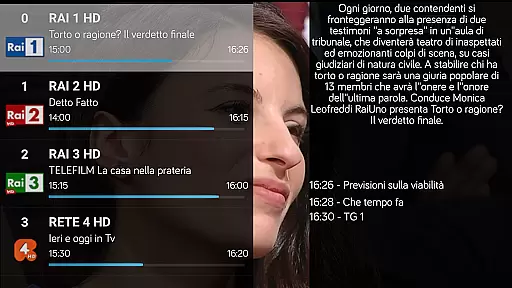
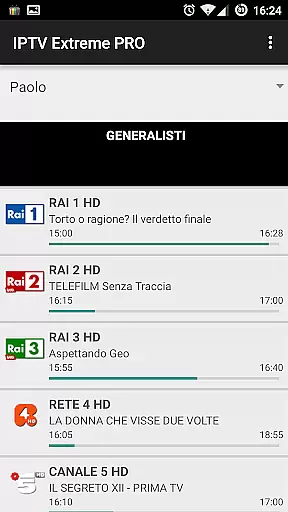
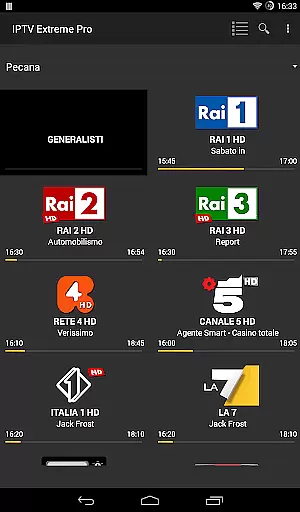
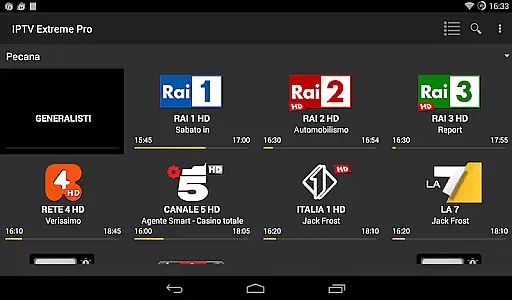


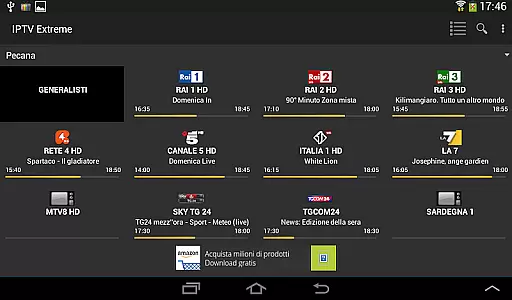

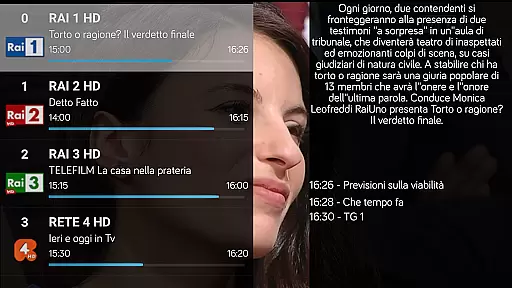
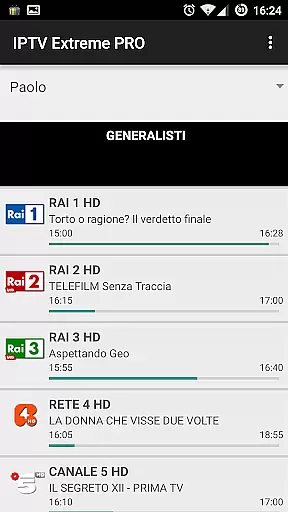
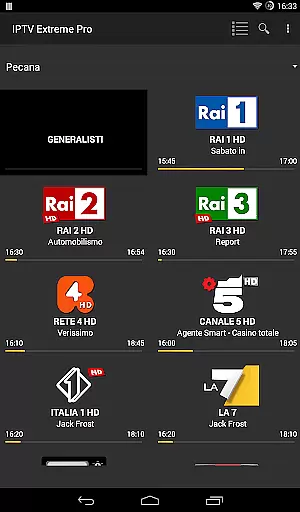
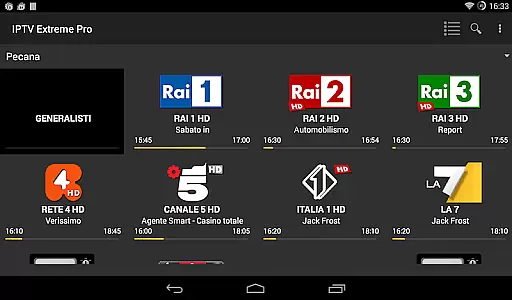

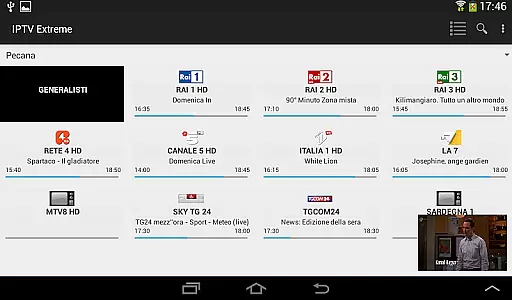


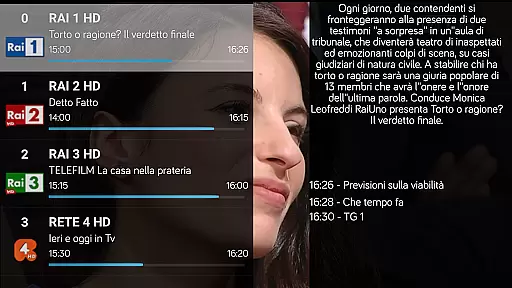
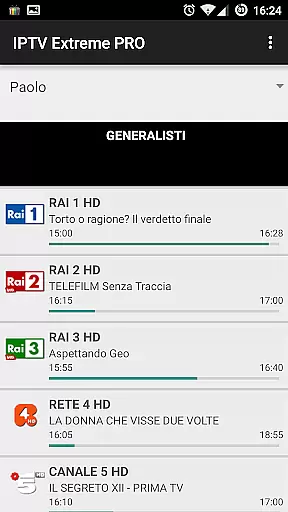
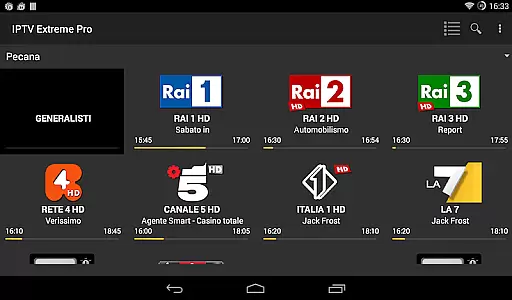

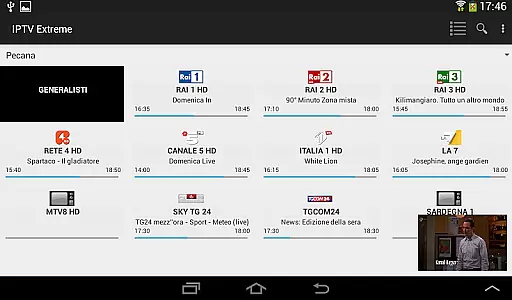


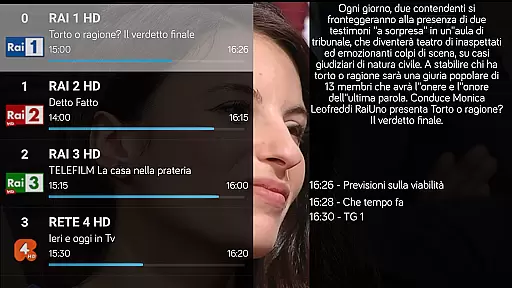
IPTV Extreme Pro is a feature-rich playlist manager designed for users who want to organize and enjoy their IPTV content efficiently. The app offers advanced playback options, including an integrated player with both advanced and light modes, ensuring smooth streaming experiences across various devices.
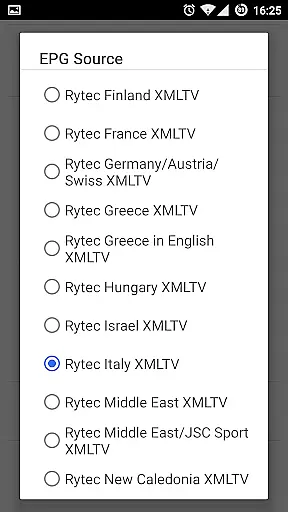
One of the standout features is its comprehensive support for different functionalities such as Chromecast, parental controls, and remote controller operations. Additionally, it provides essential tools like backup and restore settings, M3U playlist support, and MAG support, making it versatile for different user needs. With multi-EPG support, auto EPG updates, and alias management, users can easily navigate and manage their TV guides.
The application also includes unique capabilities like downloading on-demand programs and recording live streams with time limits. Its customizable themes and picons in various sizes enhance user experience, while additional functions such as time recording, timers management, and autostart on boot provide convenience and automation. IPTV Extreme Pro ensures a seamless and personalized IPTV experience, provided users supply their own legal playlists.
IPTV Extreme Pro stands out with its extensive range of features tailored for IPTV enthusiasts. The integrated player comes in two modes: advanced and light, catering to different preferences and device capabilities. Chromecast support allows users to stream content on larger screens effortlessly, while parental controls ensure a family-friendly viewing environment.
For those who prefer managing their setups remotely, the app supports remote controllers and offers backup and restore functionalities to safeguard settings and preferences. It supports M3U playlists and MAG devices, broadening its compatibility with various IPTV services. The multi-EPG support, automatic EPG updates, and alias management enable users to keep track of their favorite shows and channels efficiently.
Unique features include the ability to download on-demand programs and record live streams with specified time limits, providing flexibility and control over content consumption. With more than ten customizable themes and picons in different sizes, users can personalize their interface. Additional conveniences like time recording, timers management, autostart on boot, memo functions for events, and sliding EPG time make IPTV Extreme Pro a comprehensive solution for managing IPTV playlists legally and effectively.
Video format compatibility is a crucial feature for any video player application, ensuring that users can access content in various formats without technical barriers. IPTV Extreme Pro supports M3U playlists and integrates advanced playback capabilities, making it adaptable to different video streams.
The app's support for multiple EPG (Electronic Program Guide) providers and MAG (Multimedia Access Gateway) enhances its ability to handle diverse video sources. This flexibility allows users to enjoy a wide range of content types, from live TV streams to on-demand programs, all within a single platform.
With the capability to download on-demand programs and record live streaming, IPTV Extreme Pro ensures that users can manage their viewing schedules efficiently. The integrated player supports both advanced and light modes, catering to different user preferences and device capabilities.
This comprehensive format support provides a seamless experience for users who want to enjoy their favorite shows without worrying about compatibility issues. By supporting more than 10 themes and offering features like time recording and timer management, IPTV Extreme Pro delivers both functionality and personalization.
While IPTV Extreme Pro focuses primarily on video playback and management, its AI-powered editing features provide additional value for users seeking to enhance their viewing experience. Although not a traditional video editor, the app incorporates intelligent tools that simplify content management.
The application's parental control system uses smart algorithms to filter content based on user-defined parameters. This feature automatically manages EPG aliases and organizes program schedules, saving users time and effort in curating appropriate content for their households.
Advanced automation features, including auto EPG updates and sliding EPG time, demonstrate the app's intelligent approach to content management. These tools help users stay informed about upcoming programs while maintaining an organized viewing schedule.
The pro version offers additional enhancements, such as ad-free viewing and improved performance, which contribute to a more refined user experience. While not a dedicated video editing tool, IPTV Extreme Pro's intelligent features effectively streamline content management and presentation, making it a valuable solution for sophisticated media consumption needs.
User-friendly interface
Extensive format support
Advanced customization options
Regular feature updates
Comprehensive EPG support
No built-in channels
Requires manual playlist setup
Premium version needed for ad-free experience
Limited customer support
Complex for beginners

HD Video player all format, HD Videos, Cast & Subtitle. No annoying ads.
 4.60
4.60
Cast Videos from Web Browser, IPTV to Roku, Chromecast, DLNA, Smart TV +more
4.60
Play ALL formats in 4K & HD. Video downloader, MP3 player, Chromecast & more.
4.80
This app was created to edit the metadata of music files.
4.20
Download website videos fast&privacy
4.40
Fast & easy HD video downloader for all formats, support 4K playback & download.
4.60
Browser for Sony TV to stream web videos, online movies and live tv
3.20
A Simple app to download Video & Music from the Internet.
4.70
Fast & Private HD Video Downloader with Built-in Proxy Browser and Video Player.
4.50
AI Video Editor with Music, Filter, Slideshow, Effect, Merge & Trim Video.
4.80
A Quick and Pro Video Editor
4.70
VLC Remote lets you control your VLC Media Player on Mac, PC or Linux.
4.60
Fast, private downloading, video saving, social media
4.50
KineMaster, Your Ultimate Video Editor!
4.40
VLC for Android is the best open source video and music player, fast and easy!
4.10
Powerful, professional, versatile teleprompter. Developed by an active film crew
4.00
Download videos easily & play them all in one smart, powerful video manager.
3.40
The essential companion to your Blue Iris PC software
2.50
Stream high quality video from your camera over NDI protocol
4.4


User Reviews