
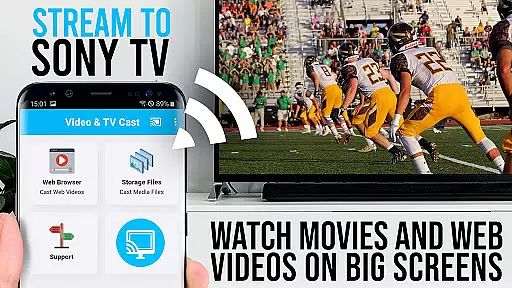
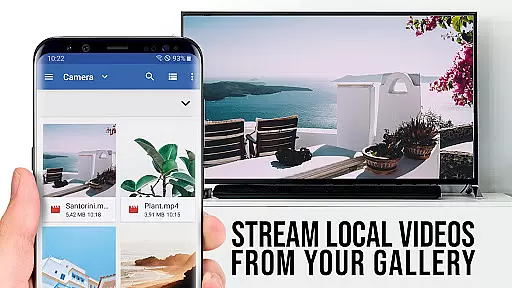
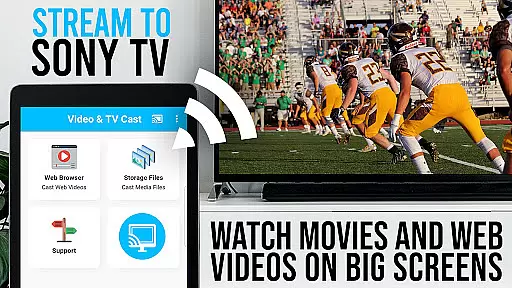
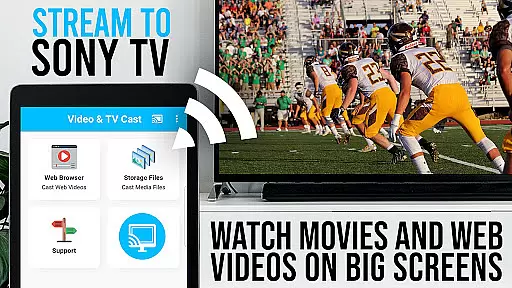
TV Cast Pro for Sony TV is a premier application designed to enhance your streaming experience on Sony TVs. This app allows users to stream web videos, online movies, livestreams, and live-TV shows directly to their Sony TV without the need for an additional streaming box. Supporting formats like mp4, m3u8, hls livestreams, video over https, and Full HD, it ensures high-quality playback. The PRO edition offers all premium features unlocked, catering specifically to Sony TVs with the built-in Video & TV Cast app.
With this app, you can browse the web and cast any video with ease, sending videos to your TV with just a tap. It's tailored for Sony TVs, requiring users to enter their Android device's IP address using their TV remote. While it doesn't support DRM-protected content or mirror the entire Android device, it focuses on pushing web video content to your TV. For safety, it requires minimal permissions, ensuring user data remains secure.
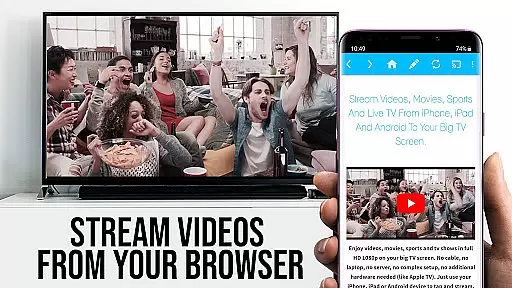
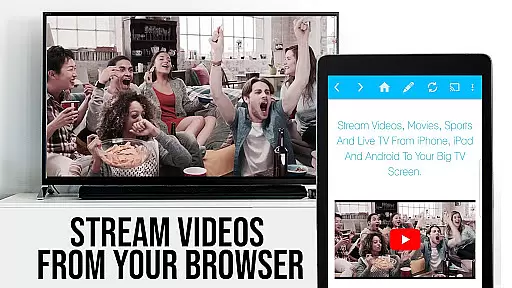
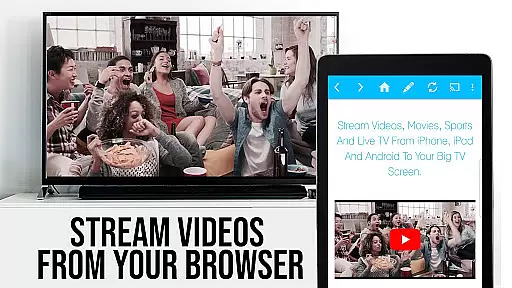
TV Cast Pro for Sony TV stands out with its specialized features crafted for an optimal streaming experience. One of its core functionalities is the ability to browse the web and cast videos directly to Sony TVs, supporting a wide array of video formats including mp4, m3u8, hls, and Full HD over https. The app facilitates this by detecting video links on websites, which can be sent to the TV with a single tap, making streaming intuitive and straightforward.
This PRO version includes advanced features such as the Remote Playbar, allowing users to control video playback with options like scrubbing, forward, rewind, play, pause, and stop. An integrated Ad-Blocker enhances the viewing experience by blocking ads and popups on most websites. Additionally, users can manage bookmarks efficiently, switch to Desktop Mode to access desktop versions of websites, and customize the homepage. These features collectively ensure a seamless, high-quality streaming experience while maintaining user privacy and security through minimal permissions.
TV Cast Pro for Sony TV offers extensive video format compatibility, ensuring users can stream a wide range of video types directly to their Sony TVs without the need for additional streaming devices.
The app supports popular formats such as Mp4, m3u8, and HLS livestreams, allowing users to enjoy high-quality content including Full HD videos. This versatility makes it an ideal choice for those looking to enhance their viewing experience by accessing web videos, online movies, livestreams, and live TV shows on the big screen.
By simply entering or pasting the full video URL into the browser's address bar, users can play these files directly on their Sony TV. The app's ability to detect video links after they've been played on the Android device ensures that even complex streams are identified and cast correctly.
This comprehensive support for various video formats not only broadens the scope of content available for streaming but also simplifies the process, making it accessible for users of all technical backgrounds to enjoy their favorite media on a larger display.
While TV Cast Pro for Sony TV focuses primarily on streaming capabilities, its advanced features bring a new level of control and convenience to the viewing experience, akin to AI-powered editing tools in more traditional video editors.
The Remote Playbar feature allows users to manipulate video playback with precision, offering functions like video scrubbing, forward, rewind, play, pause, and stop while browsing. This gives viewers unprecedented command over their content, similar to how AI-driven editing tools allow creators to fine-tune their work.
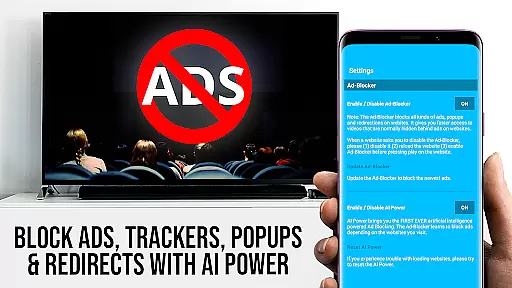
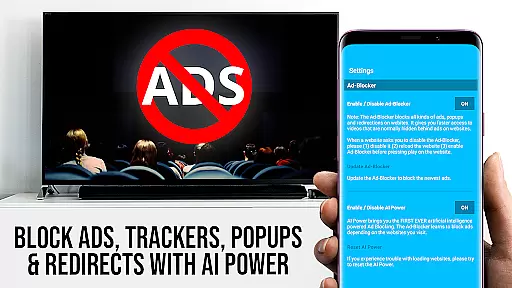
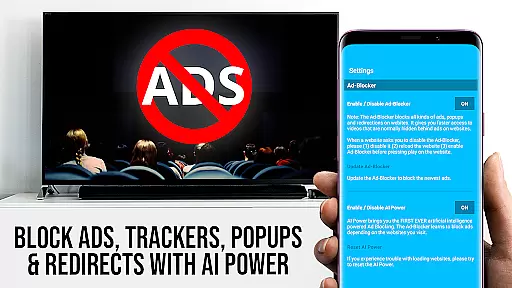
Additionally, the Ad-Blocker feature enhances the viewing experience by eliminating ads and popups on most websites, creating a cleaner, uninterrupted viewing session. Users can toggle this feature at any time through the settings, providing flexibility and control over their environment.
These sophisticated features, combined with the ability to manage bookmarks and switch between desktop and mobile modes, create a personalized and powerful interface that optimizes both the discovery and enjoyment of online video content on Sony TVs.
User-friendly interface
Wide format compatibility
No additional hardware needed
Advanced playback controls
Effective ad-blocking
Limited to Sony TVs
Doesn't support DRM content
Requires manual IP entry
No full device mirroring
Dependent on network stability

Video Player - Unlimited features, 30 days money back guarantee.
 4.60
4.60
HD video & music player - All format support with floating & PIP mode!
3.80
HD video maker with no watermark, no ads & vlog maker with music, PIP, text
4.50
Support 1000+ Video Format, Subtitle Download, mp3 & Background Play, Cast On TV
4.60
IPTV Loader, loads your own Playlist. DOES NOT CONTAIN ANY LIST OR CHANNELS
4.60
Mix with Virtual DJ directly from your phone or tablet !
3.10
Find, download, and play torrents with the official BitTorrent® Pro app
4.70
Browser for Samsung TV to stream webvideos, online movies and livestreams in HD
4.10
Download Hub, easy and private way to download and enjoy your videos offline
4.80
Cast Videos from Web Browser, IPTV to Roku, Chromecast, DLNA, Smart TV +more
4.60
?100% FREE! Download & save videos? safely in this app. All formats supported.
4.60
Add date and time watermark to photos and videos
4.50
Photo and Music Video Creator into Stunning Videos—Effortlessly
4.40
Full HD Video mp3 Player, MP4 player play 1080p, File manager, Video Downloader
4.40
AirMirror Receiver - Screen mirroring/cast web videos to Android TV by AirPlay.
4.40
Viddo: Generate Action Figure, AI Anime, AI kiss, AI hug Video from image & text
4.40
Video player, file manager for all formats, 4K/HD media player supports subtitle
4.30
KMPlayer Plus (Divx Codec) officially support Divx codec.
4.30
Web Browser for LG TV to stream webvideos, online movies and livestreams in HD
4.20


User Reviews