
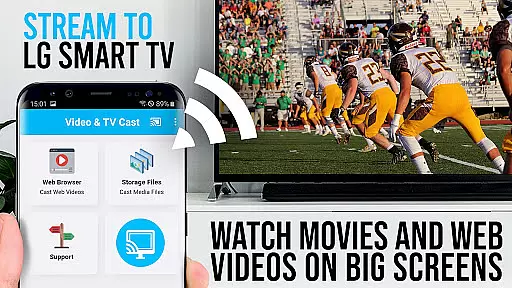
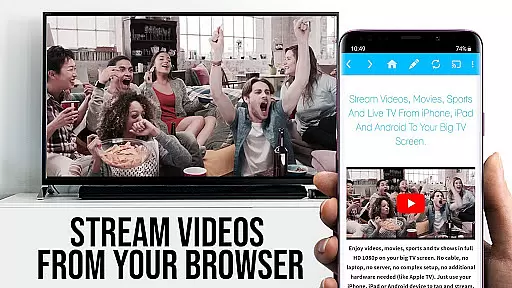
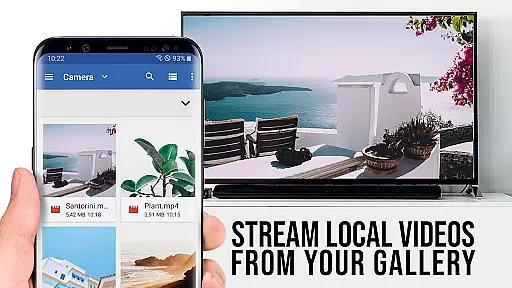
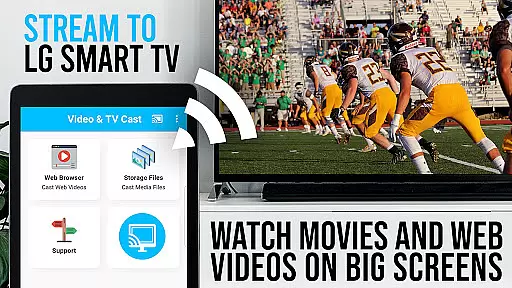
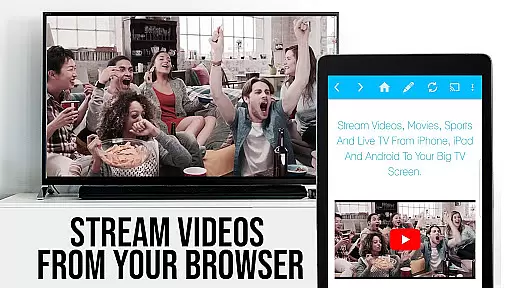
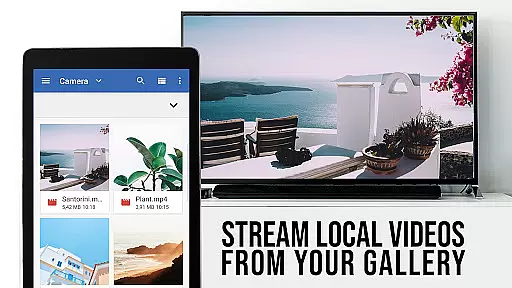
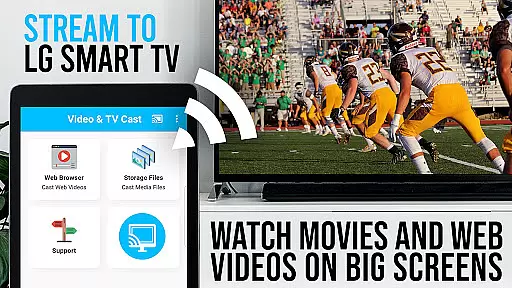
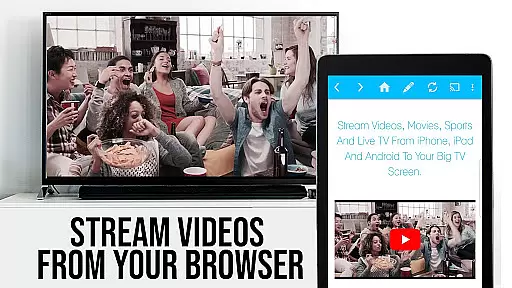
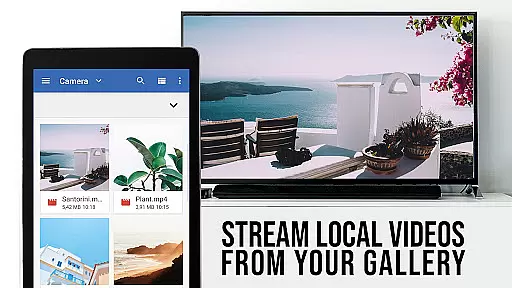
TV Cast Pro for LG webOS is a premier application designed to enhance your LG Smart TV experience by enabling direct streaming of web-videos, online-movies, livestreams, and live-tv shows without the need for an additional streaming box. This app supports various video formats including mp4 and m3u8, ensuring high-quality Full HD playback on your television.
The PRO edition offers all premium features unlocked, allowing users to cast videos effortlessly while enjoying benefits such as multi-tasking capabilities, reduced Wi-Fi usage, and broader device compatibility compared to traditional screen mirroring solutions like Miracast. Whether you're looking to stream content from popular websites or lesser-known sources, TV Cast Pro provides a seamless solution for enjoying media on the big screen.
TV Cast Pro stands out with its advanced features tailored for an optimal streaming experience. One notable feature is the Remote Playbar, which allows users to control video playback with options for scrubbing, fast-forwarding, rewinding, playing, pausing, and stopping directly from their mobile device.
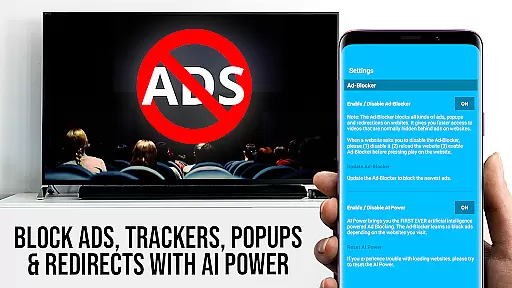
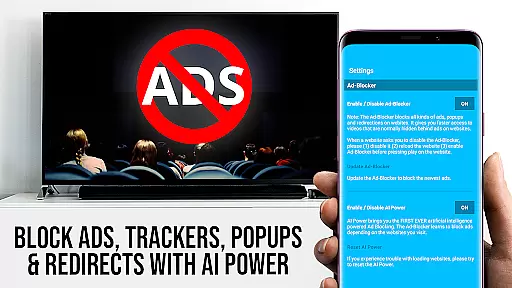
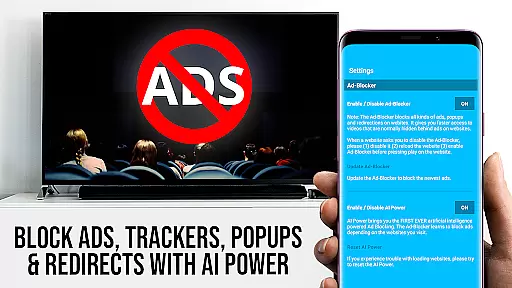
In addition to superior control, the app includes an Ad-Blocker that eliminates ads and popups on most visited sites, ensuring uninterrupted viewing. The Pro version also enables bookmark management, desktop mode browsing for accessing full versions of websites, and customizable homepage settings. These functionalities collectively provide a comprehensive toolset for maximizing both convenience and entertainment value when using your LG Smart TV.
TV Cast Pro for LG webOS stands out with its versatile video format compatibility, ensuring users can stream a wide range of content without limitations. The app supports popular formats such as mp4 and m3u8, allowing seamless streaming of web-videos, online-movies, livestreams, and live-tv shows directly to LG Smart TVs.
The ability to cast videos in Full HD quality is a significant advantage, especially when compared to other casting methods like Miracast that are restricted by the device's screen resolution. This ensures that even Android devices with lower screen resolutions can enjoy high-definition content on the big screen.
By supporting various video formats and maintaining high-quality streaming, TV Cast Pro enhances user experience by providing flexibility and superior visual quality. Whether it's browsing through websites or streaming from supported platforms, users can expect consistent performance and compatibility across different types of media.
While TV Cast Pro for LG webOS focuses primarily on video streaming, it incorporates advanced features that resemble AI-powered editing capabilities, enhancing the overall user interaction with multimedia content. One standout feature is the Remote Playbar, which allows for sophisticated video control during browsing sessions.
This functionality includes options for video scrubbing, forward, rewind, play, pause, and stop, giving users an unprecedented level of control over their viewing experience. Such features mimic the precision and adaptability found in AI-driven editing tools, making content manipulation intuitive and efficient.
Additionally, the app offers an Ad-Blocker that removes ads and popups on most visited websites, streamlining the viewing process. By integrating these smart features, TV Cast Pro not only simplifies video management but also elevates the standard for interactive media applications, offering users a more refined and uninterrupted entertainment experience.
Full HD casting
Multi-tasking support
Broad device compatibility
Ad-free experience
Advanced playback controls
No DRM video support
Limited third-party app integration
Requires companion app installation
Premium features come at a cost
QR Code connection only

Video Player - Unlimited features, 30 days money back guarantee.
 4.60
4.60
Support 1000+ Video Format, Subtitle Download, mp3 & Background Play, Cast On TV
4.60
KMPlayer Plus (Divx Codec) officially support Divx codec.
4.30
Seamlessly connect and control your smart devices, anytime, anywhere with ease.
4.60
Movie maker & video editing app with AI effects and green screen
4.30
Fast & Private Video Downloader App. Save all videos easily from the Internet.
4.40
Cast to Smart TV, Fire TV. Cast video, photo - Fast & Stable!
3.90
Viddo: Generate Action Figure, AI Anime, AI kiss, AI hug Video from image & text
4.40
Video&Drama Player All Format is a HD video player, music player
3.00
Fast & easy HD video downloader for all formats, support 4K playback & download.
4.60
Video Downloader, Multiple Resolution Options, Video Player
4.50
Fast & Private HD Video Downloader with Built-in Proxy Browser and Video Player.
4.50
Create & edit videos with AI
4.30
1)AirPlay/DLNA Mirroring/Streaming, up to 4 connections; 2)Samba/NAS/DMS Player.
4.00
Stream Web Videos to Chromecast, Samsung, LG, Sony, Roku, Fire TV, DLNA + more
4.00
Fast private browser with secure, seamless access & supported video downloads!
4.00
Save photos and videos from social apps in one tap.
3.60
A full editing room to accompany your Insta360 cameras and handheld gimbals.
3.30
You can play SWF format file!
2.50


User Reviews