

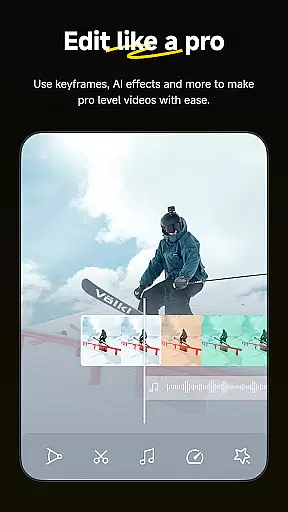

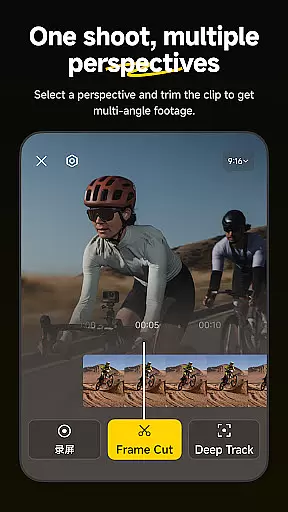
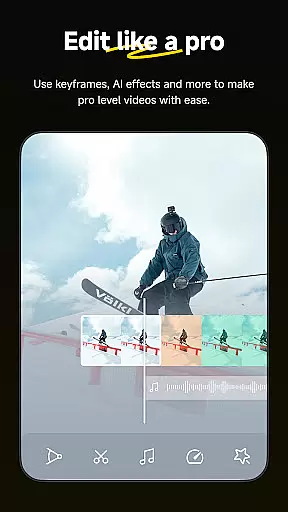

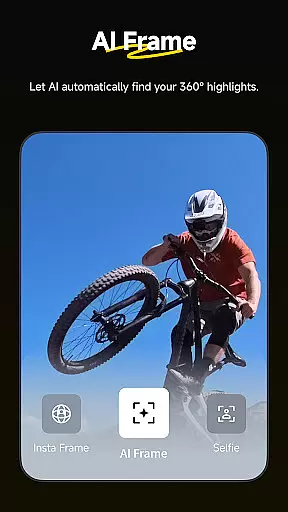
Insta360 is a powerful video editing and camera companion app designed for creators, athletes, and adventurers. It offers advanced AI-powered tools to enhance the video creation process, including auto-editing features, reframing capabilities, and creative templates. The app works seamlessly with Insta360 cameras and handheld gimbals, providing users with complete control over their footage while enabling effortless editing directly on their mobile devices.
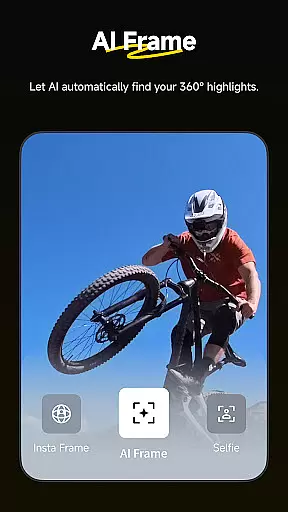
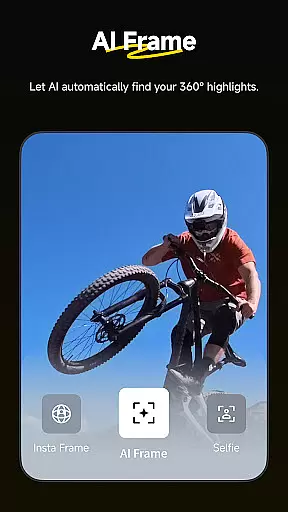
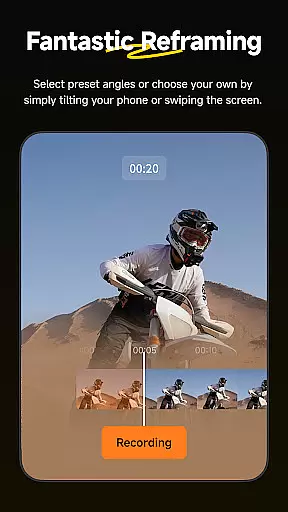
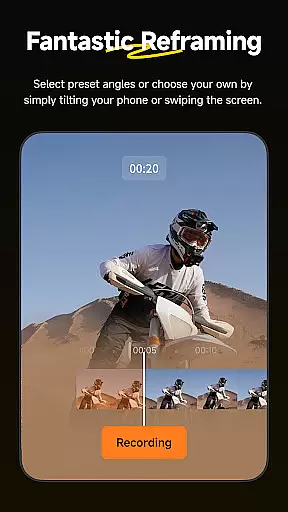
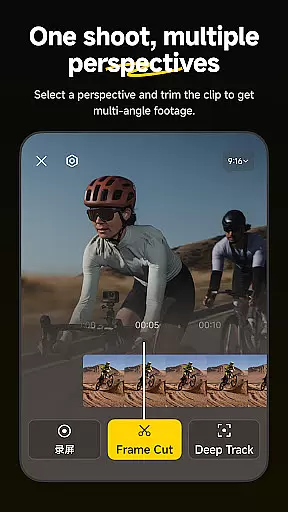
One of the standout features is its ability to automatically detect the best angles and reframe videos using AI technology. This ensures that every shot looks professional without requiring extensive manual adjustments. Additionally, the app supports innovative functionalities like Deep Track, which keeps subjects centered in the frame, and Hyperlapses, allowing users to create stabilized time-lapse videos with ease. These tools make it an ideal choice for anyone looking to elevate their video content.
Whether you're shooting action-packed sports videos or immersive 360-degree footage, Insta360 provides endless creative possibilities. Its intuitive interface and robust feature set cater to both beginners and experienced creators, making high-quality video production accessible to everyone.
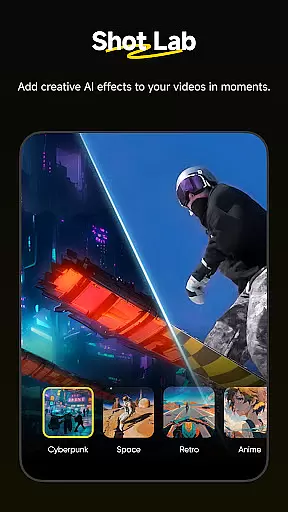
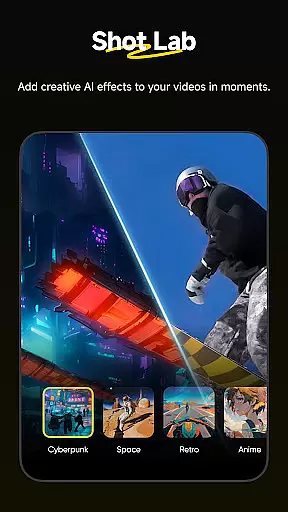
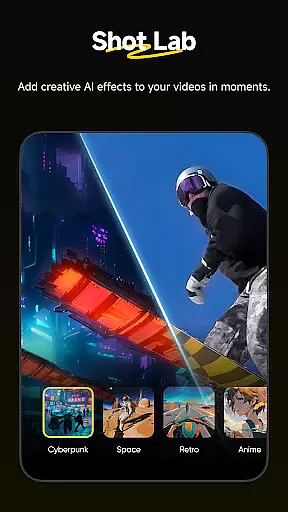
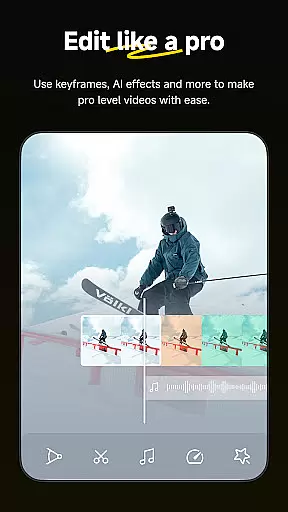
Insta360 stands out with its comprehensive suite of AI-driven editing tools and creative functionalities. The app's Shot Lab offers over 25 unique templates, such as Nose Mode, Sky Swap, AI Warp, and Clone Trail, enabling users to produce viral-worthy clips with minimal effort. These templates are designed to spark creativity and simplify complex editing tasks, ensuring that even novice editors can achieve professional results.
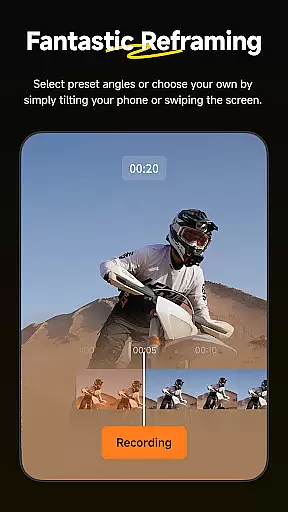
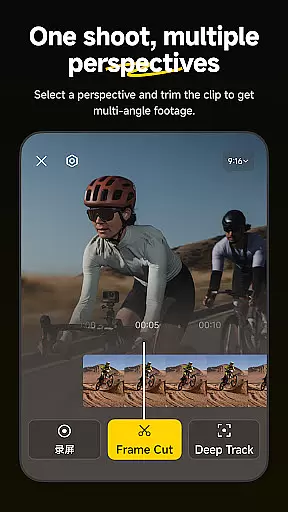
Another key feature is the Reframing tool, which allows users to change perspectives dynamically by adding keyframes to their footage. Combined with Deep Track, which intelligently follows subjects in motion, this creates smooth and engaging visual narratives. The app also supports Download-Free Editing, letting users edit and share videos directly from their cameras without consuming phone storage space. This functionality is particularly useful for creators who need to work efficiently on the go.
For those seeking more control, manual editing options provide precision adjustments. Features like Hyperlapses and improved subject detection further enhance the user experience, offering unparalleled flexibility in storytelling. Overall, Insta360 empowers users to push creative boundaries while maintaining ease of use.
Insta360 supports a wide range of video formats, ensuring that creators can work with their preferred file types without any hassle. The app is designed to handle everything from standard MP4 files to more specialized 360-degree video formats, providing flexibility for various creative needs.
With the rise of diverse video capture devices, having an editor that understands and processes these formats seamlessly is crucial. Insta360's compatibility covers both traditional and emerging standards, making it easier for users to import footage directly from their cameras or gimbals without conversion.
The applicationu2019s ability to edit videos without downloading them onto your device first not only saves storage space but also simplifies the workflow when dealing with large video files. This feature allows creators to manage their content efficiently while maintaining high-quality output.
Moreover, by supporting download-free editing, Insta360 ensures that you have more room on your phone for capturing new moments rather than storing old ones. It streamlines the process of sharing clips directly to social media platforms in compatible formats optimized for each platformu2019s requirements.
Insta360 leverages advanced AI technology to revolutionize video editing through its suite of auto-editing tools and templates. With features like AI Edit, creators can rely on artificial intelligence to handle complex tasks such as reframing scenes automatically, which significantly speeds up post-production work.
The Shot Lab within the app offers over 25 unique AI-powered templates including innovative options like Nose Mode, Sky Swap, AI Warp, and Clone Trail. These templates enable users to produce viral-worthy clips with just a few taps, transforming raw footage into professional-looking content effortlessly.
Deep Track is another standout feature where AI keeps subjects centered in shots whether they are people, animals, or moving objects. This ensures dynamic compositions even during fast-paced action sequences without manual intervention required from the user.
By integrating these intelligent solutions, Insta360 empowers creators at all levelsu2014from beginners looking for quick edits to professionals seeking precise controlu2014to achieve stunning results quickly and easily using automated yet customizable processes tailored specifically for modern storytelling demands.
AI-powered editing
User-friendly interface
Versatile templates
Real-time tracking
Efficient workflow
Requires compatible device
Learning curve for new users
Limited offline support
Occasional bugs
Premium subscription needed

Online Videos Player
 3.90
3.90
All format media Player, no need video converter any more!
4.00
GENRAL PRO - General Pro is the best video player that fully supports all formats.
4.70
Cast to Smart TV, Fire TV. Cast video, photo - Fast & Stable!
3.90
Browser for Samsung TV to stream webvideos, online movies and livestreams in HD
4.10
#1 Torrent App on Android ** No Ads Ever + Battery Saver **
4.80
Powerful video player with advanced hardware acceleration and subtitle supports
4.20
VLC for Android is the best open source video and music player, fast and easy!
4.10
Manage your YouTube channel on the go
4.40
Pro video editor app for Instagram, edit video with song, AI, effect & slowmo.
4.80
VLC Remote lets you control your VLC Media Player on Mac, PC or Linux.
4.60
Cast movies, tv shows and live streams to Chromecast, Roku, DLNA, Fire TV & more
4.60
Full HD Video mp3 Player, MP4 player play 1080p, File manager, Video Downloader
4.40
Fast & Private Video Downloader App. Save all videos easily from the Internet.
4.40
Browser for Fire TV to stream webvideos, online movies, livestreams in HD
4.40
This app was created to edit the metadata of music files.
4.20
Turn your phone into a wireless camera!
4.20
HD video & music player - All format support with floating & PIP mode!
3.80
IPTV Player - Watch live TV from m3m & m3u8 playlist, stream IPTV on mobile
3.30


User Reviews