
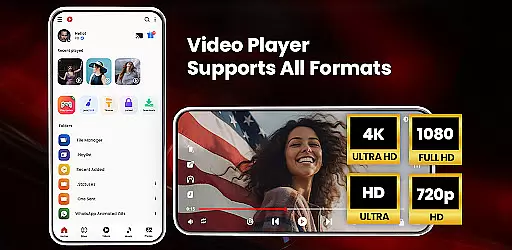

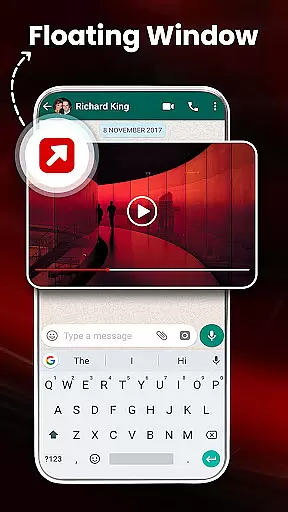
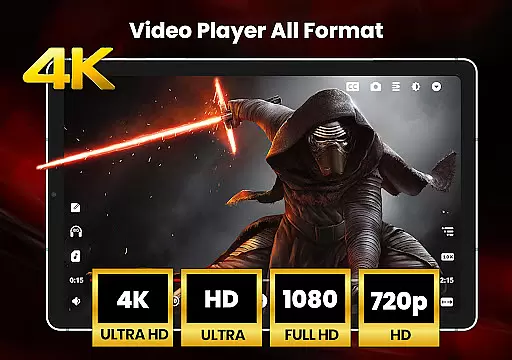
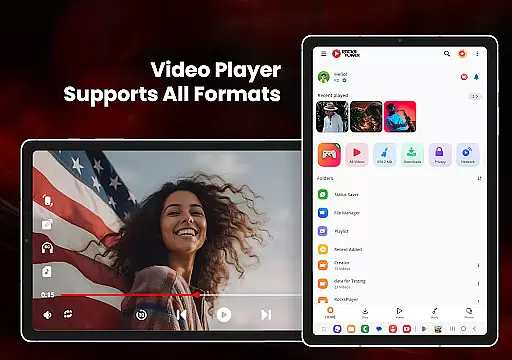
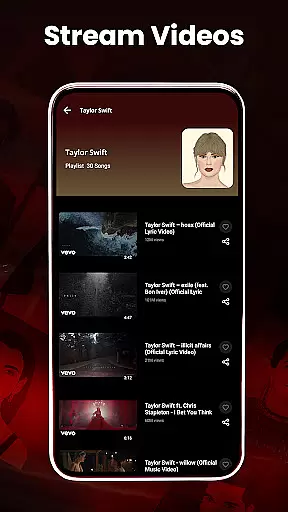
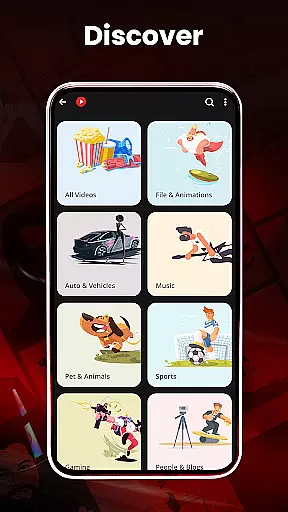
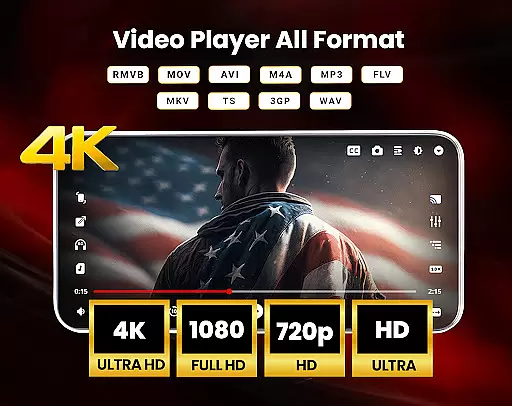
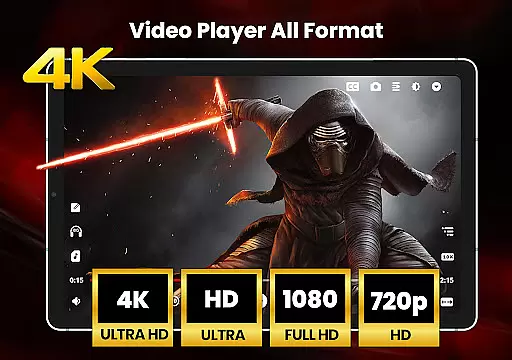
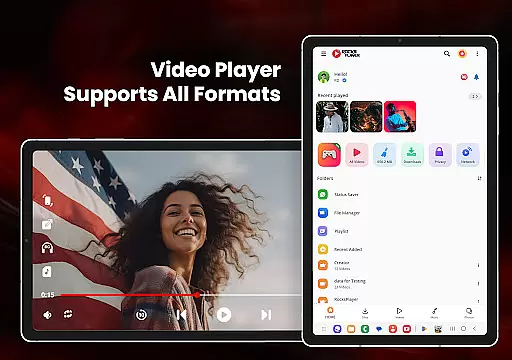
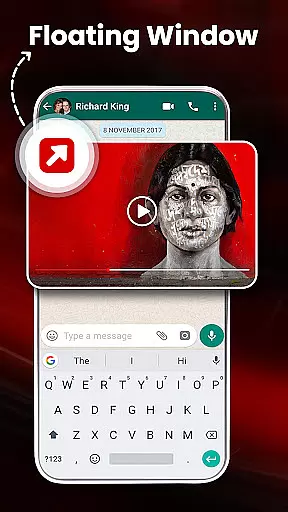
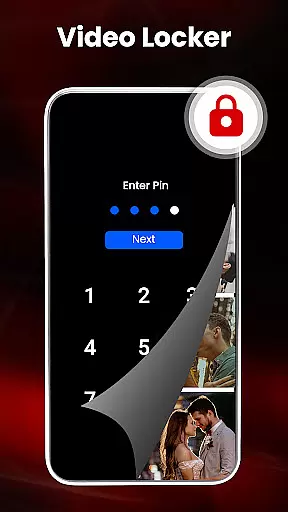
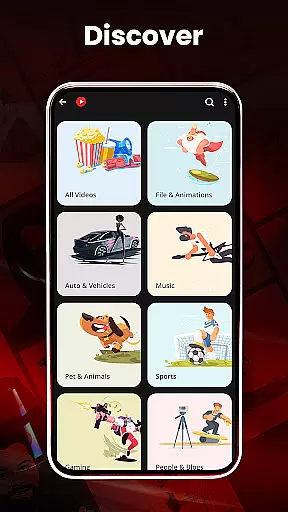

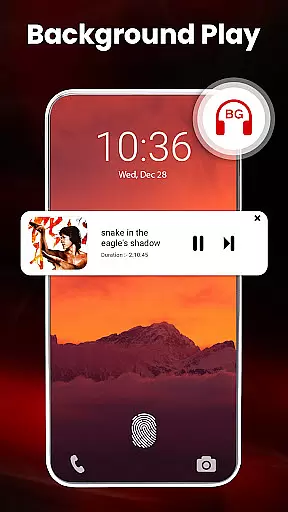
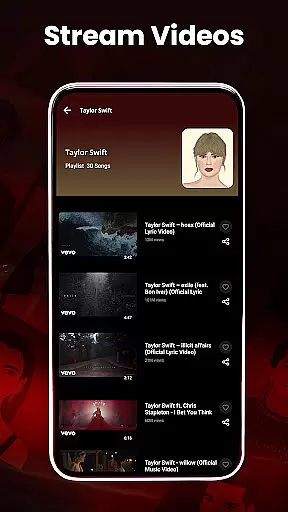
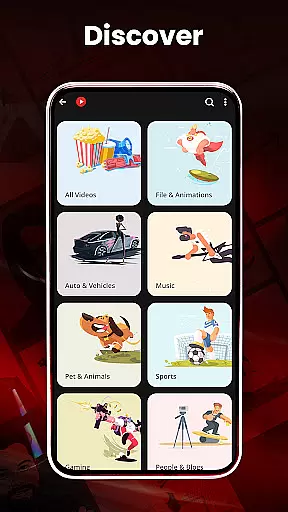
HD Video Player All Formats is a versatile media player designed for Android users who require support for all video and audio formats. This powerful application serves as an all-in-one solution, functioning not only as a video player but also as an MP3 player, file manager, and video downloader. The app supports high-definition playback including HD, Full HD, 4K, and Ultra HD video files, making it ideal for users who demand quality and flexibility in their media consumption.
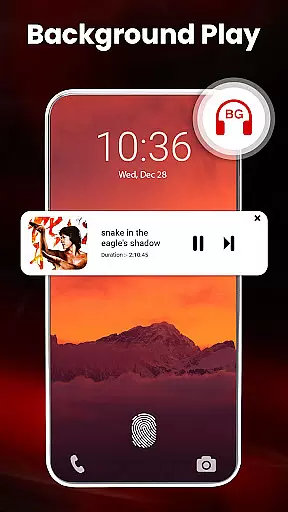
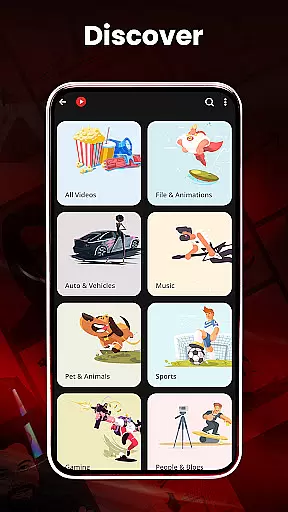
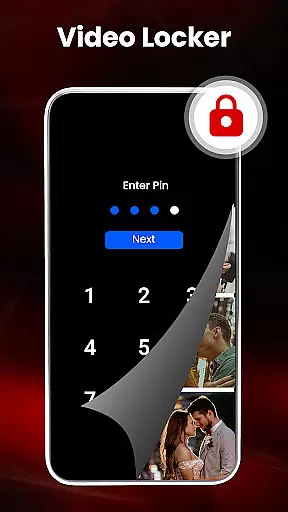
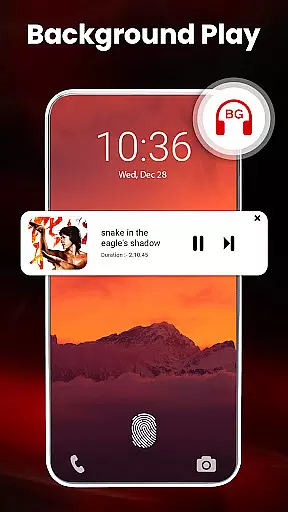
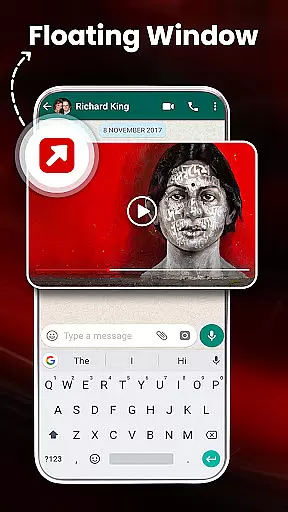
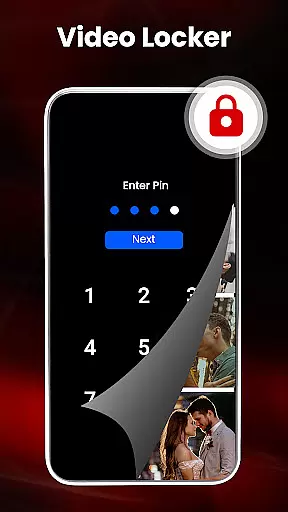
In addition to its core playback capabilities, the app offers advanced features such as casting videos to TV, hardware acceleration with HW+ decoder, and dual audio support. Users can enjoy convenient functionalities like pop-up video playback, background audio mode, and a sleep timer. With integrated file management tools, users can organize their media library, hide private files, and even download videos from social media platforms. Whether you're managing your media collection or enjoying high-quality playback, this app provides a comprehensive solution tailored to various user needs.
HD Video Player All Formats stands out due to its extensive format compatibility and innovative features. It supports popular video formats such as MKV, MP4, MOV, and many others, ensuring that users can play virtually any media file. The inclusion of a built-in video downloader allows users to save videos from platforms like Facebook and Instagram directly to their device, enhancing accessibility and convenience.
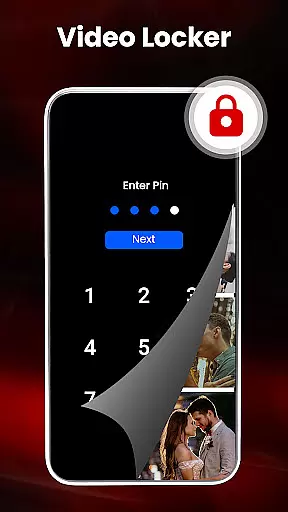
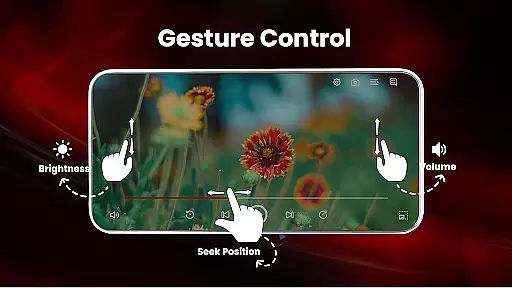
One of the key highlights is the app's advanced playback options. Users can take advantage of features like pinch-to-zoom, smart gestures for controlling volume and brightness, and customizable themes. Additionally, the app provides practical tools such as a video hider for private files, a powerful equalizer for enhanced audio experiences, and a night mode to reduce eye strain. These features collectively create a user-friendly environment that caters to both casual viewers and tech-savvy individuals seeking greater control over their media experience.
Video format compatibility is a crucial feature for any video player, ensuring that users can enjoy their media files regardless of the format. HD Video Player All Formats supports an extensive range of video formats including MKV, MP4, M4V, MOV, 3GP, FLV, WMV, TS, MP3, and MPG. This wide compatibility ensures that users are not limited by specific file types and can play videos from various sources without conversion.
The application's ability to handle different resolutions such as HD, Full HD, 4K, and Ultra HD makes it stand out. Whether you're watching standard definition content or high-resolution videos, this player guarantees smooth playback. The inclusion of advanced features like hardware acceleration with the new HW+ decoder enhances the viewing experience, especially for high-quality video files.
For users who frequently download videos from platforms like Facebook and Instagram, the built-in video downloader adds another layer of convenience. Not only does it support multiple formats, but it also allows for seamless integration with social media platforms. This means you can easily save and watch your favorite online content offline, all within the same app.
While primarily a video player, HD Video Player All Formats incorporates AI-powered editing features that enhance user interaction with media files. One notable function is the smart gesture control, which allows users to adjust volume, playing progress, and brightness through intuitive touch commands. These gestures make navigation more fluid and provide a modern, interactive experience that simplifies media management.
In addition to gesture controls, the app offers advanced playback options such as pinch to zoom, auto-rotation, aspect ratio adjustments, and screen lock. Such functionalities give users complete control over how they view their content, adapting to different viewing environments and preferences. For instance, the ability to change aspect ratios is particularly useful when switching between portrait and landscape modes or viewing widescreen films.
Another innovative feature is the powerful equalizer with bass boost and virtualizer integrated into the MP3 player component. Users can customize audio settings to suit their listening preferences, whether they're playing music or watching videos. Combined with dual audio support and playback speed adjustment, these tools offer a personalized entertainment experience that caters to both casual viewers and audiophiles alike.
User-friendly interface
Extensive format support
Advanced playback options
Integrated file management
Free to use
No iOS version available
Occasional ads
Heavy on storage
Complex for beginners
Limited customer support

Video player, file manager for all formats, 4K/HD media player supports subtitle
 4.30
4.30
Search & download videos from net with all video downloader, auto-detect & safe.
4.60
Seamlessly connect and control your smart devices, anytime, anywhere with ease.
4.60
Download website videos fast&privacy
4.40
Find, download, and play torrents with the official BitTorrent® Pro app
4.70
Connect EasyCap or UVC devices for recording and broadcast video/audio stream
3.60
Download Hub, easy and private way to download and enjoy your videos offline
4.80
Fast private browser with secure, seamless access & supported video downloads!
4.00
Viddo: Generate Action Figure, AI Anime, AI kiss, AI hug Video from image & text
4.40
AI Video Editor with Music, Filter, Slideshow, Effect, Merge & Trim Video.
4.80
GENRAL PRO - General Pro is the best video player that fully supports all formats.
4.70
KineMaster, Your Ultimate Video Editor!
4.40
AirMirror Receiver - Screen mirroring/cast web videos to Android TV by AirPlay.
4.40
Movie maker & video editing app with AI effects and green screen
4.30
VLC for Android is the best open source video and music player, fast and easy!
4.10
HD video & music player - All format support with floating & PIP mode!
3.80
Kodi media center, a free and open source cross-platform entertainment hub
3.60
Video player with powerful streaming playback and various convenient features.
2.10
Powerful HD video player with support for all formats & subtitles.
4.3


User Reviews