
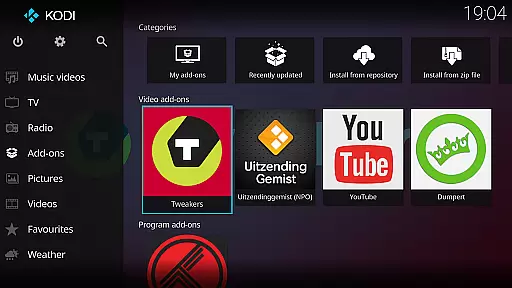
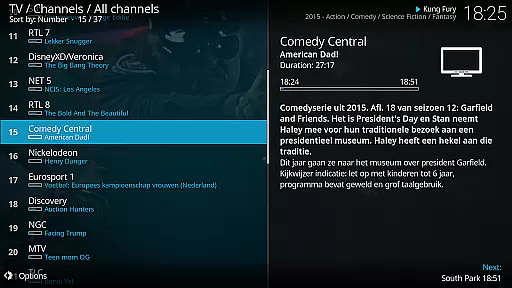
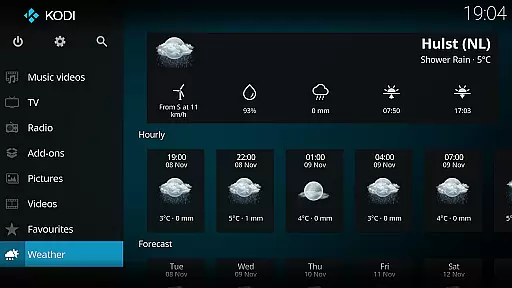
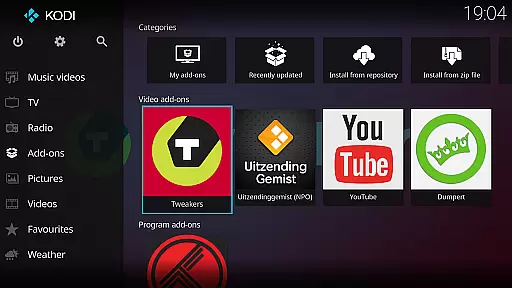
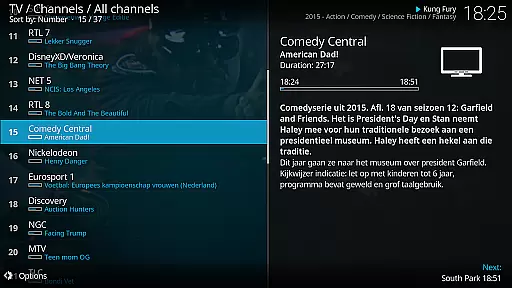
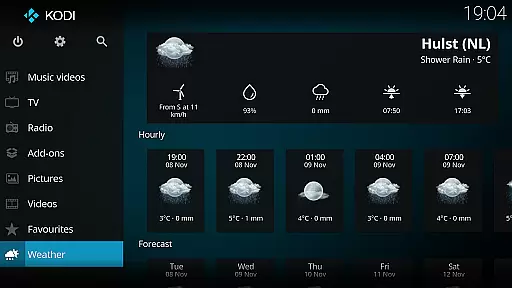
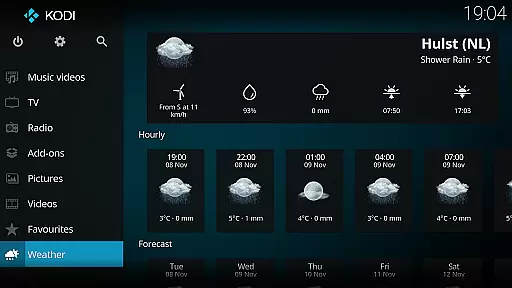
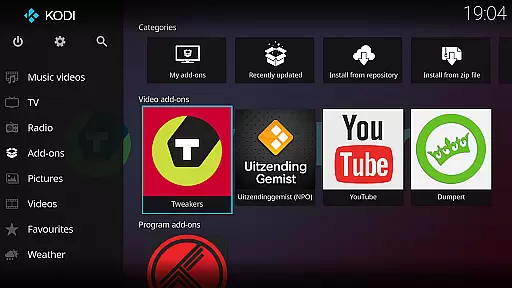
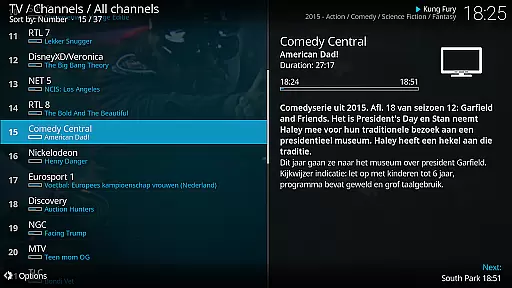
Kodi is an award-winning media player designed for home entertainment. It serves as a versatile hub for all your digital media needs, allowing seamless access to videos, music, podcasts, and photos from various sources including hard drives, optical discs, local networks, and the internet.
With its user-friendly 10-foot interface, Kodi provides an intuitive experience optimized for living-room use with remote control navigation. The software supports customizable skins like Estuary and Estouchy, ensuring smooth performance on larger devices while offering enhanced usability.
Whether you're managing personal media libraries or streaming freely available content through third-party plugins, Kodi delivers a comprehensive entertainment solution that adapts to your preferences.
Kodi stands out with its cross-platform compatibility and extensive customization options. Users can personalize their experience with different skins such as Estuary for standard displays and Estouchy for mobile devices, ensuring optimal performance across various screen sizes.
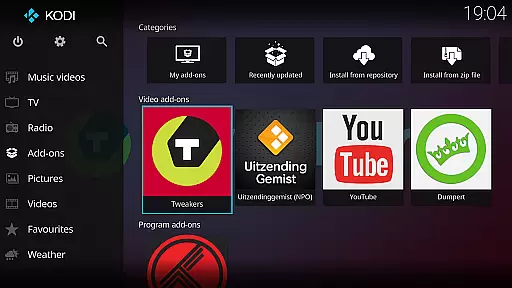
The application supports a wide range of media formats without requiring separate codecs, making it easy to play back most files directly. Additionally, Kodi's plugin architecture enables users to extend functionality by installing third-party add-ons that provide access to additional content sources.
Advanced features include library management tools, metadata scraping for organizing media collections, and support for remote control devices. These capabilities make Kodi not just a media player but a complete home theater solution adaptable to diverse user needs.
One of the core strengths of Kodi lies in its exceptional video format compatibility. This media player supports a wide range of video formats including but not limited to MP4, AVI, MKV, MOV, and WMV. Such extensive compatibility ensures that users can play virtually any video file without worrying about format restrictions.
The application achieves this through an advanced decoding engine that utilizes both native codecs and third-party libraries. This dual-layered approach allows for smooth playback even with less common or high-bitrate video files. Users can simply add their media library, and Kodi will handle the rest, providing seamless playback across devices.
This feature brings significant value to users who maintain diverse media collections. Whether you're watching locally stored movies or streaming content from network-attached storage, Kodi's format flexibility eliminates the need for format conversion or additional plugins.
Moreover, the player automatically selects the optimal rendering method based on your device's capabilities, ensuring the best possible video quality while maintaining system performance. This intelligent adaptation makes Kodi suitable for both casual viewers and advanced home theater enthusiasts.
While primarily known as a media player, Kodi incorporates several AI-powered editing features that enhance the user experience. The most notable is its smart library management system, which uses machine learning algorithms to automatically categorize and tag media content. This feature saves users countless hours they would otherwise spend manually organizing their collections.
The application's AI capabilities extend to its recommendation engine, which analyzes viewing patterns and suggests similar content from your library. This personalized approach helps users discover forgotten favorites and explore new media categories within their existing collection. Additionally, Kodi's facial recognition technology automatically generates thumbnails and identifies actors in your video library.
These intelligent features work seamlessly in the background, requiring minimal user intervention. The system learns and improves over time, adapting to individual preferences and usage patterns. This creates a more intuitive and engaging media browsing experience.
Furthermore, Kodi's AI-powered scene detection can automatically create chapter markers for long videos, making navigation easier. While not a traditional video editor, these smart features provide powerful tools for managing and enhancing your digital media collection.
User-friendly interface
Highly customizable
Wide format support
Active community support
Regular updates
No built-in content
Complex setup required
Large app size
Limited phone support
Third-party plugins needed

Cast to Chromecast, Xbox, Fire Stick, Roku, DLNA, Smart TV & No Feature Limited!
 4.50
4.50
Create photo video with music & template. AI video maker for stunning slideshow.
4.60
This app was created to edit the metadata of music files.
4.20
All in one HD video downloader & player for multiple formats with full privacy
4.70
Video Downloader, Multiple Resolution Options, Video Player
4.50
Find, download, and play torrents with the official BitTorrent® Pro app
4.70
Browser + Remote for Roku to stream webvideos, online movies and livestreams
4.60
A Simple app to download Video & Music from the Internet.
4.70
Powerful video player with advanced hardware acceleration and subtitle supports
4.20
Flud is a simple and beautiful BitTorrent client for Android.
4.80
Play ALL formats in 4K & HD. Video downloader, MP3 player, Chromecast & more.
4.80
GENRAL PRO - General Pro is the best video player that fully supports all formats.
4.70
Create & edit videos with AI
4.30
KMPlayer Plus (Divx Codec) officially support Divx codec.
4.30
Video player with 4K & 1080P support, popup play, background play and subtitle.
4.20
AirMirror is Receiver for Screen Mirroring and Casting from Apple Devices.
3.60
You can play SWF format file!
2.50
Video player with powerful streaming playback and various convenient features.
2.10
The smartest M3U IPTV Player your playlists have ever seen.
4.2


User Reviews