
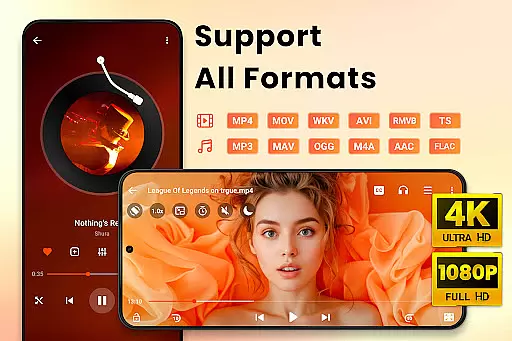
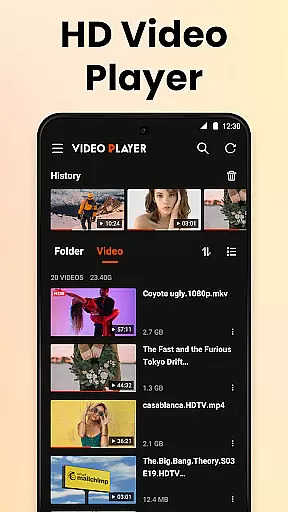

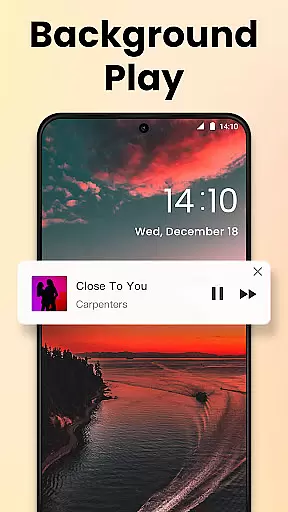
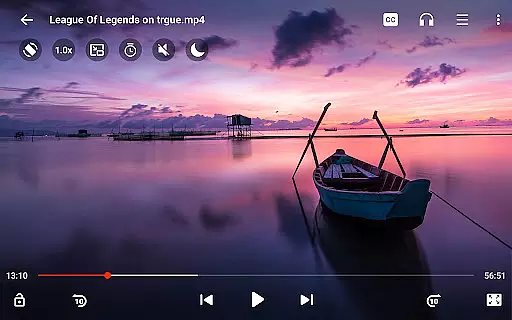
Video Player All Format HD is a versatile and feature-rich video player designed for Android devices. This compact yet powerful app supports all major video formats including MKV, MP4, AVI, and more, ensuring seamless playback of 4K and 1080p videos with stunning clarity. The player's advanced functionalities such as popup play, background playback, and speed control from 0.5x to 2x make it an ideal choice for both casual viewers and professionals.
In addition to its core video playback capabilities, the app offers practical features like gesture controls, automatic video file detection, and intuitive video management options. Users can easily organize their media library, delete or rename files, and even set a sleep timer. With its night mode, quick mute function, and five-band equalizer, Video Player All Format HD ensures an optimal viewing experience in any environment. Whether you're watching movies, educational content, or listening to videos as audiobooks, this app provides a smooth and enjoyable experience.
Video Player All Format HD distinguishes itself through its comprehensive feature set tailored for diverse user needs. One of its standout capabilities is the support for all video formats, ranging from common ones like MP4 to less frequently used formats such as RMVB and TS. This ensures that users can play any video file without compatibility issues. The popup play feature allows multitasking by enabling video playback in a floating window, perfect for staying entertained while performing other tasks on your device.
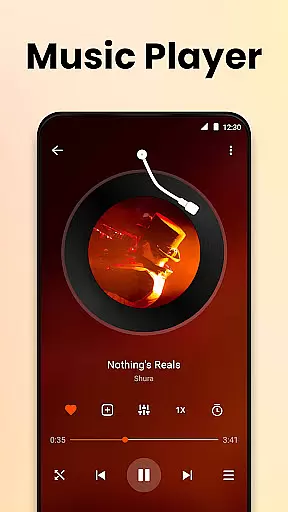
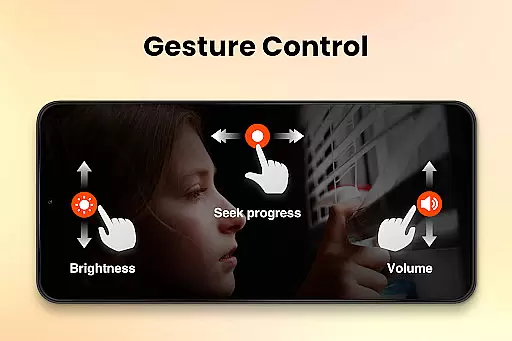
The app also includes advanced playback controls that significantly enhance user experience. Features like adjustable playback speed, background play for audio-focused usage, and gesture-based navigation provide users with complete control over their viewing sessions. Additionally, the integrated subtitle downloader, audio track switcher, and equalizer with bass boost cater to audiophiles and cinephiles alike. With its grid and list view options, quick search functionality, and minimalistic 10MB size, Video Player All Format HD delivers both performance and convenience without compromising on quality.
Video Player All Format HD stands out for its exceptional video format compatibility, supporting an extensive range of formats including MKV, MP4, M4V, AVI, MOV, 3GP, FLV, WMV, RMVB, and TS. This ensures that users can play virtually any video file without the need for conversion or additional codecs.
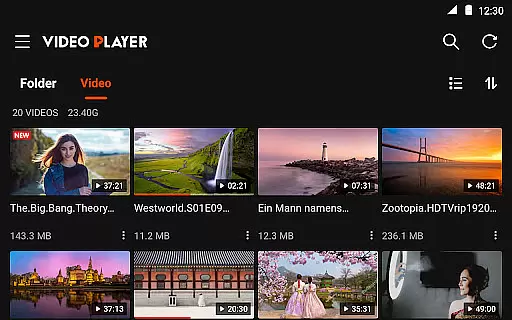
The application automatically detects video files and folders on both the phone's internal storage and SD card, making media access seamless and straightforward. With this feature, users can manage their video library with ease, performing actions such as deleting or renaming files directly within the app.
By offering both grid view and list view options, the player caters to individual preferences for content browsing. The quick search functionality further enhances user experience by allowing instant access to desired videos, saving time and effort.
While Video Player All Format HD focuses primarily on playback, it incorporates AI-powered features that enhance the viewing experience. The equalizer with bass boost and customizable audio tracks exemplify how intelligent technology elevates basic functionalities, providing users with superior sound quality tailored to their preferences.
Gesture controls integrated into the player allow intuitive navigation through videos, enabling actions like a 10-second forward or backward skip with simple swipes. These smart gestures make interacting with the player feel natural and responsive, improving overall usability.
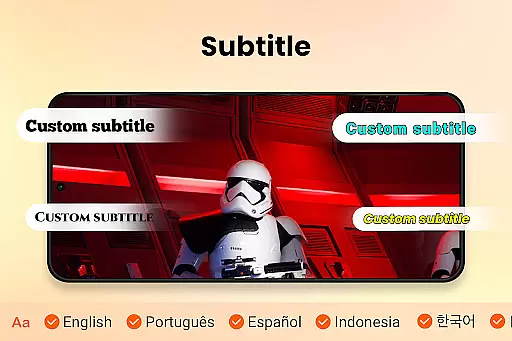
Additionally, the app supports subtitle downloads and integration, using AI to synchronize text with video content accurately. This feature is particularly beneficial for language learners or those watching foreign films, as it provides an immersive and educational experience.
User-friendly interface
Supports all video formats
Lightweight and fast
Advanced playback controls
Excellent multitasking features
Limited editing tools
No cloud integration
Basic sharing options
Occasional ads in free version
Equalizer could be more advanced

The smartest M3U IPTV Player your playlists have ever seen.
 4.2
4.2
A Quick and Pro Video Editor
4.70
Live TV, anywhere in your home
3.80
Turn your phone into a wireless camera!
4.20
Explore the largest library of free GIFs, Stickers & Memes - or create your own!
3.90
Manage your IPTV live channels and VOD playlists (no playlist included)
3.80
Web Browser for LG TV to stream webvideos, online movies and livestreams in HD
4.20
Download Hub, easy and private way to download and enjoy your videos offline
4.80
Enjoy your favorite videos and channels with the official YouTube app.
3.90
GENRAL PRO - General Pro is the best video player that fully supports all formats.
4.70
Video Player - Unlimited features, 30 days money back guarantee.
4.60
Cast Videos from Web Browser, IPTV to Roku, Chromecast, DLNA, Smart TV +more
4.60
Snaptubè Video Downloader app allows to download videos and music in Snaptube. .
4.60
HD video maker with no watermark, no ads & vlog maker with music, PIP, text
4.50
1)AirPlay/DLNA Mirroring/Streaming, up to 4 connections; 2)Samba/NAS/DMS Player.
4.00
Online Videos Player
3.90
This app is an emulator of some specific IPTV boxes
3.50
The essential companion to your Blue Iris PC software
2.50
Stream high quality video from your camera over NDI protocol
4.5


User Reviews