
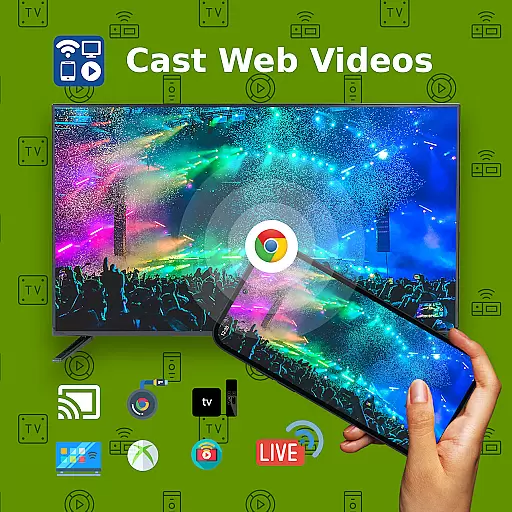
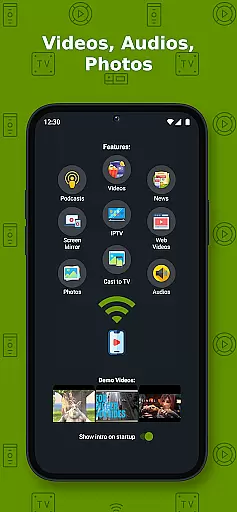
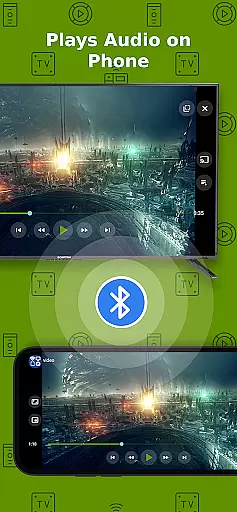
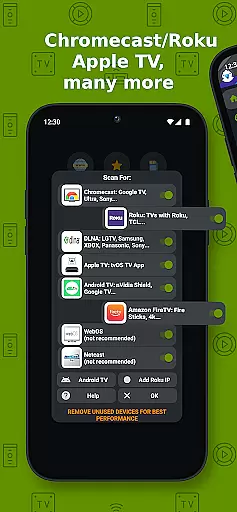
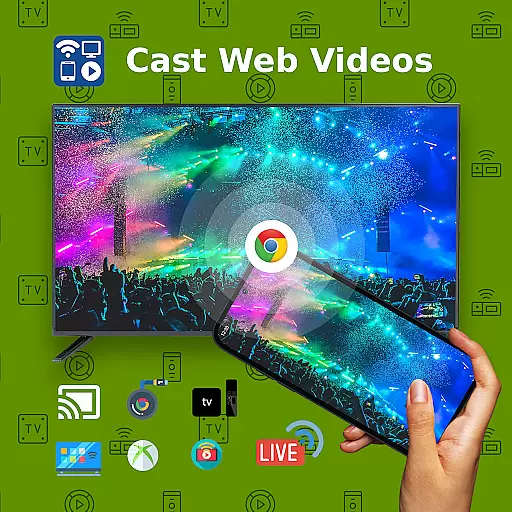
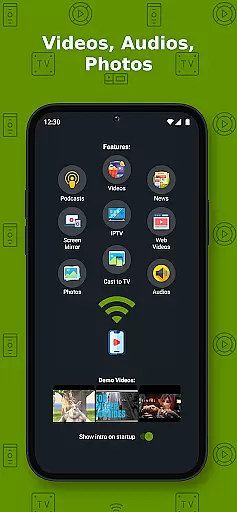
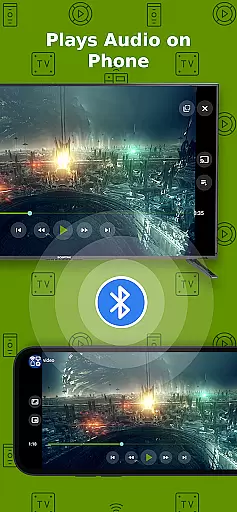
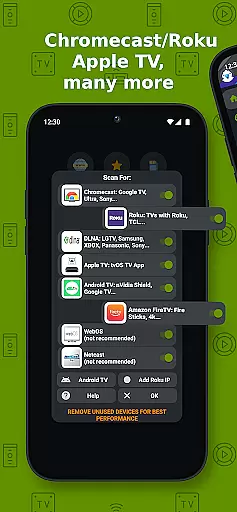
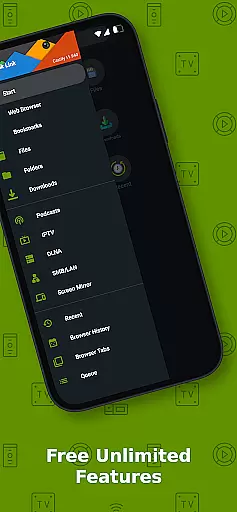
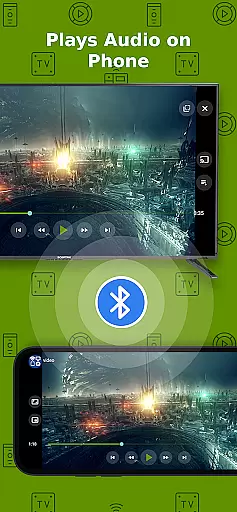
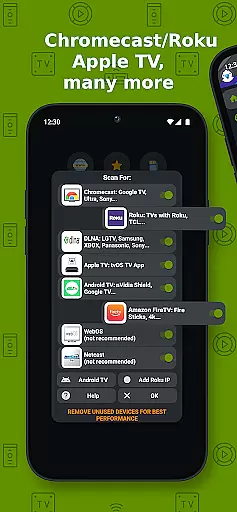
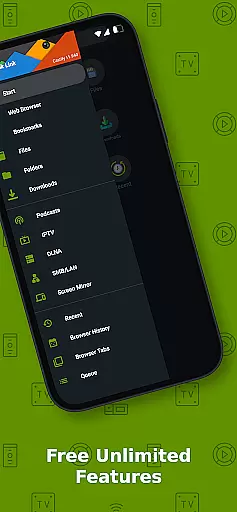
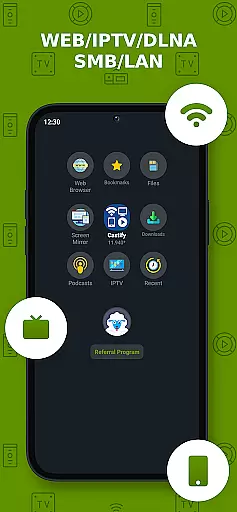
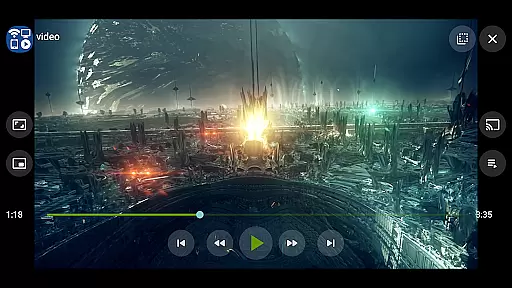
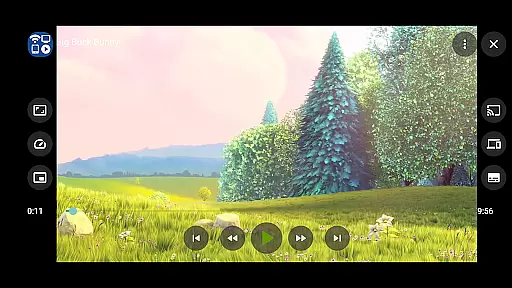
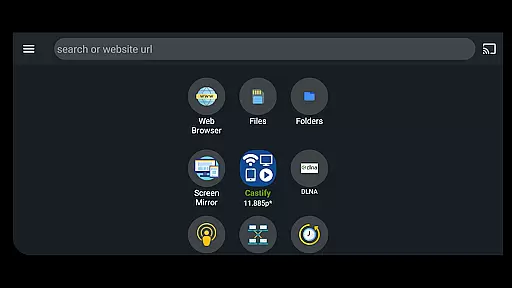
Cast to TV+ Chromecast Roku TV is a versatile streaming application that allows users to cast videos, music, photos, and other media content from their mobile devices to various streaming devices. The app supports a wide range of streaming devices including Chromecast, Roku TV, Fire TV, DLNA receivers, Xbox One, and many smart TVs with built-in DLNA support.
The core functionality includes the ability to stream local files from your phone or tablet, IPTV playlists, and web content directly to compatible devices. It also features AI Subtitle Generation and Translation, Universal Remote Controls for multiple device brands, Screen Mirroring, and Picture in Picture (PiP) mode. These features make it an ideal solution for users looking to enhance their home entertainment experience.
This application works best with Roku and Google Chromecast, offering seamless integration and optimal performance. Whether you want to watch movies on a bigger screen or share photos with family, this app provides a comprehensive solution for all your casting needs.
Cast to TV+ Chromecast Roku TV offers a rich set of features designed to maximize user convenience and flexibility. One of its standout capabilities is the AI Subtitle Generate and Translate feature, which automatically creates and translates subtitles for any video, enhancing accessibility for users who are deaf or hard of hearing.
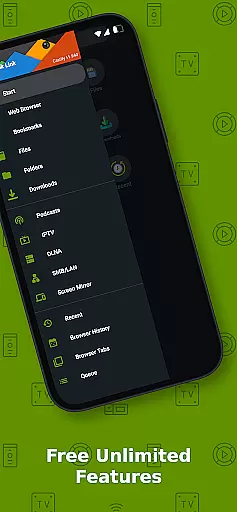
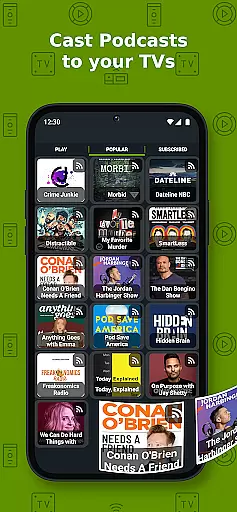
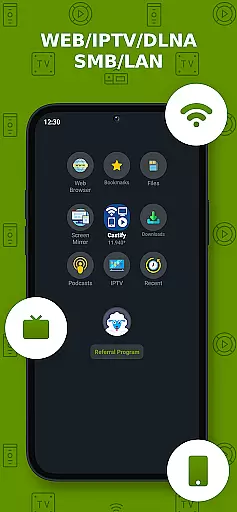
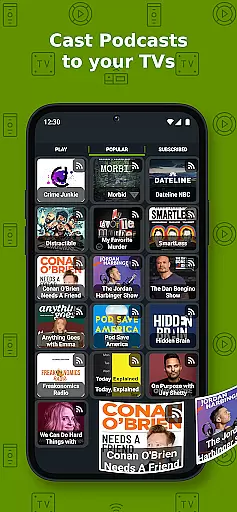
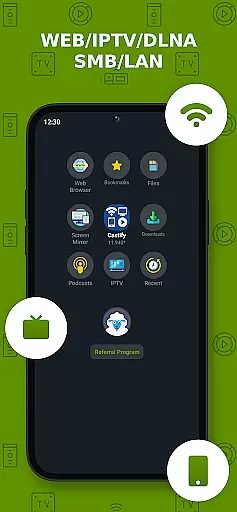
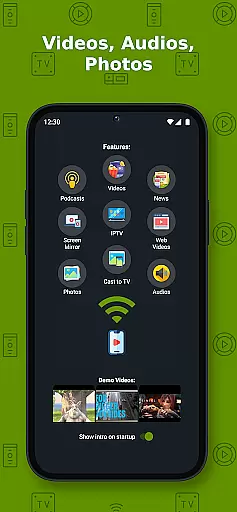
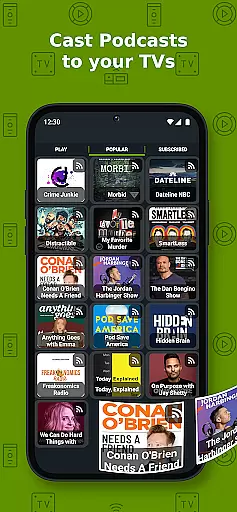
The app supports a variety of media sources including phone files, browser websites, IPTV, podcasts, and DLNA servers. This versatility ensures that users can access and cast content from almost any source. Additionally, the Universal Remote Controls feature allows users to control Roku, Android TV, Samsung, LGTV, and FireTV devices directly from the app, eliminating the need for multiple remote controls.
Other notable features include Screen Mirroring, which is available on newer Android devices, and Picture in Picture (PiP) mode, allowing users to multitask while watching videos. With support for numerous formats like MP4, MKV, MP3, JPG, and PNG, this app ensures broad compatibility and high-quality streaming experiences.
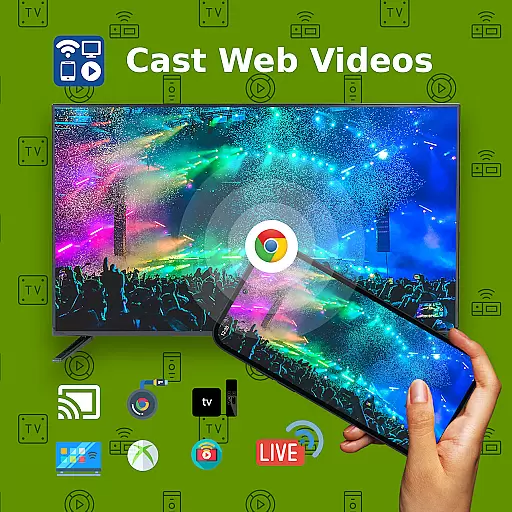
Video format compatibility is a crucial feature for any video player and editor, determining the range of video formats that can be played or edited within the app. Cast to TV+ Chromecast Roku TV supports an extensive array of formats including MP4, MKV, HTML5 video, and even HLS Live Streaming. This ensures that users can cast and stream movies, videos, or music from a web browser to their TV without worrying about format restrictions.
The application facilitates streaming from local files on your phone directly to Chromecast, Roku, Xbox, DLNA, and other compatible devices. With support for 4K and HD where available, users are guaranteed the best possible quality based on their content and device capabilities. However, it's important to note that some proprietary video and movie formats may not be supported due to restrictions imposed by the source websites themselves.
Moreover, IPTV m3u playlists are also accommodated, providing flexibility for users who rely on such services for their entertainment needs. Despite these broad compatibilities, there might still be limitations with certain streaming receivers like Fire TV, which does not support all video movie formats. Users should verify the compatibility of their specific devices with this app to ensure seamless casting experiences.
AI-powered editing features represent the cutting-edge advancement in video players and editors, enhancing user experience through intelligent automation. Cast to TV+ Chromecast Roku TV incorporates AI Subtitle Generate and AI Subtitle Translation as part of its innovative suite. These features allow users to create subtitles for any given video and translate SRT subtitles into different languages, making multimedia content more accessible and understandable across diverse audiences.
This technological integration simplifies the process of adding and translating subtitles, which traditionally required manual input or third-party software. By automating these tasks, the app not only saves time but also opens up new possibilities for content creators and viewers alike. For instance, educators can use this tool to make educational videos comprehensible to international students, while filmmakers can reach wider audiences without the barrier of language differences.
Furthermore, the inclusion of Picture in Picture (PiP) functionality adds another layer of convenience, allowing users to multitask on their devices without interrupting the playback of their multimedia content. Although the app provides robust tools for enhancing viewing experiences, it's essential to remember that the effectiveness of these AI-powered features depends on the original source material and the specifications of the streaming devices being used.
User-friendly interface
Wide device compatibility
AI subtitle generation
Universal remote control
Comprehensive format support
Limited functionalities on non-Chromecast devices
No proprietary video format support
Dependent on stable internet connection
Occasional disconnections
Ads in free version

Video Player - Unlimited features, 30 days money back guarantee.
 4.60
4.60
Watch a large amount of high-definition short drama content
4.60
Create & edit videos with AI
4.30
This app was created to edit the metadata of music files.
4.20
Video player with powerful streaming playback and various convenient features.
2.10
Stream Web Videos to Chromecast, Samsung, LG, Sony, Roku, Fire TV, DLNA + more
4.00
Explore the largest library of free GIFs, Stickers & Memes - or create your own!
3.90
AI Video Editor with Music, Filter, Slideshow, Effect, Merge & Trim Video.
4.80
Video&Drama Player All Format is a HD video player, music player
3.00
#1 Torrent App on Android ** No Ads Ever + Battery Saver **
4.80
Create photo video with music & template. AI video maker for stunning slideshow.
4.60
Cast movies, tv shows and live streams to Chromecast, Roku, DLNA, Fire TV & more
4.60
Cast to Chromecast, Xbox, Fire Stick, Roku, DLNA, Smart TV & No Feature Limited!
4.50
Photo and Music Video Creator into Stunning Videos—Effortlessly
4.40
Fast video downloader & private browser. Save HD clips to watch offline.
4.40
AirMirror Receiver - Screen mirroring/cast web videos to Android TV by AirPlay.
4.40
Powerful, professional, versatile teleprompter. Developed by an active film crew
4.00
Make your own Animations, Video and Photo Edits, Visual Effects, and more!
4.00
Kodi media center, a free and open source cross-platform entertainment hub
3.60


User Reviews