















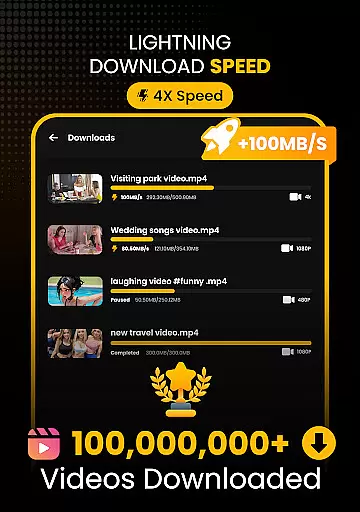
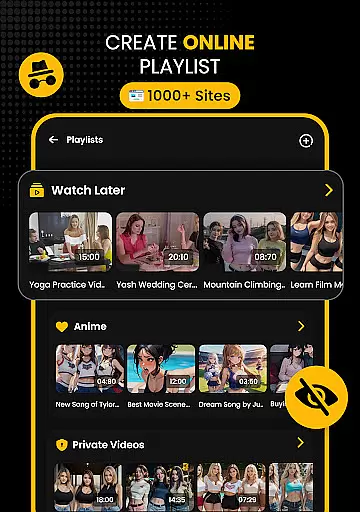






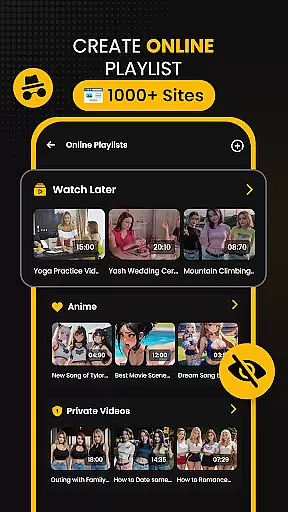



Download Hub is an all-in-one solution for video downloading, private browsing, and file management. This versatile app combines a powerful video downloader with a secure incognito browser and robust file manager, making it the ultimate tool for managing digital content. Whether you need to save HD movies, block trackers, or backup files to an SD card, Download Hub delivers professional performance in a lightweight package.
The app features advanced multi-threading technology that accelerates download speeds by up to 300%, smart detection of downloadable media links, resolution control from SD to 4K, and support for various formats including MP4, M4V, MOV, AVI, WMV, MKV, FLV, and MPG. Additionally, its secure private browser offers ad blocking, desktop mode, and multi-tab functionality, ensuring a seamless and efficient user experience.
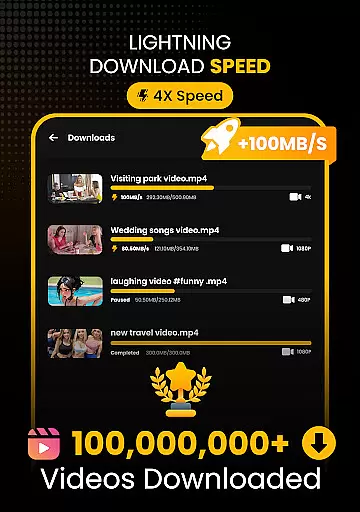
Download Hub stands out with its Universal Downloader Engine, which uses advanced multi-threading technology to accelerate download speeds by up to 300%. The Smart Detection feature automatically finds downloadable media links on web pages, lighting up the download button instantly when a video is detected. With Resolution Control, users can choose between SD (480p) and HD (720p, 1080p, 2K, 4K) resolutions, ensuring optimal data usage and video quality.
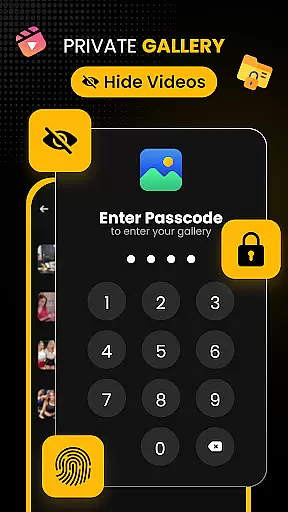
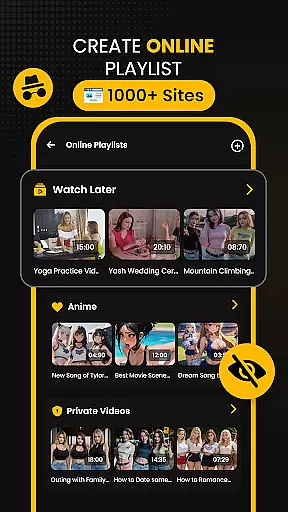
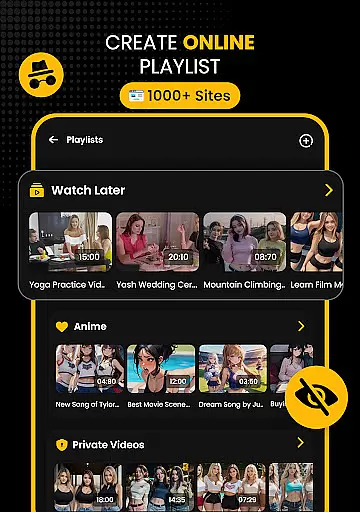
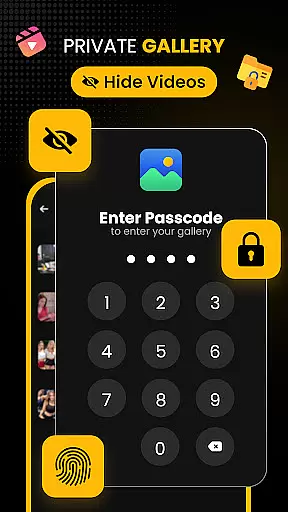
The Secure Private Browser provides an uninterrupted browsing experience with its Incognito Mode, Ad Blocker, Desktop Mode, and Multi-Tab functionality. Users can browse without leaving a footprint, enjoy faster reading and watching experiences, access full desktop versions of mobile sites, and multitask efficiently. The Security Center & Private Gallery ensures your collection remains safe with App Lock, Hidden Folder, and Safe Browsing features.
Video format compatibility is a crucial feature for any video player and editor, ensuring that users can enjoy content in various formats without technical barriers. Download Hub excels in this area by supporting an extensive range of video formats including MP4, M4V, MOV, AVI, WMV, MKV, FLV, and MPG. This versatility allows users to download and play videos from different sources without worrying about format issues.
The app's universal downloader engine further enhances its video format compatibility. With smart detection technology, it automatically identifies downloadable media links on web pages and provides multiple resolution options. Whether you prefer SD (480p) for data savings or HD (720p), 1080p, 2K, and 4K for superior quality, Download Hub has you covered. The ability to choose the desired resolution ensures that users can optimize their viewing experience based on their device capabilities and internet speed.
Moreover, Download Hub offers batch mode functionality, enabling users to handle multiple files simultaneously in the background. This feature is particularly beneficial when downloading several videos in different formats, as it streamlines the process and saves time. By providing comprehensive video format support and advanced downloading features, Download Hub empowers users to manage their digital content efficiently and effectively.
AI-powered editing features are revolutionizing the way users interact with video content, offering intelligent tools that simplify complex editing tasks. Download Hub incorporates these cutting-edge features to provide users with a seamless editing experience. The app's AI technology can automatically detect and suggest edits based on the content of the video, making it easier for users to enhance their footage without requiring professional editing skills.
One notable AI-powered feature in Download Hub is its audio extraction capability. Users can effortlessly extract audio tracks from video clips, saving music and sound effects for offline listening. This functionality is particularly useful for content creators who need to repurpose audio elements for various projects. Additionally, the app's night mode and gesture controls exemplify how AI enhances user interaction by adapting the interface for optimal viewing conditions and intuitive navigation.
Download Hub also leverages AI to improve file management and organization. Its advanced file manager includes features like SD card support, background service for uninterrupted downloads, and resume support for fixing interrupted downloads. These AI-driven enhancements ensure that users have total control over their local storage while maintaining an efficient workflow. By integrating sophisticated AI-powered editing features, Download Hub sets a new standard for video players and editors, catering to both casual viewers and professional content creators alike.
Fast downloads
Private browsing
HD video support
Batch downloading
Secure vault
No YouTube support
Limited free storage
Occasional bugs
Ads in free version
Complex UI

IPTV-Smarters Player Pro M3U - Watch Live Stream TV Channels with Chromecast
 4.00
4.00
All format media Player, no need video converter any more!
4.00
This app was created to edit the metadata of music files.
4.20
Download videos easily & play them all in one smart, powerful video manager.
3.40
Flud is a simple and beautiful BitTorrent client for Android.
4.80
LumaFusion: The Ultimate Storytelling Experience for Video Editing
4.10
Video player with 4K & 1080P support, popup play, background play and subtitle.
4.20
VLC for Android is the best open source video and music player, fast and easy!
4.10
convenient, safe and fast at Video Downloader & Player
4.60
#1 Torrent App on Android ** No Ads Ever + Battery Saver **
4.80
Watch IPTV on your Android device
4.60
Photo and Music Video Creator into Stunning Videos—Effortlessly
4.40
Video player, file manager for all formats, 4K/HD media player supports subtitle
4.30
Create & edit videos with AI
4.30
Turn your phone into a wireless camera!
4.20
Stream Web Videos to Chromecast, Samsung, LG, Sony, Roku, Fire TV, DLNA + more
4.00
HD video & music player - All format support with floating & PIP mode!
3.80
Live TV, anywhere in your home
3.80
Save photos and videos from social apps in one tap.
3.60


User Reviews