
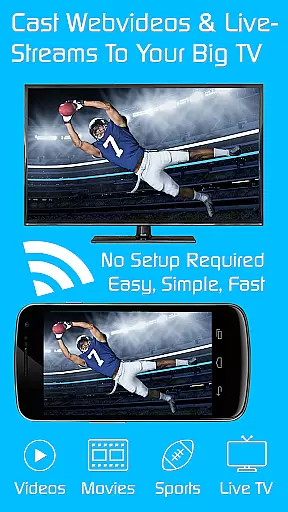
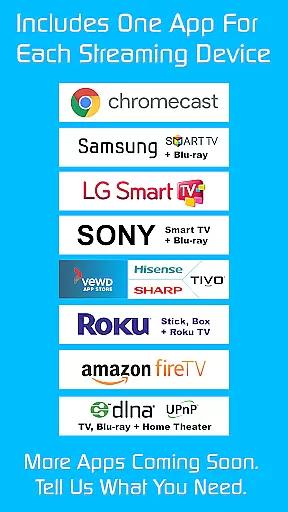
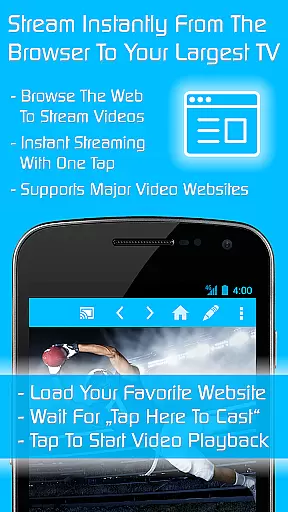
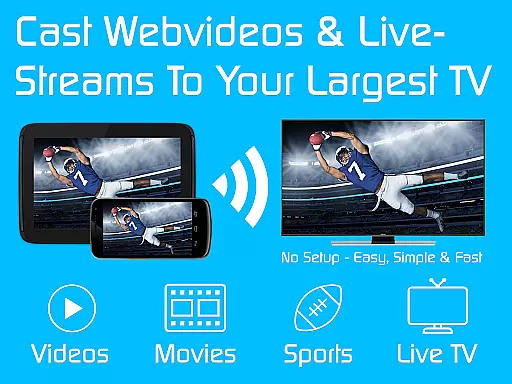
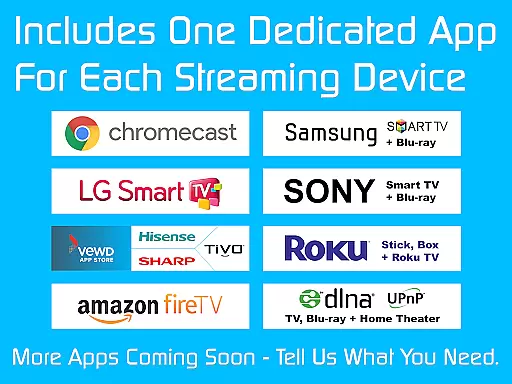
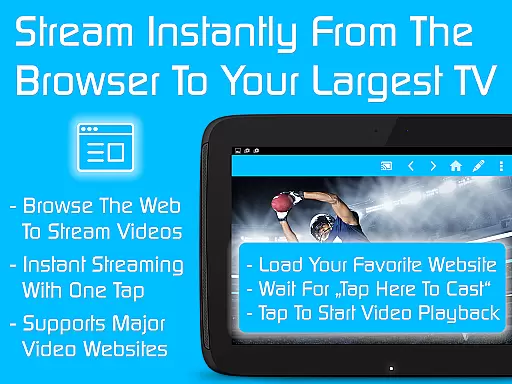
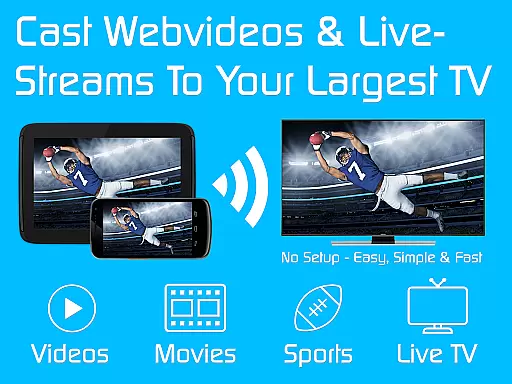
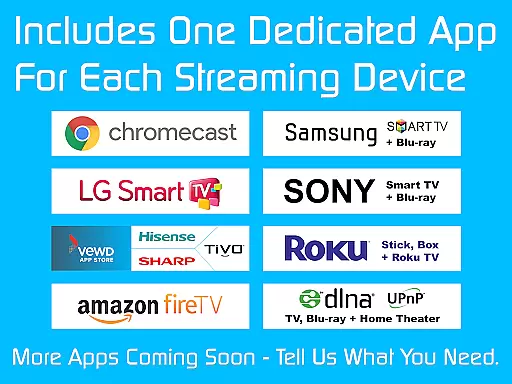
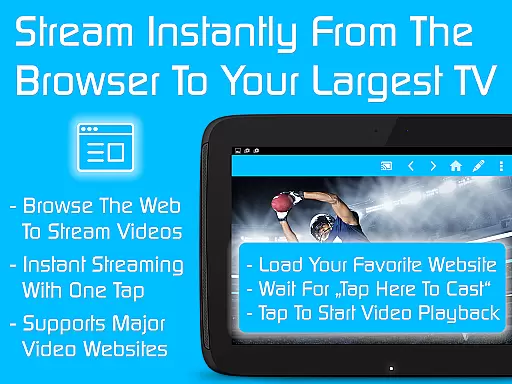
TV Cast is a comprehensive streaming browser application designed to bring web videos, online movies, livestreams, and live TV shows directly to your television or other media devices. Compatible with Chromecast, Samsung TV, LG TV, Sony TV, Hisense TV, Sharp TV, TiVo, Roku, Fire TV, DLNA, and Google Cast/Android TV-powered devices, this app transforms how you consume digital content at home. With over 10 million users, it stands as a popular choice for those looking to expand their streaming capabilities.
This Ultimate version acts as a license key that unlocks premium features across all free editions of Video & TV Cast apps on Android devices. Once installed, users can download specific app editions tailored to their devices, automatically unlocking advanced functionalities. This makes it an ideal solution for households with multiple types of smart TVs and streaming devices, ensuring seamless integration and enhanced user experience.
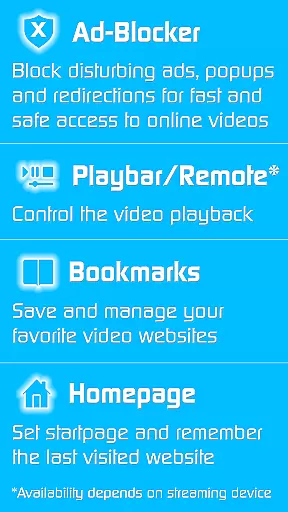
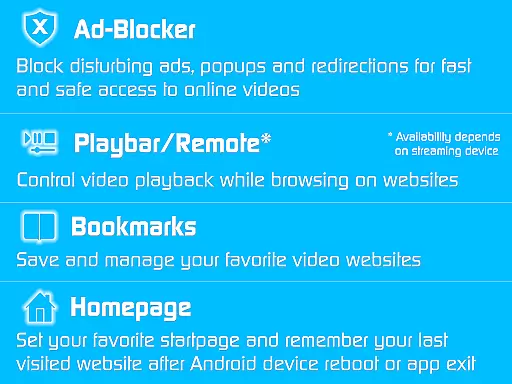
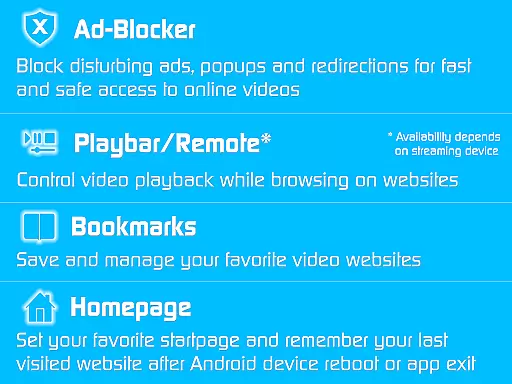
TV Cast offers a rich set of features aimed at optimizing the streaming experience. One notable feature is the Ad-Blocker for websites, which eliminates advertisements, popups, and redirections from visited sites, providing an uninterrupted viewing session. The Playbar/Remote functionality allows users to fast forward, rewind, and scrub through videos while browsing, depending on the capability of the streaming device.
Additional features include the ability to change the homepage, enabling users to set a personal homepage and remember the last visited website. Desktop Mode cloaks your device as a desktop PC, aiding in detecting video links on some websites. Users also benefit from unlimited bookmarks, allowing them to save and manage an extensive list of favorite websites and videos without any sponsoring advertisements cluttering the interface.
Video format compatibility is a crucial feature for any video player, ensuring that users can enjoy content in various formats without technical hindrances. TV Cast excels in this area by supporting an extensive range of video formats, making it versatile for streaming on multiple devices such as Chromecast, Samsung TV, LG TV, and more.
The app's broad format support allows users to stream web videos, online movies, livestreams, and live TV shows effortlessly. Whether you're looking to watch content on Google Cast, DLNA, or Android TV-powered devices, TV Cast ensures seamless playback without the need for format conversion.
By removing the barrier of format incompatibility, TV Cast provides a hassle-free experience for its users. This means less time troubleshooting and more time enjoying high-quality video content across different platforms and devices.
While TV Cast primarily focuses on streaming capabilities, its AI-powered editing features offer a unique advantage for users who wish to enhance their viewing experience. The app incorporates intelligent tools that allow for fast forward, rewind, and video scrubbing while browsing, depending on the capability of the streaming device.
These AI-driven functionalities are designed to give users more control over their content. For instance, the playbar or remote feature enables viewers to navigate through videos with ease, providing a more interactive and personalized experience. Such features depend on the specific streaming device's capabilities but aim to offer a richer interaction with media content.
TV Cast's innovative approach to integrating AI-powered editing features not only enhances user engagement but also sets it apart from other video players. By offering these advanced controls, the app empowers users to tailor their viewing sessions according to their preferences, thus elevating overall satisfaction.
User-friendly interface
Wide device compatibility
Ad-free browsing
Advanced streaming controls
Unlimited bookmark storage
Premium features require separate app installations
Limited troubleshooting support
No offline functionality
Dependent on internet connectivity
Premium reverts upon uninstall

A full editing room to accompany your Insta360 cameras and handheld gimbals.
 3.30
3.30
IPTV-Smarters Player Pro M3U - Watch Live Stream TV Channels with Chromecast
4.00
Watch a large amount of high-definition short drama content
4.60
Tik & Story Saver-Download ALL social media videos, photos & reels no watermark.
4.80
Play ALL formats in 4K & HD. Video downloader, MP3 player, Chromecast & more.
4.80
IPTV Loader, loads your own Playlist. DOES NOT CONTAIN ANY LIST OR CHANNELS
4.60
Screen recorder with audio to take live videos & Screenshot in high quality!
4.70
Viddo: Generate Action Figure, AI Anime, AI kiss, AI hug Video from image & text
4.40
Make videos you’re proud to share with Edits, a video editor for creators.
4.70
AI Video Editor with Music, Filter, Slideshow, Effect, Merge & Trim Video.
4.80
Download videos and play them offline
4.70
Video Player - Unlimited features, 30 days money back guarantee.
4.60
Cast Videos from Web Browser, IPTV to Roku, Chromecast, DLNA, Smart TV +more
4.60
Snaptubè Video Downloader app allows to download videos and music in Snaptube. .
4.60
VLC Remote lets you control your VLC Media Player on Mac, PC or Linux.
4.60
Video Downloader, Multiple Resolution Options, Video Player
4.50
Fast video downloader & private browser. Save HD clips to watch offline.
4.40
Powerful, professional, versatile teleprompter. Developed by an active film crew
4.00
Client application for NextPVR software
3.00


User Reviews