
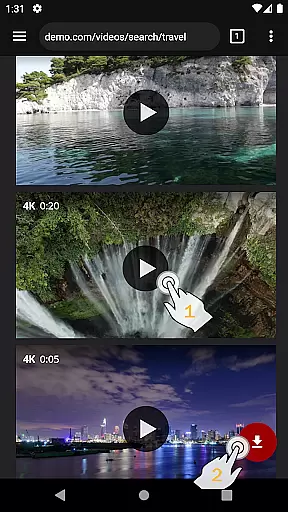
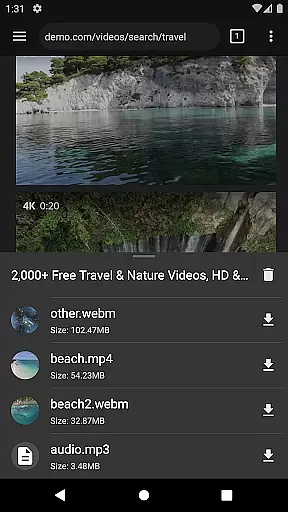
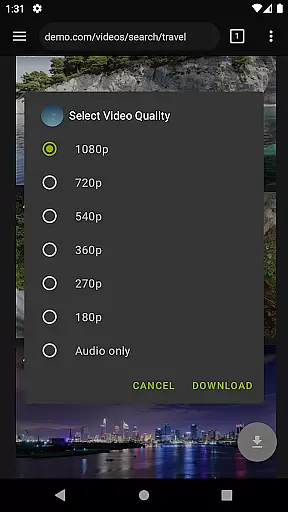
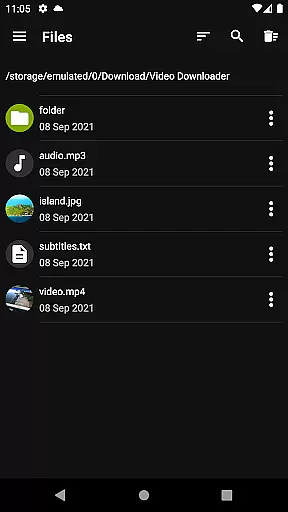

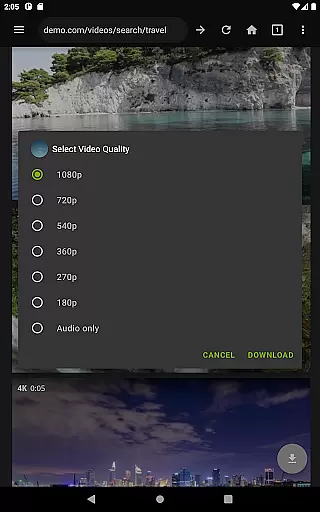
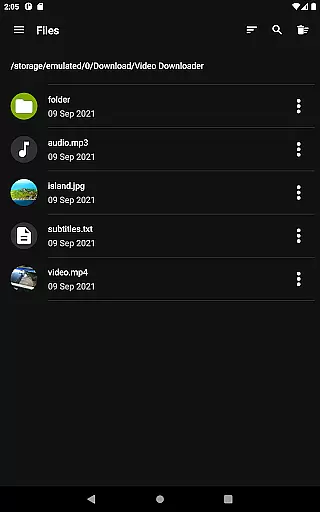
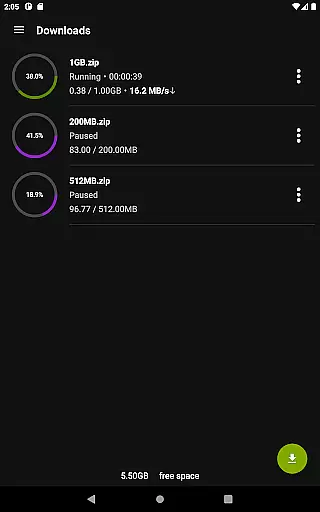
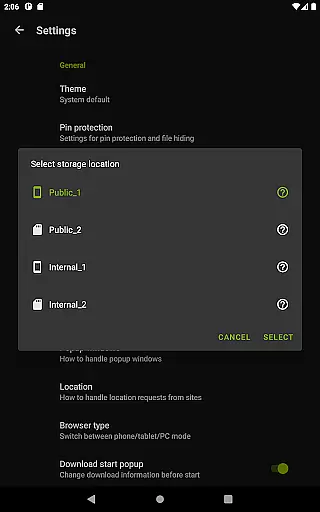
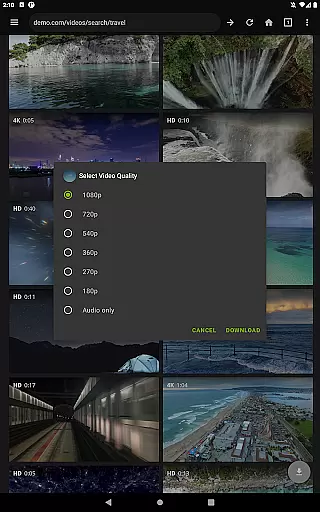
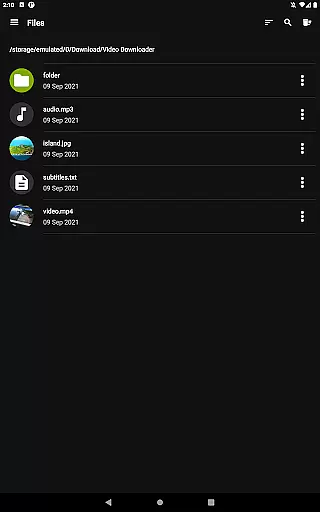
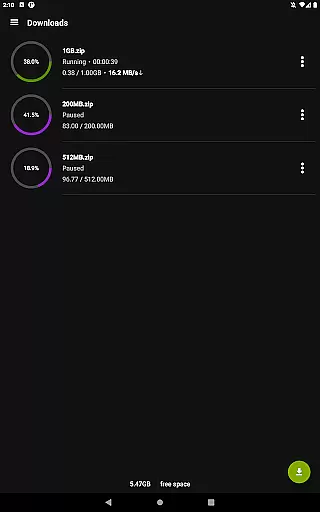
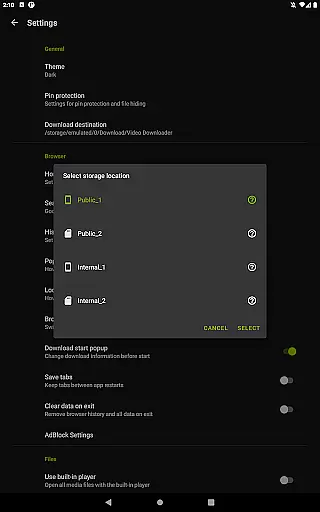
Video Downloader Pro is a premium application designed for users who need an efficient solution to download and manage video content across multiple devices. The app offers advanced features such as live video stream downloading, multi-connection acceleration, and support for files over 4GB, making it ideal for heavy media consumers.
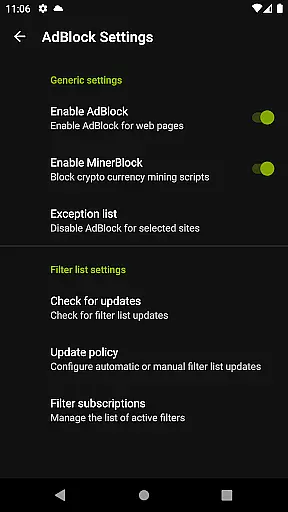
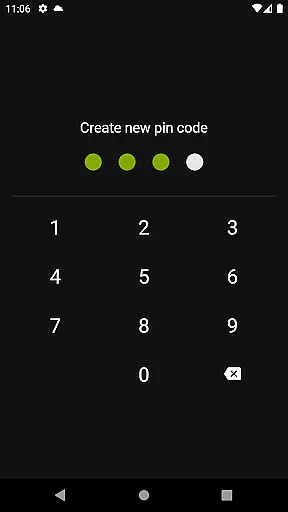
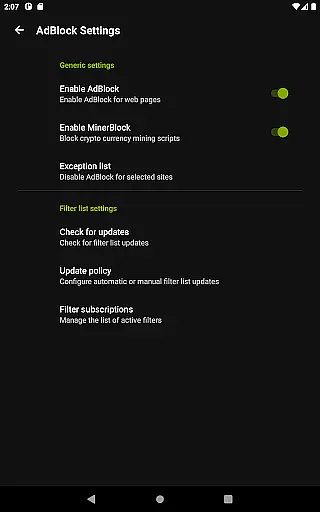
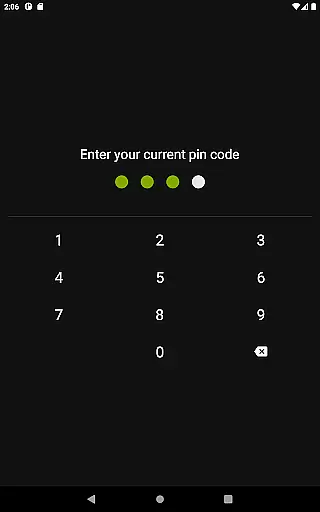
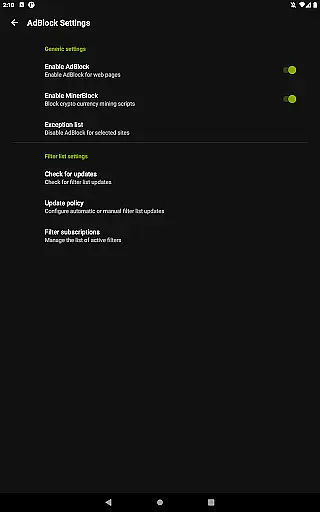
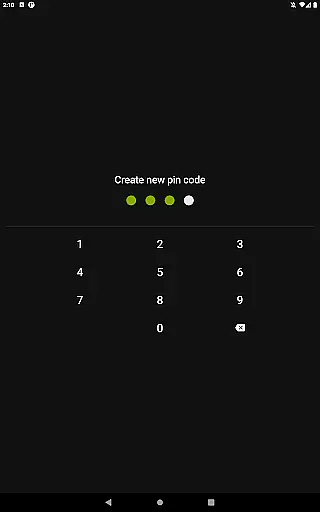
In addition to its powerful downloading capabilities, the app provides a private browsing experience with incognito mode and PIN protection. Users also benefit from a fully featured AdBlocker, priority customer support, and the ability to use the app on multiple devices under a single Google account. With a 48-hour money-back guarantee, Video Downloader Pro ensures both functionality and peace of mind.
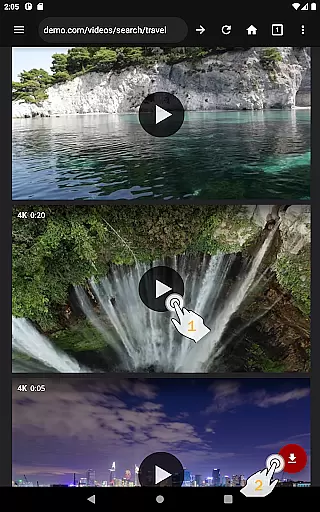
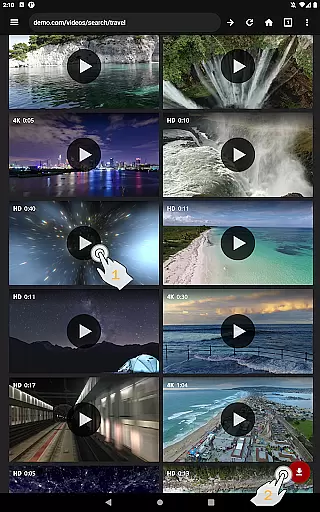
Video Downloader Pro stands out with its comprehensive feature set tailored for seamless video downloading and management. The app allows users to download both static videos and live streams in their preferred quality, while the built-in private browser ensures secure and uninterrupted browsing.
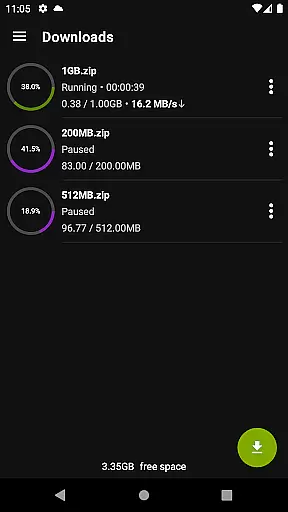
Advanced functionalities include a multi-connection download manager that significantly boosts download speeds, support for multiple SD cards, and background downloading. Users can pause, resume, or remove downloads at will, and failed downloads can be resumed from the point of failure. Additional conveniences like bookmark import/export and simultaneous file downloads make this app a complete package for managing digital media efficiently.
Video Downloader Pro stands out with its extensive video format compatibility, ensuring users can download and enjoy videos in their preferred formats. This feature is crucial for those who require specific formats for professional editing or playback on different devices.
The application supports a wide array of video formats including MP4, AVI, MKV, and more, making it versatile for various user needs. Whether you're downloading high-definition movie clips or simple tutorial videos, the app maintains the quality and integrity of each file.
Moreover, the built-in multi-connection download manager enhances the downloading process by accelerating it several times. This means that regardless of the video format, users can expect faster download speeds without compromising the video quality.
With Video Downloader Pro, users are guaranteed a seamless experience when managing and enjoying their video collections across multiple devices, thanks to the app's comprehensive format support and efficient download management.
Beyond just downloading, Video Downloader Pro incorporates AI-powered editing features that elevate the user's video management experience. These intelligent tools allow for smarter organization and enhancement of video content, catering to both casual viewers and professional editors.
The AI technology integrated into the app can automatically tag and categorize downloaded videos based on content, making it easier for users to search and manage their libraries. Additionally, smart editing features enable quick trimming, merging, and enhancing of videos directly within the app.
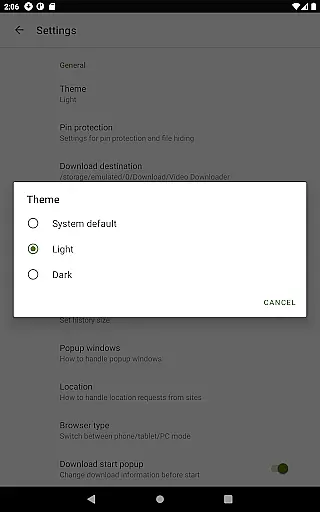
For users looking to personalize their viewing experience, the app offers advanced customization options such as automatic subtitle generation and video quality optimization. These features ensure that every video meets the user's standards and preferences.
By leveraging cutting-edge AI capabilities, Video Downloader Pro not only simplifies the video downloading process but also enriches the overall content management, providing users with powerful tools to tailor their media libraries efficiently.
Ads-free browsing
Live stream support
Multi-device access
Priority email support
Money-back guarantee
Premium price tag
Limited free features
Requires permissions
No automatic updates
Complex setup

Client application for NextPVR software
 3.00
3.00
Powerful, professional, versatile teleprompter. Developed by an active film crew
4.00
?100% FREE! Download & save videos? safely in this app. All formats supported.
4.60
Fast video downloader & private browser. Save HD clips to watch offline.
4.40
Create photo video with music & template. AI video maker for stunning slideshow.
4.60
Play ALL formats in 4K & HD. Video downloader, MP3 player, Chromecast & more.
4.80
Stream high quality video from your camera over NDI protocol
4.0
Video player with powerful streaming playback and various convenient features.
2.10
Pro video editor app for Instagram, edit video with song, AI, effect & slowmo.
4.80
All in one HD video downloader & player for multiple formats with full privacy
4.70
Fast & easy HD video downloader for all formats, support 4K playback & download.
4.60
Watch a large amount of high-definition short drama content
4.60
Cast movies, tv shows and live streams to Chromecast, Roku, DLNA, Fire TV & more
4.60
Cast to Chromecast, Xbox, Fire Stick, Roku, DLNA, Smart TV & No Feature Limited!
4.50
KineMaster, Your Ultimate Video Editor!
4.40
This app was created to edit the metadata of music files.
4.20
Turn your phone into a wireless camera!
4.20
VLC for Android is the best open source video and music player, fast and easy!
4.10
Live TV, anywhere in your home
3.80


User Reviews